When you're building an API that powers chatbots, summarization tools, or AI assistants, the speed and reliability of your model serving framework can make or break user experience. Two names keep coming up in production deployments: vLLM and TGI (Text Generation Inference). Both handle large language models like LLaMA, Falcon, and GPT-NeoX, but they’re built for completely different goals. Choosing between them isn’t about which is "better" - it’s about which matches your workload.
How vLLM and TGI Handle Memory Differently
The biggest difference between vLLM and TGI starts under the hood: how they manage memory for attention keys and values (KV cache). This isn’t just a technical detail - it’s the reason one framework can serve 24x more requests than the other under heavy load.
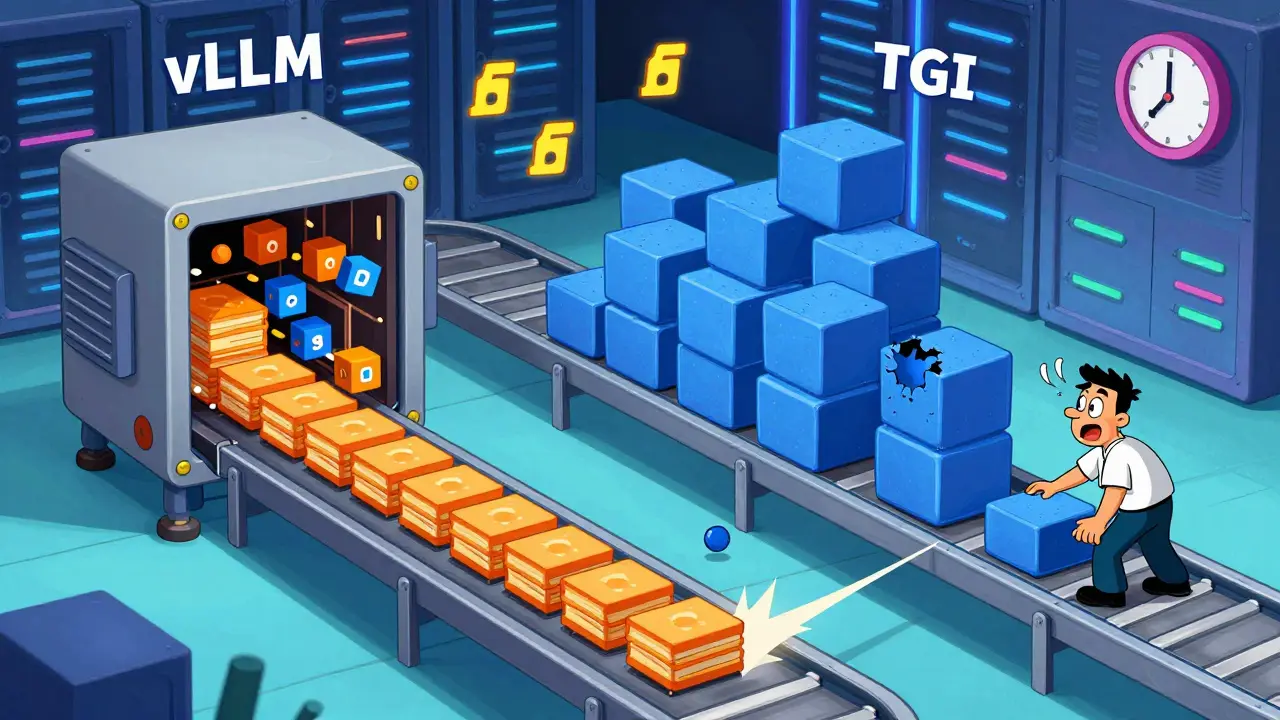
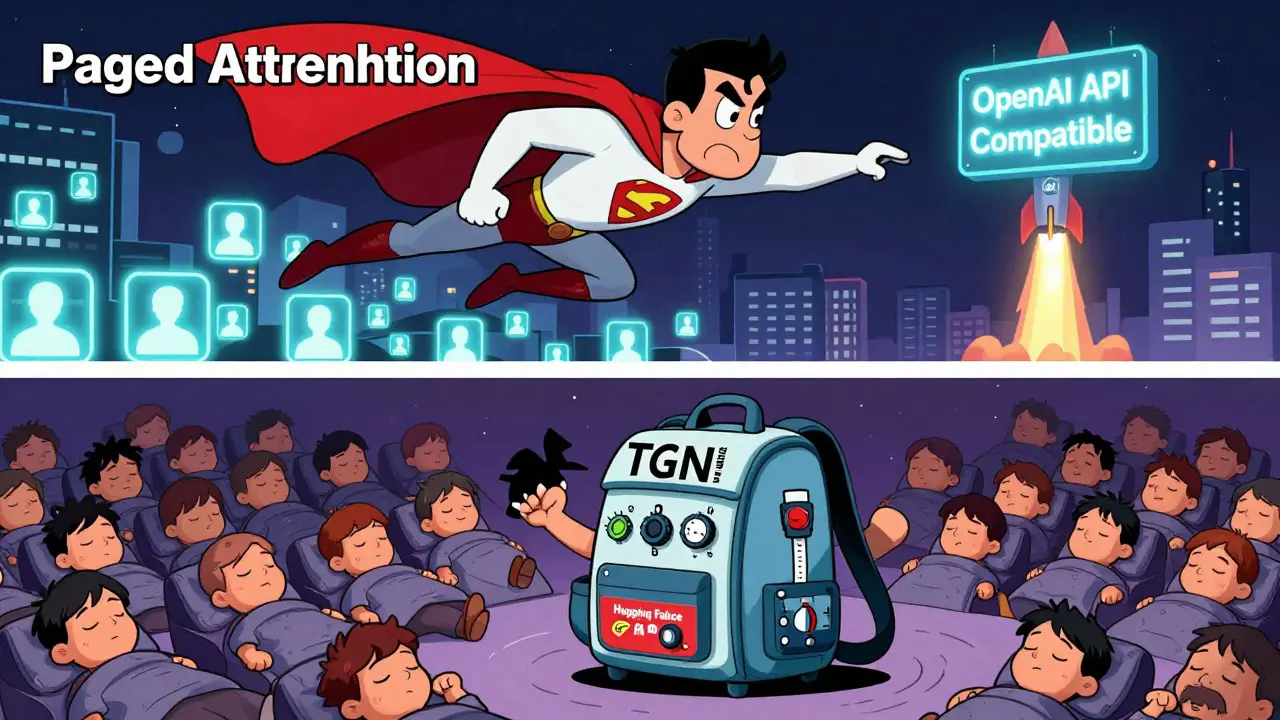
vLLM uses something called PagedAttention. Think of it like virtual memory in your operating system. Instead of reserving one big chunk of GPU memory for every possible sequence length, PagedAttention breaks the KV cache into small, reusable pages. When a request comes in with a short prompt, it only uses the pages it needs. No wasted space. This cuts memory usage by 19-27% compared to traditional methods. That means you can fit more requests in the same GPU - or run larger models like LLaMA-70B without needing extra hardware.
TGI, on the other hand, uses contiguous memory allocation. It pre-allocates memory based on the longest sequence you expect. If your max length is 2048 tokens but most prompts are only 200 tokens, you’re wasting 90% of that memory. This leads to fragmentation - unused gaps that can’t be reclaimed. Under high concurrency, this becomes a bottleneck. TGI’s memory usage climbs sharply as more requests pile up, forcing you to either reduce batch size or upgrade your GPU.
Throughput: vLLM Crushes It Under Load
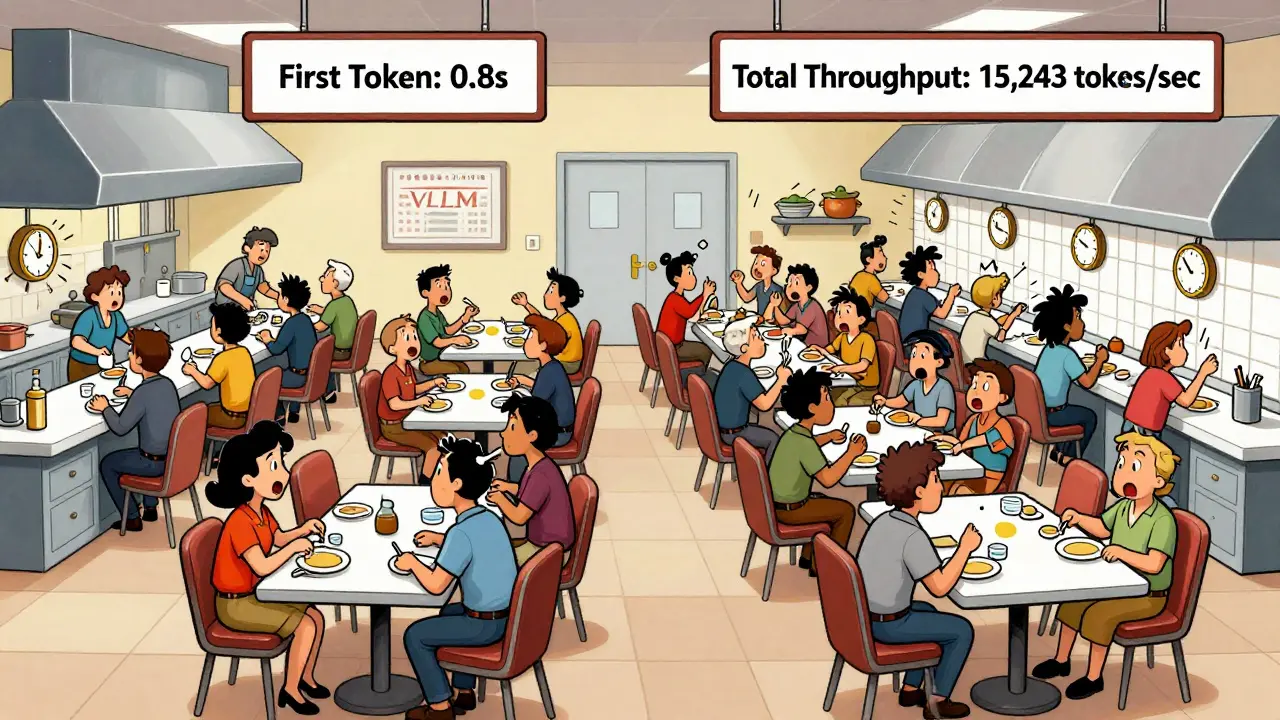
If you’re serving hundreds of users at once - say, a customer support bot handling peak hours - vLLM is the clear winner. Benchmarks show that on a single A100 GPU running LLaMA-2-7B, vLLM hits 15,243 tokens per second at 100 concurrent requests. TGI maxes out at 4,156. That’s a 3.67x difference. At 200 concurrent requests, vLLM still holds strong, while TGI’s throughput drops by over 60%.
Why? vLLM’s continuous batching. As soon as one request finishes, its GPU slots are instantly filled by new ones. No waiting. This keeps the GPU busy almost 100% of the time. TGI waits for batches to fill up before processing, which introduces delays. It’s like having a restaurant where tables are cleared one by one (vLLM) versus waiting until five tables are empty before serving the next group (TGI).
For batch-heavy workloads - like processing 10,000 documents overnight - vLLM can finish them in half the time. That’s why companies like Modal and Scale AI use vLLM for their high-throughput pipelines.
Latency: TGI Wins for Fast First Responses
But if you care about how fast the first word appears - like in a live chat app - TGI has a subtle edge. At low concurrency (under 10 users), TGI delivers Time-to-First-Token (TTFT) that’s 1.3x to 2x faster than vLLM. That’s because TGI prioritizes prompt processing and doesn’t wait to batch requests. It starts generating immediately.
vLLM, with its aggressive batching, sometimes holds back a request to combine it with others. That means the first token might take a little longer. But once generation starts, vLLM’s per-token speed is faster. So while TGI gets you the first word quicker, vLLM finishes the whole response sooner - especially for longer outputs.
At the 99th percentile (the slowest 1% of responses), vLLM outperforms TGI by 1.5x to 1.7x. That’s critical for user satisfaction. If 1 in 100 users gets a 10-second delay, they’ll leave. vLLM keeps those tail latencies low even under pressure.
Scalability: When Things Get Busy
vLLM scales gracefully. Throughput increases linearly up to 100-150 concurrent requests, then plateaus. Latency stays stable until you hit absolute saturation. It’s designed for spikes - like when a viral post sends a flood of traffic to your AI tool.
TGI hits its limit much earlier - around 50-75 concurrent requests. After that, latency spikes and throughput drops hard. That’s because memory fragmentation and batch scheduling become overwhelming. If your app sees unpredictable traffic, TGI might crash under load. vLLM just keeps going.
Features: What Each Framework Offers
TGI comes packed with production-ready tools. It has built-in OpenTelemetry and Prometheus metrics. You get real-time graphs on token usage, latency, errors, and GPU utilization - no extra setup. It’s also deeply integrated with Hugging Face. If you’re already using Hugging Face models, pipelines, or the Hub, TGI lets you serve any model with a single command:
- Download your model (e.g., "meta-llama/Llama-2-70b-chat")
- Run:
text-generation-launcher --model-id /models/my-llama70b - API is live at http://localhost:8080
vLLM requires more setup. You need to specify tensor parallelism, memory allocation, and max tokens manually:
- Run:
python -m vllm.entrypoint.openai.api_server --model /models/my-llama70b --tensor-parallel-size 4
But vLLM gives you more control. You can tune batch shapes, KV cache limits, and scheduling priorities. It also supports distributed inference across multiple GPUs and nodes - something TGI handles less elegantly. If you’re scaling to 10+ GPUs, vLLM’s architecture makes it easier to manage.
Another big plus for vLLM: it’s OpenAI API compatible. You can plug it into existing apps that use OpenAI’s endpoints without rewriting code. TGI doesn’t offer that out of the box.
Who Should Use Which?
Here’s how to decide:
- Choose vLLM if: You need maximum throughput, serve high-concurrency traffic (50+ users at once), run large models (70B+), or have memory-constrained hardware. Also pick it if you’re building batch pipelines, RAG systems, or want OpenAI API compatibility.
- Choose TGI if: You’re already in the Hugging Face ecosystem, need out-of-the-box observability, serve moderate traffic (under 50 concurrent users), and prioritize fast first-token response. Ideal for small teams or apps where ease of deployment matters more than peak performance.
For example: A startup building a customer service bot with 200+ live users? vLLM. A research team serving 10 internal users with Hugging Face models? TGI.
What About Other Options?
vLLM and TGI aren’t the only players. TensorRT-LLM from NVIDIA offers extreme performance on RTX 4090 or H100 GPUs - but it’s locked into NVIDIA hardware. llama.cpp runs on CPUs and low-end GPUs, great for edge devices. Ollama is simple for local testing, but not production-ready. SGLang is emerging in 2026 as a fast, memory-efficient alternative, but it’s still early.
For most teams in 2026, the choice boils down to vLLM or TGI. If you’re starting fresh and want speed, efficiency, and scalability - go vLLM. If you want plug-and-play simplicity and already use Hugging Face - TGI works fine.
Can I use vLLM and TGI together?
Not directly. They’re separate serving engines with different APIs and memory managers. But you can run them on different servers and load-balance traffic between them - for example, send low-latency chat requests to TGI and batched summarization to vLLM. This hybrid approach is used by some enterprises with mixed workloads.
Which one uses less GPU memory?
vLLM uses 19-27% less memory than TGI for the same model and workload. This is because PagedAttention eliminates fragmentation. For example, if TGI needs 24GB of GPU memory to serve 50 requests, vLLM can do it in 18GB. That lets you run larger models or more concurrent users on the same hardware.
Is TGI slower because it’s from Hugging Face?
No. TGI isn’t slow by design - it’s optimized for ease of use and ecosystem integration, not peak throughput. Hugging Face prioritized making it simple to deploy any model with minimal config. vLLM was built from scratch for performance, with research-backed algorithms like PagedAttention. They’re solving different problems.
Do I need a GPU to run either?
Yes, both require a GPU for production use. While llama.cpp can run on CPUs, vLLM and TGI are built for GPU acceleration. They rely on CUDA kernels and tensor parallelism to achieve high speed. Running them on CPU will be extremely slow - not practical for real applications.
Which one supports more model types?
TGI supports more models out of the box because it’s part of the Hugging Face ecosystem. It natively handles Llama, Falcon, StarCoder, BLOOM, GPT-NeoX, and even gated or private models from the Hub. vLLM supports most common architectures too, but you may need to manually configure certain models or use custom tokenizer settings. For standard models like LLaMA-2 or Mistral, both work fine.

man i just tried vLLM last week and holy shit it’s like my gpu suddenly got a caffeine shot. i was running llama-2-13b on a 24gb card and before this i was lucky to get 12 concurrent requests. now? 48. no joke. the memory usage dropped like it got robbed. i didn’t even change my model, just swapped the server. i think i’ve been using tgi for too long out of habit. also typo: i meant 48, not 49. whoops.
This is one of the clearest comparisons I’ve read on this topic. The analogy of restaurant tables really made it click for me. I’ve been hesitating between these two because I thought TGI’s Hugging Face integration was worth the trade-off, but now I’m reconsidering. If throughput matters more than setup ease, vLLM is clearly the smarter long-term play.
Thank you for sharing this detailed analysis. It is important to understand that different tools serve different purposes. If one requires high performance under heavy load, then vLLM is appropriate. If one values simplicity and integration, then TGI is suitable. Both have their place in the ecosystem. We should not view them as competitors but as complementary solutions.
I’m curious-has anyone tested vLLM with quantized models like GGUF? I’ve seen claims that PagedAttention works better with 4-bit, but I haven’t found hard benchmarks. Also, what about multi-node setups? Does the memory efficiency scale linearly across GPUs or does it hit a wall?
LOL TGI users still crying about 'ease of use' while their servers melt under 30 concurrent users. vLLM isn't just faster-it's the only one that doesn't treat your GPU like a disposable tissue. TGI's 'out-of-the-box metrics'? Bro, I need a PhD to interpret Prometheus graphs anyway. Real engineers optimize memory, not install dashboards. Also, 'Hugging Face ecosystem'? More like a graveyard of half-baked models and broken transformers.
There’s something almost poetic about vLLM’s PagedAttention-it’s like the GPU finally learned to breathe. No more suffocating under the weight of wasted memory, no more begging for scraps of VRAM. It’s not just a framework… it’s liberation. TGI? It’s the comforting blanket of your first AI experiment. Sweet. Safe. But it won’t carry you into the future. The future is fragmented, efficient, and unapologetically fast.
While vLLM clearly outperforms in benchmarks, I believe the decision should also consider team expertise and maintenance overhead. For small teams without dedicated ML engineers, the simplicity of TGI may outweigh performance gains. A system that works reliably today is often more valuable than one that performs optimally under theoretical conditions.
Actually, I think everyone’s missing the point. vLLM’s '3.67x throughput' is only true on A100s with LLaMA-2-7B. Try it on an H100 with Mixtral-8x7B and suddenly TGI’s continuous batching isn’t so bad. Also, vLLM crashes more than my grandma’s laptop during Zoom calls. And don’t even get me started on the tokenizer bugs. I’ve spent three days debugging a 'missing end token' issue that TGI never had. Real world ≠ benchmark.
Great breakdown. Just wanted to add that if you're using vLLM with OpenAI API compatibility, you can literally swap out OpenAI’s endpoint with your own vLLM server and not touch a single line of client code. That’s a game-changer for legacy systems. Also, if you’re worried about setup, there are Docker templates now-no more manual tensor parallelism configs. Just run, and it just works.
Y’all are overthinking this. vLLM is the rocket ship. TGI is the bicycle. If you’re racing, take the rocket. If you’re going to the grocery store, sure, bike’s fine. But if you’re building something people actually use at scale? You don’t get points for 'easy setup' when your API is lagging and your GPU’s crying. Go vLLM. Build fast. Scale hard. No regrets.