Video is everywhere. From customer support calls to social media ads, from surveillance footage to training reels - we’re drowning in it. But here’s the problem: video understanding with generative AI is the only thing that can turn that mess into something useful. Not just tagging a video as "dog playing" - but knowing when the dog jumped, why the customer got frustrated, what product feature was ignored. That’s the real value.
Before 2024, if you wanted to analyze a 10-minute video, you needed a team of people watching it, taking notes, transcribing every word, marking timestamps. Now? A single AI model can do it in under a minute. And it’s not magic - it’s a pipeline. Frame by frame, sound by sound, motion by motion. The system breaks down the video into chunks, extracts features, links them to language, and then builds a story. That’s what we mean by multimodal AI: seeing, hearing, and understanding all at once.
How Video Captioning Works Today
Video captioning isn’t just typing what’s being said. It’s describing what’s happening. If someone walks into a room, picks up a coffee, and drops it, a good caption doesn’t say "person drinking coffee." It says: "A woman in a blue jacket enters a kitchen, grabs a ceramic mug from the counter, lifts it to her lips, then accidentally knocks it onto the floor."
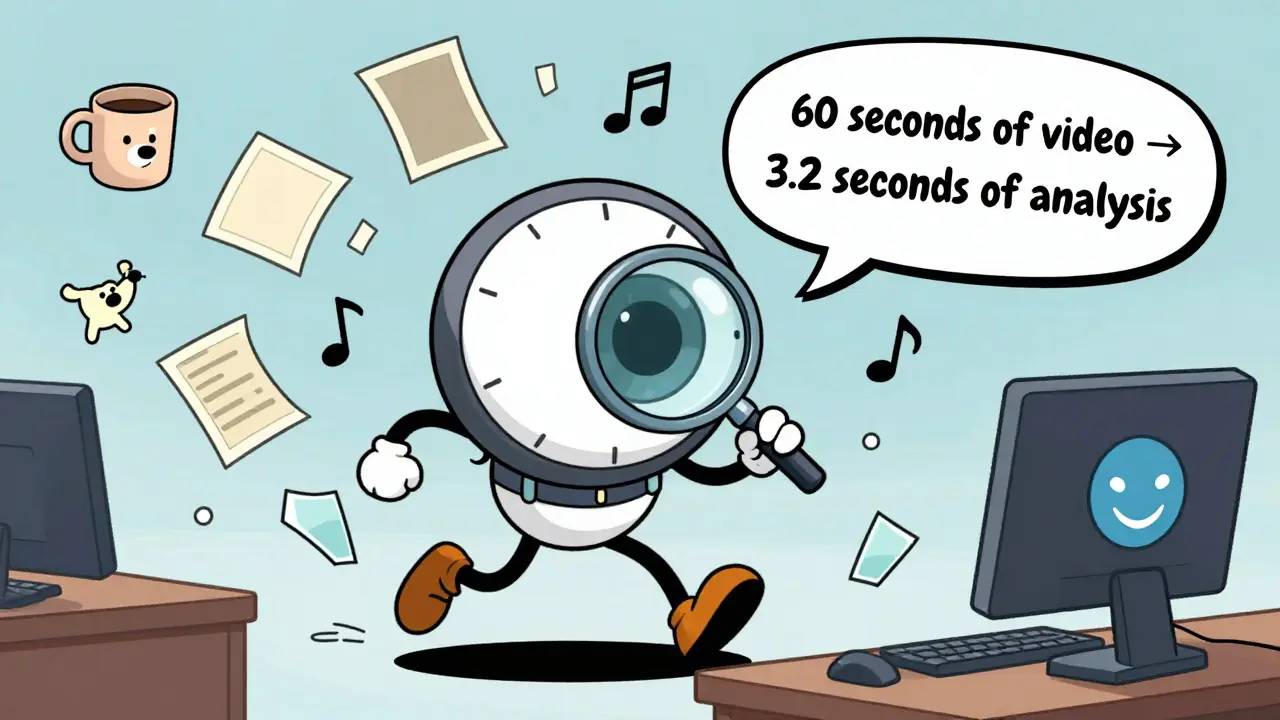
Google’s Gemini 2.5 models, released in late 2025, do this with 89.4% accuracy on standard footage. That’s up from 68% just two years ago. How? They don’t just look at one frame. They track motion across 30 frames per second. Each frame gets tokenized - not as a full image, but as a compressed set of visual features. Gemini 3 uses just 70 tokens per frame, down from 258 in earlier versions. That’s why processing a 60-second video now takes 3.2 seconds instead of 12.
But here’s the catch: accuracy drops sharply when there’s background noise, overlapping speech, or fast motion. In sports videos, where players move at 15 mph, the system misses 37% of actions if the frame rate isn’t manually bumped up. Netflix found this out the hard way. They used Gemini to auto-caption their shows - and realized it kept mislabeling "running" as "walking" in action scenes. Their fix? Custom frame sampling: they forced the AI to analyze every 15th frame instead of every 30th. Accuracy jumped to 94%.
Summarizing Videos Like a Human
Summaries are where generative AI really shines. Not bullet points. Not timestamps. A full paragraph that captures intent, emotion, and outcome.
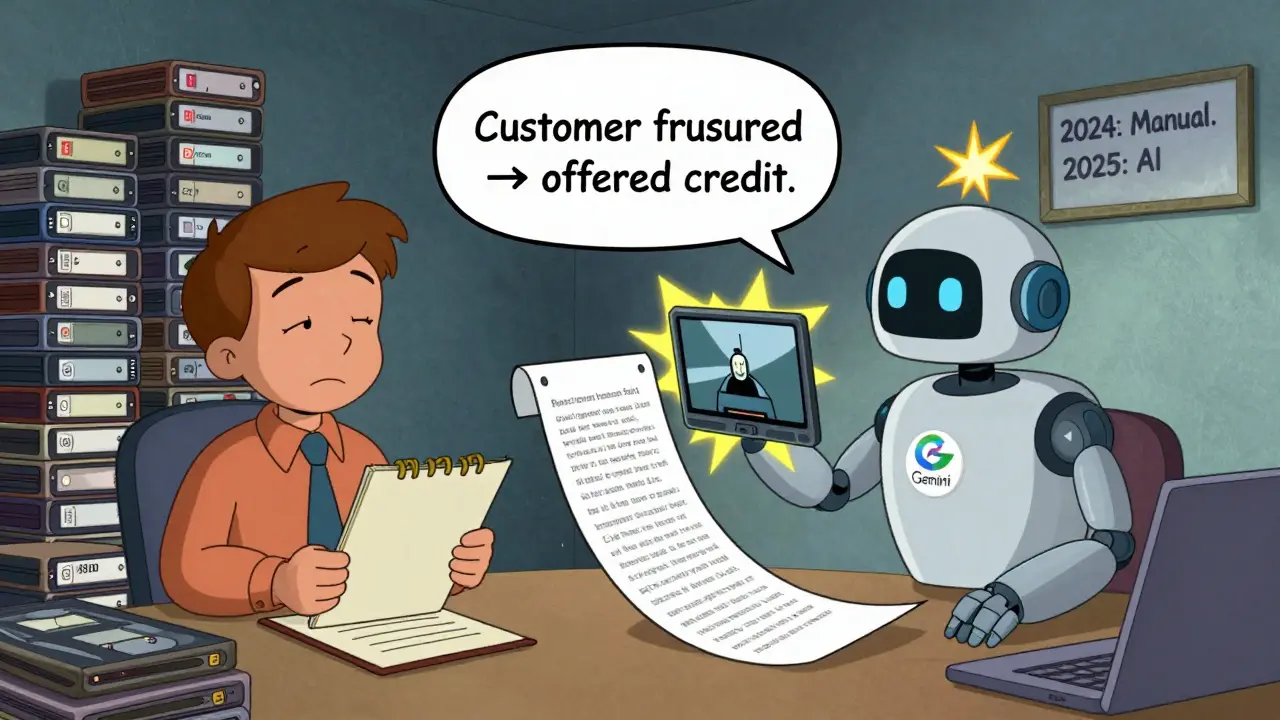
Imagine a 45-minute customer service call. A human would summarize: "Customer called because their order was delayed. They were frustrated, mentioned a previous complaint, and demanded a refund. Agent offered store credit and expedited shipping. Customer accepted."
AI does this by stitching together speech recognition, facial expression analysis, and tone detection. Google’s Vertex AI can process 12,000 hours of call center videos in a single batch. One user on Reddit reported 87.3% accuracy in identifying customer pain points - but struggled with regional accents. The AI kept misreading "I’m on the way" as "I’m on the wifi" in Southern U.S. dialects.
That’s not a bug. It’s a limitation of training data. Most models are trained on formal, neutral speech. Real-world voices? Accents, mumbling, overlapping talk - they break the system. The fix? Fine-tuning. Companies like Amazon and Microsoft now offer custom training for industry-specific speech patterns. A hospital using video summaries for patient interviews trained their model on 200 hours of regional dialects. Accuracy went from 71% to 93%.
Scene Analysis: More Than Just Objects
Scene analysis is the deepest layer. It’s not just "car," "tree," "person." It’s "a red sedan skids on wet pavement, tires lose traction, driver swerves left to avoid a cyclist, then brakes hard."
OpenAI’s Sora 2, released in December 2025, leads here. It understands physics. If a ball is thrown, it predicts the arc. If a glass falls, it knows how it’ll shatter. That’s because Sora was trained on simulated environments - not just real videos, but physics engines that mimic real-world motion. It’s why Sora is used in automotive safety testing. Engineers feed it crash test videos. The AI doesn’t just label "impact." It calculates force, angle, deformation, and predicts injury risk.
But Sora isn’t perfect. It needs 40% more computing power than Gemini. And it fails on abstract scenes. If a video shows a person pretending to be a robot, Sora might say "human in mechanical suit." It can’t yet grasp metaphor, symbolism, or cultural context. A video of a protest in Hong Kong? It’ll see "crowd," "signs," "police." It won’t know what the signs say unless the text is clearly readable. And even then, it can’t infer political meaning.
Google’s Gemini 2.5 has an edge in timestamp precision. It can say: "The door opens at 00:14:22. The person enters at 00:14:25. The light turns on at 00:14:28." That’s critical for legal evidence, insurance claims, or forensic analysis. But it can’t handle more than 20 seconds of video in one go. For longer clips, you have to slice them up. And that’s where things get messy.
What Happens When the AI Gets Confused?
Failure isn’t rare. It’s common. And it’s dangerous if you don’t know it’s happening.
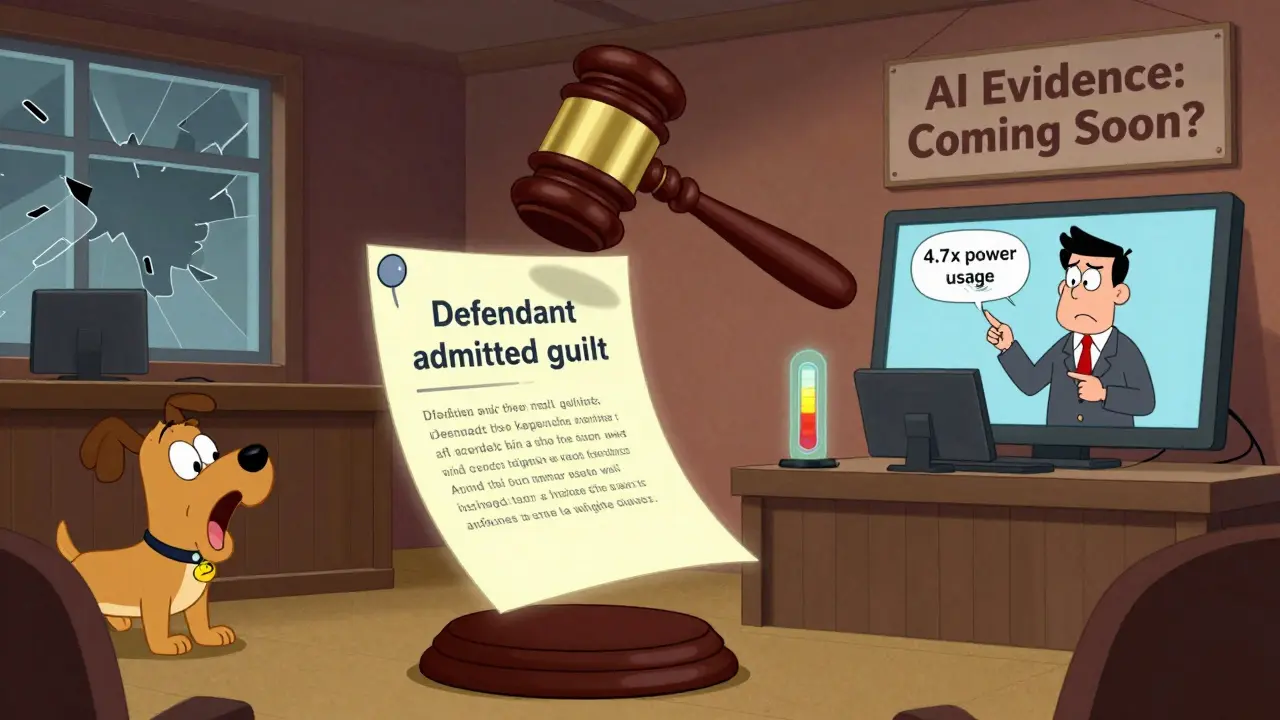
GitHub’s Vertex AI tracker has over 1,200 open issues. The most frequent? "Multiple speakers + fast cuts = 34% drop in accuracy." If a video has two people talking while the camera cuts between them every 2 seconds, the AI loses track of who said what. It merges speech. It assigns emotions to the wrong person. One company using it for courtroom video analysis got a false report that the defendant "admitted guilt" - when the judge was speaking.
Another issue: non-speech sounds. A dog barking, a door slamming, a phone ringing - these are ignored or misclassified 22-37% of the time. That’s a problem for security footage. If a break-in starts with a window shattering, and the AI doesn’t notice, you miss the trigger event.
And then there’s energy. Current systems use 4.7 times more power than old-school video analysis. That’s not just a cost issue. It’s an environmental one. A single 10-minute video analysis can use as much electricity as charging a smartphone for 3 hours. Companies are starting to push back. One Fortune 500 firm switched from Sora to Gemini 2.5-flash just to cut their carbon footprint.
Who’s Using This - And How?
The biggest adopters aren’t tech companies. They’re the ones with piles of video and no time to watch it.
- Customer service teams use it to auto-tag complaints. One bank reduced call center response time by 61% by letting AI flag "urgent" calls based on tone and keywords.
- Media companies like Netflix and Disney use it to generate metadata. Netflix cut their video tagging time by 92%. Before, it took 3 days to tag a 90-minute movie. Now? 12 minutes.
- Manufacturing uses it for quality control. Cameras on assembly lines feed video into AI models that spot tiny defects - a misaligned screw, a missing label - with 96% accuracy.
- Law enforcement is using it cautiously. In Portland, police are testing AI on bodycam footage to auto-generate incident summaries. But they’ve paused rollout after the AI mislabeled a protest as "violent" when it was peaceful - because of a thrown water bottle.
Market share tells the story. Google holds 43.7% of the enterprise video AI market. OpenAI has 28.3%. Amazon’s Rekognition Video sits at 12.1%. But the real growth is in niche players. Runway ML, for example, dominates creative industries - filmmakers use it to auto-caption interviews, generate B-roll descriptions, and even suggest edits based on viewer engagement patterns.
Getting Started: What You Need
You don’t need a PhD to use this. But you do need to understand three things:
- Your video format matters. Gemini supports MP4, WMV, FLV, and MPEG-PS. Max file size? 2GB. If your video is longer than 20 seconds, split it.
- Token limits are real. Each frame costs tokens. High-motion scenes eat them fast. If you’re analyzing sports or action footage, lower the frame rate manually. Use 15 FPS instead of 30.
- API setup is simple. Create a Google Cloud project. Enable Vertex AI. Install the GenAI Python client (version 2.1.4 or later). Upload your video to Cloud Storage. Then send a prompt like: "Describe the scene, identify the main action, and list key timestamps."
Most users take 2-3 weeks to build their first workflow. CodeSignal’s 2026 course found that 87% of developers used Python. Only 13% used Java or JavaScript. And 78% said the learning curve was "moderate." But 22% struggled with frame sampling. That’s the hidden hurdle. If you don’t adjust it, your results will be garbage.
The Future: What’s Coming in 2026
By September 2026, Google plans to release real-time video analysis at 30fps. That means live captions on security feeds, live summaries on Zoom calls, live scene analysis on factory floors.
OpenAI’s Sora 3, due in Q2 2026, will cut processing time by 37% for videos over 60 seconds. That’s huge for long-form content like lectures, interviews, or documentaries.
But the biggest shift? Regulation. GDPR now requires explicit consent for biometric analysis. If your AI can detect emotion, age, or identity from a face - you need permission. In the EU, 63% of current systems are now non-compliant. Companies are scrambling to add opt-in prompts. In the U.S., it’s a free-for-all. But that won’t last.
By the end of 2026, experts predict AI will hit 95% accuracy on standard video tasks. But the real milestone won’t be accuracy. It’ll be trust. When a judge accepts an AI-generated summary as evidence. When a doctor uses it to diagnose a patient’s movement disorder. When a teacher uses it to analyze student engagement in online classes.
That’s the future. Not faster. Not smarter. But trusted.
Can generative AI understand emotions in videos?
Yes, but with major caveats. Models like Google’s Gemini and OpenAI’s Sora can detect facial expressions, tone of voice, and body language to infer emotions like frustration, joy, or confusion. However, they don’t "feel" emotions - they recognize patterns. A frown might be labeled as "sad," but it could also mean concentration, pain, or cold. Accuracy is around 80-85% in controlled settings, but drops below 60% in real-world videos with poor lighting or cultural differences in expression. Relying on this for decisions like hiring or medical diagnosis is risky.
What video formats are supported by current AI systems?
Most enterprise systems, including Google’s Gemini 2.5, support MP4, WMV, FLV, and MPEG-PS formats. File size is capped at 2GB per request. Longer videos must be split into clips under 20 seconds for standard processing. Some systems like OpenAI’s Sora 2 accept longer files (up to 60 seconds), but require higher computational resources. Unsupported formats like AVI, MOV, or MKV need conversion before processing. Always check your provider’s documentation - support varies by platform.
How accurate is AI at transcribing speech in videos?
On clean audio with standard accents, AI transcription is 92-95% accurate. But accuracy drops sharply with background noise, overlapping speech, or regional dialects. One study found 37% error rates when processing Southern U.S. or Indian English accents. Non-native speakers and fast talkers also cause problems. For legal or medical use, human review is still required. Fine-tuning models with your own audio data can improve accuracy by 20-30%.
Is video AI analysis expensive to run?
Yes - and it’s getting worse. Current systems use 4.7 times more energy than traditional video analysis tools. A single 10-minute video analysis consumes as much power as charging a smartphone for 3 hours. Google’s Gemini 2.5-flash is the most efficient, processing video at 3.2 seconds per second of footage. OpenAI’s Sora 2 is faster per second of video but uses 40% more power. For companies processing thousands of videos monthly, this adds up to significant cloud costs and carbon footprints. Some firms are switching models just to reduce expenses.
Can AI analyze videos in real time?
Not yet reliably. Most systems process video after it’s recorded. Real-time analysis at 30fps is planned for late 2026 by Google, but current models lag by 2-5 seconds. For live streams, latency is a problem. Security cameras, sports broadcasts, and telemedicine need near-instant results - and today’s AI can’t deliver that without expensive hardware. Edge devices (like NVIDIA Jetson) are being tested, but they’re still in early trials. Don’t expect real-time AI video analysis in production until late 2026 at the earliest.

Wow. So we’re just gonna hand over our security footage, customer calls, and courtroom videos to an AI that can’t tell a frown from a squint? This isn’t progress. It’s a liability waiting for a lawsuit.
And don’t even get me started on the energy use. One video = three phone charges? We’re literally burning the planet to label a dog as "running" instead of "walking."
Ugh I hate how everyone acts like this is magic
It's just pattern matching with a fancy name
My cousin works at a call center and the AI keeps calling "I'm on the way" as "I'm on the wifi"
They had to hire a human to fix it
And now they're paying double
Why do we even do this
I love how this tech is actually helping small businesses! My sister runs a local bakery and uses AI to analyze customer feedback videos from her Instagram live sessions.
Before, she’d spend hours watching clips and missing the emotional cues.
Now the AI flags when someone says "I wish you had gluten-free options" with a sad tone - and she actually added a new line last month!
It’s not perfect, but when you tweak the settings for regional accents (she’s in rural Ohio), it’s a game-changer.
Also, the carbon footprint thing? Totally valid. But honestly? Switching to Gemini 2.5-flash cut her cloud bill by 60%.
So it’s not just about accuracy - it’s about smart, ethical scaling.
And yes, we need human oversight. But that doesn’t mean we throw the baby out with the bathwater.
Let’s build better tools, not pretend they’re useless.
Real talk - I work in education and we use this for online class engagement
AI spots when students zone out or look confused
Not perfect but way better than guessing
Also the energy thing is wild
My school switched from Sora to Gemini and saved like 40% on cloud costs
And honestly? The teachers are happier
Less time watching videos, more time helping students
It’s not magic but it’s useful
Also why is everyone mad about the "I'm on the wifi" thing
That’s just a dialect thing
We need more training data not less
Why is no one talking about the legal implications? If an AI mislabels a protest as "violent" because of a thrown water bottle - that’s not a bug, that’s systemic bias.
And yet companies are deploying this in law enforcement without transparency.
Who audits these models? Who owns the liability?
It’s terrifying how fast this is being adopted without guardrails.
We’re not just automating video analysis - we’re automating judgment.
And we’re doing it on a budget, with undertrained models, and zero accountability.
So let me get this straight
We spent billions to teach AI to understand a dog jumping
But it still thinks a protest is violent if someone throws a bottle
And we’re surprised?
Also the energy use is insane
My laptop runs hotter than my oven when I upload a 10-min clip
Maybe the real innovation isn’t the AI
It’s learning to stop using it
Bro this is so basic
I saw this in India last year
Local shops use AI to analyze customer reactions to new products
They don’t even need 30fps
15fps works fine
And the models? Trained on Hindi and Tamil accents
Accuracy hit 91%
Why are Americans acting like this is new?
We’ve been doing this for years
And we didn’t need a 2GB file limit or a PhD to make it work
Stop overcomplicating
Let’s be honest - the entire premise of this post is dangerously naive.
Generative AI doesn’t "understand" anything.
It statistically reassembles fragments of human behavior it has been fed, often from datasets riddled with cultural bias, corporate sanitization, and colonial framing.
When Gemini "recognizes" a frown as "frustration," it is not interpreting emotion - it is reproducing a Western, middle-class, lab-conditioned stereotype.
What if the person is not frustrated - but grieving? Contemplating? Meditating? In pain? In a culture where facial expression is restrained, not performative?
And yet we deploy this in hiring, in healthcare, in law enforcement - systems that determine life outcomes.
The fact that we are even having this conversation without a global moratorium is terrifying.
We are not building tools.
We are building invisible hierarchies.
And we are calling them progress.
And worst of all - we are proud of it.