Most operations teams spend more time fixing broken processes than improving them. You know the drill: someone in accounting needs a report every Monday, but it takes three manual steps across three different tools. Someone in customer support gets flooded with tickets that should’ve been auto-resolved. You’ve tried no-code tools like Zapier, but they hit limits fast-no branching logic, no custom data handling, no way to connect to your internal database. And asking engineering for help? They’re swamped. Enter vibe coding: a way for non-developers to build real, working automations and dashboards using plain English-and have AI write the code for you.
What Vibe Coding Actually Means for Your Team
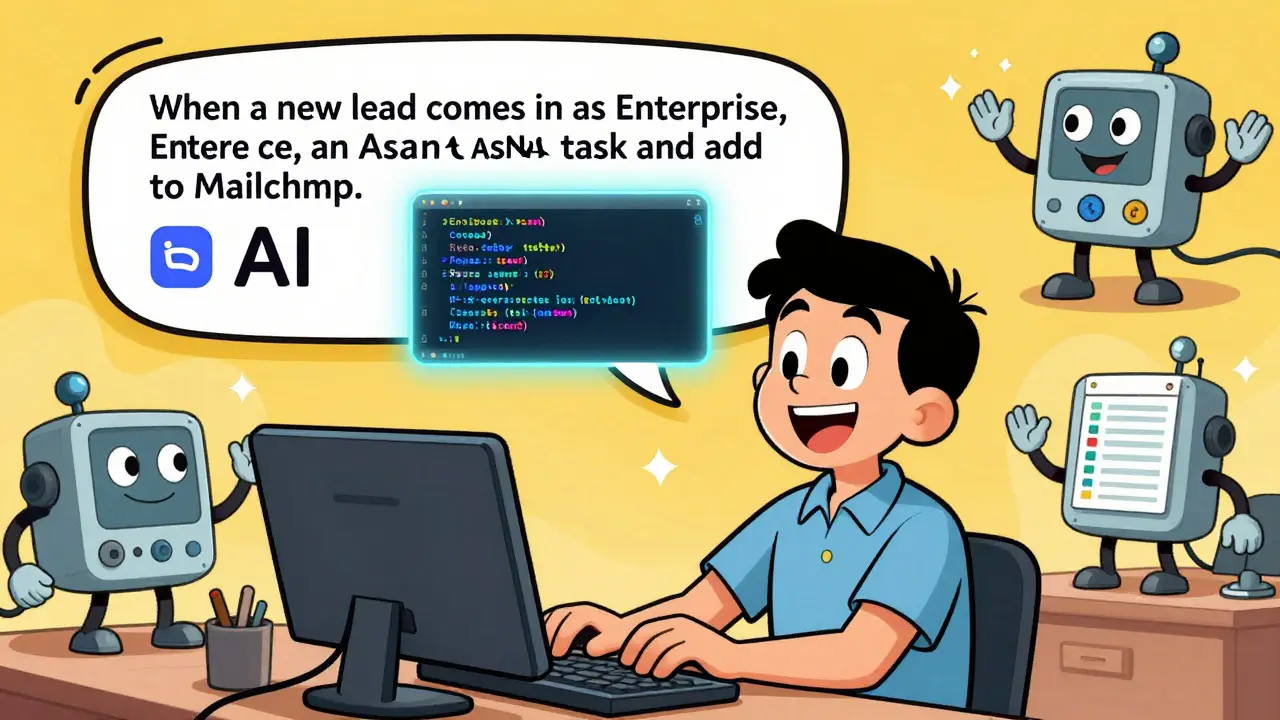
Vibe coding isn’t magic. It’s not another no-code drag-and-drop tool. It’s a shift in how you think about automation. Instead of opening a visual builder, clicking dropdowns, and wrestling with field mappings, you just describe what you want. Like this:"When a new lead comes into HubSpot with "Enterprise" as the tier, create a task in Asana for the sales team, add their email to a Mailchimp segment, and log it in our Google Sheet with a timestamp. If the lead source is "LinkedIn," send a Slack alert to the growth team." That’s it. No UI. No mapping. No debugging triggers. The AI takes that sentence, generates working Python code, sets up the connections, handles errors, and deploys it-all in under a minute. And if something breaks? You can just say, "Make it retry three times before failing," and the AI updates the code.
This is the core of vibe coding: context over configuration. You focus on the outcome, not the plumbing. And for operations teams, that’s revolutionary. Teams using vibe coding platforms like AutoKitteh or Zapier with Copilot report cutting automation build time from days to hours. One SaaS company in Portland cut their internal tool backlog by 70% in six weeks by letting ops staff build their own automations this way.
Why Traditional No-Code Tools Fall Short
Platforms like Zapier, Make, or n8n are great for simple tasks. Sync a Google Sheet to Slack? Easy. Send an email when a form is submitted? Done. But when you need logic-like "If the value is over $5K AND the region is EMEA AND the contact has responded twice, escalate to manager"-you hit walls. These tools force you into rigid visual flows. You can’t easily modify data structures. You can’t connect to internal APIs. You can’t store state between runs. And debugging? Good luck finding which of the 12 steps failed.Operations teams end up with a patchwork of disconnected automations. One for CRM updates. Another for ticket routing. A third for reporting. Each built by a different person, each with its own logic, each undocumented. That’s not automation. That’s technical debt with a pretty UI.
Vibe coding fixes this by giving you code-real, readable, editable code-without requiring you to write it. You get the flexibility of Python or JavaScript, but you don’t have to be a developer to use it. The AI handles boilerplate: connecting to APIs, handling rate limits, logging errors, retrying failed steps. You just focus on the business rule.
How Vibe Coding Builds Internal Dashboards
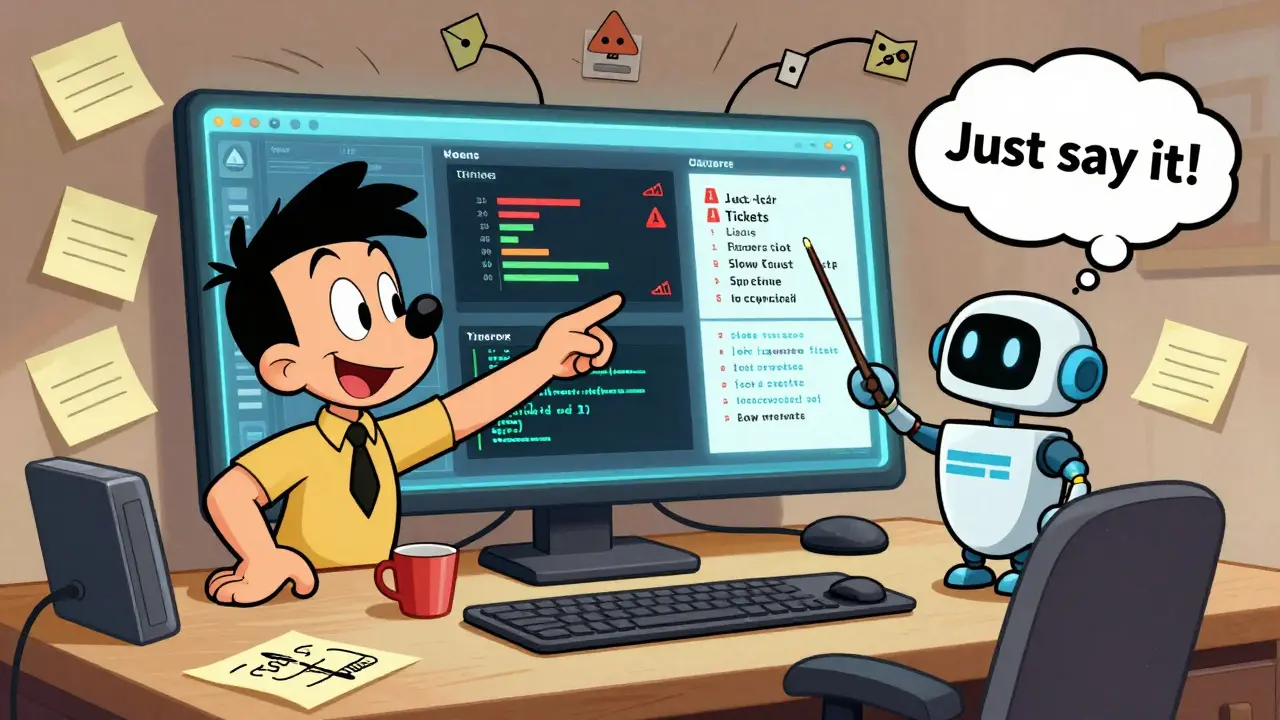
Internal dashboards are where vibe coding really shines. Most teams use Google Sheets or Excel to track KPIs. But sheets break. Formulas get overwritten. Data is stale. You need a live dashboard that pulls from your CRM, your support system, your billing tool, and your project tracker-all in one place.With vibe coding, you don’t need a frontend engineer. You just say: "Build me a dashboard that shows daily new leads, closed deals, support ticket volume, and server uptime. Color-code slow responses in red. Show trends over the last 30 days. Let me click any metric to see the raw data."
The AI generates a simple web interface-no React, no CSS frameworks. Just a clean page with charts, filters, and live data. It connects to your APIs using OAuth, caches results to avoid rate limits, and refreshes every 15 minutes. You can even add a button: "Export this week’s report to PDF." The AI writes the code to generate the PDF, attach the right data, and email it to your manager.
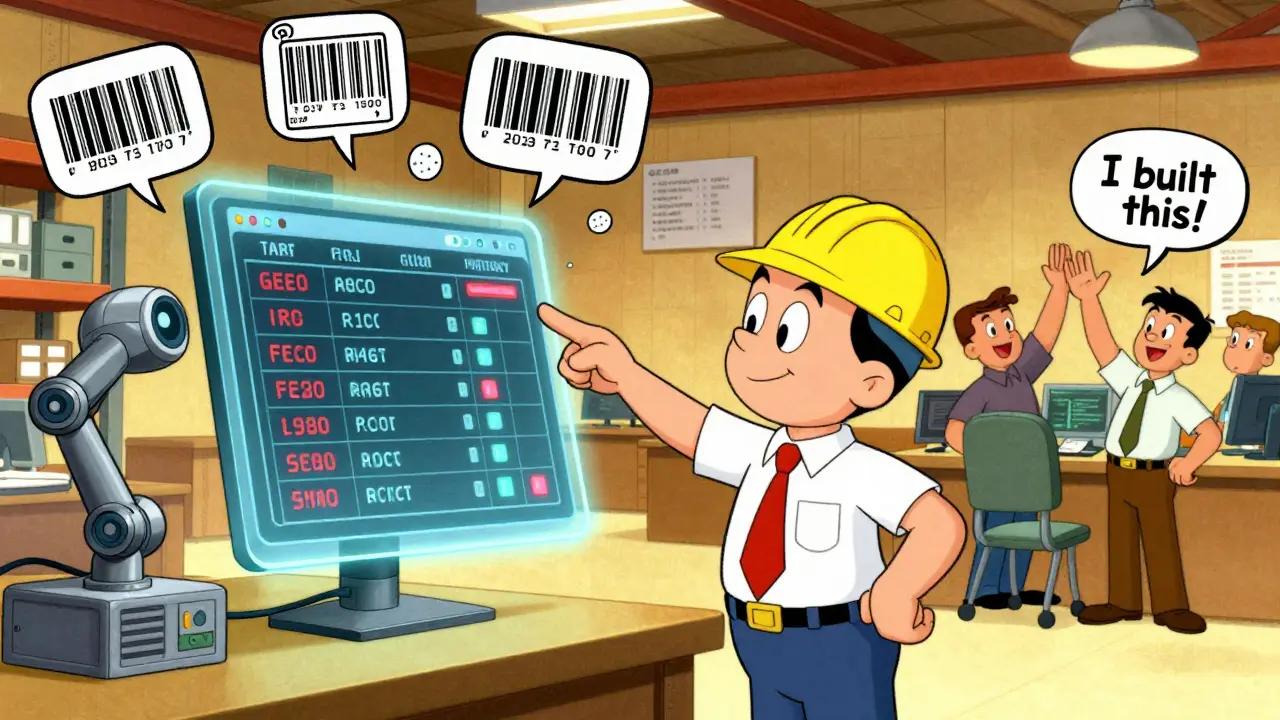
One operations lead in Portland built a live inventory tracker for their warehouse using vibe coding. It pulled data from their barcode scanner app, their ERP, and their shipping logs. The dashboard showed real-time stock levels, predicted shortages, and auto-generated purchase orders when items dropped below threshold. No developer was involved. Took three days from idea to live.
The Vibe Coding Workflow: Start Simple, Scale Fast
You don’t need to overhaul your whole team’s process. Start with one automation. Here’s how:- Describe the task in plain language. "When a new support ticket is marked "High Priority," notify the on-call engineer in Slack and create a calendar event for them to review within 30 minutes."
- Let the AI generate the code. It’ll create a script that listens to your helpdesk API, sends a Slack message, and adds the event to Google Calendar. No setup. No API keys to copy-paste.
- Review and tweak. The code is readable. You can see it’s using Python with requests and the Google Calendar API. If something’s off, say: "Change the notification to include the ticket ID," and the AI updates it.
- Deploy and monitor. The platform runs it server-side. If it crashes, it restarts. If it fails, it logs why. You get alerts only if something breaks.
- Iterate. Next week, add: "If the ticket isn’t resolved in 2 hours, escalate to manager." Just type it. The AI handles the branching logic.
This approach works because it’s iterative. You don’t need a full spec upfront. You describe, test, tweak, repeat. It’s like pair programming with an AI that never gets tired.
Tools That Actually Work for Operations Teams
Not all "AI coding" tools are built for ops. GitHub Copilot helps developers write code. Cursor helps them refactor. But vibe coding for operations needs something different: automation that runs reliably, connects to real systems, and is easy to maintain.- AutoKitteh is the standout. It lets you describe workflows in natural language, generates Python code, deploys to serverless infrastructure, and includes built-in logging, monitoring, and error handling. It’s designed for long-running automations and AI agents.
- Zapier with Copilot lets you start with a prompt in a chat window, then refine it step-by-step. It’s perfect if you’re already on Zapier and want to break out of the visual builder.
- CodeWords focuses on team collaboration. Multiple people can chat about an automation, and the AI synthesizes their input into a single workflow. Great for cross-functional teams.
Microsoft Learn now offers a formal "Introduction to Vibe Coding" module, and enterprise teams are adopting it because it reduces reliance on engineering while increasing automation quality. It’s not a toy. It’s becoming a standard.
What You Can Build (Real Examples)
Here’s what actual teams are building right now:- A marketing ops team auto-syncs webinar signups from Eventbrite to Salesforce, tags leads by session, and sends a follow-up email sequence-all without touching their CRM.
- A logistics team built a dashboard that tracks delivery delays by region, pulls real-time weather data, and auto-reroutes shipments when storms are forecasted.
- A finance team automated invoice matching: when a vendor invoice arrives in email, the AI extracts the amount, checks it against purchase orders, flags mismatches, and routes approvals.
- A customer success team created a "health score" dashboard that pulls data from Slack, Zendesk, and usage analytics to predict which clients are at risk of churning.
These aren’t theoretical. They’re running in production. And they were built by ops people-not engineers.
Why This Matters More Than Ever in 2026
Economic pressure is pushing teams to do more with less. But automation isn’t just about saving time-it’s about reducing burnout. When your team stops spending hours on repetitive tasks, they can focus on solving real problems. Vibe coding doesn’t replace people. It frees them.Teams using vibe coding report higher engagement from non-technical staff. Why? Because they’re no longer blocked. They can build what they need. That empowerment leads to more ideas, more improvements, and faster innovation. One company saw a 300% increase in automation submissions from non-tech staff after rolling out vibe coding.
The future of operations isn’t more tools. It’s more agency. Vibe coding gives that back.
Do I need to know how to code to use vibe coding?
No. Vibe coding is designed for people who don’t write code. You describe what you want in plain language, and the AI writes, tests, and deploys the automation for you. You can read the code if you want, but you don’t need to understand it to use it.
Can vibe coding connect to my internal systems like our ERP or CRM?
Yes. Platforms like AutoKitteh and Zapier with Copilot support direct API connections to most enterprise systems-including Salesforce, SAP, NetSuite, HubSpot, and custom internal tools. You just need to provide authentication details once, and the AI handles the rest.
Is vibe coding secure for sensitive data?
Yes, if you use enterprise-grade platforms. AutoKitteh, for example, runs on isolated serverless environments with end-to-end encryption. Data never leaves your cloud account. You control access, permissions, and audit logs. It’s more secure than manually copying data between spreadsheets.
What if the AI generates a buggy automation?
The AI includes built-in validation and testing. Most platforms run automated checks before deployment. If something fails, you get a clear error message. You can also ask the AI to explain the code or fix the issue with a simple prompt like, "Why did this fail?" or "Make it more robust."
How is vibe coding different from traditional no-code tools?
Traditional no-code tools limit you to pre-built actions and visual flows. Vibe coding gives you real code-editable, extendable, and powerful-without requiring you to write it. You can handle complex logic, custom data, and long-running processes that no-code tools can’t touch.
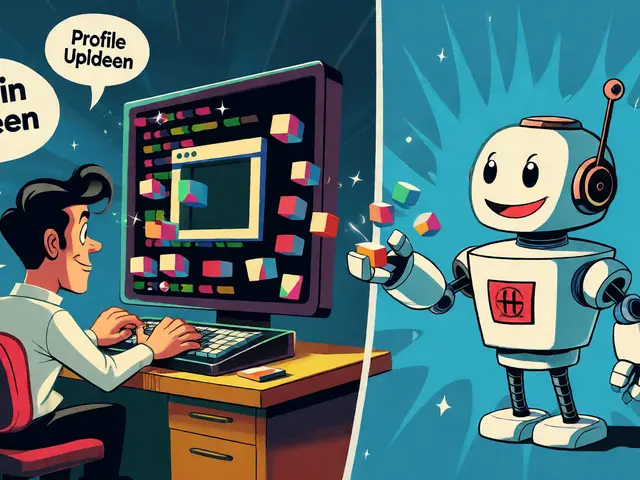
Let me tell you something real - this vibe coding thing? It’s not just automation, it’s a revolution in disguise. I’ve seen ops teams in Bangalore turn into mini-CTOs overnight. No more begging engineers. No more waiting weeks for a script. One guy built a whole invoice reconciliation system using just voice notes and a Slack prompt. The AI spit out Python with error handling, retry logic, and even a PDF generator. He didn’t know what a lambda was. Now he’s mentoring others. This isn’t tech. It’s magic with a debugger.
And the best part? It’s not about tools. It’s about trust. You stop treating non-devs as ‘non-technical’ and start treating them as problem-solvers. The AI doesn’t replace intuition - it amplifies it. When you say ‘make it retry three times,’ you’re not giving a command. You’re having a conversation. And that’s how real innovation happens - not in Jira tickets, but in casual, messy, human-sounding requests.
I used to think AI was just hype. Now I think it’s the first time technology actually listened to me. Not my job description. Not my role. Me. The person who actually sees the pain. That’s worth more than any SaaS subscription.
Also - if you’re still using Zapier’s visual builder? You’re basically typing in Morse code while everyone else is texting. Wake up.
This is honestly one of the most practical things I’ve seen in a long time. I work in customer ops at a mid-sized SaaS company, and we were drowning in manual ticket routing. We tried no-code tools - they broke every two weeks. Then we tried vibe coding via AutoKitteh. Within 48 hours, we had a working system that auto-sorted tickets by urgency, pinged Slack, updated our internal tracker, and even sent a summary email to managers. No dev help. Just me, a coffee, and a few sentences.
The best part? My teammate who’s terrified of code tried it too. She built a dashboard that shows daily client health scores. Now she’s the go-to person for insights. That’s the real win - not automation, but empowerment. People who were once stuck waiting for IT are now driving change. That’s not just efficiency. That’s dignity.
If your team still thinks automation is ‘for engineers,’ you’re leaving talent on the table. Start small. Describe one thing you hate doing. Let the AI build it. Watch what happens.
I’m not gonna lie - I was skeptical. Like, ‘another AI snake oil’ skeptical. But we rolled this out in our finance team last month and holy crap. We automated our entire vendor invoice matching process. Used to take 3 people 4 days a month. Now? One person checks it once a week. The AI flagged 12 discrepancies we never noticed before. One vendor was overcharging by 15% for 6 months. We caught it because the system said ‘wait, this invoice doesn’t match the PO.’
And the dashboard? We built it in 2 hours. Real-time spend tracker, color-coded by department, with a button that says ‘Export to CFO.’ I didn’t even have to explain what a CSV was. Just said ‘show me spending trends’ and boom - line chart appeared.
My manager said ‘this feels like cheating.’ I said, ‘yeah, and it’s beautiful.’
Also - if you’re still manually copying data between sheets? Please stop. You’re not saving time. You’re just making more work for yourself later.
This is the future stop overthinking just start building
Let me be clear - this isn’t innovation. It’s institutional surrender. You’re handing over operational sovereignty to black-box AI systems that don’t understand context, compliance, or consequence. Who audits these automations? Who ensures they don’t violate GDPR? Who checks if the AI hallucinated a connection to your ERP? You think it’s ‘secure’ because it says so? Please.
I’ve seen this before. Remember when everyone thought chatbots would replace customer service? Then we got 10,000 angry tweets because the bot told a widow her husband’s policy was ‘inactive due to insufficient premium.’
Now you’re letting non-developers write code? Code that runs in production? Code that touches billing? Data? Compliance? This isn’t empowerment - it’s negligence dressed up as empowerment. And when the first audit fails, the first data leak happens, the first payroll goes wrong - who gets blamed? The ops person? Or the company that let them ‘vibe code’ their way into a lawsuit?
There’s a reason engineers exist. Not because they’re elitist. Because they’re the last line between chaos and compliance. Don’t trade security for speed. Not when the cost is your entire business.
There’s something deeply human about this. We’ve spent decades trying to make technology fit people - rigid interfaces, complex workflows, training manuals. But vibe coding flips it. It says: ‘You already know what you need. I’ll translate it.’
This isn’t about code. It’s about language. The language of frustration. The language of ‘I wish this just worked.’ The language of someone saying ‘when this happens, do that’ - not in a flowchart, but in their own voice.
It reminds me of how children learn. They don’t start with grammar. They say ‘I want juice’ and someone makes it happen. Then they learn the word ‘juice.’ Vibe coding is the same. You say what you need. The AI learns you. Not the other way around.
Maybe the real revolution isn’t the AI. It’s that we’re finally letting people speak - and machines are learning to listen.
That’s not tech. That’s empathy.
i mean like… i tried this and it was kinda cool but then the ai made this thing that was supposed to send me daily reports but instead it sent my manager a 3am alert like ‘URGENT: 37 LEADS ARE STUCK’ and he thought we were on fire and called a crisis meeting and i had to explain that no the ai just got confused because i said ‘check for leads’ and it thought ‘check’ meant ‘panic’ and also it added a random emoji to the email and now everyone thinks i’m a hacker or something
and then last week it auto-generated a whole dashboard and i said ‘make it prettier’ and it changed the font to Comic Sans and added a dancing cat and now my team calls it ‘the haunted spreadsheet’
but like… i still use it? because when it works? it’s magic. like i built a thing that auto-updates our inventory and now we don’t run out of staplers again and i feel like a wizard
also the ai keeps asking me if i want to ‘optimize the vibe’ and i just say no because i don’t know what that means and i’m scared
anyone else’s ai tries to be a therapist? mine keeps saying ‘you’re doing great’ after every command and i’m like i just need a pdf not a hug
Let me tell you something - this vibe coding thing? It’s not Indian innovation. It’s not even Western. It’s a global takeover by Silicon Valley’s AI cult. They’re not giving us power. They’re giving us illusions of power. You think you’re building automations? No. You’re feeding data into their models. Every ‘describe what you want’ is a training prompt. Every retry, every tweak, every dashboard - it’s all being harvested.
And who owns the code? The platform. Who owns the logic? The algorithm. Who owns the IP? Not you. Not your company. The AI vendor. And when they decide to change their API? Or raise prices? Or get bought by a Chinese conglomerate? You’re screwed.
Meanwhile, real engineers? They’re being pushed out. ‘Oh, you don’t need devs anymore!’ - yeah, right. We just replaced them with black boxes that don’t answer when you call. And now we’re all just users in someone else’s experiment.
Don’t be fooled. This isn’t freedom. It’s digital colonialism with a friendly chatbot.