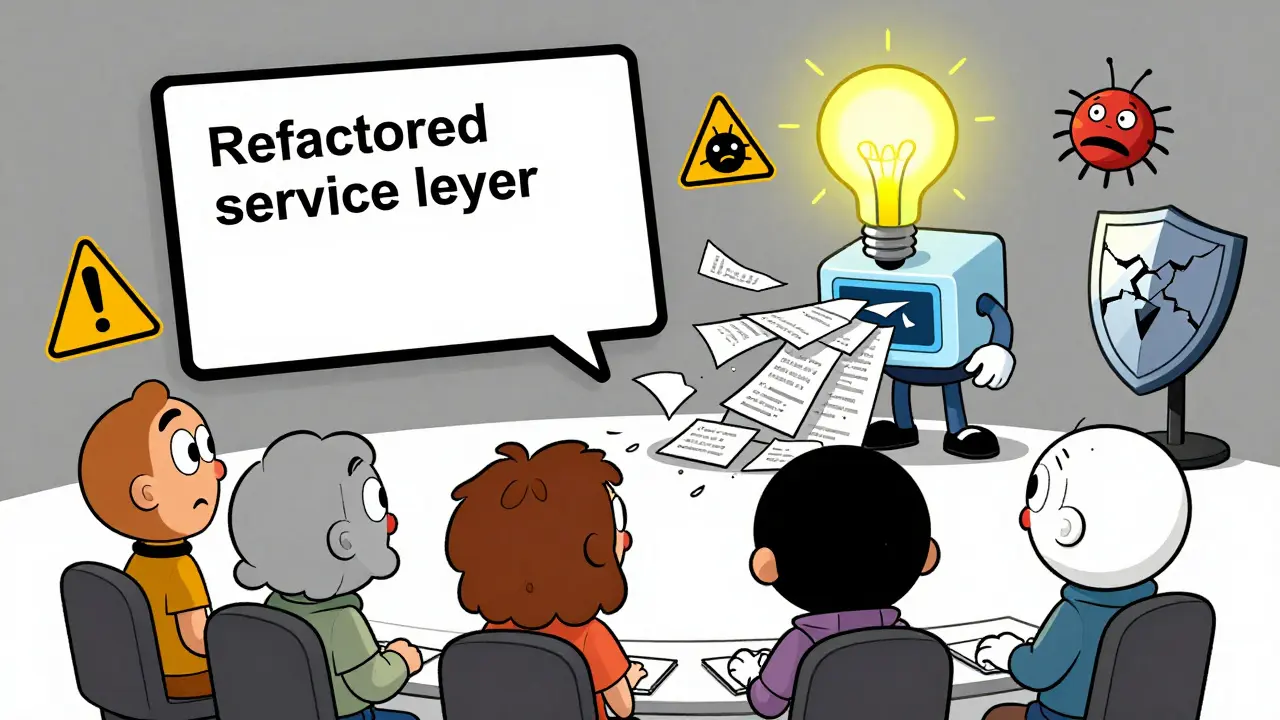
By early 2026, if your team is using AI coding assistants and not adjusting how you handle commits and diffs, you’re already falling behind. It’s not just about writing code faster-it’s about knowing which code came from AI, why it changed, and whether you can trust it six months from now. Teams that treat AI-generated changes the same as human-written ones are drowning in merge conflicts, security blind spots, and unexplainable bugs. The solution isn’t to stop using AI. It’s to upgrade your version control.
Why AI Commits Are Different
A commit from a human developer usually carries context: "Fixed login timeout bug," "Added validation for user email format." You can read it and understand the intent. An AI-generated commit? More often than not, it says something like "Refactored service layer" or "Optimized database query." No explanation. No reasoning. Just code. That’s the problem. Without context, you can’t review it properly. You can’t trace it back if something breaks. And you certainly can’t explain it to auditors, managers, or future teammates. According to Gartner’s December 2025 report, 78% of enterprise teams using AI assistants now have formal rules for handling these commits. Why? Because teams without them saw 43% more integration errors. The core issue isn’t the AI. It’s the lack of structure around its output. AI doesn’t think like a developer. It doesn’t know why a change matters. It just generates code based on patterns. So you have to build the thinking back in.How AI-Generated Diffs Lie to You
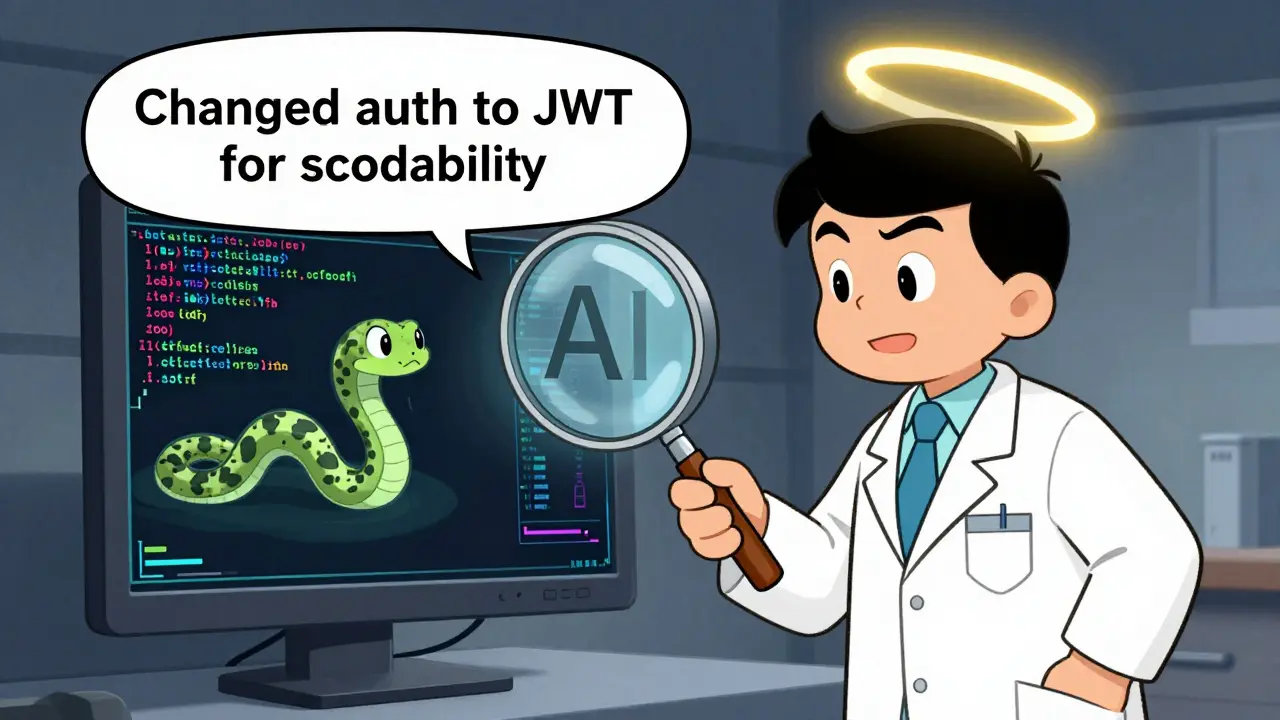
Diffs are supposed to show you what changed. But AI-generated diffs often hide the real story. Take a simple example: an AI rewrites a function to use a new library. The diff might show 15 lines added and 8 removed. Looks clean. But what if that library has a known vulnerability? Or if the new version breaks compatibility with another service you’re not directly looking at? Snyk’s January 2026 benchmark found that 31% of AI-introduced security flaws came from small, seemingly harmless changes-helper functions, utility methods, or config tweaks that traditional scanners overlook. And here’s the kicker: 41% of developers who reviewed AI-generated code said the diffs didn’t explain why the change was made. That’s why modern AI version control tools now prioritize context-rich diffs. Tools like GitHub Copilot Enterprise and GitLab’s AI Diff Assist don’t just highlight changed lines-they add notes. "Changed authentication flow to use JWT for scalability," or "Replaced deprecated method due to EOL in v3.2." That kind of detail turns a confusing diff into a teachable moment.The Three Ways Teams Are Handling AI Commits
There’s no single right way, but there are three dominant patterns-and each has trade-offs. 1. Native Git Integration (41% of teams)This is the easiest path. You keep using Git the way you always have, but turn on Copilot’s commit review feature or GitLab’s AI suggestions. It’s fast. No new tools. No training. But it’s shallow. The AI metadata stays buried. You can’t filter commits by AI origin. You can’t audit them later. It’s like having a secret assistant who writes half your emails but never signs them. 2. Specialized Platforms (37% of teams)
Tools like lakeFS (which bought DVC in 2025) and Tabnine offer full AI-aware version control. They track which AI model generated each change, what prompts were used, and even store the original suggestion before editing. They add 15-22% to repo size, but they give you a complete audit trail. One Fortune 500 retailer cut debugging time by 52% in their ML pipelines just by knowing which AI version produced a faulty model input. 3. Custom Workflows (22% of teams)
Financial services and healthcare companies can’t rely on off-the-shelf tools. They build their own. Using systems like MCP-Servers, they insert AI code through controlled gateways. Every AI-generated change must pass compliance checks, be tagged with a regulatory ID, and be logged in a separate metadata store. It’s heavy. It takes 37% more engineering effort, according to Capgemini. But for HIPAA or SEC audits, it’s the only way to sleep at night.
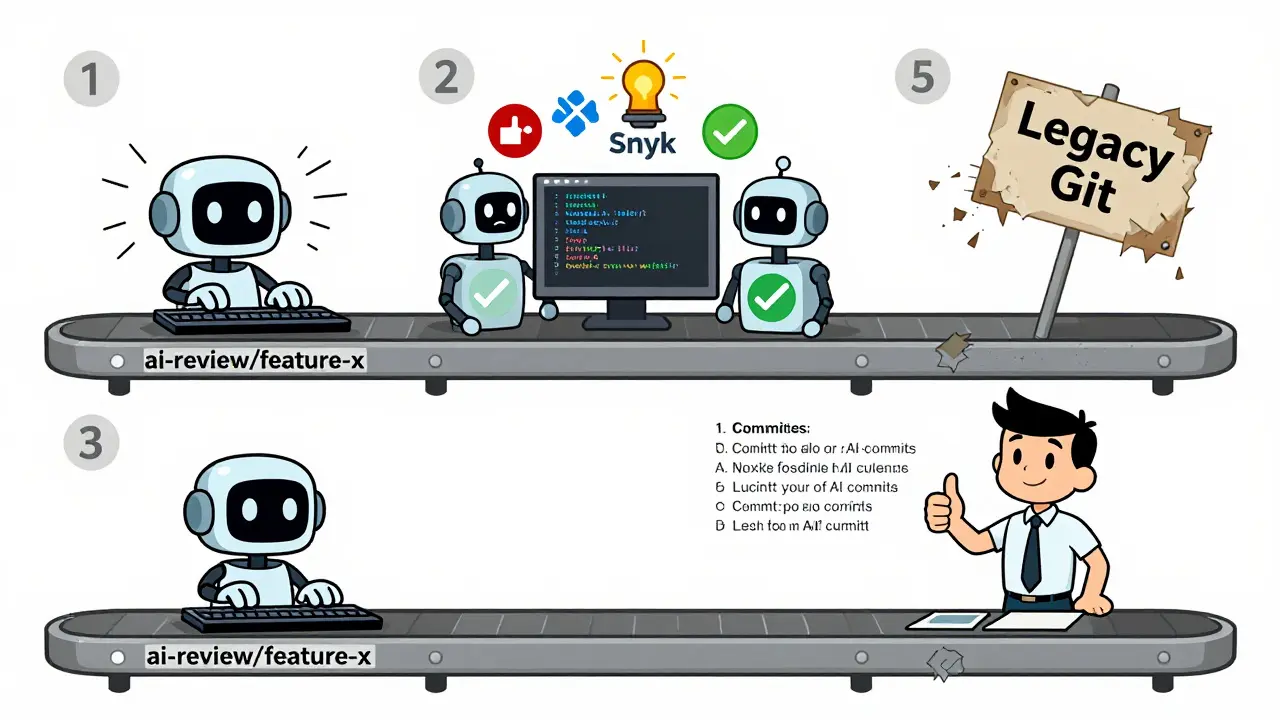
The Review-Commit-Squash Workflow
The most effective teams don’t merge AI code directly. They use a three-step process:- Initial commit: AI writes code on a temporary branch-usually named
ai-review/feature-x. - Validation commit: Automated checks run: security scans (Snyk Code), style checks (ESLint), and semantic analysis (72% accuracy per Snyk). If it fails, the AI gets feedback and tries again.
- Refinement commit: A human reviews the changes, edits the code, and writes a proper commit message. Then, they squash all AI-generated commits into one clean, human-authored commit with full context.
Metadata Is Your New Best Friend
You can’t manage what you can’t measure. That’s why AI version control now requires metadata. Every AI-generated commit should include:- Which AI tool generated it (e.g., Copilot, Cody, Claude Code)
- The prompt used (or a hash of it)
- The confidence score (if the tool provides one)
- The timestamp and environment (e.g., dev, staging)
- Any linked tickets or requirements
AGENTS.md files-where each component lists which AI tool was used and why-see 67% better long-term maintainability, according to the CRN January 2026 survey.
What Happens When You Ignore This
Ignoring AI version control isn’t harmless. It’s technical debt with interest. Imagine this: It’s December 2026. A critical bug pops up in production. You trace it to a commit from May. The diff shows a single line changed:timeout = 3000. No commit message. No context. No clue who wrote it or why. Was it AI? A junior dev? Someone who left the company?
Without metadata, you’re stuck. You have to guess. You have to revert, test, break things again. That’s what Forrester warned about: teams without proper AI tracking face "significant technical debt when attempting to understand why certain AI-generated changes were made six months later."
And it gets worse. Linus Torvalds famously said, "Every commit should stand on its own merits regardless of origin." But in 2026, that’s unrealistic. AI-generated code doesn’t stand on its own. It’s a suggestion. A draft. A prototype. Treating it like a final product is like trusting a first draft of a legal contract.
Getting Started (Without Overhauling Everything)
You don’t need to rebuild your pipeline tomorrow. Start small:- Turn on AI commit tagging in your IDE or CI tool.
- Create a single
ai-reviewbranch for all AI-generated changes. - Require a human-written commit message for every merge into main.
- Add a simple lint rule: "No commits allowed without a message longer than 10 words if AI-generated."
- Use a template for commit messages: "[AI] Changed X to Y because [reason]."
The Future Is AI-Aware Version Control
By 2027, Forrester predicts 90% of enterprise version control systems will have native AI tracking built in. That’s not speculation-it’s inevitable. The tools are already here: GitHub’s "Copilot Commit Insights" auto-generates rationale with 89% accuracy. GitLab’s "AI Diff Assist" flags risky changes with 92.7% precision. CircleCI is testing pipelines that auto-trigger specialized tests for AI-generated code. The shift isn’t just technical. It’s cultural. The best teams now treat AI as a junior developer-not a replacement. They review its work. They question its logic. They document its decisions. And they never let it touch the main branch without approval. The teams that win in 2026 aren’t the ones using AI the most. They’re the ones managing it the best.Can I just use Git normally with AI tools?
Technically, yes. But you’ll miss out on critical context, security checks, and audit trails. Teams that treat AI commits like human ones see 43% more integration errors. You can use Git, but you need rules: separate branches, human-reviewed messages, and automated validation. Otherwise, you’re gambling with your codebase.
Do I need a new tool for AI version control?
No, but you’ll get more value from one. Native integrations like GitHub Copilot Enterprise work fine for small teams. But if you’re in finance, healthcare, or scaling fast, specialized tools like lakeFS or Snyk Code give you metadata tracking, compliance logging, and AI-specific diffs that standard Git can’t. It’s not about replacing Git-it’s about enhancing it.
How do I stop AI from making bad commits?
Use automated validation. Set up pre-commit hooks that run Snyk Code, ESLint, and semantic analysis before allowing a commit. Require human-written commit messages. Limit AI access to critical branches. And train your team to question every AI suggestion-even if it looks right. The best AI tools don’t replace judgment; they amplify it.
What’s the biggest mistake teams make with AI commits?
Merging AI code directly into main without review. It’s tempting. It feels fast. But 34% of developers report losing code comprehension after six months of heavy AI use. If you don’t understand why a change was made, you can’t fix it later. Always review. Always document. Always squash.
Is AI version control just for big companies?
No. While 68% of large teams use it, even small teams benefit. A startup with 5 developers can use GitHub Copilot’s built-in review features and create an "ai-review" branch. The goal isn’t complexity-it’s control. You don’t need a full platform. You just need a habit: never trust an AI commit without context.
This is one of the most thoughtful takes on AI-assisted development I’ve read in months. The emphasis on metadata and structured workflows isn’t just best practice-it’s survival. I’ve seen teams collapse under the weight of untraceable AI commits, and the review-commit-squash model is the only thing that brought us back from the edge. Starting with an ai-review branch and mandatory human-written messages took zero time to implement and cut our bug reports by half. If you’re still merging AI code directly, you’re not being efficient-you’re being reckless.
lol u think this is new? every time some tech bros get scared of automation they invent a whole new process to feel in control. git was fine. ai writes code, u review it. done. now u want metadata tags and compliance logs for every line? next u’ll be requiring ai to sign commits with a notary stamp. also ‘confidence score’? pfft. if u cant tell if code is good or bad u shudnt be a dev. this whole thing is overengineering with a side of fearmongering.
ok but like… i love that you’re talking about this but can we just admit that 90% of us are still copy-pasting AI code without even looking at the diff? 😅 i mean, i did it yesterday. it worked. no one noticed. why make it harder? also, who’s gonna read the AGENTS.md file? not me. i’m already drowning in jira tickets. can we just… have a button that says ‘this was ai, please review’? that’s all i need. 🙏
Look, I get the skepticism-but here’s the truth: AI isn’t replacing devs. It’s exposing bad habits. If your team can’t tell the difference between a human commit and an AI one, you’ve got a culture problem, not a tool problem. The ‘squash and document’ workflow isn’t about control-it’s about clarity. I’ve watched juniors go from confused to confident because they could finally trace why a change happened. And yes, it takes 15 minutes extra per commit. But how many hours do you waste debugging a mystery line of code? That’s the real cost. This isn’t overhead-it’s insurance. And insurance you don’t pay for until you need it… is the worst kind of gamble.
YES. This. 💯 I work in fintech and we just implemented the ai-review branch + human message rule last month. It’s not perfect, but now when the audit team asks, ‘Who wrote this?’ I can say, ‘Here’s the AI model, the prompt, the confidence score, and the human who approved it.’ No more sweating. Also, our QA lead cried happy tears. 🥹 Seriously-start small. One branch. One rule. You’ll thank yourself in 6 months.
Just turn on the AI tagging. That’s it. No extra branches. No metadata files. No squash. Just make sure your IDE shows which lines came from AI. If it looks weird, fix it. If it looks fine, leave it. Done. This whole thing is making simple things complicated. Git works. AI helps. Don’t overthink it.