
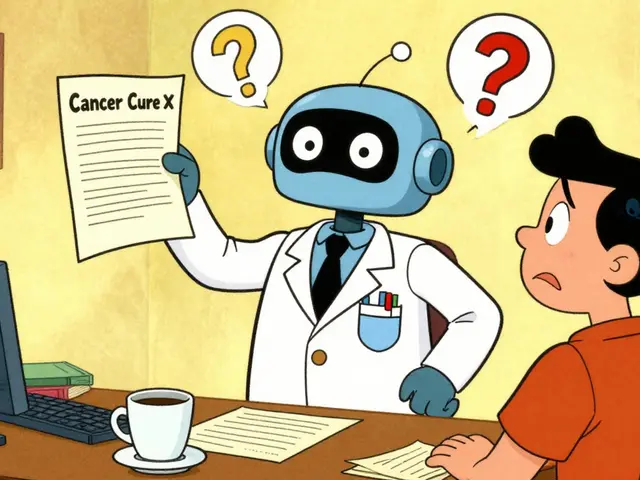
Ever feel that slight panic when a chatbot gives you a perfectly confident answer, but you have no idea if it's actually true? That's the hallucination risk in a nutshell. When a model makes up a fact-or "hallucinates"-it doesn't just fail the task; it breaks the user's trust. Once a user catches an AI lying, they stop trusting everything it says, even the parts that are correct. The only way to fix this isn't just by making the model smarter, but by changing how the interface communicates. We need to move from a "black box" that spits out answers to a transparent system that proves its work.
The Psychology of Trust Calibration
In the world of AI, trust isn't something you want to maximize-you want to calibrate it. If a user overtrusts an AI, they'll follow a wrong medical tip or a bad legal suggestion. If they undertrust it, they'll ignore a brilliant insight. The goal of Trustworthy Generative AI is to provide enough credibility signals so users can decide for themselves if the output is reliable.
Think of it like a news article. You don't just believe a random headline; you look for a byline, a date, and links to primary sources. Generative AI needs the same signals. By implementing specific UI patterns, we can shift the burden of proof from the user's guesswork to the system's transparency.
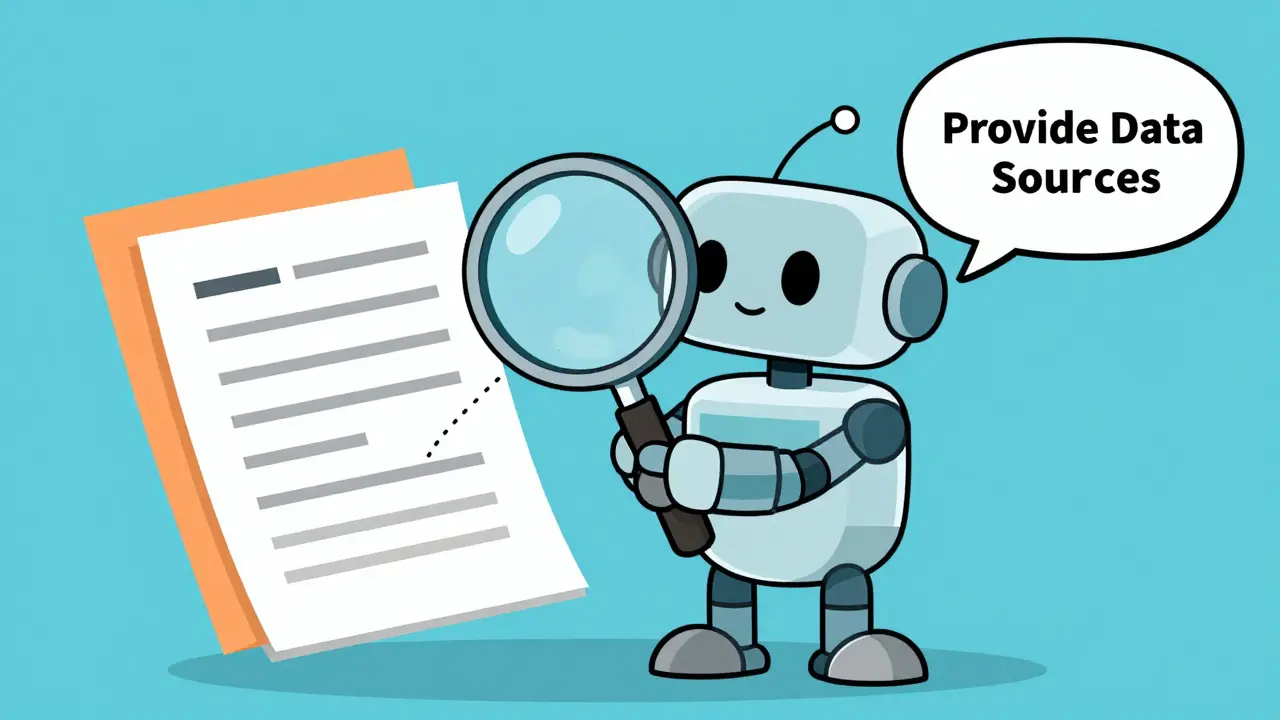
The "Provide Data Sources" Pattern
The most direct way to fight hallucinations is to show exactly where the information came from. When an AI can point to a specific sentence in a document, it transforms from a storyteller into a research assistant. This is especially critical in high-stakes fields like finance or healthcare where a wrong digit can have real-world consequences.
There are three main ways to execute this pattern effectively:
- Inline Citations: Instead of a list of links at the bottom, place footnotes or tooltips directly next to the claim. A great example is NoteBookLM, which links AI responses directly to the specific parts of the user's uploaded documents. This allows the user to verify the context in one click.
- Training Data Disclosure: Be honest about what the AI knows. If a model is trained only on a specific dataset, tell the user. For instance, Adobe Firefly openly states that its Generative Fill is trained on stock imagery and public domain content. This prevents users from expecting the AI to know things it was never taught.
- Source Authority Weighting: Not all sources are equal. If the AI finds the same fact in a peer-reviewed journal and a random blog post, the UI should visually highlight the more authoritative source.
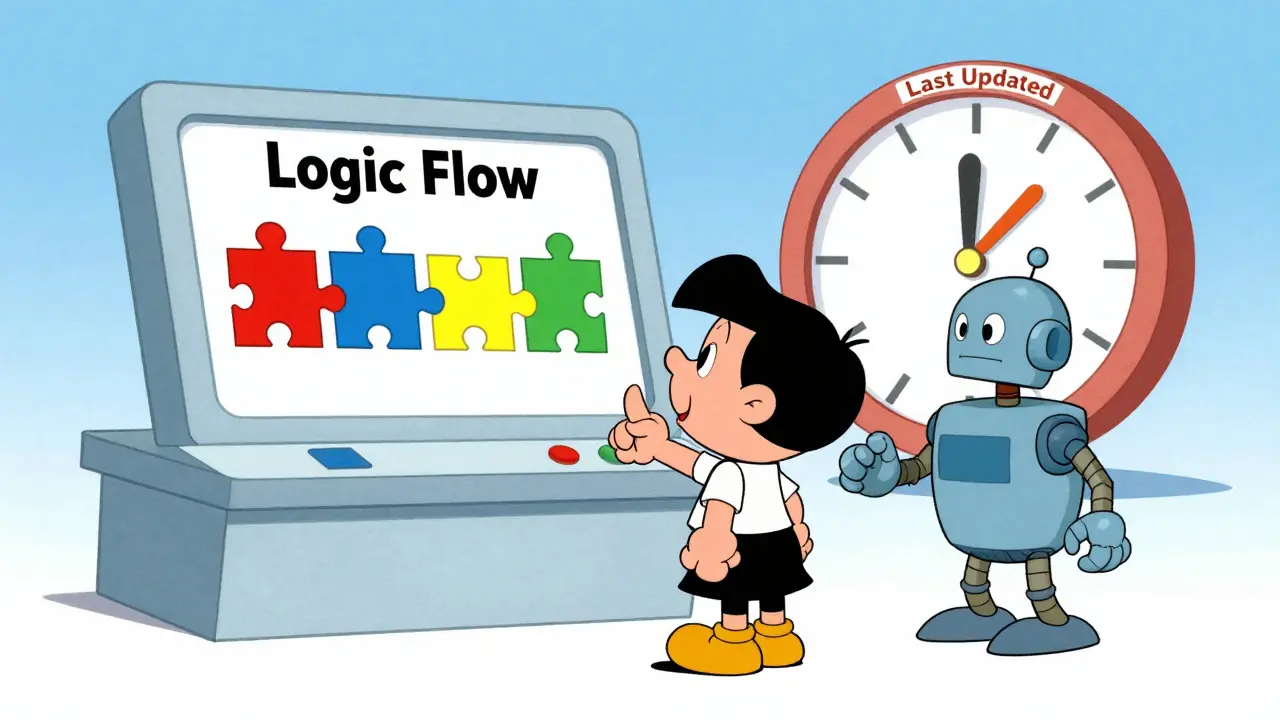
Handling the Clock: Last Updated Dates and Recency
Information has a shelf life. An AI telling you the "current" interest rate based on 2023 data is technically providing a fact, but it's a useless one. Temporal credibility is just as important as source credibility.
To solve this, designers should use temporal credibility signals. This means showing a "Last Updated" timestamp that is specific and honest. However, there's a catch: are you showing when the answer was generated, or when the underlying data was last refreshed?
For batch outputs-like a weekly AI-generated risk report-the interface must clearly state the data cutoff date. If a forecast updates every 24 hours, a static "Last updated: 2 days ago" label is a warning sign to the user that the data is stale. A better pattern is to show the frequency of updates (e.g., "Refreshed daily at 8 AM EST") so the user knows exactly how fresh the insight is.
| Pattern | User Goal | Best Implementation | Risk Mitigated |
|---|---|---|---|
| Source Citations | Verification | Inline tooltips/links | Factual Hallucinations |
| Last Updated Date | Recency Check | Timestamp + Update Frequency | Stale/Outdated Info |
| Confidence Scores | Reliability Assessment | Visual heatmaps or % labels | Overconfidence/Overtrust |
| Chain of Thought | Logic Validation | Collapsible reasoning steps | Logic Errors |
Showing the Work: Chain of Thought (CoT) Displays
Sometimes a user doesn't care about the source, but they care about the logic. This is where Chain of Thought (CoT) displays come in. Instead of jumping from prompt to answer, the AI reveals its step-by-step reasoning process.
The trick here is to avoid cognitive overload. If you dump ten paragraphs of "internal monologue" on the screen, the user will just ignore it. The best approach is progressive disclosure. Start with a high-level summary, and provide a "Show Reasoning" button that expands the detailed steps. When users can see the AI saying, "First, I'll look for X, then I'll compare it to Y," they can spot a logic gap before they ever trust the final result.
Communicating Model Confidence
AI is probabilistic, not deterministic. It's essentially guessing the next most likely word. When a model is 99% sure, it's usually right; when it's 60% sure, it's a coin flip. Most UIs hide this uncertainty, which is exactly why users get blindsided by hallucinations.
A trustworthy UI should convey model confidence. This doesn't always mean showing a percentage like "87% confident," which can feel robotic and confusing. Instead, use visual cues:
- Color Coding: Subtle highlighting (e.g., a light yellow background) for phrases where the model has lower confidence.
- Hedging Language: Encouraging the AI to use phrases like "I am reasonably sure that..." or "Based on the available data, it's likely that..." when confidence is low.
- Alternative Options: If the model is unsure, show the top two or three possible answers and ask the user to verify which one is correct.
From Static Screens to Generative UI
We are moving toward an era of Generative UI, where the interface itself changes based on the AI's confidence and the user's needs. Instead of a standard chat bubble, the AI might decide to generate a comparison table or a data visualization on the fly because that's the most transparent way to present that specific set of facts.
The danger here is losing control. To keep this trustworthy, companies should use a library of pre-tested, reliable components. The AI shouldn't be inventing the HTML from scratch; it should be assembling trusted blocks (like a "Source Citation Card" or a "Recency Banner") that have already been vetted for accessibility and clarity.
Why can't we just fix hallucinations in the model?
Because LLMs are designed to predict the next token, not to act as a database of truth. Even the most advanced models can hallucinate. UI patterns don't "fix" the model, but they provide a safety net that allows humans to catch errors before they cause problems.
Does showing sources always increase trust?
Generally, yes, but only if the sources are accessible and relevant. If a user clicks a source link and it leads to a 404 page or a completely unrelated document, trust will actually drop further than if there were no sources at all.
How do I decide between a confidence score and a source citation?
Use both. A source citation tells the user where the info came from; a confidence score tells them how sure the AI is that it interpreted that source correctly. They solve two different problems.
What is the best way to display a "Last Updated" date?
Place it near the top of the response or alongside the data source. Be explicit: "Data current as of [Date]" is better than just "Last updated: [Date]" because it specifies that the information is current, not just the page.
Is Chain of Thought too much for the average user?
It can be if it's forced. The key is progressive disclosure. Use a "Show My Logic" toggle. Power users will love it, and casual users won't be overwhelmed by it.
Next Steps for Implementation
If you're building an AI product today, start by auditing your "confidence gaps." Where are users most likely to be misled? If you're building a research tool, prioritize inline citations and recency timestamps. If you're building a coding assistant, focus on Chain of Thought displays to show how the logic flows.
Remember, transparency isn't about showing everything; it's about showing the right things at the right time. Start with a few credibility signals, measure how they affect user decision quality, and iterate. The goal isn't a perfect AI-it's a perfectly transparent partnership between a human and a machine.

The philosophical underpinning of this approach is quite sound. By acknowledging the probabilistic nature of these systems, we move away from the fallacy of the 'oracle' and toward a more sustainable paradigm of augmented intelligence. The implementation of progressive disclosure for Chain of Thought reasoning is particularly commendable, as it respects the user's cognitive load while maintaining the possibility of rigorous verification. It is imperative that we standardize these signals to avoid a fragmented user experience across different platforms.
Basic stuff. Anyone who actually does UX already knows this.
Omg finally someon mentions the 'black box' thing!! I bet most devs just ignore this cuz its too much work to build the citation cards lol. Great point about the 404s though, nothing kills trust faster than a dead link from a 'smart' AI!! haha
totally agree with the inline citations thing. its so much better than scrollin to the botom of a page just to see if the info is actually legit. makes the whole thing feel way more usable in real life
I keep thinking about how the 'confidence colors' might affect people who are color blind tho... maybe a pattern or a border would be better? Also, the idea of generative UI is kinda scary if the AI starts makin up its own components that dont follow any a11y rules.
If you're implementing the confidence scores, I've found that using natural language descriptors like 'High Confidence' or 'Experimental' works better for non-technical users than actual percentages. People tend to over-analyze the exact number (like why is it 87% and not 88%?) which actually creates more anxiety instead of building trust. Combining that with a 'View Source' tooltip creates a really smooth verification loop that doesn't disrupt the flow of reading.
Love seeing this discussion! The point about the shelf life of data is huge. Most people just assume if the AI said it, it's current, but the cutoff date is the real killer here. Really smart to suggest update frequencies instead of just a static date.