
Imagine you are trying to buy a ticket online. The website looks clean and modern. But when you use your screen reader, the buttons vanish. The form fields shuffle around every time you press Enter. You give up. This isn’t just bad design; it is a barrier created by artificial intelligence. As companies rush to add AI-generated interfaces that dynamically create user experiences based on real-time data and user behavior to their products, they are often leaving behind millions of users with disabilities. The promise of digital inclusion is clashing with the reality of algorithmic exclusion.
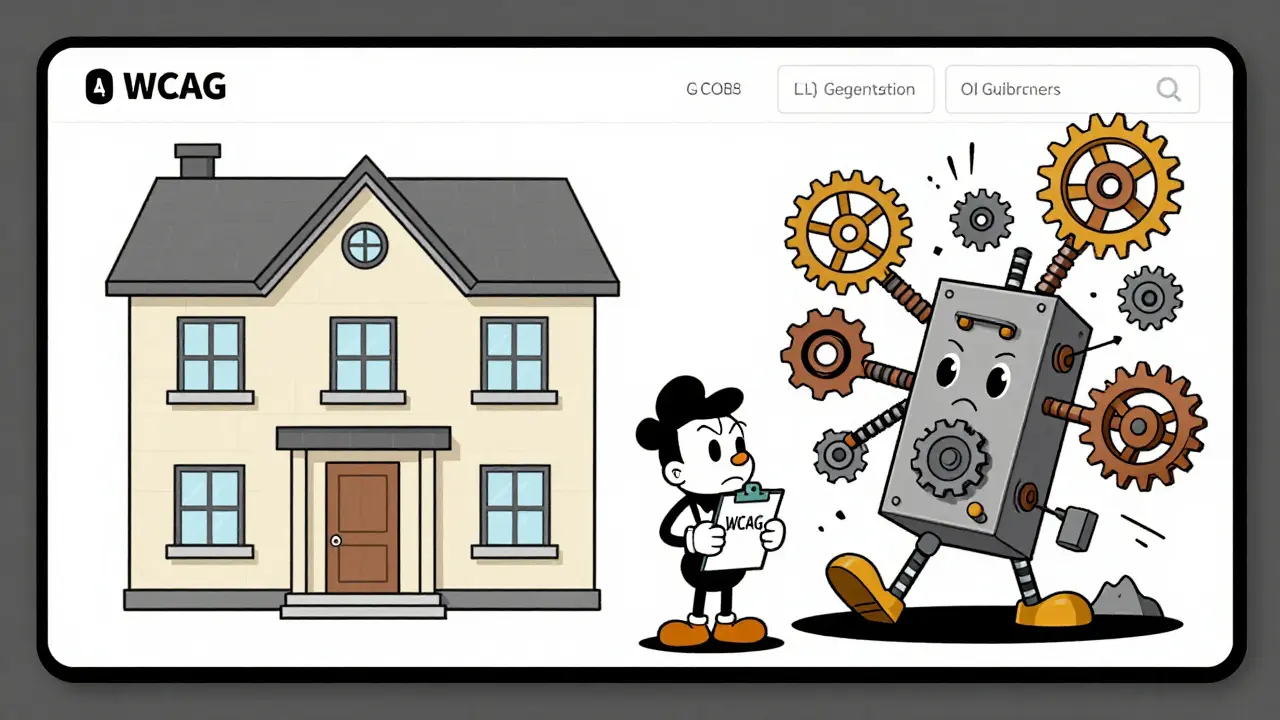
The core problem is simple but dangerous. We assume AI makes things easier for everyone. In many cases, it does. But when AI builds the interface itself-generating text, images, or navigation paths on the fly-it frequently ignores the rules that make the web usable for people who rely on assistive technology. These aren't minor glitches. They are fundamental failures that violate the Web Content Accessibility Guidelines (WCAG), which is the international standard developed by the World Wide Web Consortium (W3C) to ensure web content is accessible to people with disabilities. With legal pressure mounting from the Americans with Disabilities Act (ADA) and new regulations like the EU AI Act, understanding these risks is no longer optional. It is critical for any business deploying AI.
The Scale of the Problem
You might think that because AI is smart, it should be accessible. The data says otherwise. According to WebAIM’s analysis of one million home pages in 2023, nearly 96% contained WCAG compliance failures. That number has likely worsened since then as generative AI tools have flooded the market. A study published in the ACM Digital Library in 2024 looked at six websites built entirely by AI models. They found 308 distinct accessibility errors. Over half of those errors were cognitive issues. This means the interfaces were unpredictable, confusing, or inconsistent. The other half were technical violations of WCAG 2.2 standards.
Why is this happening? Traditional websites are static. You build them, test them, and launch them. If there is an error, you fix it once. AI-generated interfaces are different. They change every time a user interacts with them. A chatbot might answer one question with a list and another with a table. An adaptive dashboard might rearrange widgets based on what you clicked last. This fluidity breaks the assumptions WCAG was built on. The guidelines expect consistency. AI delivers variability. This mismatch creates a perfect storm for accessibility failures.
Common Technical Failures in AI Interfaces
To understand the risk, we need to look at where AI specifically fails. There are three main areas where problems arise most often.
First, semantic structure is often missing. Screen readers rely on HTML tags like headings, lists, and landmarks to help users navigate. AI models generate text, but they don't always wrap that text in the correct code. Mass.gov’s AI accessibility guidelines explicitly state that all backend-generated content must use proper HTML5 tags. When AI skips this step, a user using a screen reader hears a wall of text with no context. They don't know if they are looking at a title, a paragraph, or a button label.
Second, alternative text for images is frequently inaccurate. AI image generators are great at creating visuals, but terrible at describing them. AudioEye’s 2024 analysis showed that 73% of AI-generated alt text was either wrong or meaningless. Imagine a blind user encounters an image described as "a picture of something." That tells them nothing. Worse, if the AI describes a chart incorrectly, the user gets false information. This violates WCAG Success Criterion 1.1.1, which requires non-text content to have an equivalent text alternative.
Third, keyboard navigation breaks down. Many people cannot use a mouse. They navigate entirely with a keyboard. AI interfaces often trap focus or lose track of where the user is during dynamic updates. Reddit users in the r/Accessibility community reported forms that randomly reordered fields while they were typing. This violates WCAG 2.2 Success Criterion 1.3.2, which mandates meaningful sequence. If the order changes unexpectedly, the user loses their place and may submit incorrect data.
| Feature | Traditional Web App | AI-Generated Interface |
|---|---|---|
| Content Stability | Static; tested once | Dynamic; varies by query |
| Automated Scan Score | 65-78% | 42-58% |
| Remediation Effort | Low (one-time fix) | High (37% more effort) |
| Keyboard Focus | Predictable order | Often lost during updates |
Legal and Regulatory Pressure
If you ignore these technical failures, you face legal consequences. The U.S. Department of Justice (DOJ) is increasingly citing WCAG 2.1 in settlement agreements involving AI interfaces. Companies can no longer claim they didn't know the rules applied. AudioEye’s 2024 publication confirms that WCAG applies to AI-generated content without exception. The short answer is yes.
The regulatory landscape is tightening globally. The EU’s 2025 AI Act requires accessibility compliance for high-risk systems. In California, AB-331 took effect on January 1, 2026, mandating algorithmic accessibility assessments for public-facing AI systems. Section 508 refresh requirements also impact federal contractors. The cost of non-compliance is rising. Lawsuits are becoming more common, and settlements are getting larger. Gartner projects the AI accessibility compliance market will reach $4.7 billion by 2027. This growth reflects not just opportunity, but necessity driven by legal risk.
There is also a responsibility gap. Who is liable when an AI tool creates an inaccessible interface? Is it the company using the tool, or the vendor supplying the model? Pivotal Accessibility notes this is still an unresolved question. However, courts tend to hold the business deploying the AI responsible for ensuring their product is accessible. You cannot outsource compliance to a vendor.
User Impact and Real-World Feedback
Behind the statistics are real people struggling to use digital services. Trustpilot reviews of major AI platforms show an average accessibility rating of 2.1 out of 5. Users complain about chatbots that ignore keyboard navigation after a few responses. They report image generators providing useless descriptions. WebAIM’s 2025 survey found that 87% of assistive technology users encountered at least one AI interface failure weekly. For 63%, these failures meant they could not complete tasks on AI-powered customer service portals at all.
This has serious business implications. There are 1.3 billion people globally with disabilities. Ignoring them shrinks your market. It also damages trust. When users feel excluded, they leave. They tell others. In an age where reputation spreads instantly, accessibility failures are brand risks.
However, it is not all negative. Users with cognitive disabilities praised AI’s potential for simplification. One Reddit user noted that ChatGPT helped them understand complex government forms by rephrasing the language. This shows AI can be a powerful aid if implemented correctly. The goal is not to stop using AI. It is to use it responsibly.
Best Practices for Implementation
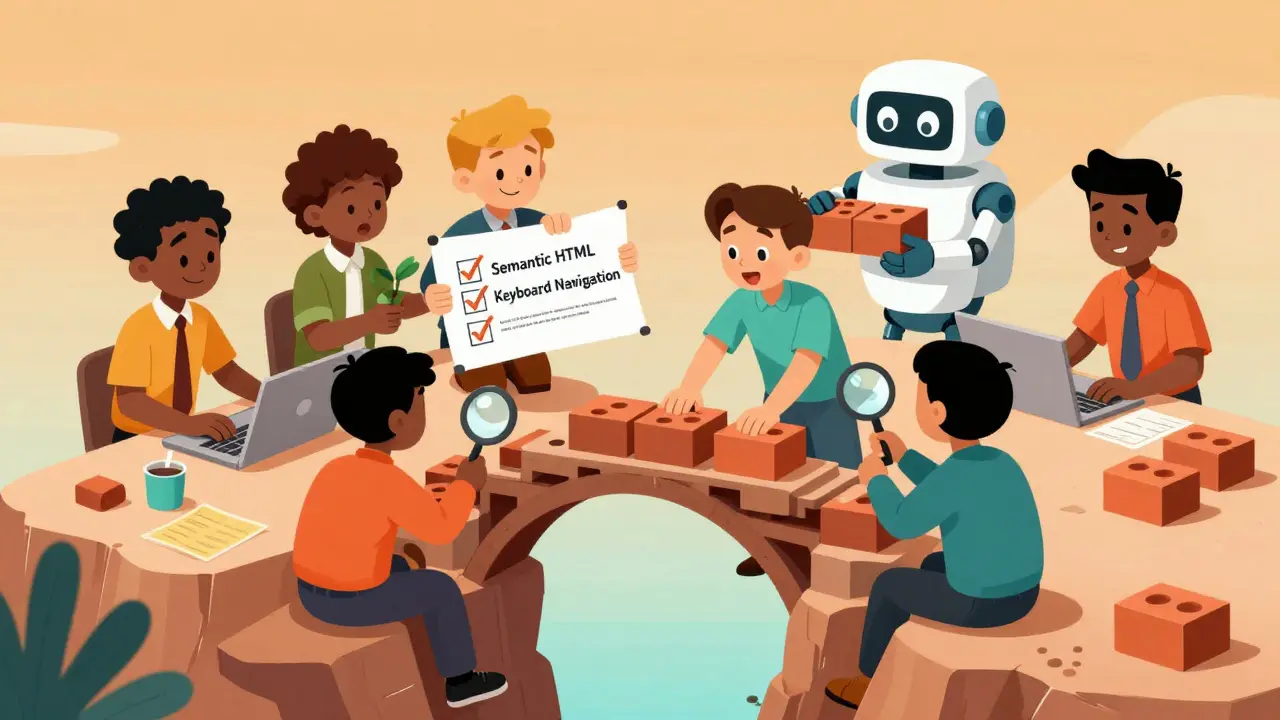
How do you fix this? You need a multi-layered approach. First, integrate accessibility into your AI development workflow from day one. Don't treat it as an afterthought. A11yPros recommends including ARIA roles, semantic markup, and alt text generation in your initial prompts and coding standards. Test with assistive technologies early. Use tools like ANDI to check your outputs.
Second, engage disabled users in design and evaluation. Pivotal Accessibility emphasizes paying fair rates for participants. Automated tests catch only about 30% of WCAG issues. Human testing reveals the rest. Ask users with visual, motor, and cognitive impairments to try your AI interface. Watch where they struggle. Fix those points.
Third, implement design tokens for consistent accessibility settings. Ensure your AI respects user preferences for contrast, font size, and motion. If a user sets high contrast in their browser, your AI-generated content should match that setting. Do not override system preferences.
Finally, document your process. Keep records of how you tested for accessibility. Show that you considered WCAG guidelines during development. This documentation can protect you in legal disputes. It also helps your team learn and improve over time.
The Future of AI Accessibility
The industry is moving toward continuous compliance. WCAG 3.0, currently in draft, introduces outcome-based testing designed for dynamic content. New tools like Accessible.org’s Tracker AI generate detailed reports on demand. These tools help, but they are not magic bullets. As the ACM study warns, AI can miss context that affects accuracy. Human review remains essential.
Pivotal Accessibility predicts that future compliance will be shared among vendors, deployers, and regulators. Initiatives like the Partnership on AI’s Accessibility Working Group are already working on this. By 2027, Gartner expects 90% of new digital products to incorporate AI. Making accessibility-by-design mandatory is the only way to prevent algorithmic exclusion from becoming the norm.
Does WCAG apply to AI-generated content?
Yes. WCAG applies to all web content regardless of how it is generated. The W3C states that dynamic content must meet the same accessibility standards as static content. Legal frameworks like the ADA also enforce this requirement.
What are the most common accessibility errors in AI interfaces?
The most common errors include missing semantic HTML structure, inaccurate alternative text for images, broken keyboard navigation, and unpredictable interface behavior. These issues disproportionately affect users relying on screen readers and keyboard-only input.
Who is responsible for AI accessibility compliance?
The business deploying the AI interface is primarily responsible. While vendors provide the technology, the end-user organization must ensure the final product meets accessibility standards. Courts typically hold the deploying entity liable for non-compliance.
How much does fixing AI accessibility cost?
Proper implementation adds 15-22% to development timelines but reduces post-launch remediation costs by up to 97 times compared to retrofitting. Investing early saves money and avoids legal risks.
Will automated tools solve AI accessibility issues?
No. Automated tools catch only about 30% of WCAG issues. They cannot fully assess contextual meaning, cognitive load, or user experience. Human testing with assistive technologies and disabled users is essential for true compliance.

Oh look, another article telling us that AI is 'bad' because it doesn't magically fix every single edge case for every single person on the planet. Typical fear-mongering. You think developers are sitting around ignoring WCAG? Please. They are trying to ship features while you sit here judging them from your high horse. The real problem isn't the AI, it's that people expect technology to read their minds instead of learning how to use a keyboard. If you can't navigate a dynamic interface, maybe the issue is you, not the code. Stop blaming the tool for your own inability to adapt.
I appreciate this perspective, but I think we need to be careful not to dismiss the technical challenges entirely. While it is true that developers are under pressure, the statistics cited here regarding the 96% failure rate are quite alarming. It suggests that perhaps the industry has been moving too fast without adequate safeguards. We should encourage more robust testing frameworks rather than just criticizing the end users or the developers. There is room for improvement and collaboration here.
The philosophical underpinnings of this discourse are significant. One must consider whether the very nature of generative algorithms is inherently at odds with the rigid structural requirements of accessibility standards such as WCAG. The tension between fluidity and consistency is not merely a technical hurdle but a fundamental contradiction in design philosophy. If an interface changes its semantic structure based on probabilistic outputs, then the assumption of a stable navigational hierarchy is fundamentally flawed. This requires a rethinking of how we define 'accessibility' in a non-deterministic environment.
This is basic stuff. If you cant make your site work for everyone then you are failing. Simple as that. People who say otherwise are just lazy or dont care about quality. Its not rocket science to add alt text or proper tags. Just do it right the first time.
you guys are missing the point completely its all about money really if they spent less on flashy ai features and more on making sure things actually worked nobody would have this problem but no lets keep pretending that broken tech is innovative i am so tired of hearing excuses from people who clearly dont understand what good design looks like
hey thanks for sharing this info its really helpful to see these stats i work in a small team and we are trying to figure out how to balance speed with quality so knowing that automated tools only catch 30 percent is eye opening we definitely need to bring in more human testers maybe we can start with local community groups who use assistive tech
Boring. Another lecture on corporate responsibility. Whatever.
Hey everyone! 👋 Great discussion here. I totally agree that we need to prioritize accessibility from day one. It’s not just about compliance; it’s about being inclusive and kind to our users. 😊 Let’s keep pushing for better practices and support each other in making the web a better place for everyone! 🌟 #AccessibilityMatters