You spend half your week fighting merge conflicts. Your model training pipeline broke because someone pushed a dependency update to the develop branch without running tests. Sound familiar? For teams building machine learning systems, how you manage code changes isn't just about software hygiene-it's about survival.
In traditional web development, the debate between GitFlow is a rigid branching model with long-lived branches for features, releases, and hotfixes and Trunk-Based Development is a workflow where developers push small changes to a single main branch frequently is settled by team size. But in AI-heavy environments, the stakes are higher. You aren't just merging Python scripts; you're integrating datasets, model weights, and complex training pipelines that can take hours or days to validate.
The wrong branching strategy slows down experimentation, creates "branch rot" where old code becomes unusable, and makes it nearly impossible to reproduce results. The right one accelerates innovation. Let's look at why most AI teams are abandoning GitFlow for trunk-based development-and when you might still need the old guard.
Why Standard Branching Models Fail in AI Workflows
Machine learning projects differ from standard CRUD applications in one critical way: statefulness. In a typical web app, code is deterministic. Input A always produces Output B. In AI, your "code" includes data. If two developers work on separate feature branches for three weeks, their underlying data distributions, preprocessing steps, and even library versions (like PyTorch or TensorFlow) will drift apart.
When they finally try to merge, it’s not just a syntax conflict. It’s a semantic disaster. The model trained on Branch A’s data schema fails silently on Branch B’s pipeline. This is known as "integration hell," and it kills velocity.
GitFlow encourages this isolation. By design, it keeps feature branches alive for days or weeks. For an AI engineer working on a new recommendation algorithm, this means waiting until the feature is "done" before touching the shared codebase. But in AI, "done" is a moving target. You tweak a hyperparameter, retrain, evaluate, and realize you need a different data source. You’re stuck on a divergent branch, disconnected from the latest fixes in the core platform.
This isolation creates a false sense of security. Developers think they’re protecting the main line, but they’re actually accumulating technical debt. When the merge finally happens, the diff is massive. Reviewing a 500-file change set involving data transformations and model architectures is exhausting and error-prone. Bugs slip through. Experiments become unreproducible.
The Case for Trunk-Based Development in AI
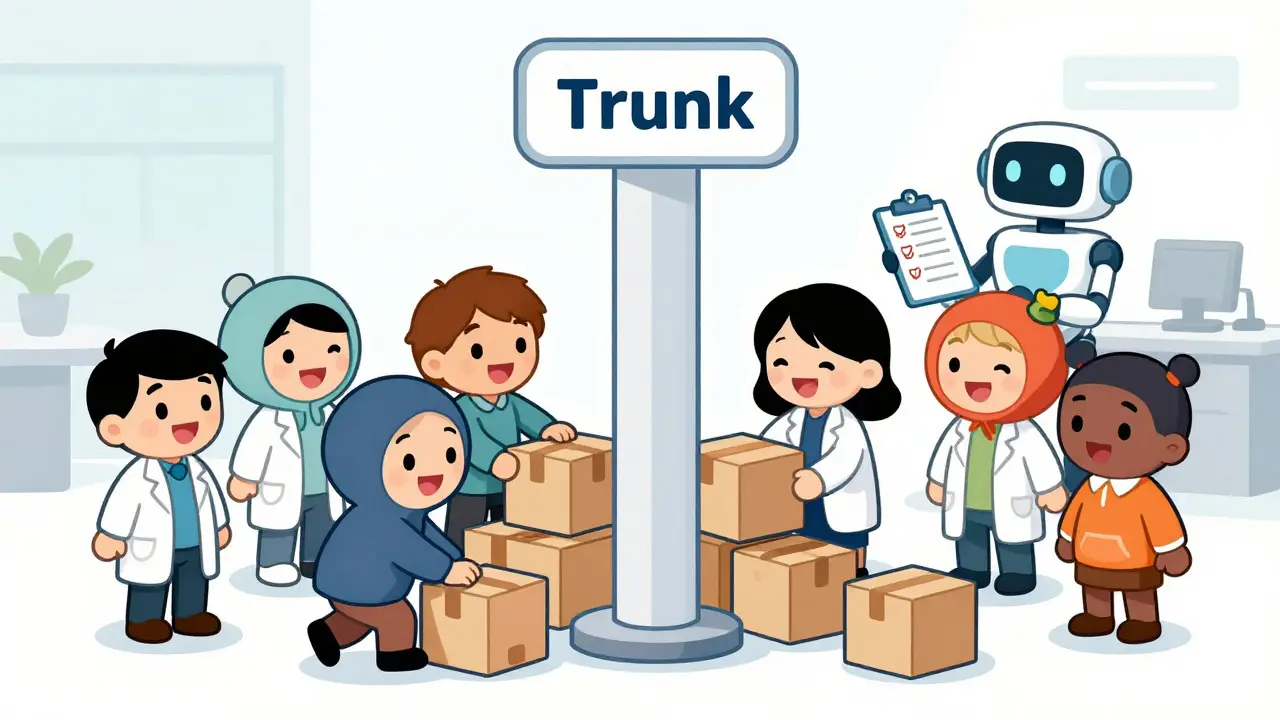
Trunk-Based Development flips this script. Instead of isolating work, it forces integration. Every developer pushes small, incremental changes to the main branch (trunk) multiple times a day. If a change breaks the build, it’s fixed immediately-within minutes, not days.
For AI teams, this approach aligns perfectly with the experimental nature of machine learning. Here’s why it works:
- Small Diffs, Faster Reviews: Instead of reviewing a giant feature branch, you review a single data preprocessing function or a new evaluation metric. Code reviews become manageable, allowing senior engineers to catch logic errors early.
- Continuous Validation: Trunk-based development requires robust automation. Every commit triggers a CI pipeline that runs unit tests, linting, and lightweight validation checks. In AI, this means verifying that data schemas haven’t changed and that basic sanity checks pass before heavy training jobs start.
- No Branch Rot: Since everyone integrates daily, there’s no stale code. The main branch always reflects the current state of the project. If a teammate needs to pick up your experiment, they can pull the latest code and run it immediately.
- Feature Flags Over Branches: Instead of hiding incomplete models behind a branch, you use feature flags. The code lives on the trunk, but the new model is disabled in production until it passes rigorous evaluation. This allows you to test new algorithms in staging environments alongside the current production model.
Consider a team building a computer vision system. Under trunk-based development, Engineer A updates the image augmentation pipeline and pushes it. Engineer B updates the loss function and pushes it. Their changes merge automatically. If the combined changes cause accuracy to drop, the CI pipeline catches it via automated evaluation metrics, and they fix it together. No waiting. No isolation.
When GitFlow Still Makes Sense
Is GitFlow dead for AI? Not entirely. There are specific scenarios where its structure provides necessary guardrails.
GitFlow shines in regulated industries like healthcare or finance, where every release must undergo strict compliance audits. If your AI model diagnoses diseases, you can’t just push changes to production continuously. You need a formal release process with sign-offs from data scientists, ML engineers, and legal teams.
Additionally, if your team maintains multiple versions of a model simultaneously-for example, supporting legacy v1.0 clients while developing v2.0-GitFlow’s release branches provide clear separation. You can patch v1.0 without affecting the development of v2.0.
However, even in these cases, many teams adopt a hybrid approach. They use trunk-based development for the active development phase, ensuring rapid iteration and easy collaboration. Only when a model is ready for candidate release do they cut a branch for final testing and compliance checks. This gives you the best of both worlds: speed during experimentation, control during deployment.
Comparison: Trunk-Based vs GitFlow for AI Teams
| Factor | Trunk-Based Development | GitFlow |
|---|---|---|
| Merge Frequency | Multiple times per day | Once per feature/release cycle |
| Conflict Resolution | Small, frequent, easy to resolve | Large, infrequent, high risk of breakage |
| CI/CD Dependency | Critical; requires fast feedback loops | Helpful but less urgent |
| Experimentation Speed | High; immediate access to latest code | Low; isolated branches slow progress |
| Compliance & Auditing | Harder; requires detailed logging | Easier; distinct release points |
| Team Size Suitability | Any size, with proper automation | Best for large, distributed teams with silos |
Implementing Trunk-Based Development for AI Projects
Switching to trunk-based development isn’t just about changing git commands. It requires cultural and technical shifts. Here’s how to make it work for AI-heavy teams.
1. Automate Everything
You cannot rely on manual testing. Your CI pipeline must handle:
- Data Schema Validation: Ensure incoming data matches expected formats.
- Unit Tests: Test preprocessing functions, utility classes, and inference logic.
- Lightweight Training Jobs: Run short training epochs on a subset of data to catch obvious bugs.
- Model Evaluation Checks: Compare new model performance against baselines to detect regressions.
2. Use Feature Flags
Instead of branching for incomplete features, use feature flags. Tools like LaunchDarkly or open-source alternatives allow you to toggle functionality on or off without code changes. This lets you merge code early while keeping it hidden from users until it’s ready.
3. Adopt Merge Queues
When multiple developers push simultaneously, race conditions can occur. Merge queues serialize commits, testing them in order before merging to the trunk. This prevents flaky tests from breaking the build for others.
4. Keep Commits Small
Encourage atomic commits. One commit should do one thing: fix a bug, add a test, or update a parameter. This makes rollbacks easier and blame analysis straightforward.
5. Monitor Model Drift
In AI, code isn’t the only thing that changes. Data drifts. Implement monitoring tools that track model performance in production. If a new commit causes accuracy to drop, alert the team immediately. Trunk-based development relies on fast feedback; monitoring extends this feedback loop to production.
Common Pitfalls to Avoid
Even with the right strategy, mistakes happen. Watch out for these common issues:
- Ignoring Data Versioning: Code versioning is useless if your data isn’t tracked. Use tools like DVC (Data Version Control) to link code commits to specific dataset versions.
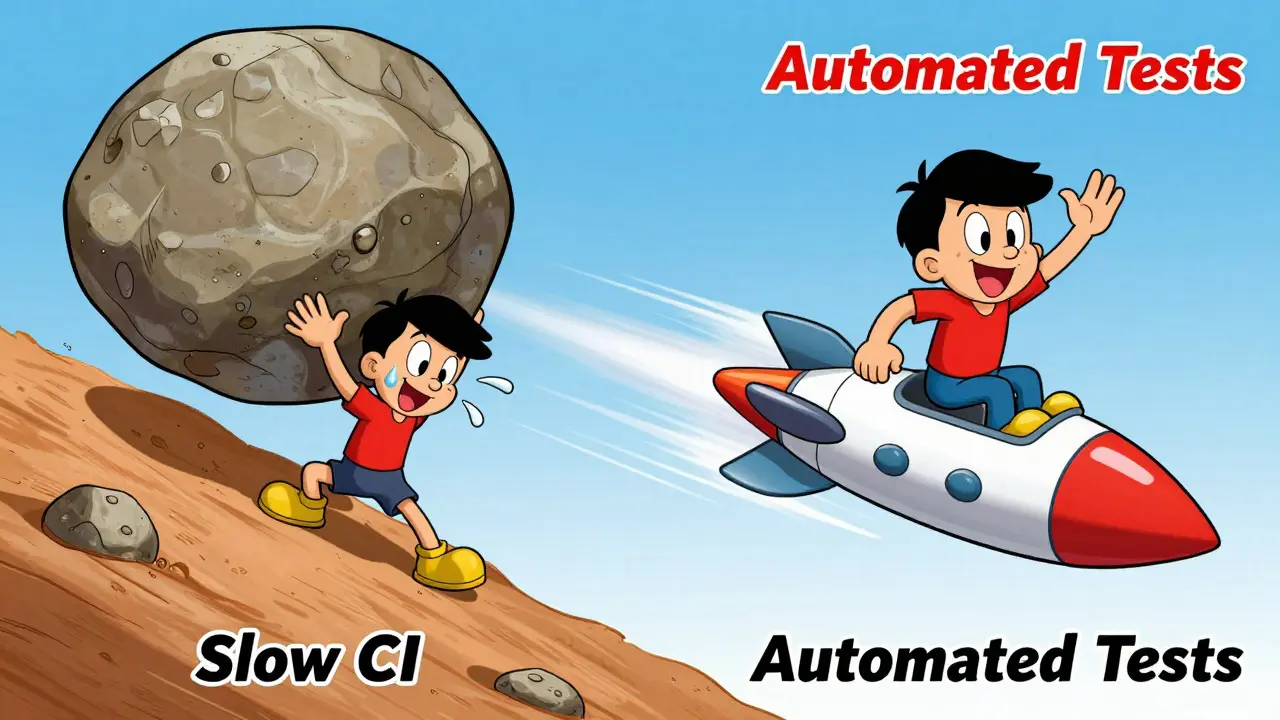
- Slow CI Pipelines: If your build takes 30 minutes, developers will bypass it. Optimize your pipeline. Cache dependencies, parallelize tests, and use spot instances for training jobs.
- Lack of Documentation: With frequent changes, context is lost quickly. Document decisions, especially regarding model architecture choices and data preprocessing steps.
- Over-Reliance on Automation: Automation catches bugs, but it doesn’t catch bad ideas. Human review is still essential for evaluating model fairness, bias, and business impact.
Conclusion: Choose Velocity, Not Comfort
GitFlow feels safe because it mimics traditional manufacturing processes: isolate, assemble, test, ship. But AI development is more like scientific research: hypothesize, experiment, iterate, refine. Trunk-based development supports this iterative mindset by removing barriers between team members and the shared codebase.
If your team struggles with merge conflicts, slow releases, or reproducibility issues, consider shifting toward trunk-based development. Start small. Automate your tests. Use feature flags. And remember: the goal isn’t just to move faster-it’s to learn faster.
Can I use Trunk-Based Development with large datasets?
Yes, but you need strong data versioning tools like DVC or LakeFS. Code changes should be decoupled from data storage. Commit code to Git, and reference data snapshots via hashes. This ensures that any code commit can be paired with the exact data used to train it.
How do I handle long-running training jobs in Trunk-Based Development?
Don’t block the trunk. Trigger training jobs asynchronously via CI/CD pipelines. Use lightweight validation tests on small data subsets to catch immediate errors. Full training evaluations can run in parallel, posting results back to the PR discussion once complete.
Is GitFlow better for regulated AI industries?
Often, yes. Industries like healthcare require strict audit trails and controlled release cycles. GitFlow’s explicit release branches make it easier to document and approve specific sets of changes. However, many teams use a hybrid approach: trunk-based for development, GitFlow-like processes for final release staging.
What tools support Trunk-Based Development for AI?
Key tools include GitHub Actions or GitLab CI for automation, DVC for data versioning, MLflow for experiment tracking, and feature flag services like LaunchDarkly. These tools help manage the complexity of integrating code, data, and models continuously.
How do I prevent breaking the main branch?
Rely on automated guardrails. Require passing unit tests and linting checks before merging. Use merge queues to test stacked changes. Implement pre-commit hooks to catch simple errors locally. And foster a culture where fixing the build is everyone’s priority.