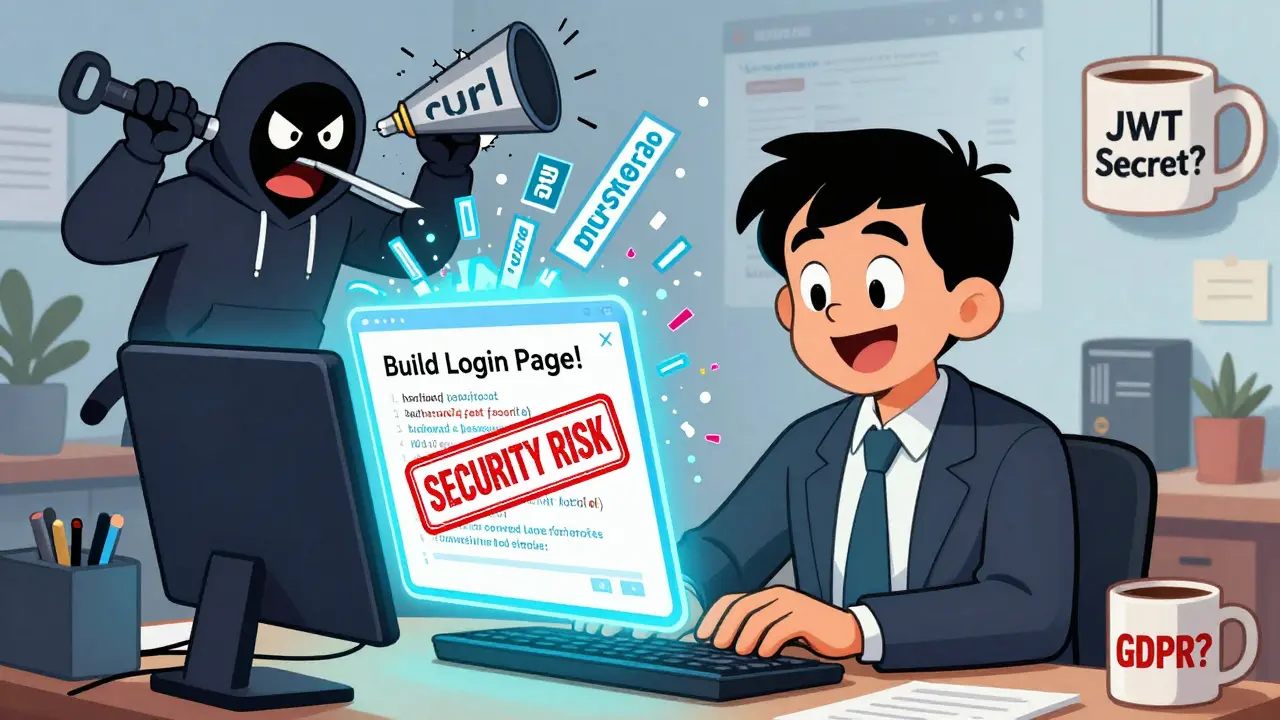
When a marketing manager builds a customer portal in three days using AI, they’re not just saving time-they’re also risking a data breach. This isn’t science fiction. It’s happening right now. Vibe coding-the practice of using AI tools like GitHub Copilot, ChatGPT, or Replit to generate code with simple prompts-is making app development accessible to everyone. But most non-developers don’t realize that just because the app works, doesn’t mean it’s safe.
Why Vibe Coding Is a Security Time Bomb
AI doesn’t know the difference between a secure app and a vulnerable one. When you ask it to "create a login page," it doesn’t think about authentication, session timeouts, or brute-force attacks. It thinks about syntax. And it’s really good at copying patterns from its training data-including all the insecure code that’s been posted online for years. A 2024 analysis by Invicti Security Labs found that 68.3% of AI-generated web apps had at least one critical flaw before anyone even tested them. The most common issues? Unprotected API endpoints, hardcoded passwords, and apps that collect way more user data than they need. Take authentication. A lot of non-developers assume that if the login screen is on the frontend, then only logged-in users can access the rest. That’s wrong. Anyone can call those backend endpoints directly using tools like Postman or curl. Invicti found 347 cases where apps thought frontend restrictions were enough-and attackers got full access within days. Then there’s data collection. A survey by Civic.com showed 83% of vibe-coded apps stored full user profiles-even when they only needed an email. That’s a GDPR and CCPA nightmare. IBM’s 2023 report says data breaches involving excess data are 300-500% more costly. Why? Because if you store Social Security numbers, phone numbers, and home addresses, a single leak becomes a disaster. And don’t forget hardcoded secrets. One study found that "supersecretjwt" was the default JWT secret in over 60% of Docker configs. That’s not a joke. Attackers use free tools like jwt_tool to crack those in seconds. Once they do, they can impersonate admins, delete data, or steal everything.The False Sense of Security
Most non-developers think their apps are fine because they "work." That’s the biggest trap. A January 2025 survey of 350 non-technical app builders found that 79% believed their apps were "reasonably secure." But when security teams ran automated scans, 92% had critical vulnerabilities. The same people who built apps that could leak customer data were convinced they were doing a good job. It’s not their fault. They weren’t taught how to think about security. They were taught how to make things work. And AI tools don’t warn them. They just generate code that looks right. This isn’t just about bad code. It’s about missing mental models. Professional developers have years of experience knowing where the traps are. Non-developers don’t. They don’t know that "it works" doesn’t mean "it’s safe."What Actually Works: Training That Sticks
You can’t teach non-developers to write secure code the way you’d teach a developer. No one has time for OWASP Top 10 lectures. But you can teach them three simple rules that cut risk by 80%. Rule 1: Assume every endpoint is public. If your app has an API, assume anyone on the internet can call it. Never rely on frontend buttons, hidden URLs, or "private" pages to protect data. Authentication must happen at the server level. Tools like Replit now do this automatically with built-in reverse proxies. If you’re using something like Bubble or Retool, you have to configure it yourself-and most people don’t. Rule 2: Collect the least amount of data possible. Ask yourself: "Do I really need this?" If you’re building a lead form, do you need the user’s birthday, job title, and home address? Or just their name and email? Every extra field is a liability. Replit’s May 2025 update now blocks data collection by default unless you explicitly mark a field as "sensitive." That’s the right approach. Rule 3: Never put secrets in code. API keys, database passwords, JWT secrets-none of these belong in your source code. Use environment variables. Most platforms (Replit, Render, Heroku) let you set these in a settings panel. Never copy-paste them into your AI prompt. If you do, you’re handing attackers the keys to your app.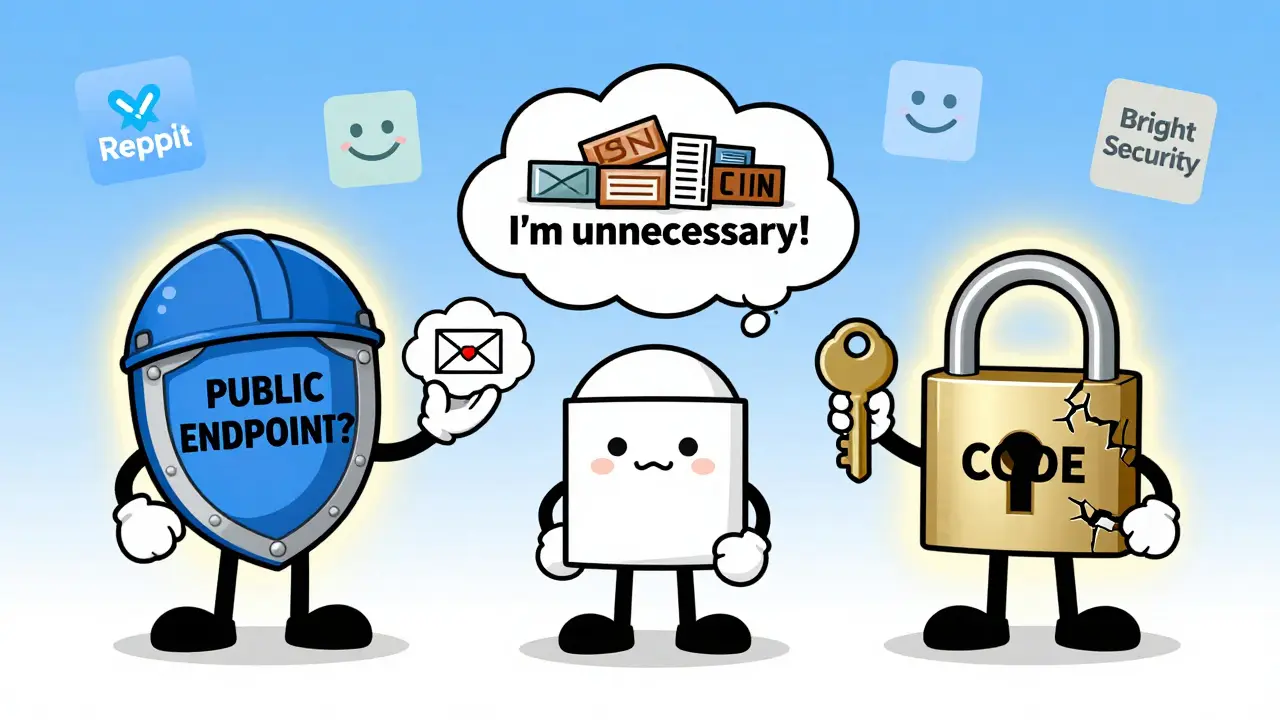
Platforms That Help-And Those That Don’t
Not all vibe coding platforms are created equal when it comes to security. Replit leads the pack. Since launching its security layer in Q4 2023, it automatically blocks unauthenticated requests before they reach your code. In tests with 500 users, it cut exposure incidents by 92%. Its training materials are clear, visual, and written for non-developers. Users rate them 4.7/5. Bubble.io is the opposite. It gives you full control-but that means full responsibility. A 2024 audit found 78% of Bubble apps had authorization flaws because users didn’t know how to set up roles or permissions. The documentation is full of jargon like "access policies" and "workflow triggers"-terms that confuse more than help. Bright Security (v2.4, Jan 2025) takes a different approach. Instead of scanning for known patterns, it simulates real attacks. It asks: "What if someone tries to access this endpoint without logging in?" It found 37% more vulnerabilities than traditional tools. Even better-it generates pull requests with fixes. One user said: "It found 12 critical issues and fixed them for me. I just clicked merge."The Real Solution: Security-by-Default
The future isn’t better training. It’s better tools. Platforms that bake security into the workflow will win. Replit’s auto-encryption of data fields, Bright Security’s logic validation, and GitHub’s Copilot Security Coach (beta) are all steps in the right direction. Copilot Security Coach, for example, doesn’t just suggest code. When it spots a risky pattern, it says: "This could allow SQL injection. Try this instead." Early tests show 58% of non-developers switched to the secure version when given this kind of real-time feedback. But we’re still in the early days. Most platforms don’t do this. And until they do, the risk will keep growing.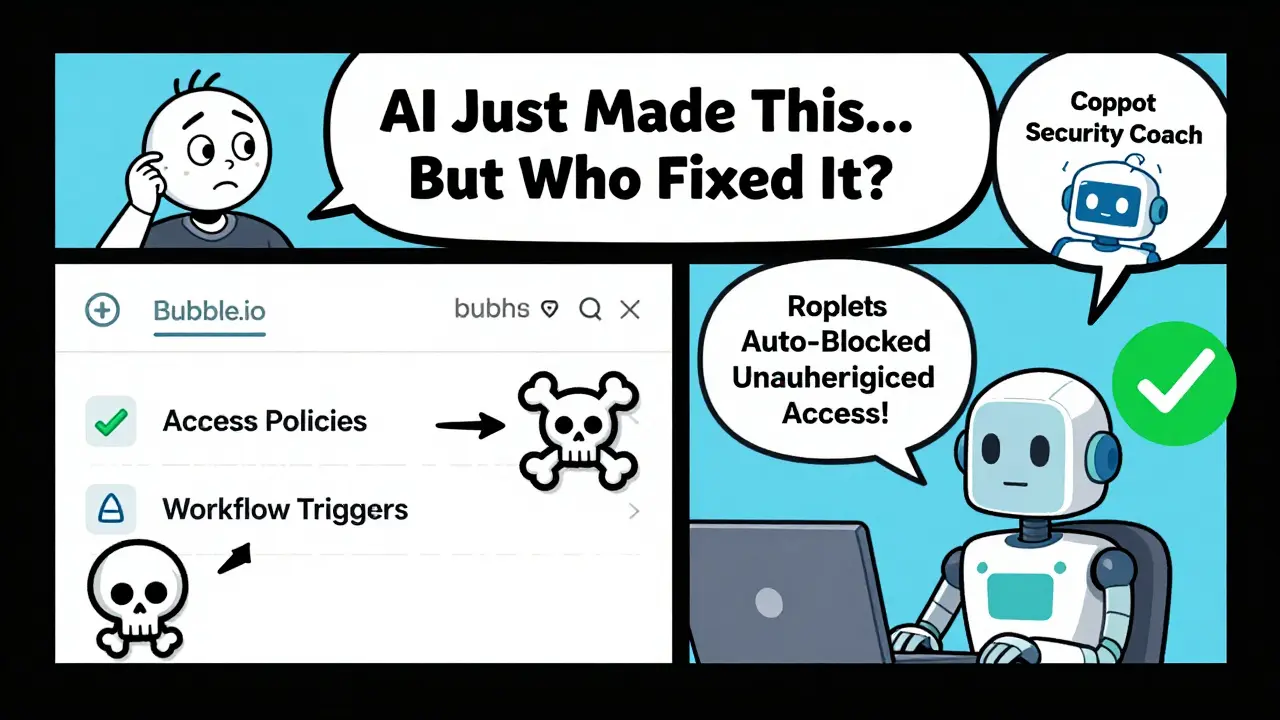
What You Should Do Today
If you’re a business user building apps with AI:- Ask your platform: "Does it block unauthenticated access by default?" If not, configure it manually.
- Go through every data field. Delete anything you don’t absolutely need.
- Find where you stored API keys or secrets. Move them to environment variables. If you don’t know how, ask your IT team.
- Run a free scan. Tools like Bright Security or GitHub Copilot Security Coach can spot issues without requiring technical skills.
What’s Coming Next
The EU’s AI Act (effective February 2025) now requires "appropriate technical knowledge" for AI-assisted development. California’s SB-1127, expected to pass in 2026, will make security validation mandatory for any app that handles customer data. Finance and healthcare are already ahead. 67% of financial firms require automated scans for all non-developer apps. Retail? Only 29% do. The gap is widening. Companies that treat vibe coding as a productivity tool will get burned. Those that treat it as a security challenge will thrive.Final Thought
You don’t need to be a developer to build an app. But you do need to understand one thing: AI doesn’t care about your users’ privacy. It only cares about making code that runs. You have to care about the rest. Security isn’t about complexity. It’s about discipline. Three rules. One mindset. That’s all it takes to stop being the next breach headline.What is vibe coding?
Vibe coding is the practice of using AI tools like GitHub Copilot, ChatGPT, or Replit to generate functional code by typing natural language prompts instead of writing code manually. It’s popular among non-developers because it lets them build apps quickly-sometimes in hours instead of weeks. But while it speeds up development, it often ignores security best practices, leading to vulnerable applications.
Why are vibe-coded apps so insecure?
AI models are trained on public code, which includes tons of insecure examples. When asked to build something, they prioritize functionality over security. They don’t understand authentication, data minimization, or secret management. As a result, they frequently generate code with hardcoded passwords, unauthenticated APIs, and excessive data collection-all common vulnerabilities that attackers exploit easily.
Can non-developers learn security basics?
Yes-and they don’t need to be experts. Three simple rules make a huge difference: (1) Always assume every API endpoint is public and requires authentication, (2) Only collect data you absolutely need, and (3) Never store secrets like API keys in your code. Platforms like Replit and Bright Security now offer training and automation that make this easy, even for someone with zero coding experience.
Which platforms are safest for non-developers?
Replit leads with automatic security layers that block unauthenticated access by default. Bright Security integrates real-time attack simulation and auto-fixes. GitHub Copilot Security Coach gives contextual warnings when suggesting risky code. In contrast, Bubble.io and Retool require manual configuration, and most users skip it-leading to high vulnerability rates. Choose platforms that protect you by default, not ones that just give you control.
What’s the biggest mistake non-developers make?
The biggest mistake is believing that if the app works, it’s secure. Just because a form submits or a button logs you in doesn’t mean the backend is protected. Attackers don’t use the UI-they call APIs directly. Without proper authentication, data validation, and secret management, even simple apps can be hacked in minutes using free tools like Burp Suite or jwt_tool.
Are there legal risks to vibe coding?
Yes. The EU’s AI Act (effective February 2025) requires users of AI-assisted development to have "appropriate technical knowledge," including security awareness. California’s proposed SB-1127 will require security validation for any customer-facing app built without professional developers. Failing to protect user data can lead to fines under GDPR or CCPA-especially if you collect more than necessary. Ignorance isn’t a legal defense.

AI doesn't care if your app leaks customer data. It just spits out code like a caffeinated raccoon. You think your login page is safe? Nah. Someone on a laptop in Minsk just hacked it with curl and a free GitHub gist. This isn't a bug. It's a feature of capitalism. You built an app. Now you're the liability.
The entire premise is flawed. Non-developers should not be allowed to touch code. Period. If you don't know what an HTTP header is, you shouldn't be building anything that touches user data. This isn't empowerment. It's negligence dressed up as innovation.
I appreciate the clarity of the three rules. They are simple, actionable, and grounded in reality. Many non-technical professionals are eager to learn, but they need guidance-not fear. Platforms that provide automated safeguards, like Replit and Bright Security, are not just helpful-they are essential. Let us support them with structured training and empathy, not judgment.
so like... ai writes code, you press run, boom your app is live, and then some dude in russia just stole 2000 credit cards and you're like 'wait but it worked??' lol. we're all just one prompt away from becoming a federal case. send help. or a lawyer. preferably both.
I built a little client portal last month using Replit. Didn't even know what JWT was until I read this. Now I use environment variables. And I deleted five fields I didn't need. Feels good to not be a walking data breach.
The part about Bubble.io being a nightmare hit home. I spent three days trying to set up roles and gave up. Ended up just using Replit because it just... works. No jargon. No confusion. Just security baked in. Why do platforms make it so hard to do the right thing?
You know what's wild? The same people who scream about 'privacy' on TikTok are the ones building apps that store SSNs in plain text. We live in a world where convenience trumps safety. And AI? It's just the enabler. The real problem is we stopped asking 'is this smart?' and started asking 'is this fast?'
I work with non-dev teams daily. The fear isn't that they'll build insecure apps-it's that they'll build them and never know they're broken. That's why tools like Bright Security are game-changers. They don't just flag issues-they fix them. And that's the kind of help that actually sticks. No lectures. No jargon. Just 'here, this works now.'
What if the real solution isn't training people... but removing the option to build insecure things entirely? Like, what if the platform just says 'no' to unauthenticated endpoints? Or auto-encrypts all data? Maybe we don't need better users. Maybe we need better gates.