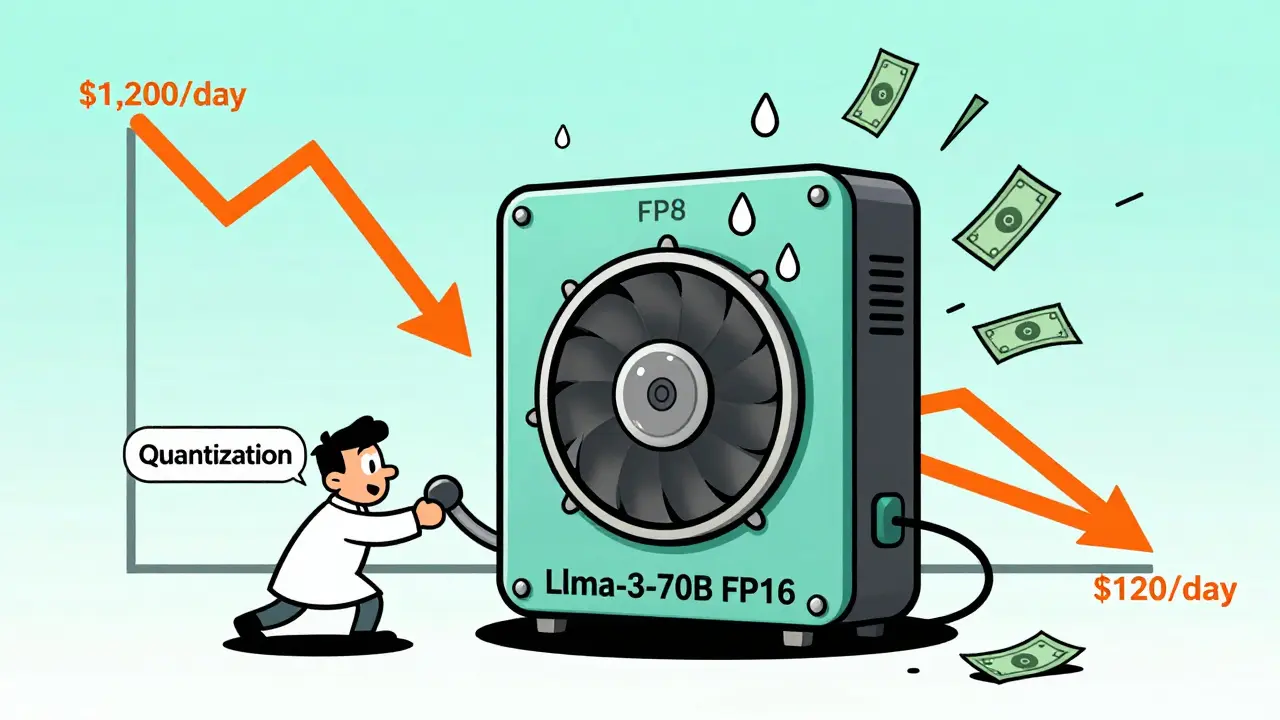
Running open-source LLMs like Llama-3, Mixtral, or Mistral isn’t cheap. Even if you avoid paying for GPT-4 or Claude, the hidden costs of GPU time, memory, and electricity add up fast. One company was spending $1,200 a day just to answer customer questions using a fine-tuned Llama-3-70B model. After tuning, they dropped to $120. That’s not luck. That’s cost-performance tuning.
Why Your LLM Costs More Than You Think
Most teams start with a default setup: load the model, run it on a single A100, and hope for the best. But unoptimized inference is like driving a sports car with the parking brake on. You’re using 100% of the GPU’s power for 30% of the work. A single request to Llama-3-70B in FP16 can use 140 GB of VRAM. That’s more than most servers have. Even if you have the hardware, you’re paying for idle time. GPUs sit at 35% utilization on average when processing requests one at a time. That’s waste. And when you scale to thousands of users, that waste becomes a $10,000 monthly bill. The good news? You don’t need to buy more hardware. You need to optimize smarter.Quantization: The Fastest Way to Cut Costs
Quantization shrinks your model by converting high-precision numbers (like FP16) into lower-precision ones (like INT4 or FP8). Think of it like compressing a 4K video to 720p-some detail is lost, but it’s still usable. - FP8 cuts memory use by 50% and speeds up inference by 2.3x, with only a 0.8% drop in accuracy. Great for most use cases. - INT4 cuts memory by 75% and boosts speed 3.7x. But accuracy can drop 1.5% or more. Watch out for tasks like math, code generation, or compliance checks. A fintech startup tried INT4 on their Llama-3 model for financial document review. Hallucinations jumped from 2.1% to 8.7%. They rolled back to FP16. The lesson? Not all models handle quantization the same. MoE models like Mixtral-8x7B only get 20-35% memory savings with INT4, not 75%. Test before you deploy.Continuous Batching: Turn Idle GPUs Into Busy Ones
Static batching groups requests into fixed-size chunks. If one request has 500 tokens and the batch size is 10, you wait for nine more 500-token requests. Most of the time, you don’t have them. Continuous batching, used by vLLM, dynamically groups requests as they arrive. It fills every GPU cycle. Benchmarks show it boosts throughput from 52 to 147 tokens per second. That’s a 180% gain. One healthcare startup used vLLM for clinical note generation. Their cost dropped 63% overnight. No new hardware. Just better software. But it’s not magic. Handling requests with wildly different lengths (like a 10-word query vs. a 5,000-word document) can make batching messy. Monitoring becomes harder. You need tools that show per-request latency, not just averages.KV Caching: Stop Repeating Yourself
When an LLM generates text, it doesn’t recompute the entire prompt every time. But without caching, it still does a lot of unnecessary work. KV caching stores key-value pairs from previous tokens. If a user asks, “What’s the capital of France?” and then follows up with “What’s its population?”, the model reuses the first part instead of recalculating it. Red Hat’s tests showed KV caching cuts latency by 30-60%. For chatbots, that means faster replies. For real-time apps, it’s the difference between usable and frustrating. It’s built into vLLM and Text Generation Inference. Enable it. It’s free performance.
Model Distillation: Smaller Models, Same Results
Distillation isn’t about shrinking the model. It’s about training a smaller one to mimic the big one. You take Llama-3-70B and train a 7B model to answer like it. The result? 92-97% of the original’s accuracy, at 1/10th the cost. Professor Christopher Ré from Stanford calls this the most underused trick. Most teams skip straight to quantization. But if your use case is simple-like summarizing emails or answering FAQs-a distilled 7B model is cheaper, faster, and easier to manage. A SaaS company replaced their 13B model with a distilled 5B version. Their monthly GPU bill dropped from $18,000 to $1,900. No noticeable drop in user satisfaction.Multi-LoRA Serving: One GPU, 50 Models
If you run different versions of a model for different languages, regions, or tasks, you’re probably using one GPU per model. That’s insane. Multi-LoRA lets you load dozens of small adapters onto one base model. Think of it like swapping lenses on a camera instead of carrying 50 cameras. With SGLang, you can run 128 variants on a single A100. Predibase’s case study with a Fortune 500 bank showed an 87% reduction in hardware costs. Instead of 47 GPUs, they used 4. This works best when your models share the same base architecture. You can’t mix Llama-3 with Mistral. But if you have 20 fine-tuned versions of Llama-3 for different departments? Multi-LoRA is your answer.Model Cascading: Use the Right Tool for the Job
Not every query needs GPT-4-level power. Model cascading routes simple questions to small, cheap models and only sends hard ones to big ones. For example: - “What’s your return policy?” → Mistral-7B ($0.00006 per 300 tokens) - “Analyze this contract clause and flag risks.” → Llama-3-70B ($0.03 per 1,000 tokens) Koombea’s analysis of 15 companies found this approach cuts costs by 87%. The trick? You need a router that decides which model to use. That adds 15-25ms of latency. But if 90% of your queries are simple, that’s worth it.RAG: Cut Tokens, Cut Costs
LLMs chew up tokens like candy. Every word in your prompt eats into your budget. RAG (Retrieval-Augmented Generation) pulls in only the facts you need from a database, instead of stuffing everything into the prompt. DeepSeek’s case study showed RAG reduces context token usage by 70-85%. A legal tech firm used RAG to pull case law snippets instead of pasting entire court rulings into the model. Their cost per query dropped from $0.008 to $0.001. The catch? Building a good retrieval system takes time. You need embeddings, vector stores, and relevance tuning.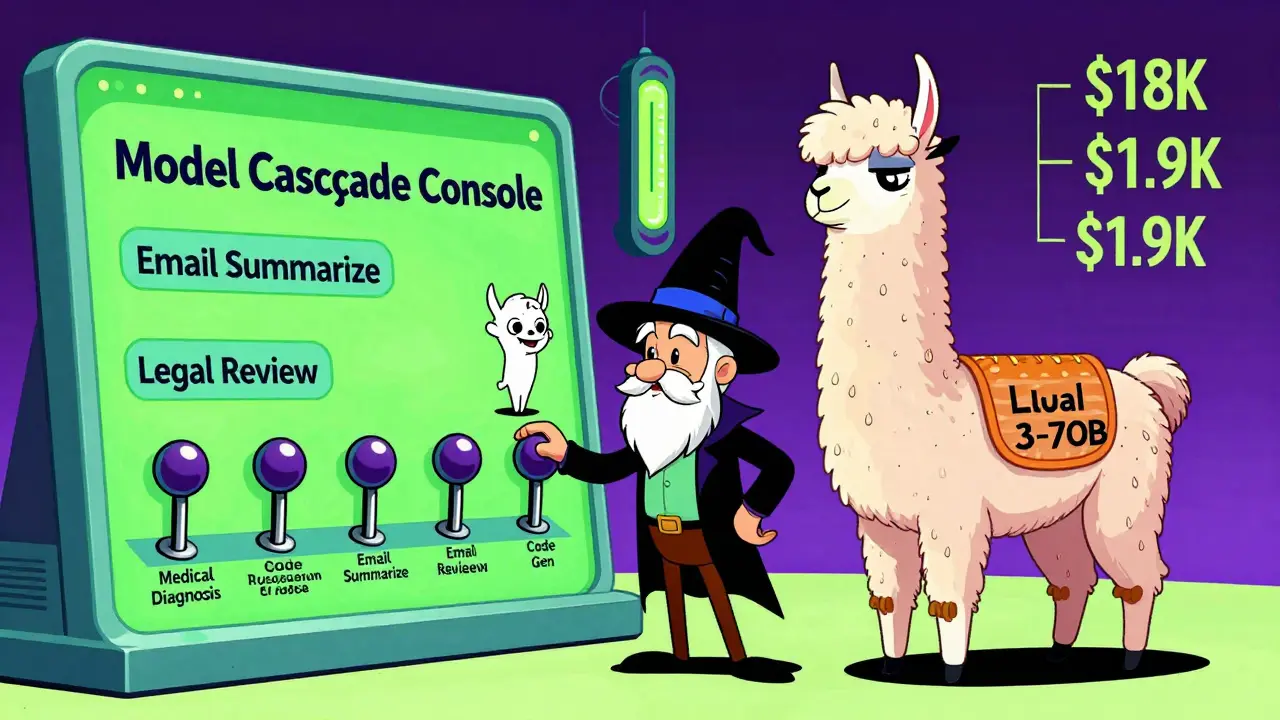
What Not to Do
Dr. Soumith Chintala from Hugging Face warns: “Over-optimization degrades quality in subtle ways.” You might pass all your benchmarks. But users notice. A chatbot that gets 95% of answers right but occasionally hallucinates a date or a name? That’s a compliance risk. A customer service bot that’s 30% cheaper but gives confusing answers? That’s worse than being expensive. Avoid these traps:- Quantizing MoE models without testing expert routing
- Using distributed inference for real-time apps (latency spikes by 20-40ms per node)
- Ignoring monitoring-track hallucination rates, not just latency
- Skipping rollback plans
Who Should Use What?
Here’s a simple guide:- Start here: Enable KV caching + continuous batching (vLLM). Cost cut: 50-70%.
- Simple tasks: Try distillation. Cost cut: 80-90%.
- Multiple variants: Use Multi-LoRA. Cost cut: 87%.
- High-volume, low-complexity: Model cascading + RAG. Cost cut: 85-90%.
- Compliance-heavy: Avoid INT4. Stick with FP8 or FP16.
The Future Is Automated
By 2026, Gartner predicts 60% of enterprises will use AI to auto-tune their LLMs. Systems will test quantization levels, batch sizes, and model choices in real time-switching based on load, cost targets, and quality thresholds. But until then, you’re the optimizer. Start small. Measure everything. Don’t chase the biggest savings. Chase the best balance.Frequently Asked Questions
What’s the biggest mistake people make when tuning LLM inference?
They skip testing and go straight to aggressive quantization or distillation. A model might pass standard benchmarks but fail on real-world tasks like legal analysis or medical summaries. Always test with production-like data before deploying.
Can I use these optimizations with any open-source LLM?
Most techniques work with models based on Transformer architecture-Llama, Mistral, Mixtral, Qwen, and others. But MoE models like Mixtral need special handling for expert routing. Check framework compatibility: vLLM supports Llama and Mistral well; SGLang handles Multi-LoRA better for fine-tuned variants.
Is FP8 better than INT4 for cost savings?
FP8 gives you 2.3x speedup with almost no quality loss-ideal for most apps. INT4 gives 3.7x speedup but risks accuracy drops, especially in math, coding, or compliance tasks. If you need reliability, start with FP8. Only use INT4 if you’ve tested it on your exact use case.
Do I need Kubernetes to run optimized LLMs?
No. You can run vLLM or Text Generation Inference on a single server with a GPU. But if you’re scaling to hundreds of users or need auto-scaling, Kubernetes helps. Start simple. Add complexity only when you need it.
How long does it take to implement these optimizations?
Basic tuning-KV caching and continuous batching-takes 2-3 weeks if you have ML experience. Adding distillation or Multi-LoRA adds 4-8 weeks. Distributed inference or custom routing? Plan for 3-6 months. Most teams underestimate the time needed for testing and monitoring.
What tools should I use to get started?
Start with vLLM for continuous batching and KV caching. Use Hugging Face Transformers for quantization and distillation. For Multi-LoRA, try SGLang. All are open-source. Avoid commercial platforms until you’ve tried these first-they’re expensive and often just wrap these same tools.



Just implemented vLLM with KV caching on our customer support bot last week. Cost dropped from $800 to $210/month. No one noticed the difference in responses. Seriously, if you're not using continuous batching, you're leaving money on the table. It's not even that hard to set up.
Typo in the article. 'MoE models like Mixtral-8x7B only get 20-35% memory savings with INT4, not 75%.' Should be 'MoE models like Mixtral-8x7B only get 20–35% memory savings with INT4, not 75%.' Hyphen not en-dash. Fix it.
Guys if you're still running FP16 for FAQs you're doing it wrong. We switched to distilled 7B for simple queries and saved 90% on our bill. The model still answers 'What's your return policy?' just fine. Save the big guns for the hard stuff. Start small, think smart.
This article is dangerously misleading. Quantization without rigorous validation is a compliance nightmare. In regulated industries, even a 1.5% accuracy drop can result in legal liability. You cannot casually deploy INT4 in financial or medical contexts without a full audit trail, adversarial testing, and regulatory approval. This is not a cost-cutting hack-it’s a liability multiplier.
Anyone else think this whole 'optimize LLMs' trend is just Big Tech pushing us to use cheaper models so they can sell us more cloud services later? They want us to think we're saving money, but really they're just training us to accept worse AI so we'll pay more for their 'premium' versions when the cheap ones start hallucinating too much.
It is imperative to understand that the notion of 'cost-performance tuning' as presented here is fundamentally flawed unless one considers the full lifecycle of model deployment, including not only inference costs but also the hidden labor costs associated with monitoring, rollback procedures, and the inevitable increase in customer support tickets caused by degraded model reliability. The article glorifies optimization at the expense of robustness, and that is a dangerous precedent to set. For example, the claim that 'a distilled 7B model achieves 92–97% of the original’s accuracy' is statistically meaningless without specifying the benchmark, the dataset, the evaluation metric, and the confidence intervals. Vague assertions like these are why so many production systems fail after 'optimization.'
Multi-LoRA is a game changer if you're juggling multiple fine-tuned versions. We run 18 variants of Llama-3 on one A100 now. No more spinning up separate instances for each department. Setup took a couple days but the maintenance is way easier. Just make sure your base model is stable and your adapters are clean. Also, vLLM is the only inference server worth using. Everything else is just slower and more buggy.
Everyone's talking about cost cuts like it's a victory lap. But nobody's talking about how many users are getting worse answers. That fintech startup that rolled back INT4? They probably lost customers who got wrong financial advice. That healthcare startup saving 63%? Their bot probably misread symptoms. You think you're saving money, but you're just outsourcing risk to your end users. And when it blows up, you'll be the one explaining why you cut corners.
There is a deeper truth here that this article ignores: we are not optimizing models-we are optimizing away human accountability. Every time we replace a human with a cheaper AI, we are eroding the integrity of the interaction. The question is not how much we can save, but what we are willing to lose in exchange for efficiency. Is a 90% cost reduction worth a 10% chance of giving a patient the wrong diagnosis? The math is clear. The ethics are not.
Let me just say this: if you're not using RAG, you're wasting tokens, you're wasting money, and you're wasting your users' patience. I've seen models choke on 10,000-token prompts just because someone thought 'more context = better results.' No. More context = more hallucinations, more latency, more cost. RAG isn't fancy-it's essential. And if you're not using embeddings and vector stores, you're not doing AI-you're doing guesswork with a GPU. Start with retrieval. Then generate. That's the only way forward.