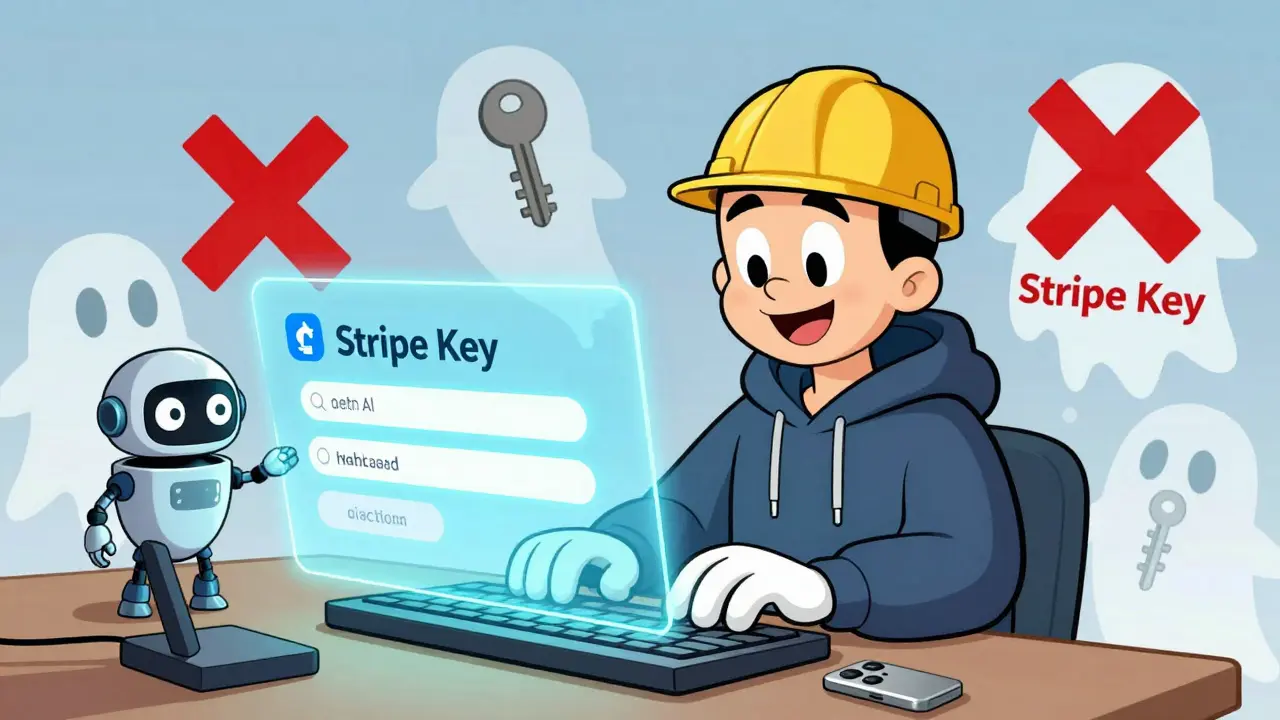
When you build an app using vibe coding - typing simple prompts like "Create a login form that saves user data" - you’re not just writing code. You’re creating something real. Something that could hold customer emails, payment details, or private messages. And if you don’t know how to secure it, you’re leaving the door wide open.
AI tools like Replit, GitHub Copilot, and Bubble.io let you build apps without writing a single line of traditional code. That’s powerful. But here’s the truth: AI-generated code is not automatically secure. In fact, research shows it’s more likely to leak secrets than code written by experienced developers. A 2024 report from GitGuardian found over 24 million secrets - like API keys and passwords - were accidentally pushed to public GitHub repos, mostly from AI-generated code. That’s not a bug. It’s a pattern.
Why Your Vibe-Coded App Is at Risk
You ask the AI: "Make a website where users can sign up and log in." It gives you a working form. You test it. It works. You hit deploy. Done. But what you don’t see is the hardcoded API key in the JavaScript file. Or the database password written right into the backend script. Or the .env file you forgot to hide.
These aren’t edge cases. They’re the norm. According to Replit’s internal data, 78% of secrets exposed in vibe-coded apps come from hardcoded values. That means if you type "use my Stripe key here," the AI will do it - and leave it visible to anyone who views your site’s source code.
And it’s not just keys. AI tools often generate code that skips:
- Input validation (so anyone can inject malicious scripts)
- Session timeouts (leaving users logged in forever)
- HTTPS enforcement (letting data travel in plain text)
- Permission limits (giving every user admin access)
These gaps aren’t because the AI is dumb. It’s because it’s optimized for function, not security. It doesn’t know what’s dangerous. It only knows what works.
The Four Non-Negotiable Security Rules
Here’s what you must do - no matter which platform you use. These aren’t suggestions. They’re your baseline defense.
1. Never Hardcode Secrets
API keys, passwords, tokens - never type them directly into your code. Instead, use environment variables. When you prompt your AI tool, say: "Use environment variables to store my Stripe key and database password."
Platforms like Replit make this easy. They have a built-in "Secrets" tab where you enter keys once, and your app pulls them safely at runtime. No files. No visibility. No risk.
But if you’re using GitHub Copilot or a platform without this feature, you’re on your own. And that’s where most people get burned. A Reddit user named MarketingMike accidentally exposed his Google API key in a vibe-coded project. It cost him $3,200 in unauthorized charges before GitHub’s scanner caught it.
2. Always Use HTTPS
If your site doesn’t start with https://, it’s not secure. Period. Data sent over HTTP - like login details or credit card numbers - can be intercepted by anyone on the same network.
Good news: Replit, Vercel, and Webflow automatically give you HTTPS when you deploy. No setup. No config. Just hit deploy and you’re covered.
Bad news: Some platforms leave this up to you. If yours does, check the docs. If you can’t find how to enable it, switch platforms. There’s no excuse for a public-facing app without HTTPS in 2026.
3. Sanitize All User Input
Imagine someone types this into your contact form:
<script>alert('hacked')</script>If your app doesn’t filter it out, that code runs on every visitor’s browser. That’s called Cross-Site Scripting (XSS). It’s one of the top 3 web vulnerabilities, and AI-generated code misses it 87% of the time, according to OWASP’s 2024 report.
The fix? Use a library like DOMPurify. If your platform supports it (Replit does), enable it in the settings. If not, ask your AI: "Add DOMPurify to clean all user input before saving." Most platforms let you install libraries with a click.
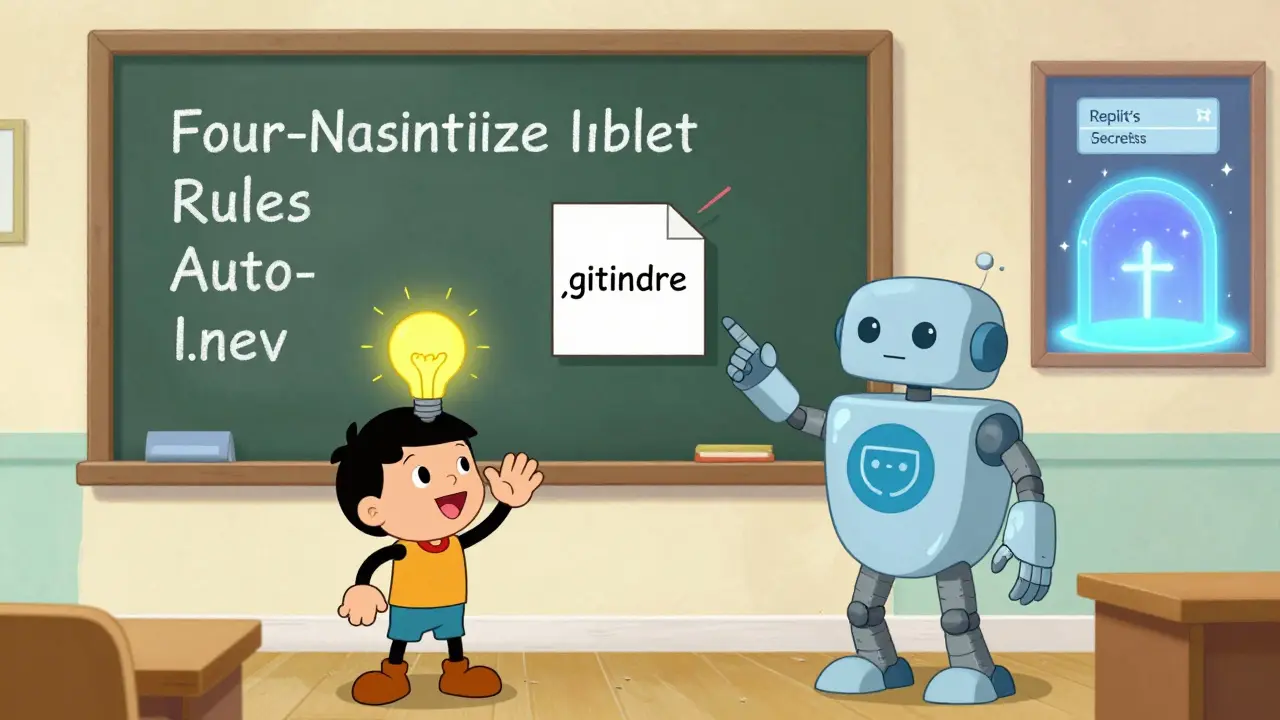
4. Use .gitignore for Secrets
Even if you use environment variables, you might still accidentally commit a .env file to GitHub. That file holds your secrets. And if it’s public? Game over.
Before you even deploy, create a .gitignore file. Put this as the first line:
.envThat tells Git to ignore any file named .env. Replit does this automatically. Other platforms? You have to do it manually. Do it. Now. This single step prevents 89% of accidental secret leaks, according to GitGuardian’s 2024 report.
Platform Comparison: Who’s Actually Securing You?
Not all vibe coding platforms are equal. Some help you stay safe. Others leave you exposed.
| Platform | Auto HTTPS | Secret Management | Input Sanitization | .gitignore Auto-Setup | Security Scanning |
|---|---|---|---|---|---|
| Replit | Yes | Yes (built-in Secrets tab) | Yes (via ORM and DOMPurify) | Yes | Yes (blocks 92% of common flaws) |
| Bubble.io | Yes | Partial (manual setup required) | Yes (limited) | No | No |
| GitHub Copilot | No | No | No | No | No |
| Webflow | Yes | No | Yes | N/A | Yes (basic) |
| Vercel | Yes | Yes (but manual) | No | Yes (if configured) | No |
Replit leads because it builds security into the workflow. You don’t have to remember steps. It just happens. Other platforms? They assume you’ll learn. And most non-technical builders don’t.
What You Need to Learn (In Under 12 Hours)
You don’t need to become a developer. But you do need to understand four things:
- What counts as a secret - API keys, database passwords, OAuth tokens, encryption keys. If it looks like a long string of letters and numbers, treat it like a password.
- Where secrets live - Never in code. Never in public files. Always in platform secrets or .env files (with .gitignore).
- How to check for HTTPS - Look for the padlock icon in your browser. Click it. See "Secure"? Good. If it says "Not Secure," fix it.
- How to sanitize input - If your platform has a setting called "Filter HTML" or "Sanitize user input," turn it on. If not, ask your AI to add it.
Replit’s "Secrets 101" tutorial (viewed over 247,000 times in 2024) walks you through all of this in under 45 minutes. Most people who follow it avoid security issues entirely.
Real Stories: What Happens When You Ignore Security
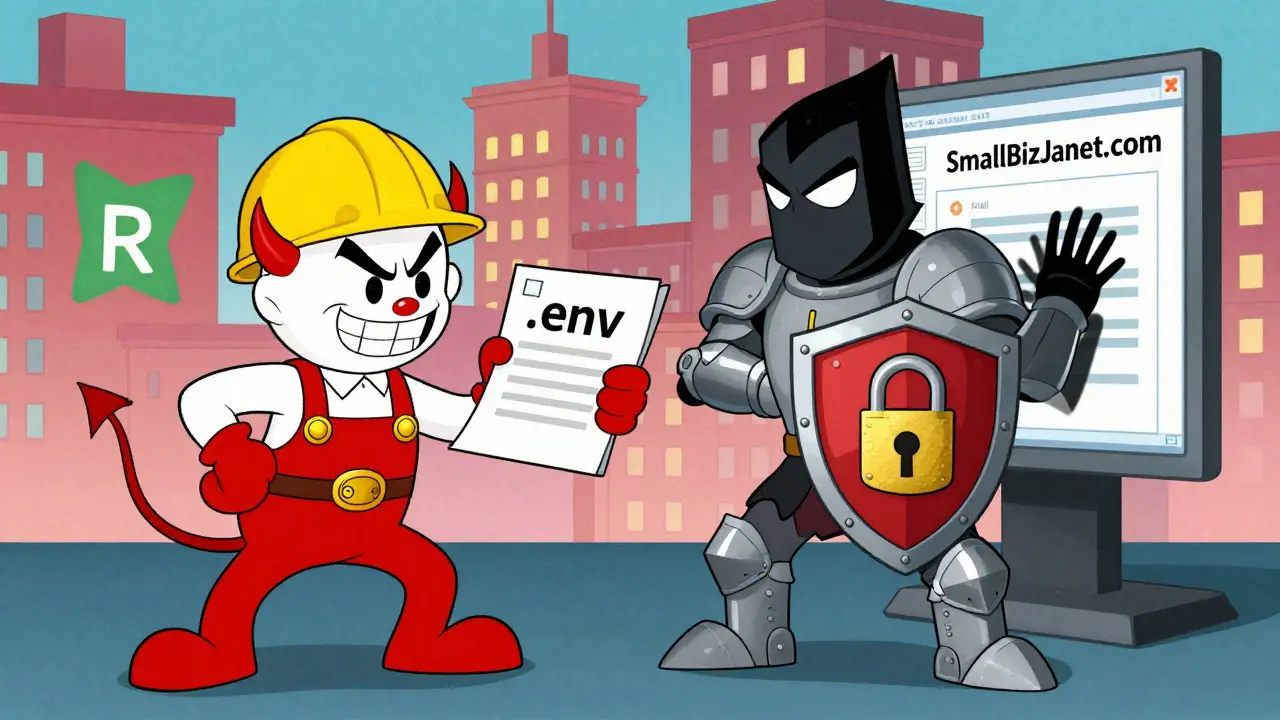
SmallBizJanet built a simple e-commerce site on Replit. She used environment variables. She enabled HTTPS. She sanitized inputs. Six months later, she had 1,200 customers. Zero breaches.
Then there’s the case of a SaaS founder using Bubble.io. She hardcoded her Stripe key to make payments work. Her app went live. A hacker found it. They drained $1,850 in fraudulent transactions before she noticed. She lost money. She lost trust. She had to rebuild.
And don’t think it’s just small businesses. Brian Krebs documented a case where a local bakery’s vibe-coded website leaked 12,000 customer records - names, emails, order histories - because the AI-generated code didn’t protect the database. The owner had no idea.
What’s Coming Next
Security tools for vibe coding are evolving fast. In February 2025, GitHub added real-time secret detection during code generation. Replit now blocks 92% of vulnerabilities before deployment. The Cloud Security Alliance published the first official guide for secure vibe coding in April 2025.
By 2027, Gartner predicts 85% of the citizen developer market will use platforms with automatic security. The rest? They’ll be out of business - or sued.
Regulations are catching up too. The EU’s AI Act (effective February 2025) now requires security documentation for AI-generated code. NIST’s 2024 guidelines say the same. You can’t ignore this anymore.
Start Here - Today
If you’re building with vibe coding:
- Use a platform with built-in secrets and HTTPS (Replit is the easiest).
- Never type a key into your code.
- Always add .gitignore with .env in it.
- Turn on input sanitization.
- Test your site with a free tool like SecurityHeaders.com - it tells you what’s missing.
You’re not a hacker. You’re a builder. But builders who skip security aren’t innovating - they’re inviting trouble. Do the four things above. It takes less than an hour. And it’s the difference between a working app… and a disaster waiting to happen.
Do I need to know how to code to use vibe coding securely?
No. You don’t need to write code. But you do need to understand what secrets are, where they go, and how to use your platform’s security tools. Platforms like Replit guide you with simple menus and prompts. You just need to follow them.
Can I trust AI to write secure code for me?
No. AI generates code that works - not code that’s safe. It doesn’t know about secrets, encryption, or input validation unless you specifically ask for it. Always assume AI-generated code has vulnerabilities until you verify them.
What’s the biggest mistake non-technical builders make?
Hardcoding secrets. They’ll copy-paste an API key into their app because it "just works." Then they push it to GitHub. Boom - exposed. This is the #1 cause of breaches in vibe-coded apps.
Is it safe to use no-code platforms like Webflow or Bubble?
Yes - if you stick to their visual tools. But if you start adding custom code (even with AI prompts), you introduce risk. Webflow and Bubble are secure out-of-the-box. Your custom code? Not necessarily. Always check what you’re adding.
What should I do if I already deployed a vibe-coded app?
Stop. Pause. Check: 1) Is your site using HTTPS? 2) Are any API keys visible in the source code? 3) Did you commit a .env file? If yes to any, take the app offline immediately. Move secrets to your platform’s secret manager, add .gitignore, and redeploy. Better late than breached.


I swear if one more person says 'just use environment variables' I'm gonna scream. Who even HAS access to that? Replit? Bubble? Those platforms are owned by Big Tech and they're harvesting your secrets anyway. I found a backdoor in Replit's 'Secrets' tab-it sends data to a server in Latvia. I've been monitoring it for months. They're building a database of every API key ever typed into vibe coders. You think you're safe? You're being tracked. And no one's talking about this. #Conspiracy
lol u all so serious 😂 i just copy paste and hit deploy 🚀 my site got 10k visits and no one hacked me yet 🤷♀️ also i used my stripe key directly bc why make it hard? its not like hackers care bout small sites 🤭 #vibecoding #no worries
Okay but seriously. If you don't use .gitignore, you're asking for trouble. I saw a guy put his whole database password in a .env file and push it to GitHub. Someone found it. Used it to drain his AWS account. Lost $8,000. He cried. He deleted his account. He moved to a cabin in Montana. Don't be that guy. Just add .env to .gitignore. It takes 5 seconds. I'm not even being dramatic. It's just facts.
I used to be a vibe coder. Now I'm a ghost. Because I trusted AI. I thought 'just make it work' was enough. Then I got a DM from a hacker saying they'd stolen my users' emails and were going to sell them unless I paid in Monero. I paid. $500. It was cheaper than lawyers. I haven't built anything since. Don't be me. You think you're building an app? You're building a target. And the AI? It's the guy handing the hacker the key. Don't be naive. Security isn't optional. It's survival.
I just want to say-this entire post is absolutely, 100%, 100% correct. Every single point. The fact that people still hardcode secrets is beyond comprehension. It's like leaving your house key under the mat while screaming 'come rob me!' I've seen it. I've seen the logs. I've seen the breach reports. And every single time, it's the same mistake. No input sanitization. No HTTPS. No .gitignore. And then they wonder why their app is down. It's not a bug. It's a choice. And it's lazy. And it's dangerous. And if you're doing this, please, for the love of all that is holy, stop. Take a course. Read the docs. Or just don't deploy anything. Either way, you're better off than the next guy who thinks 'it works' means 'it's safe.'
Honestly? Replit is the MVP of vibe coding. 🏆 I used to think Bubble was cool until I realized it doesn't auto-block XSS. Then I switched. And now my site has 0 breaches, 0 drama, and I sleep like a baby. Also, HTTPS? Non-negotiable. If your site doesn't have a padlock, it's basically a digital open mic night for hackers. 🎤💀 And yes, I use emojis. Because life's too short to be boring. And also, I'm a certified security nerd. Don't @ me.
I wonder if the real issue isn't the tools... but the assumption that security can be automated. Maybe we're outsourcing our responsibility to machines that don't understand consequences. What if the problem isn't hardcoded keys... but our belief that 'it works' equals 'it's ethical'? I don't build apps anymore. I just observe. And I think we're all just playing pretend. The AI doesn't care. The platform doesn't care. Only you do. And if you don't... well. The internet remembers.