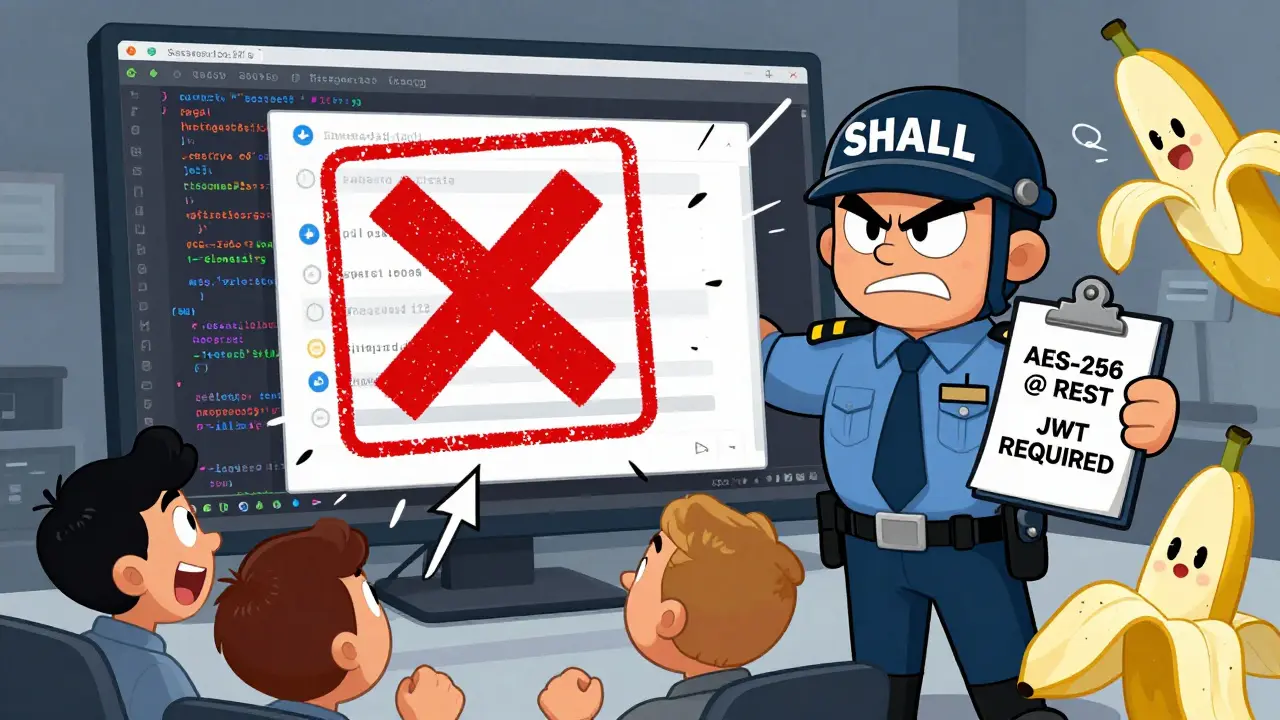
Most security requirements fail before they ever get written. Not because they’re bad ideas, but because they’re optional. Developers skip them. Product managers push them aside. Teams say, "We’ll fix it later." And later never comes. That’s not negligence-it’s the default state of software development. The real problem isn’t that security is hard. It’s that it’s treated like a suggestion.
Refusal-proofing security requirements changes that. It means building rules so clear, so mandatory, that they can’t be ignored. No "if possible." No "recommended." Just: "This must happen, or the code doesn’t ship." It’s not about adding more checks. It’s about removing the option to opt out.
Why "Safe Defaults" Aren’t Just a Nice Idea
Safe defaults mean the system is secure the moment it’s installed. No configuration needed. No settings to toggle. No "I’ll enable encryption later." That’s the goal. And it’s not theoretical. The OWASP Application Security Verification Standard (ASVS) spells this out clearly: requirement V2.1 says, "The application shall enforce a minimum password length of 12 characters." Not "should." Not "we recommend." Shall. That’s refusal-proof.
Compare that to the old way: "Use strong passwords." What does that even mean? Eight characters? Mixed case? A symbol? Teams argue over it. Developers pick the easiest path. The system ships with passwords like "Password123." That’s not a bug. That’s a design flaw-because the default was insecure.
Safe defaults eliminate that choice. The system refuses to run unless the password is 12+ characters. No login screen. No user onboarding. Nothing. Until the requirement is met. That’s the power of refusal-proofing.
The SQUARE Methodology: How to Build Unbreakable Requirements
The Carnegie Mellon Software Engineering Institute developed SQUARE (Security Quality Requirements Engineering) to turn vague security goals into concrete, non-negotiable rules. It’s not a checklist. It’s a process. And it works because it forces alignment before code is written.
Step 6 in SQUARE is the heart of it: Elicit Security Requirements. This isn’t a meeting where security teams lecture developers. It’s a workshop where everyone-product, dev, QA, compliance-answers one question: "What must this system absolutely not do?"
Good refusal-proof requirements sound like this:
- "The system shall encrypt all PII at rest using AES-256. Keys must be stored in a separate, hardware-backed key management service."
- "All API endpoints shall reject requests without a valid, signed JWT token. No exceptions."
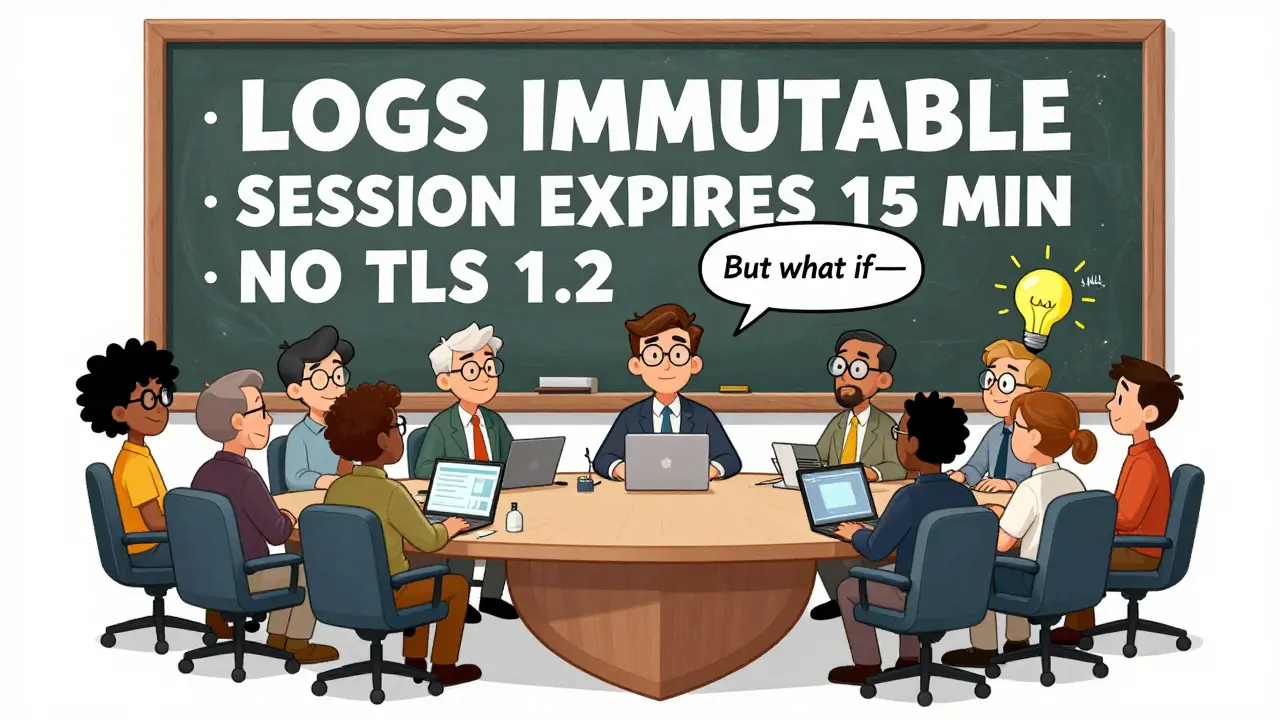
- "User session tokens shall expire after 15 minutes of inactivity and cannot be refreshed without re-authentication."
Notice what’s missing? Words like "should," "ideally," or "if time permits." Every requirement is verifiable. You can test it. You can automate it. You can block a pull request if it fails.
That’s the difference between a requirement and a wish.
Threat Modeling: What Are You Really Protecting Against?
You can’t refusal-proof what you don’t understand. That’s where STRIDE comes in. It’s a simple framework from Microsoft that breaks threats into six categories:
- Spoofing - Who are you pretending to be?
- Tampering - What data can someone change?
- Repudiation - Can someone deny they did something?
- Information Disclosure - What secrets are exposed?
- Denial of Service - Can someone crash the system?
- Elevation of Privilege - Can someone become someone else?
For each, you write a refusal-proof requirement.
For Repudiation? You don’t say, "Consider logging." You say: "The system shall log all user actions with timestamp, IP, and user ID. Logs shall be immutable and sent to a separate, write-only storage system."
For Information Disclosure? You don’t say, "Maybe encrypt data." You say: "All database fields marked as PII shall be encrypted using AES-256. Decryption keys shall never be stored in the same environment as the data."
These aren’t opinions. They’re technical constraints. And they’re written before a single line of code is committed.
Why Traditional Security Requirements Fail
Traditional security requirements are written like this:
- "The system should be secure."
- "Follow best practices."
- "Use secure coding guidelines."
These are meaningless. They don’t tell anyone what to do. They don’t say how to test it. They don’t say what happens if it’s not done.
Compare that to a refusal-proof version:
- "All user inputs shall be validated against a whitelist of allowed characters. Any input containing SQL metacharacters shall be rejected before processing."
- "The system shall use TLS 1.3 for all external communications. TLS 1.2 and below shall be disabled at the server level."
The first set is fluff. The second set is enforceable. One leads to audits. The other leads to automated security gates in CI/CD pipelines.
NIST SP 800-53 makes this official: federal systems must implement all baseline controls unless an exception is formally documented. That’s refusal-proofing baked into law. And it works. Organizations that treat security this way see 58% fewer critical vulnerabilities in penetration tests, according to Gartner.
Real-World Wins (and One Big Mistake)
Capital One migrated over 500 applications to the cloud in 2022 using refusal-proof requirements. They didn’t just check boxes. They built automated checks into every deployment pipeline. Result? 127 potential vulnerabilities blocked before they ever reached production.
A Fortune 500 bank used SQUARE to cut critical vulnerabilities by 63% in 18 months. But it wasn’t easy. Developers initially pushed back. Security reviews added 20-30% more time to sprint planning. The team had to retrain, restructure, and rewire how they thought about security.
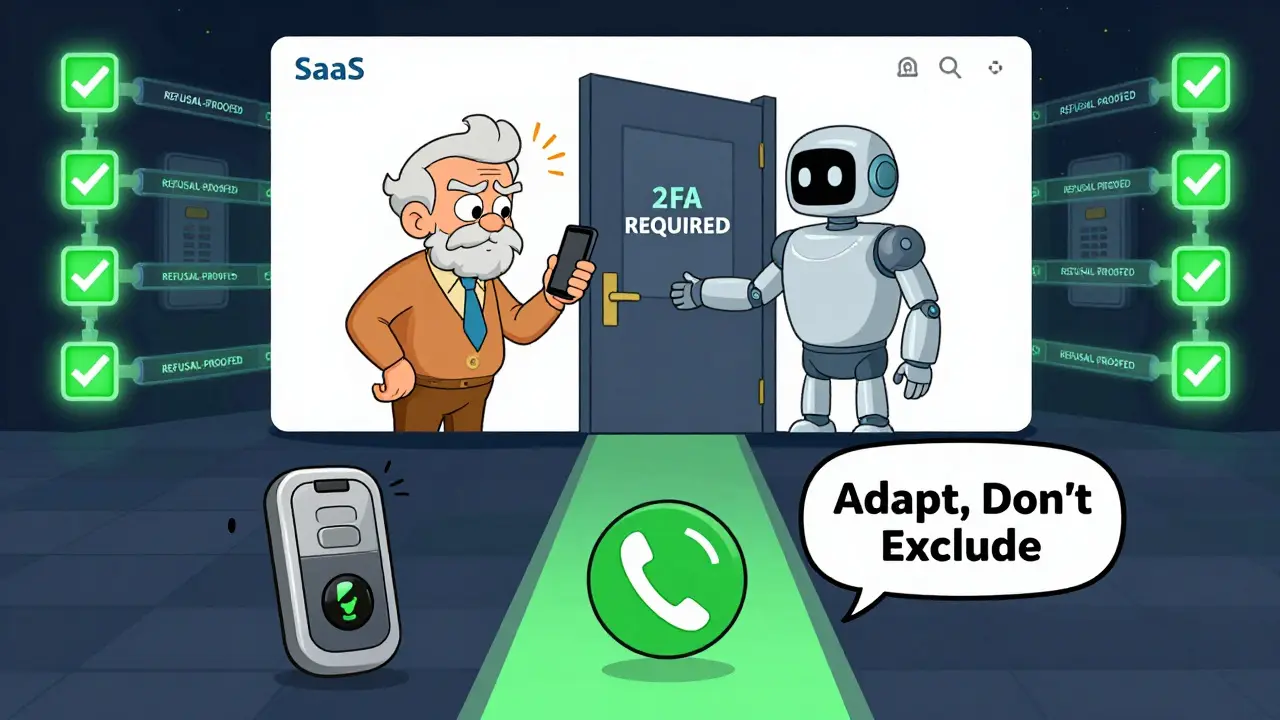
Then there’s the cautionary tale. A SaaS company implemented refusal-proof 2FA requirements-no exceptions. Great, right? Except they didn’t account for elderly users without smartphones. Their system locked out 15% of their customer base. The requirement was technically perfect. But it ignored human context.
Refusal-proof doesn’t mean rigid. It means intentional. You still need threat modeling, user research, and accessibility checks. You just don’t leave security to chance.
How to Start Today
You don’t need a big team or a $10M budget. You just need to change how you write requirements.
Here’s how to begin:
- Take one critical feature-login, payment, data export-and list every possible way it could be abused.
- For each threat, write a requirement using the word "shall." No "should." No "could."
- Ask: "Can we test this automatically?" If not, rewrite it until you can.
- Integrate that requirement into your CI/CD pipeline. Block merges if it fails.
- Repeat for the next feature.
Start small. But start now. Don’t wait for a breach. Don’t wait for compliance. Don’t wait for someone to "make security a priority." Build it in so it can’t be ignored.
The Future Is Already Here
By 2026, 75% of large enterprises will have formal refusal-proof security processes, according to Forrester. The EU’s Cyber Resilience Act (effective 2025) requires it. AWS, GitHub, and NIST are building automation tools to enforce it.
OWASP ASVS 5.0 now includes requirements for AI-generated code: "The application shall implement input validation for all AI-generated content to prevent prompt injection attacks." That’s not a suggestion. That’s a requirement. And it’s refusal-proof.
Security isn’t a feature. It’s the foundation. And foundations aren’t optional. They’re built into the structure from day one. Refusal-proof requirements are how you do that. Not because it’s trendy. Because if you don’t, someone else will.
What’s the difference between a security requirement and a refusal-proof requirement?
A security requirement says what you want. A refusal-proof requirement says what must happen-and it’s enforceable. For example, "Use strong passwords" is a requirement. "The system shall reject passwords under 12 characters and require three of these: uppercase, lowercase, number, symbol" is refusal-proof. The first can be ignored. The second can’t.
Can refusal-proof requirements slow down development?
Yes-at first. Teams report a 25-40% increase in requirements gathering time. But over time, it speeds things up. Fewer security bugs mean fewer emergency patches, less rework, and less firefighting. The upfront cost pays off in reduced technical debt and faster releases.
Do I need special tools to implement refusal-proof requirements?
No, but tools help. You can start with plain text and manual checks. But to scale, use automation: SonarQube, Checkmarx, or IriusRisk to turn requirements into automated tests. GitHub Copilot now suggests refusal-proof prompts with 87% accuracy. The goal isn’t to buy software-it’s to make security non-optional.
What if a refusal-proof requirement blocks a legitimate user?
Then you didn’t design it right. Refusal-proof doesn’t mean inflexible. It means intentional. If your 2FA requirement locks out elderly users, add a secure alternative-like a physical token or phone call verification. The requirement still stands, but the implementation adapts to real users. Always test with real people.
Is refusal-proofing only for big companies?
No. A startup with one app can start today by writing three refusal-proof requirements for its login system. It’s not about size. It’s about mindset. If you ship software, you’re responsible for its security. Refusal-proofing is how you take that seriously.

This is just another corporate cult dressed up as security. They don't want safe defaults-they want control. Who decided 12 characters is sacred? What if I'm blind and use voice input? What if my keyboard breaks and I need to type with my nose? They'll lock me out while the NSA sips coffee in the backroom. No exceptions? No mercy? Just more digital tyranny.
Refusal-proofing isn't about control-it's about operationalizing security as a first-class citizen in the SDLC. The SQUARE methodology, when paired with automated tooling like IriusRisk or Checkmarx, transforms vague compliance checkboxes into deterministic, testable, CI/CD-enforced guardrails. This isn't theory. It's enterprise-grade risk mitigation at scale. The 58% reduction in critical vulns isn't magic-it's engineering discipline.
I get it. I really do. I used to think security was just another thing to check off. Then my company got breached. Not because someone was lazy. Because we let people opt out. We had "strong passwords" and guess what? People used "password123". Then we said: nope. No login until 12 chars, symbol, number, uppercase. No exceptions. First week? Chaos. Second week? Grumbling. Third week? Zero breaches. And the devs? They started asking us for more rules. Because they were tired of being blamed. This isn't about being mean. It's about not being a liability.
LMAO 12 chars? 😂 u think ur so smart but what bout people in 3rd world countries with old phones? u dont even think about them. they cant even afford 4g. how u expect them to type 12 chars? this is why tech is so out of touch. #RefusalProofedMyPhoneIntoTheTrash
I tried this at my job and it was a nightmare. My boss said "just make it optional" but I said NO. We blocked every PR until they added 2FA. Then the whole team quit. I don't care. I'm right. Security is everything. If you don't agree, you're part of the problem.
Oh look, another American tech bro preaching gospel from Silicon Valley. You think your "refusal-proof" nonsense is revolutionary? We’ve had mandatory security controls in European defense systems since the 90s. You’re 30 years late. And now you want to force 12-character passwords on everyone? Meanwhile, real nations are deploying quantum-resistant crypto. You’re polishing brass on the Titanic.
This approach works. We implemented it across 12 microservices last quarter. Automated testing, CI/CD gates, clear requirements-all written with "shall." Zero critical vulnerabilities in production since. The team adapted fast. It’s not about being harsh. It’s about being clear.
I appreciate the intent here, but I think we need to be careful not to confuse enforcement with empathy. Refusal-proofing is powerful-but when we design requirements without user context, we risk creating systems that are secure... and unusable. The Capital One example is great, but the SaaS company that locked out elderly users? That’s a failure of design, not security. We need to marry technical rigor with human-centered design. The goal isn’t just to block bad things-it’s to enable good experiences safely. Maybe we need a new term: "compassionate refusal-proofing."
You call this innovation? This is just fearmongering wrapped in buzzwords. "Shall"? Please. You're not protecting systems-you're creating a culture of guilt and compliance theater. Developers aren't the enemy. Managers who don't fund security are. Stop blaming the coders and fix your budget. And don't act like you're saving the world because you added a password rule. You're not a hero. You're a bureaucrat.
Ive been doing this for 20 years and let me tell u something-security is a scam. They make you feel guilty for not using 12 char passwords while the real hackers are inside the firewalls of the companies that made the rules. This whole refusal-proof thing? Its just a way for consultants to charge 500/hr. And dont even get me started on AI-generated code-lol. You think copilot knows what a buffer overflow is? Pfft. Wake up. The system is rigged. And you're just the latest puppet dancing to the audit fairy's tune.