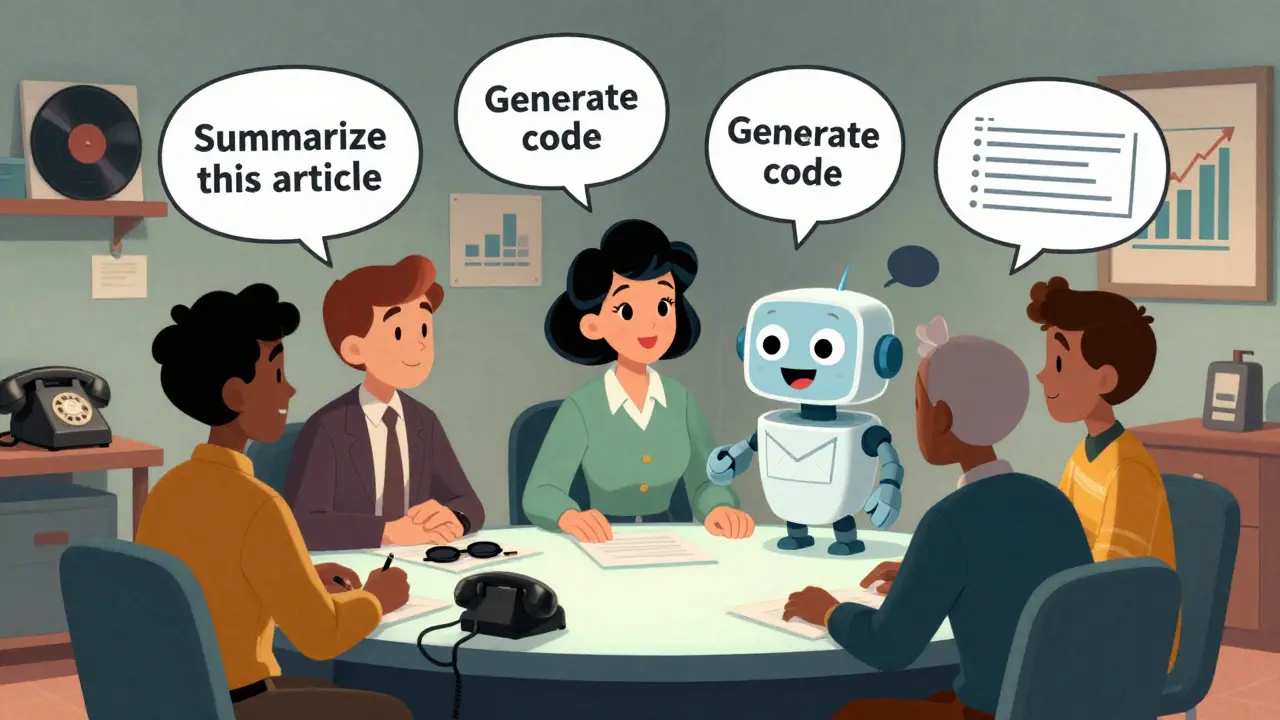
Think about the last time you asked a chatbot to write you an email, explain a concept, or even generate a bit of code. You didn’t type in Python or JavaScript. You just wrote a sentence. And it worked. That’s not magic. That’s prompting-and it’s become the new way we talk to machines.
From Code to Conversation
Not long ago, if you wanted a computer to do something complex, you wrote code. You used loops, functions, conditionals. You debugged line by line. Now, you can say: "Write a Python script that pulls data from a CSV and plots it as a bar chart," and get a working result in seconds. No compiler. No syntax errors. Just a prompt.
This shift didn’t happen overnight. It started with GPT-3 in 2020. Before that, AI models needed fine-tuning, labeled datasets, and hours of training to do even simple tasks. But GPT-3 showed something revolutionary: the right words could unlock complex behavior without touching a single line of code. Suddenly, developers weren’t just writing software-they were writing instructions.
That’s the core idea behind prompting as programming. It’s not that prompts are converted into code. It’s that prompts replace code in many cases. Instead of building a function to summarize text, you ask the model to do it. Instead of writing a parser for JSON, you describe what you want. The model becomes the interpreter.
How Prompts Actually Work
Not all prompts are created equal. A vague prompt like "Tell me about AI" gives you a vague answer. A good prompt? It’s structured like a program.
Effective prompts have three parts:
- Task definition: What exactly should the model do? (e.g., "Summarize this article in three bullet points.")
- Context provision: What background info does it need? (e.g., "Here’s the article: [text].")
- Output shaping: How should it respond? (e.g., "Use simple language. Keep it under 100 words.")
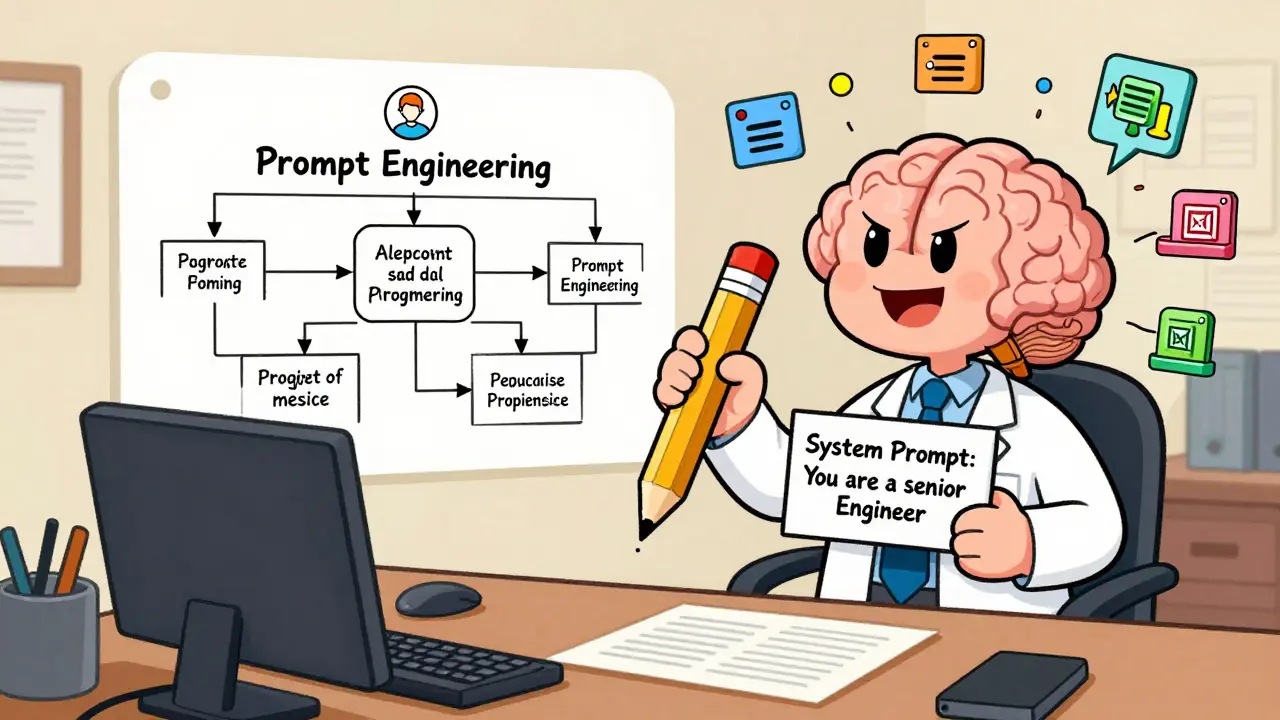
System prompts take this further. They’re like the startup script of an application. For example, a system prompt might say: "You are a senior software engineer. Always explain your reasoning before giving code. Use Python 3.12 syntax." That’s not just a suggestion-it’s a fixed set of rules that guide every response.
Think of system prompts as the main() function of an LLM. They define the environment, the constraints, and the behavior. User prompts are the arguments you pass in. Together, they form a complete program.
Prompting Techniques That Actually Work
Developers have figured out patterns that make prompts far more reliable. Here are the top three:
- Chain of Thought: Ask the model to think out loud first. Instead of jumping to an answer, it lays out its reasoning. This reduces errors and makes outputs more consistent. For example: "Explain how you’d solve this step by step, then give the final answer."
- Generated Knowledge: Split the task. First, ask: "What information do I need to solve this?" Then use that to build your next prompt. This is especially powerful for coding tasks. One developer on Reddit reported a 40% drop in debugging time using this method.
- Instruction Prompting: Be precise. Use clear verbs: "List," "Compare," "Rewrite," "Fix." Avoid vague terms like "help me" or "do something."
These aren’t tricks. They’re techniques grounded in how LLMs process language. The model doesn’t "understand" like a human. It predicts the most likely next word. Good prompts steer that prediction toward the right outcome.
Why This Is a Game-Changer
For non-developers, this is liberation. A marketer can now generate campaign copy without hiring a writer. A teacher can build quizzes from lecture notes. A small business owner can automate customer replies. No coding skills needed.
For engineers, it’s a speed multiplier. Martin Fowler documented how developer Xu Hao used prompt engineering to build entire features by guiding ChatGPT through reasoning steps-then reviewing and refining the output. Instead of writing 200 lines of code, he wrote three prompts and spent 15 minutes iterating. That’s 80% less typing. And in many cases, it’s more maintainable.
Companies are noticing. LinkedIn’s 2025 report found that 28% of AI/ML job postings now list "prompt engineering" as a required skill. Gartner reports the global market for prompt tools hit $1.2 billion in 2025-and it’s on track to hit $3.8 billion by 2027. Fortune 500 companies are adopting formal prompt libraries. Teams are versioning prompts like code. Some even use Git to track prompt changes.
The Dark Side of Prompting
But it’s not all smooth sailing.
Unlike traditional code, prompts don’t guarantee consistent results. Two nearly identical prompts-"Rewrite this to be half as long" vs. "Summarize this to be half as long"-can produce wildly different outputs from the same model. That’s because LLMs are probabilistic. They guess. And guessing doesn’t scale well in production.
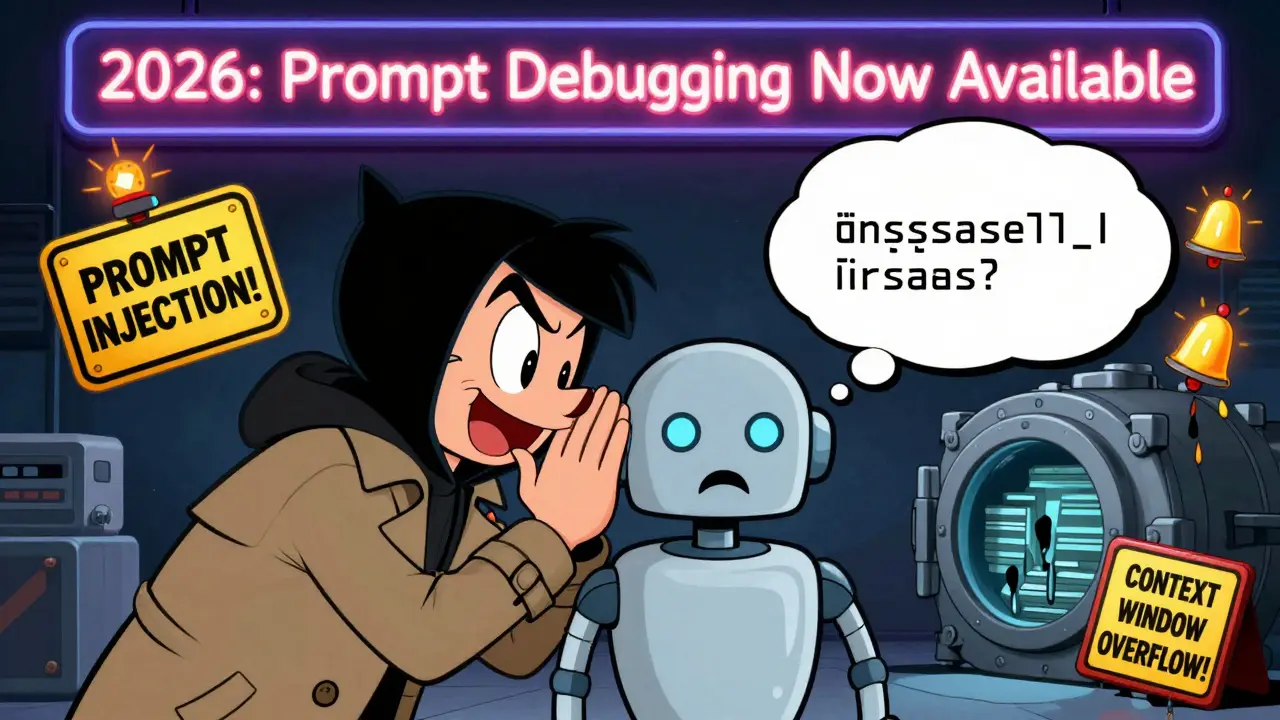
Context windows are another bottleneck. Many models still cap input at 4,096 tokens. If your document is too long, the model forgets half of it. You end up chopping content, losing context, and getting worse results.
And then there’s prompt injection-where a malicious user sneaks in a hidden command. In 37% of security-focused GitHub repos in 2025, researchers found vulnerabilities where users could trick LLMs into ignoring system prompts and revealing sensitive data. This isn’t theoretical. It’s happening in real chatbots and customer service tools.
Even developers admit the frustration. One user on Hacker News said: "I spent two hours tweaking a prompt to get a clean JSON output. I could’ve written the parser in 20 minutes." That’s the double-edged sword. Sometimes, the prompt is faster. Sometimes, it’s slower.
What’s Next? The Rise of Prompt Engineering as a Discipline
The field is maturing fast. In late 2025, Microsoft launched "Prompt Contracts" in Azure AI-essentially schema validation for prompts. If you say you want a JSON list of five items, the system checks if the output matches. No more guessing.
Github’s Prompt Debugger for Copilot, released in January 2026, lets you step through prompts like you would debug code. You can see how the model interpreted each part. You can test variations side-by-side. It’s like having a linter for natural language.
OpenAI’s GPT-5, released in January 2026, introduced explicit parameter definitions in system prompts. You can now say: "Output format: JSON, keys: title, summary, keywords. Max tokens: 150." That’s not a suggestion. It’s a contract.
ACM’s 2024 paper on Language Model Programming (LMP) predicted we’d need new tools-debuggers, test suites, linters-for prompts. And now, they’re here. This isn’t a fad. It’s the birth of a new programming paradigm.
Who Should Learn This?
If you work with data, write content, automate tasks, or build software-you should learn prompt engineering. It’s not about replacing coders. It’s about giving everyone a new lever to pull.
Start simple. Pick one task you do often. Write a prompt for it. Test it. Refine it. Save it. Build a library. Treat prompts like reusable functions. Version them. Document them. Share them.
The most successful teams don’t treat LLMs as magic boxes. They treat them like junior developers-ones that need clear instructions, feedback, and oversight. And the best way to manage them? With well-crafted prompts.
It’s no longer about knowing how to code. It’s about knowing how to ask.
Is prompt engineering the same as coding?
No. Prompt engineering doesn’t generate traditional code. Instead, it uses natural language to instruct an LLM to perform tasks that might otherwise require code. In many cases, it replaces code entirely-like generating reports, summarizing text, or formatting data. But unlike code, prompts don’t run deterministically. They rely on probabilistic outputs, which means they’re less predictable but often faster to deploy.
Can prompts be reused like functions?
Yes, and the best practitioners do exactly that. Many teams now maintain prompt libraries-organized templates for common tasks like summarization, code generation, or customer response drafting. These are versioned, tested, and shared across teams, much like code libraries. Some companies even use Git to track prompt changes and roll back to older versions if outputs degrade.
Why do identical prompts sometimes give different results?
LLMs are probabilistic models-they predict the next most likely word, not execute a fixed algorithm. Small changes in wording, punctuation, or even spacing can shift the model’s internal prediction path. Temperature settings, model versions, and context window limits also affect outcomes. That’s why consistency requires structured prompts, system instructions, and iterative testing-not just one-shot prompting.
Are prompts secure?
Not inherently. Prompt injection attacks-where users trick the model into ignoring system rules-are a real threat. In 2025, 37% of security-focused GitHub repositories reported vulnerabilities from this. The fix? Strong system prompts that lock down behavior, input sanitization, and output validation. Treat prompts like user input: never trust them blindly.
Do I need to learn to code to use prompt engineering?
No. You don’t need to know Python, JavaScript, or SQL to write effective prompts. Many marketers, teachers, and analysts use prompting daily without any coding background. That said, understanding basic logic-like conditions, loops, and structure-helps you write clearer instructions. It’s not about coding. It’s about clear communication.
What’s the learning curve for prompt engineering?
Most experienced developers report becoming proficient in 2-4 weeks of regular practice. The biggest hurdle isn’t complexity-it’s mindset. You have to stop thinking of prompts as questions and start treating them as programs. Start by documenting your most repetitive tasks, then build prompts for them. Test, refine, reuse. Over time, you’ll build your own playbook.

Okay but can we talk about how prompting feels like teaching a super smart intern who occasionally forgets their coffee? 🤭 I used to spend hours writing code for basic data viz, now I just say "Turn this spreadsheet into a bar chart with labels, make it pretty, and add a title that doesn’t suck" and boom-done. No debugging. No stack traces. Just vibes.
And honestly? The best part is how it levels the field. My cousin, a high school teacher, started using prompts to auto-generate quiz questions from her lesson plans. No coding. No PhD. Just clear instructions. That’s power.
Also-system prompts are like setting your intern’s work hours. "You’re a data analyst. Always cite sources. Use APA. No fluff." Suddenly they stop giving you essays and start giving you insights. Mind blown.
PS: I now have a Notion doc called "Prompt Library v3.2" and I treat it like my personal API. Version control, comments, even deprecation notices. I’m weirdly proud of it.
I just tell it what I want and it does it like magic seriously why are we still writing loops when you can say make me a list of 10 email subject lines for a yoga studio and it nails it
Prompting is just code with a confidence crisis.
Yessss this!! 😍 I’ve been using prompts for customer service replies and it’s cut my response time by 70%. I use a system prompt that says: "You’re a friendly, empathetic support rep. Always apologize first, then solve. No jargon."
And guess what? My CSAT scores went up. My team noticed. Now we’re all sharing prompt templates. It’s like Slack but for AI babysitting 😅
Also-chain of thought? Game changer. Asking "How would you approach this?" before "Do it" makes the output feel way more human. Like it actually thought about it. Not just spitballing.
Let’s be real. You think this is "programming"? Nah. You’re just yelling at a glorified autocomplete that hallucinates like a drunk poet.
I spent 3 hours once trying to get a clean JSON output from a "simple" prompt. Got 4 different formats. One had a footnote in Klingon. Another said "I can’t do that."
Meanwhile, I could’ve written a 10-line Python script in 12 minutes. This isn’t progress. It’s chaos dressed up as innovation.
And don’t get me started on "prompt injection." You’re trusting a machine that doesn’t know what "trust" means. It’s like handing your car keys to a toddler who’s watched too many YouTube tutorials.
Also-"prompt engineering" as a job title? Next they’ll call "yelling at Siri" a certified profession.
Look, I get it. You’re all giddy because you can now "code" without typing. But let’s not pretend this is innovation-it’s just outsourcing your brain to a bot that thinks "apple" is both a fruit and a phone company.
Meanwhile, real programmers are still out here building systems that don’t randomly decide to output XML when you asked for JSON. We don’t need "prompt libraries." We need better compilers.
And don’t get me started on these "non-coders" running around like they invented fire. You didn’t automate anything-you just delegated confusion. A prompt isn’t a function. It’s a prayer.
Also-Gartner says $3.8B? Yeah, and I’ve got a bridge in Brooklyn to sell you. This is vaporware with a PowerPoint.
The notion that prompting constitutes programming is a semantic distortion of the highest order. One does not "program" when one submits probabilistic linguistic stimuli to a black-box transformer architecture.
What we are witnessing is not a paradigm shift, but a regression-a regression toward anthropomorphizing statistical pattern matching under the guise of technical advancement.
Furthermore, the romanticization of "prompt libraries" as analogous to code repositories reveals a profound misunderstanding of determinism, reproducibility, and the very nature of software engineering.
One cannot version-control a stochastic process. One cannot test a probabilistic output with unit tests. One cannot document a black box with comments.
This is not engineering. It is performance art with a UI.