Key Takeaways for Effective Vibe Coding
- Prioritize Structure: Use personas, context, and constraints to reduce AI hallucinations.
- Chain Your Prompts: Break complex features into smaller, sequential requests to maintain accuracy.
- Focus on User Actions: Describe what the user does, not how the code should be written.
- Plan Before Coding: Always force the AI to outline its logic before it generates a single line of code.
- Manage Technical Debt: Use vibe coding for prototyping, but manually refactor critical paths for production.
The Anatomy of a Perfect Vibe Prompt
Most people fail at vibe coding because their prompts are too vague. Asking an AI to "build a login page" is a recipe for disaster. To get production-grade results, you need a structured approach. According to research from RantheBuilder, a six-step methodology significantly increases first-attempt accuracy. First, define a persona. Instead of just asking for code, tell the AI to act as a senior React developer specializing in accessibility . This primes the model to prioritize industry standards over the quickest, sloppiest solution. Next, state the problem clearly. Be specific: "Build a contact form with name, email, and message fields," rather than "Make a contact page."\n Context is where most developers stumble. The AI needs to know the environment. If you're using Next.js 14 and Tailwind CSS , say so. Without this, the AI might suggest libraries you aren't using, creating a dependency nightmare. Finally, implement negative prompting. Tell the AI what *not* to do. For example, "do not use external APIs for validation" or "use only React Hook Form, not Formik." These constraints have been shown to reduce incompatible code outputs by as much as 62%.Moving from Monolithic to Modular Prompting
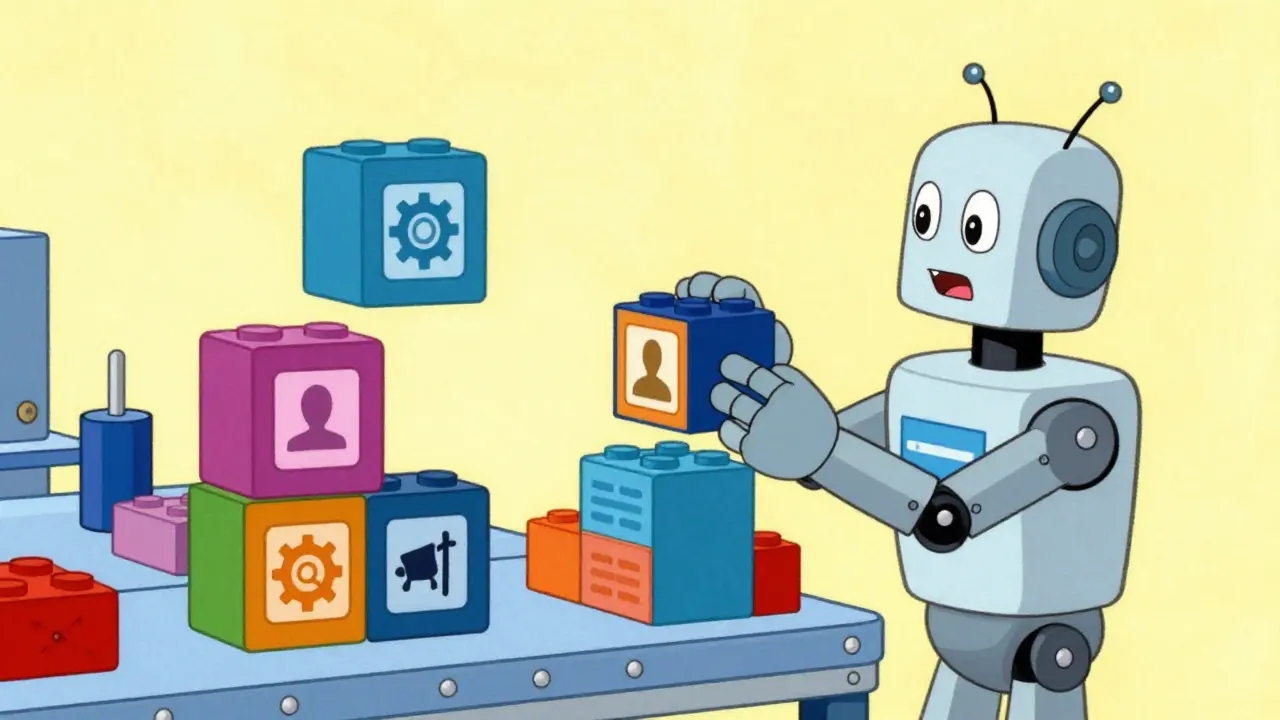
One of the biggest mistakes in vibe coding is the "mega-prompt"-trying to describe an entire application in one go. This leads to the AI losing track of requirements or hallucinating functions. The secret to scaling is modular prompting. By breaking complex requirements into discrete, testable components, you can reduce error rates by nearly 60%. Instead of asking for a full dashboard, start with the navigation bar. Once that's perfect, move to the data table, then the filter system. This is often combined with Chained Prompting , where the output of one prompt becomes the context for the next. For instance, you might ask the AI to design the database schema first, then ask it to write the API endpoints based on that specific schema. Another pro tip is to demand a plan first. When you ask an AI to "explain its plan before coding," you're essentially forcing it to perform a mental check of its logic. This step alone can reduce hallucination errors by 67%. If the plan looks wrong, you can correct the logic before the AI spends tokens writing a hundred lines of flawed code.| Feature | Generic Prompting | Strategic Vibe Coding |
|---|---|---|
| Request Style | Vague ("Make a form") | User-Action Oriented ("User submits email") |
| Architecture | Monolithic (All-in-one) | Modular (Component-based) |
| Validation | Manual testing after run | Plan-first validation |
| Speed to Prototype | Fast, but often buggy | Very fast and highly accurate |
Describing Actions, Not Implementations
If you want your AI to build intuitive interfaces, stop telling it how to code and start telling it how the user should feel. This is known as user-action oriented prompting. Instead of saying "create a form with email validation and a success message," try: "the user should be able to submit their email and immediately receive a confirmation message." When you describe the intended outcome and user journey, the AI is more likely to suggest a better UX pattern that you might not have thought of. Testing has shown that this approach can reduce the number of required revisions by 41%. It shifts the AI's role from a simple code generator to a collaborative product designer. To take this further, ask the AI for alternatives. Once a feature is working, ask: "What are three ways this contact form could be improved for a better user experience?" This often unlocks innovative solutions-like adding an inline validator or a progress bar-that a traditional prompt would never trigger.The Prototype-to-Production Gap
Here is the cold hard truth: vibe coding is incredible for getting to 80% completion, but the last 20% is where the danger lies. There is a massive difference between a prototype that "looks" like it works and a production-ready application. Many developers find that code generated via vibe coding is brittle. It works for the "happy path"-the ideal scenario where the user does everything right-but fails miserably on edge cases. For example, an AI might build a beautiful checkout flow but forget to handle a timeout from the payment gateway or a malformed ZIP code. This is why human oversight is non-negotiable. Roughly 83% of AI-generated code contains at least one minor security oversight. To bridge this gap, adopt a strategy of progressive enhancement. Use vibe coding to nail the core functionality and UI, then manually step in to refactor the critical paths: authentication, database transactions, and security layers. Using test-driven vibe coding-where you prompt the AI to write the tests *before* the feature-can reduce production defects by 61%.
Choosing Your Tools for the Vibe
While the strategies remain the same, different tools offer different levels of support. GitHub Copilot is a powerhouse for autocomplete and inline suggestions, but for full-scale vibe coding, you need models with larger context windows and better reasoning capabilities. Anthropic's Claude has become a favorite in the community due to its ability to handle complex architectural instructions and its more "human" understanding of nuance. Meanwhile, tools like Supabase are introducing prompt validation layers that automatically check generated code against security benchmarks, which is a huge step toward making vibe coding safer for enterprise use. Remember that the tool is only as good as the prompt. Whether you're using a CLI or a chat interface, the principles of specificity, modularity, and constraint remain the same. If you're just starting, expect a learning curve of about 12 to 15 hours of deliberate practice before you stop fighting the AI and start flowing with it.Is vibe coding a replacement for learning how to program?
No. While you can ship prototypes without deep coding knowledge, you cannot maintain or secure them without it. Vibe coding accelerates the "creation" phase, but the "debugging" and "architecting" phases still require traditional engineering skills. Those who ignore the fundamentals will eventually hit a wall of technical debt that they can't prompt their way out of.
What is the most effective way to handle errors in AI-generated code?
The best approach is Chained Prompting combined with a "Plan First" requirement. If the code is buggy, don't just tell the AI "it doesn't work." Instead, provide the exact error message and ask the AI to analyze why the error occurred and propose a fix in a plan before implementing the code change.
How does vibe coding impact development speed?
It dramatically reduces initial implementation time. Benchmarks show that tasks that previously took 4-8 hours can often be reduced to 15-30 minutes for initial prototypes. However, this speed applies mostly to UI components and isolated features rather than complex full-stack architectures.
What are "negative prompts" and why are they useful?
Negative prompts are explicit instructions telling the AI what to avoid. For example, "do not use external CSS libraries" or "do not use the fetch API; use Axios instead." They are critical for ensuring the AI doesn't introduce incompatible dependencies or outdated patterns into your codebase.
Can vibe coding be used in large enterprise environments?
Yes, but with caution. Enterprise adoption is slower due to security and maintainability concerns. The most successful enterprise implementations use vibe coding for internal tooling, rapid prototyping, and marketing sites, while keeping a strict human-led review process for any code entering the production environment.