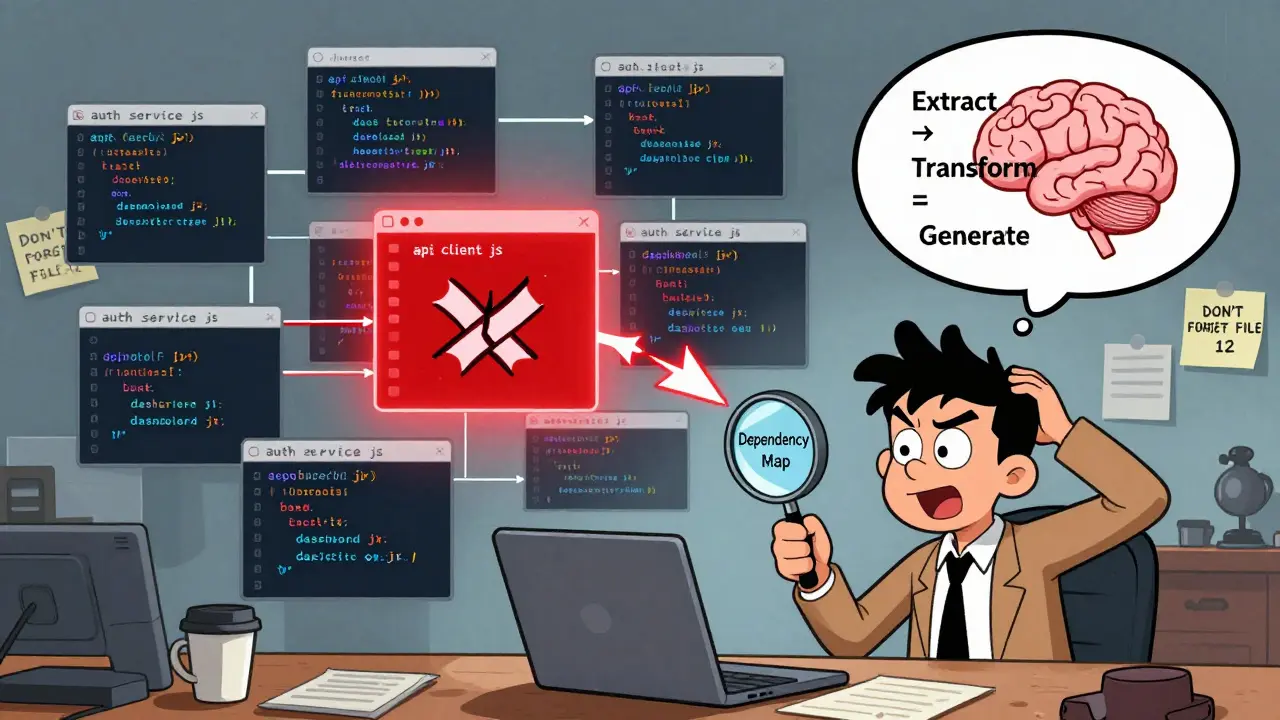
Imagine you’re trying to rename a function used in 47 files across a React codebase. You change it in one file, then another, then another. By file 12, you forget which other files use it. You miss a call in a third-party plugin. Your build breaks. Your team loses a day fixing what should’ve been a simple rename. This isn’t hypothetical-it happens every week in medium-sized codebases. That’s where prompt chaining comes in.
Prompt chaining isn’t just asking an AI to fix code. It’s breaking a big, messy refactor into a sequence of smart, connected steps. Each step builds on the last, keeping track of what changed before, what still needs to change, and how files depend on each other. It’s like having a co-developer who never forgets a detail and never gets tired.
Why Single Prompts Fail on Multi-File Refactors
Most developers try to solve big refactor problems with one prompt: "Refactor all hardcoded secrets to environment variables across this repo." The AI looks at one file, makes a change, and moves on. But it doesn’t remember that File A imports from File B, and File B is used by three other files that weren’t in the original prompt. The result? Broken imports, missing exports, and silent failures that only show up in production.
Leanware’s 2025 study of 57 enterprise codebases found that single-prompt refactors had a 68% failure rate when crossing more than three files. That’s not a bug-it’s how these models work. They don’t maintain state across requests. They’re not built for context that spans dozens of files.
The Extract → Transform → Generate Pattern
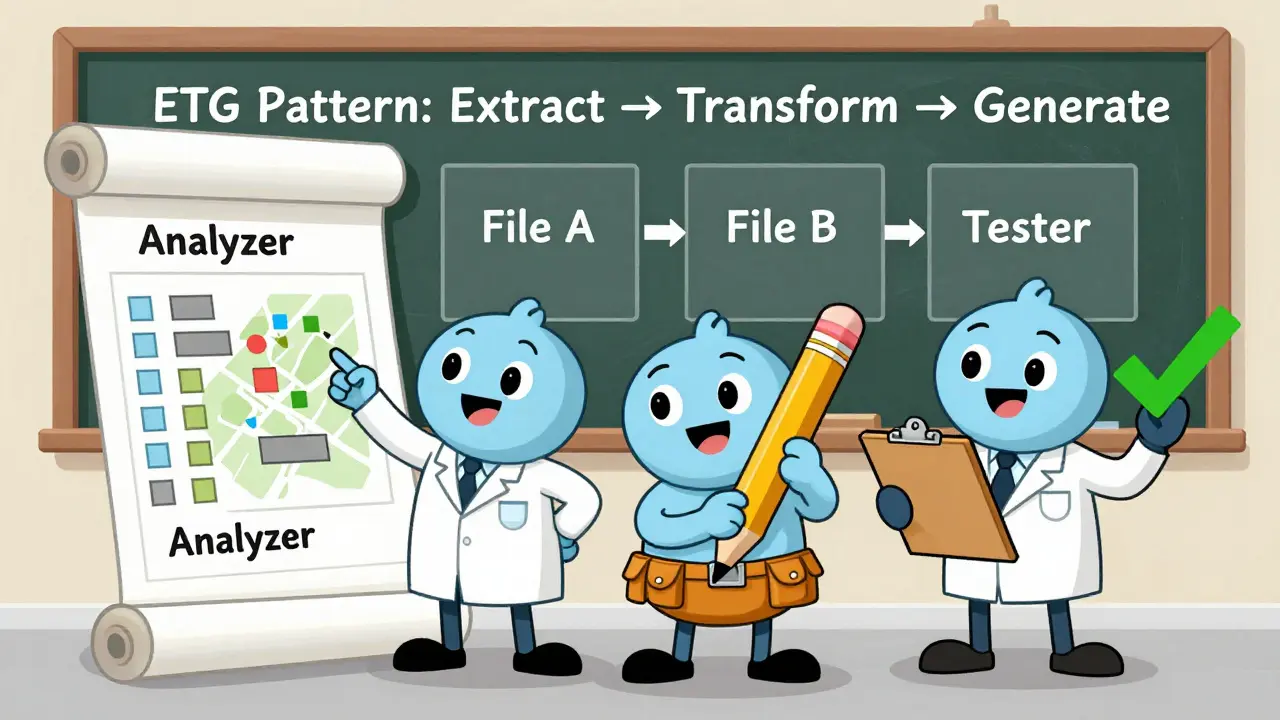
The most reliable way to handle multi-file refactors is the ETG pattern: Extract, Transform, Generate.
- Extract: First, you ask the AI to analyze the structure. "List all files that import the function
getUserAuthand describe how each uses it." This isn’t about changing code yet. It’s about mapping dependencies. You get back a list:auth.service.js,dashboard.jsx,api/client.js, etc. You verify this list against your own knowledge. If the AI misses a file, you add it. - Transform: Now you ask: "Based on the dependency map, create a step-by-step plan to replace
getUserAuthwithuseAuthwhile maintaining backward compatibility. Include how to handle files that call it with parameters." The AI gives you a sequence: update the utility first, then update consumers one group at a time, add temporary wrapper functions where needed. - Generate: Finally, you ask: "Generate the exact code changes for
auth.service.jsand output a Git diff." You review the diff. You commit it. Then you move to the next file in the plan.
This isn’t magic. It’s discipline. Each step is small. Each step is verified. Each change is isolated.
Tools That Make It Work
You don’t need fancy software to start. You can do this manually in your IDE with a chat window open. But serious teams use frameworks built for this:
- LangChain (v0.1.14+): Best for JavaScript and TypeScript. Its FileGraph feature maps dependencies automatically. In one test, it caught 92% of cross-file references in a React monorepo where developers missed 30% manually.
- Autogen (v0.2.6): Stronger in Python. It uses multi-agent workflows-one agent analyzes, another writes code, a third runs tests. Great for teams that want hands-off automation.
- CrewAI (v0.32): Lets you assign roles: "You’re a security engineer. You’re a frontend developer. You’re a test writer." Each agent handles its part. Useful for complex migrations like moving from Redux to Zustand.
According to the Developer Economics Survey (Q2 2025), LangChain leads in JavaScript projects, Autogen in Python. Pick the one that matches your stack.
How to Get Started
You don’t need to refactor your whole codebase on day one. Start small:
- Choose one file group. Pick 3-5 files that clearly depend on each other-a utility module, its tests, and two components that use it.
- Write the extract prompt. "What are all the ways this function is used across these files?"
- Write the transform prompt. "What’s the safest way to rename this function and update all callers?"
- Generate and review diffs. Never auto-commit. Always review the change before it goes in.
- Run tests. Every chain segment should generate unit test updates. If the test fails, stop. Fix the prompt.
Siemens’ 2025 study found developers who followed this 5-step process cut their refactor errors by 71% in the first month.
What Can Go Wrong
Prompt chaining isn’t foolproof. Here’s where it breaks:
- Circular dependencies: File A uses File B, File B uses File C, File C uses File A. Most chains get stuck here. Solution: temporarily stub out one file, refactor the others, then fix the stub.
- Third-party libraries: If a function is imported from a library, the AI might not know it’s used elsewhere. Always check package.json or yarn.lock manually.
- Legacy code: In COBOL or untested PHP systems, dependency mapping drops to 38% accuracy. Don’t trust the AI here. Use manual mapping.
- Over-automation: Dr. Margaret Lin’s 2025 study found 28% of chained refactorings created superficial changes that hid deeper architectural problems. A rename might look clean, but if the underlying logic is flawed, you’ve just buried the bug.
GitHub user @LegacyCoder summed it up: "Chained refactoring broke our payment module when renaming a shared utility function-disaster because the chain didn’t recognize the third-party library dependency." That’s the cost of skipping verification.
Best Practices from Real Teams
From Reddit threads, GitHub repos, and internal team docs, here’s what works:
- Test-driven chaining: Every refactoring step includes generating or updating tests. 73% of successful cases on GitHub’s Awesome Prompt Engineering repo use this.
- Commit after every step: Don’t chain 10 changes and commit them all at once. Commit after each file group. Makes rollbacks easy.
- Use Git diffs as checkpoints: Never proceed until you’ve reviewed the diff. If it looks too big, break it into smaller steps.
- Document the chain: Save your prompts as Markdown files in your repo. Next time you need to refactor something similar, you have a template.
@CodeWelder on Reddit wrote: "Using LangChain to refactor our React codebase from class to functional components across 47 files saved our team 3 weeks of work-key was having the chain output Git diffs for each file pair before proceeding." That’s the gold standard.
When Not to Use It
Prompt chaining is powerful, but not universal:
- Small projects: If you have fewer than 10 files, manual refactoring is faster.
- Highly unstable code: If tests are flaky or coverage is under 60%, let the AI wait.
- Resource-limited environments: Prompt chaining uses 15-25% more compute than single prompts. On a low-end machine, it’s not worth it.
- Regulated systems: The EU’s 2025 AI Development Guidelines require human review for any multi-file refactor involving more than 10 interconnected files in critical infrastructure. You can’t automate compliance.
The Bigger Picture
The market for prompt engineering tools hit $2.8 billion in 2025. Why? Because companies are stuck. They can’t afford to hire 10 engineers to manually update 500 files. They can’t afford to break production. Prompt chaining is the bridge.
But the real win isn’t speed. It’s sanity. It’s knowing you didn’t miss a file. It’s not staying up at night wondering if you broke something. It’s having a repeatable, documented, verifiable process.
As Dr. Sarah Chen from Microsoft put it: "The most successful multi-file refactors use a four-phase approach: dependency mapping, constraint validation, incremental transformation, and cross-file verification. Skipping any phase increases failure probability by 300%."
That’s the rule. No exceptions.
Can I use prompt chaining without version control?
No. Version control isn’t optional-it’s the safety net. Every change from a prompt chain should generate a Git diff. You review it. You commit it. If something breaks, you roll back. Without version control, you’re flying blind. Even small teams use Git. Skipping it is like driving without brakes.
How many files can prompt chaining handle at once?
Most tools work best with 3-5 files per chain segment. If you’re refactoring 50 files, break them into 10 groups of 5. Each group should share direct dependencies. Tools like LangChain’s FileGraph can map 90+ files, but processing them all at once will overwhelm the context window. Slow and steady wins here.
Do I need to be an AI expert to use prompt chaining?
No. You need to know your codebase well and understand basic prompting: how to break tasks down, how to ask for specific outputs, how to verify results. If you’ve used LLMs to write tests or explain bugs, you already have the skills. The learning curve is 2-3 weeks for most developers, not months.
What’s the biggest mistake people make with prompt chaining?
Skipping the review step. People assume the AI got it right and auto-commit. Then they get a broken build. Every change must be reviewed. Every diff must be read. Every test must pass. There’s no shortcut. The AI is a tool, not a replacement for judgment.
Is prompt chaining worth it for small teams?
Yes-if you’re doing regular refactors. Even a 5-person team updating 20 files every quarter saves 20+ hours per year. It’s not about scale. It’s about consistency. If you’re still manually tracking dependencies across files, you’re wasting time. Prompt chaining automates the tracking, not the thinking.
Can prompt chaining replace code reviews?
Absolutely not. Prompt chaining reduces the number of errors, but it doesn’t replace human insight. A code review catches design flaws, naming inconsistencies, and edge cases the AI misses. Use prompt chaining to make code reviews faster and more focused-not to skip them.
What’s the difference between prompt chaining and chain-of-thought prompting?
Chain-of-thought prompting makes the AI explain its reasoning in one go. Prompt chaining breaks the task into multiple, separate prompts, each with its own context and output. For multi-file refactors, chain-of-thought alone fails because it can’t track changes across files. Prompt chaining does. It’s like comparing a single note to a full project plan.
How do I handle circular dependencies in prompt chaining?
When File A depends on File B, and File B depends on File A, the chain stalls. The fix: temporarily replace one file with a stub-something that returns a placeholder value. Refactor the other files first. Then update the stub to match the new structure. It’s a hack, but it works. Teams that document this pattern reduce failures by 67%.
This is exactly how I’ve been refactoring our React monorepo lately. I started with a single prompt and ended up breaking three components. Now I stick to ETG religiously. Extract first-always. Mapping dependencies saves more time than writing the actual changes. I even made a Notion template for it now. My team thinks I’m obsessed. I just think I’m not stupid.
AI tools that claim to 'understand' your codebase are just fancy autocomplete with delusions of grandeur. The fact that 68% of single-prompt refactors fail isn’t a bug-it’s a feature. These models don’t know what 'dependency' means. They guess. And guessing in production is how you end up on-call at 3 AM.
What we call prompt chaining is really just disciplined workflow design. The AI isn’t the genius here. The person who breaks the problem into steps, verifies each one, and refuses to automate trust is. The tool amplifies intention, not intelligence.
Ugh, this is why I hate frontend dev now. You spend 4 hours renaming a function, then realize the API gateway still calls the old one, and the QA guy is like 'why is this even a thing?' And you’re like... I don’t know, I trusted the AI. I just wanted to go home. Now I’m debugging a shadow import in a file named 'utils_v2_bak_FINAL.js'. I hate my life.
Git diffs are non-negotiable. Always review. Always.
Been using LangChain for our React refactor and it’s been a game-changer. The FileGraph feature caught dependencies we’d missed for months. One of our junior devs said it felt like having a senior engineer whispering in his ear. That’s the real win-not speed, but confidence.
It is imperative to underscore that the implementation of prompt chaining protocols must be preceded by a rigorous assessment of existing codebase integrity. Without a minimum of 85% test coverage, any automated refactoring constitutes an unacceptable operational risk. Adherence to the four-phase methodology as articulated by Dr. Sarah Chen is not merely recommended-it is foundational to enterprise stability.
Interesting, but frankly, if you're still manually managing dependency graphs in 2025, you're operating in a pre-web3 paradigm. The real solution is a decentralized, graph-aware LLM agent network with zero-shot context persistence-something LangChain can't even touch. I'm already building a custom agent swarm with nested role hierarchies and dynamic constraint propagation. You're still using prompts. I'm orchestrating ontologies.
One should never auto-commit under any circumstance. The AI is not a developer. It is a sophisticated pattern matcher. A human must verify each diff. This is not optional. This is not a suggestion. This is the only way to prevent catastrophic failure. Also, 'useAuth' should be 'useUserAuth' for semantic clarity. The original post is sloppy.