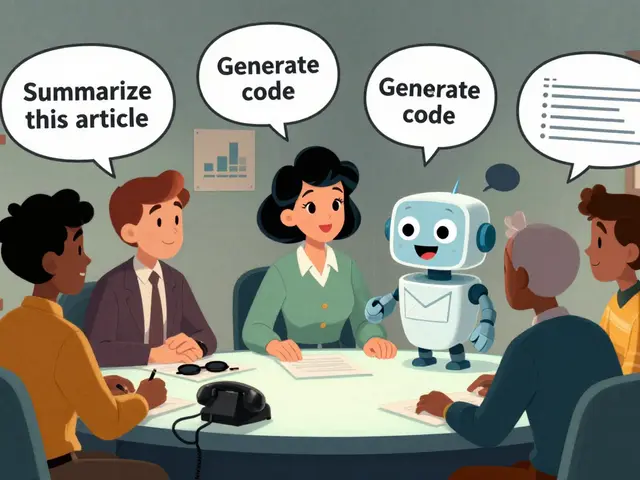
You type a question into an AI chatbot. It answers perfectly. But did you know that in the background, your prompt might be getting stored, analyzed for advertising profiles, or even used to train future models? For years, we treated privacy as a checkbox at the end of product development. That era is over. As of late 2025 and into 2026, regulators are no longer asking if you have a privacy policy; they are asking if your system was built with privacy baked into its architecture from day one.
This approach is called Privacy by Design (PbD). It’s not just legal jargon. It’s a practical engineering discipline. When applied to Artificial Intelligence, specifically Large Language Models (LLMs), it changes how we write prompts and configure systems. Instead of letting the AI hoard every bit of context you give it, you instruct it to collect only what is strictly necessary. This article breaks down how to actually do that-how to craft prompts and system instructions that force AI tools to respect data minimization principles.
The Shift from Reactive to Proactive Privacy
Think about the last time you updated a software app. Did you read the new privacy terms? Probably not. You clicked "Accept" because you wanted the feature. This is the old way: reactive privacy. Companies collect massive amounts of data first, then worry about consent later. LinkedIn faced major backlash recently when users realized they were automatically opted into allowing their data to train generative AI models without explicit knowledge. That’s a classic failure of Privacy by Design.
Privacy by Design is a framework that embeds privacy protections into the design and operation of IT systems, networked infrastructure practices, and business practices. In the context of AI, this means privacy isn't a filter you add after the model generates text. It’s a constraint on the input. If the AI doesn’t need your full name to answer a question about Python syntax, why should it store it?
The core principle here is data minimization. Under regulations like the GDPR (General Data Protection Regulation) in Europe and various US state laws like CCPA (California Consumer Privacy Act), organizations must limit data collection to what is directly relevant and necessary for a specified purpose. For AI developers and users, this translates into a simple but powerful directive: instruct the AI to ignore the noise.
Crafting Prompts for Data Minimization
How do you tell an AI to care about privacy? You can’t just hope it behaves. You have to instruct it. Prompt engineering isn't just about getting better answers; it's about controlling data flow. Here are three concrete strategies for writing prompts that limit data collection.
- Explicit Exclusion Instructions: Don't assume the AI knows what to ignore. Tell it. Add a clause to your system prompt: "Do not extract or retain personally identifiable information (PII) such as names, email addresses, or phone numbers unless explicitly requested."
- Purpose-Bound Context: Provide only the context needed for the specific task. If you’re asking for a summary of a meeting transcript, don’t paste the entire hour-long recording if only ten minutes are relevant. Less input equals less potential exposure.
- Redaction Directives: Instruct the AI to actively redact sensitive data before processing. A prompt might say: "Before analyzing this text, replace all instances of personal names with [NAME] and dates with [DATE]." This ensures the raw PII never enters the model's active memory window in a retrievable format.
Consider a real-world scenario. You’re using an internal company AI tool to draft customer support emails. Without privacy constraints, the tool might log the customer’s full address and purchase history. With a Privacy by Design prompt, you instruct the system: "Generate a response based solely on the issue description. Do not reference previous purchase history or location data." Now, the data footprint is tiny.
System-Level Controls vs. User Prompts
While user-level prompts help, true Privacy by Design happens at the system level. Developers building AI applications need to implement architectural safeguards. One key method is local processing. Whenever possible, run inference on-device rather than sending data to the cloud. Apple’s recent AI features, for example, emphasize on-device processing to keep personal data off external servers. This is a structural choice, not just a prompt tweak.
Another critical component is dynamic consent. Static checkboxes are dead. Modern AI interfaces should allow users to grant, review, and revoke consent for specific types of data usage over time. Imagine a slider that lets you choose: "Use my data for this session only," "Use for improving the model," or "Never save." This granularity empowers users and aligns with the "privacy by default" principle.
| Feature | Traditional AI Approach | Privacy by Design AI Approach |
|---|---|---|
| Data Collection Scope | Maximalist (collect everything) | Minimized (collect only essentials) |
| Consent Model | Bundled, opt-out often hidden | Granular, opt-in, revocable |
| Data Retention | Indefinite or vague timelines | Short-term, automated deletion |
| Transparency | Complex legal policies | Visual data flow diagrams, plain language |
| Processing Location | Primarily cloud-based | Hybrid or on-device where feasible |
The Role of Data Privacy Impact Assessments (DPIAs)
If you’re deploying an AI system, especially one handling user interactions, you need a Data Privacy Impact Assessment (DPIA). Think of a DPIA as a living document that guides your team’s decisions about data. It’s not a one-time formality. It’s a roadmap.
A good DPIA for an LLM application asks hard questions early: What risks exist if this data is leaked? How long will we keep these logs? Who has access? By embedding preventive safeguards-like restricted collection windows and strong encryption-you protect users and yourself. For instance, if your AI chatbot handles health queries, a DPIA would flag the high sensitivity of that data, prompting stricter retention rules (e.g., delete after 30 days) compared to a general news bot.
Recent regulatory trends show that agencies are using AI themselves to audit compliance. Tools like Google Gemini can now generate privacy risk reports in minutes, scanning for violations related to GDPR, CCPA, and dark patterns in user experience. If your system lacks clear opt-outs or uses vague language, these AI auditors will catch it. Doing your own DPIA proactively saves you from reactive fines later.
Challenges in Generative AI Monetization
Here’s the uncomfortable truth: many free AI services monetize through your data. Just like social media platforms, generative AI providers may use your interactions to build targeted advertising profiles. Character.AI, for example, collects conversations, uploaded media, and voice recordings, sharing some with third-party analytics vendors. This creates a tension between user expectations and business models.
Users often assume their chats are private, akin to a conversation with a friend. But legally and technically, they are data points. Under GDPR, individuals have the right not to be subject to decisions based solely on automated processing, including profiling, that have significant effects. If an AI decides your creditworthiness or job suitability based on your chat history, that’s automated decision-making. You need transparency and the right to human intervention.
To mitigate this, businesses must offer clear paths for data export and deletion. Users should be able to hit a button and wipe their history immediately. If a service makes this difficult-requiring emails to support teams or waiting weeks for deletion-it fails the Privacy by Design test.

Implementing Privacy in Data Pipelines
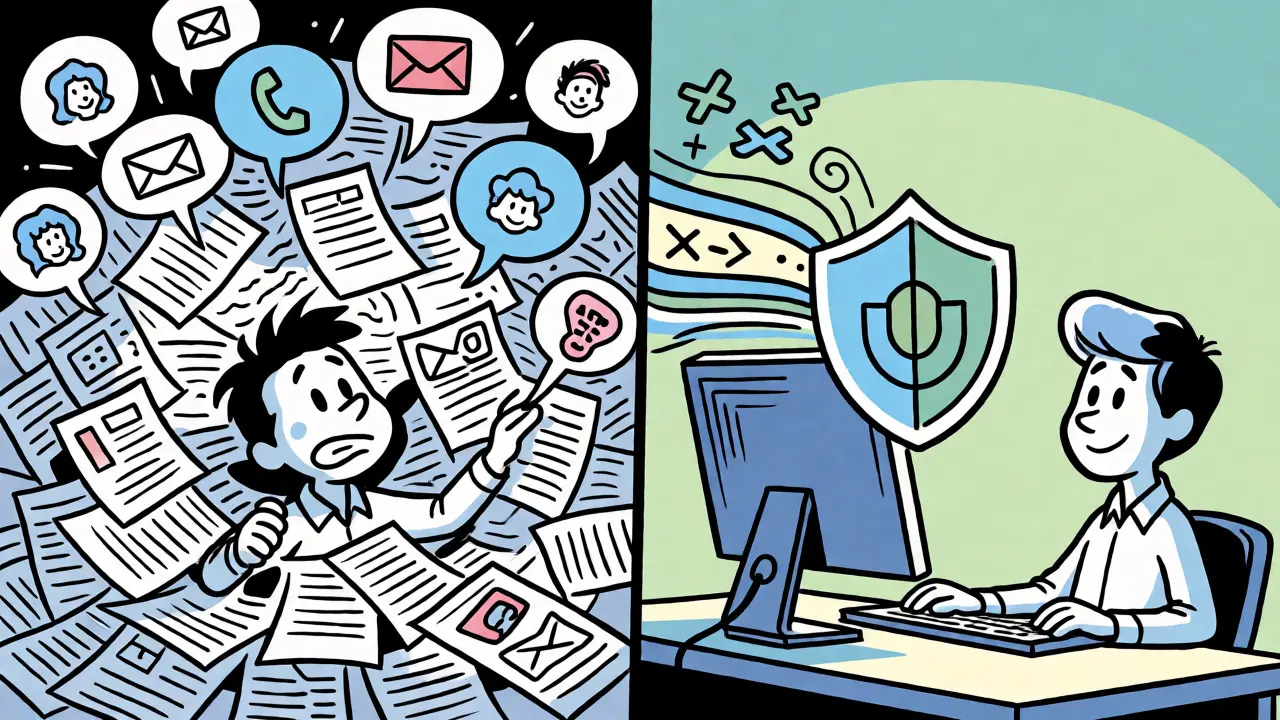
For enterprises building custom AI solutions, the focus shifts to data pipelines. These are the plumbing systems that move data from source to model. A privacy-aware pipeline tags and minimizes data at ingestion. This means that before the AI ever sees the data, sensitive attributes are masked or removed.
This approach offers huge advantages. First, it reduces the risk of training models on regulated attributes (like race or religion) unintentionally. Second, it simplifies audits. Because lineage and transformation metadata are captured in the pipeline, you can prove exactly how data was governed. You spend less time preparing evidence for regulators and more time building value.
Imagine a retail company using AI to forecast sales. Instead of feeding raw transaction logs with customer IDs into the model, the pipeline anonymizes the IDs and aggregates purchases by region. The model gets the signal it needs (sales trends) without the noise (personal identities). This is efficiency meets ethics.
Actionable Checklist for AI Practitioners
Ready to apply these concepts? Use this checklist to evaluate your current AI workflows or design new ones.
- Define Purpose: Can you clearly state why each piece of data is collected? If not, stop collecting it.
- Instruct the Model: Add explicit prompt instructions to ignore or redact PII during generation tasks.
- Localize Processing: Check if on-device inference is an option to reduce cloud transmission.
- Enable Granular Consent: Allow users to opt-in/out of data retention per session or feature.
- Automate Deletion: Implement TTL (Time-To-Live) settings for chat logs and user inputs.
- Conduct a Mini-DPIA: Spend two hours mapping data flows and identifying one major risk. Fix it.
Privacy by Design isn't about slowing down innovation. It’s about building trust. In a market flooded with AI tools, the ones that respect user data will win long-term loyalty. Start small. Tweak your next prompt. Ask the AI to forget what it doesn’t need to know.
What is the difference between Privacy by Design and Privacy by Default?
Privacy by Design refers to the proactive integration of privacy protections throughout the entire lifecycle of a technology system, from initial design to deployment. Privacy by Default is a specific subset of this principle, stating that the most protective privacy settings should be enabled automatically without requiring user action. For example, a chatbot set to Privacy by Default would not save your chat history unless you explicitly turn saving on.
Can I instruct an AI to forget my data immediately?
Yes, but it depends on the platform's architecture. Many modern AI services offer a "no-retention" mode or immediate deletion options. However, technical limitations exist; if data has already been ingested into a training dataset, removing it completely requires retraining or unlearning algorithms. Always check the provider's specific deletion guarantees and timeframes.
Does Privacy by Design slow down AI performance?
Not necessarily. While adding encryption or filtering steps introduces slight computational overhead, minimizing data volume often speeds up processing. Sending less data to the cloud reduces latency. Furthermore, cleaner, anonymized data can lead to more efficient model training and inference times in the long run.
How does GDPR affect AI data collection in the US?
GDPR applies to any organization processing data of EU residents, regardless of where the company is located. For US companies serving global customers, complying with GDPR standards often sets a high bar that satisfies other jurisdictions. Additionally, US states like California (CCPA/CPRA), Virginia, and Colorado have enacted similar rights regarding data minimization and opt-outs for profiling.
What is a common mistake in implementing Privacy by Design for AI?
A frequent mistake is treating privacy as a post-deployment patch. Teams build the feature first, then try to bolt on consent banners and data controls later. This often leads to fragmented user experiences and missed risks. Another error is assuming that anonymizing data once is enough; re-identification risks grow as datasets expand, so continuous monitoring is required.