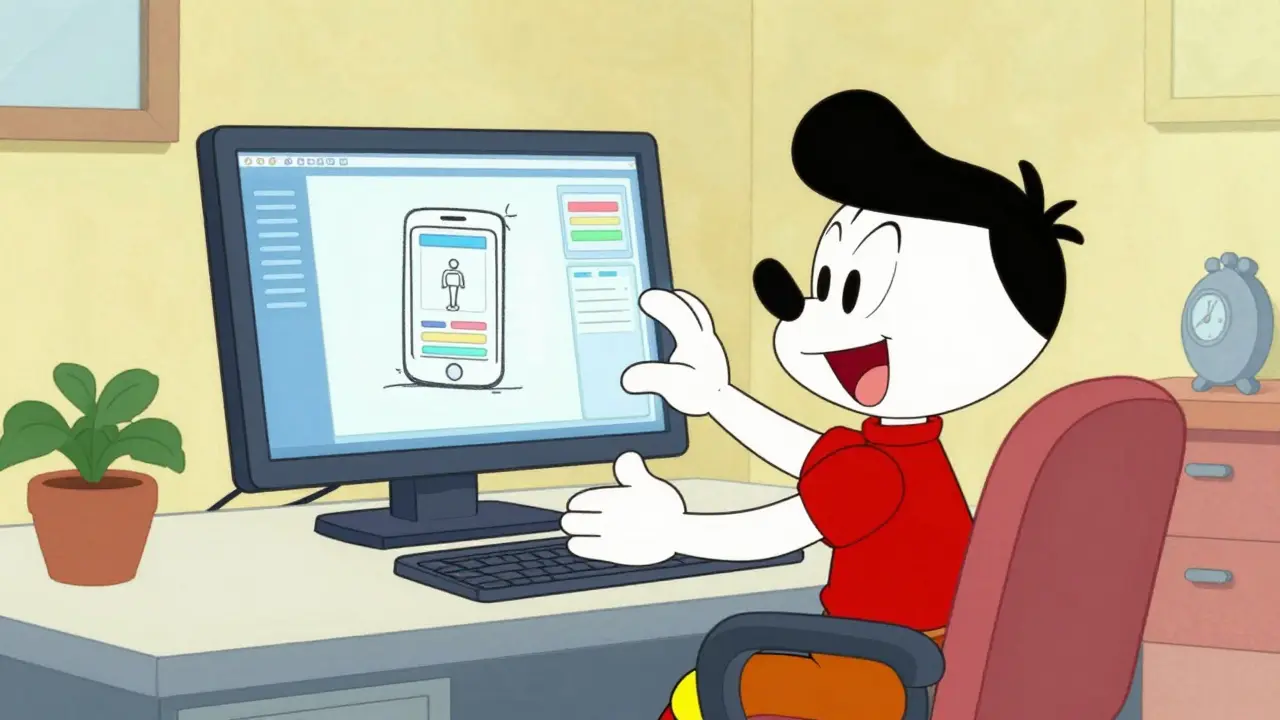
Key Takeaways
- Vibe coding is best for rapid prototyping and UI components, reducing implementation time from hours to minutes.
- The most effective prompts use a persona-problem-context structure and request a plan before any code is written.
- Breaking complex tasks into "chained prompts" reduces error rates and prevents AI hallucinations.
- Production-ready code still requires human oversight; 83% of prototypes typically need architectural refactoring before launch.
- Focus on user actions (what the user does) rather than technical implementations (how the code works) for better results.
The Core Mechanics of Effective Prompting
If you just tell an AI to "make a login page," you're gambling with the results. To get consistent, high-quality code, you need to move from generic requests to structured instructions. According to data from WeAreFounders, prompts that are brief (under 50 words for the initial ask), specific, and clear see a 73% jump in first-attempt accuracy.
The secret is using a structured framework. Instead of a single paragraph, try this six-step approach developed by RantheBuilder:
- Define the Persona: Tell the AI who it is. For example, "Act as a senior React developer specializing in accessibility." This sets the quality bar and the coding style.
- State the Problem Clearly: Be direct. "Build a contact form with name, email, and message fields."
- Provide Deep Context: Mention your stack. "This will integrate with our existing Next.js 14 application using Tailwind CSS."
- Demand a Plan First: This is a game-changer. Force the AI to outline the implementation steps before writing a single line of code. This reduces hallucination errors by about 67%.
- Adapt to Complexity: Recognize that a simple button needs a different prompt than a complex state management system.
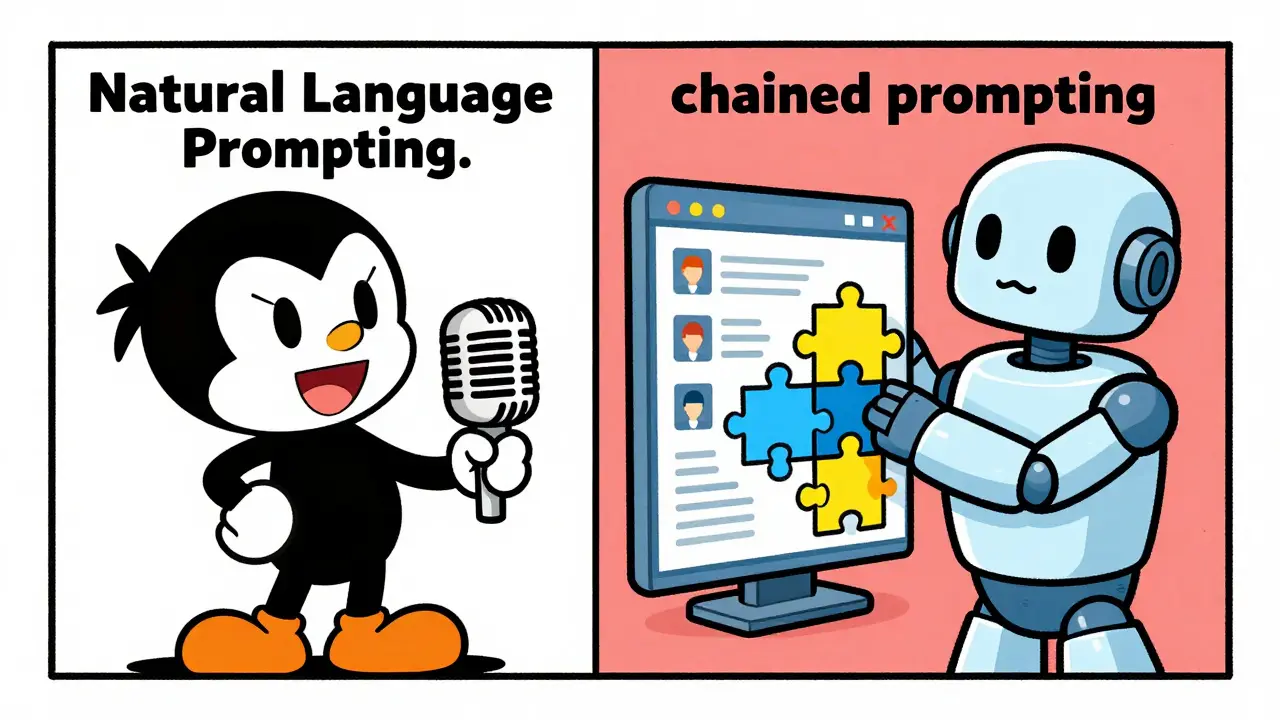
- Use Chained Prompting: Don't ask for the whole app at once. Ask for the UI, then the validation logic, then the API integration in separate, sequential steps.
User-Action vs. Technical Prompting
A common mistake is describing the code you want rather than the behavior you need. When you tell an AI to "create a form with email validation," you're limiting it to its internal assumptions of how validation should work. However, when you describe the user's journey-"users should be able to submit their email and receive a confirmation message"-you're providing the AI with the goal. Emergent's testing showed that this shift toward user-action oriented prompting reduces required revisions by 41%.
This approach allows the AI to suggest the best technical implementation for the desired outcome. Instead of fighting the AI's logic, you're guiding the outcome. For instance, if you're building a dashboard, don't ask for a "grid layout with three columns." Instead, say "the user needs to see their total sales, active users, and pending orders at a glance upon landing." This gives the AI the freedom to choose the most effective UI pattern for that specific goal.
Setting Hard Constraints and Negative Prompting
Without boundaries, AI assistants often pull in libraries you don't want or use outdated methods. To keep your project clean, you must use system constraints and negative prompting. Negative prompting is simply telling the AI what not to do.
For example, instead of hoping the AI uses your preferred library, be explicit: "Use only React Hook Form; do not use Formik." Or, "Do not use external APIs for this specific component; use the provided mock data." Case studies from AIM Consulting show that these specific restrictions can reduce incompatible code outputs by 62%. It prevents the "dependency bloat" that often happens when an AI tries to be too helpful by adding libraries you don't actually need.
| Metric | Vibe Coding | Traditional Coding | Winner |
|---|---|---|---|
| Initial Prototype Speed | 15-30 Minutes | 4-8 Hours | Vibe Coding |
| UI Component Creation | 72% Faster | Baseline | Vibe Coding |
| Algorithmic Accuracy | 68% | 94% | Traditional |
| Production Readiness | Low (Needs Refactor) | High | Traditional |
Bridging the Gap to Production
The "vibe" is great for getting something on the screen, but it can be dangerous if you deploy it immediately. The biggest criticism from senior developers is that vibe-coded projects are often "brittle"-they work perfectly for the happy path but crash the moment a user does something unexpected. In fact, about 83% of vibe-coded prototypes require significant architectural refactoring before they are fit for a production environment.
To avoid this, adopt a strategy of progressive enhancement. Start by using vibe coding to nail the core functionality and user interface. Once the "vibe" is correct and the concept is validated, switch to manual refinement for critical paths. This means manually auditing security vulnerabilities, optimizing database queries, and writing edge-case tests. Implementing a test-driven approach during the vibe coding phase can reduce production defects by 61%.
New tools are helping close this gap. Supabase has introduced prompt validation layers that check AI code against security benchmarks in real-time. Similarly, GitHub Copilot has started offering tools to convert "vibe-style" prototypes into more traditional, maintainable code structures. The goal isn't to replace coding skills, but to use the AI to handle the boilerplate while the human handles the architecture.

Common Pitfalls and How to Avoid Them
The steepest part of the learning curve in vibe coding is realizing what the AI cannot do. Many beginners overestimate the AI's ability to handle complex system architecture. If you try to vibe-code a full-stack application with complex authentication and database migrations in one go, your success rate drops from nearly 90% (for isolated features) to about 37%.
Another trap is the "debugging loop." You might save three hours by prompting a feature, only to spend nine hours trying to understand why the AI chose a specific, weird way to handle state. To prevent this, always ask the AI to explain its logic. Instead of just accepting the code, ask: "What are three ways this implementation could fail?" or "Why did you choose this library over the standard alternative?" Treating the AI as a collaborative partner rather than a magic vending machine unlocks significantly more innovative and stable solutions.
What is the difference between vibe coding and traditional prompt engineering?
Traditional prompt engineering often focuses on the precise phrasing of a single request to get a specific output. Vibe coding is a broader methodology that treats the entire development process as a conversation. It emphasizes the "flow" and iterative refinement of a project using natural language, focusing more on the desired user experience and high-level intent than on the technical minutiae of a single prompt.
Is vibe coding suitable for enterprise-level applications?
For initial prototyping, internal tooling, and UI exploration, yes. However, for core enterprise systems, it should be used with caution. Due to security risks and the potential for technical debt, most experts recommend using it for the "concept validation" phase and then having senior engineers refactor the code for production readiness, security compliance, and maintainability.
Which AI tools are best for vibe coding?
The most popular tools include GitHub Copilot for integrated IDE support, Claude (by Anthropic) for its strong reasoning and coding capabilities, and Amazon CodeWhisperer. The effectiveness depends less on the tool and more on the prompting strategies used, such as chained prompting and persona definition.
How do I reduce hallucinations when vibe coding?
The most effective way to reduce hallucinations is to require the AI to provide a plan before writing code. By forcing the AI to articulate its logic in plain English first, you can spot errors in its reasoning before they become bugs in the code. Additionally, using modular prompting-breaking the project into small, testable components-significantly lowers the error rate.
Do I still need to learn how to code if I use vibe coding?
Yes, absolutely. While vibe coding lowers the barrier to entry, you need coding knowledge to audit the AI's output, fix security vulnerabilities, and optimize performance. Developers who rely solely on prompting without understanding the underlying code often face massive technical debt and are unable to fix the "brittle" edge cases that AI typically misses.
Next Steps for Different Skill Levels
For Beginners: Start with small UI components. Try to build a single-page portfolio or a calculator. Focus on mastering the "Persona-Problem-Context" structure and get comfortable with iterative prompting-don't expect perfection on the first try.
For Experienced Developers: Use vibe coding to automate the "boring" parts of your job. Use it for boilerplate, CSS layouts, and basic API integrations. Focus your energy on the architectural design and the security audit of the generated code. Try implementing a "vibe-to-traditional" workflow where you prototype with AI and then manually refactor the critical paths.
For Tech Leads: Establish a "prompt library" for your team to ensure consistency in the AI's output. Implement rigorous testing protocols and a mandatory human review process for any vibe-coded feature before it hits the production branch to mitigate the risk of security oversights.
The shift from technical prompting to user-action oriented flows is honestly where the real magic happens. It forces the developer to actually think about the product design and UX instead of just getting bogged down in the implementation details. I've found that if you describe the emotional state or the end-goal of the user, the AI tends to pick more intuitive UI patterns that a human might have overlooked in a rush. It's a fundamental shift in how we conceptualize software engineering-moving from being a 'writer of code' to an 'orchestrator of intent'.
Calling this 'vibe coding' is just a fancy way of saying 'I don't actually know how to program and I'm hoping the LLM hides my incompetence'. The sheer amount of technical debt being generated right now is staggering. Most of these 'rapid prototypes' are just landfill code that will need to be deleted the second a real engineer looks at it. It's a joke.
Absolute rubbish. You're basically admitting that you're handing the keys to the kingdom to a black box. The 'vibe' is just another word for unpredictability. If you can't define the exact logic, you aren't coding, you're gambling with your project's integrity. It's an insult to the craft of engineering to pretend this is a valid methodology for anything other than a toy app.
I think there's a middle ground here. While I get the fear of technical debt, we can't ignore the productivity boost for the initial brainstorming phase. Using AI to fail fast is actually a huge advantage. The key is just having the discipline to refactor once the concept is proven, which the post mentions. It's about using the right tool for the right phase of development.
Typical US-centric hype!!!! probably just a way for big tech to replace actual workers with prompts... it's all a scam to make us depend on thier clouds!!! the 'vibe' is just code for 'we control the output'!!!! wake up people!!!!
One finds the terminology 'vibe coding' to be rather pedestrian. However, the insistence on a persona-problem-context structure is a marginally acceptable approach to mitigating the inherent randomness of these models. It is quite evident that the lack of formal computer science education among new practitioners will lead to a catastrophic failure in systemic stability.
Fair point.
The grammar in the table is inconsistent, and it's obvious the data is fabricated to fit a narrative. Who are these 'WeAreFounders' people anyway? Probably just another shell company designed to pump AI stocks while the actual infrastructure of the internet crumbles because no one knows how to write a pointer anymore. It's a spiral of incompetence that will end in a total system collapse, and everyone is just nodding along because the 'vibe' is good.