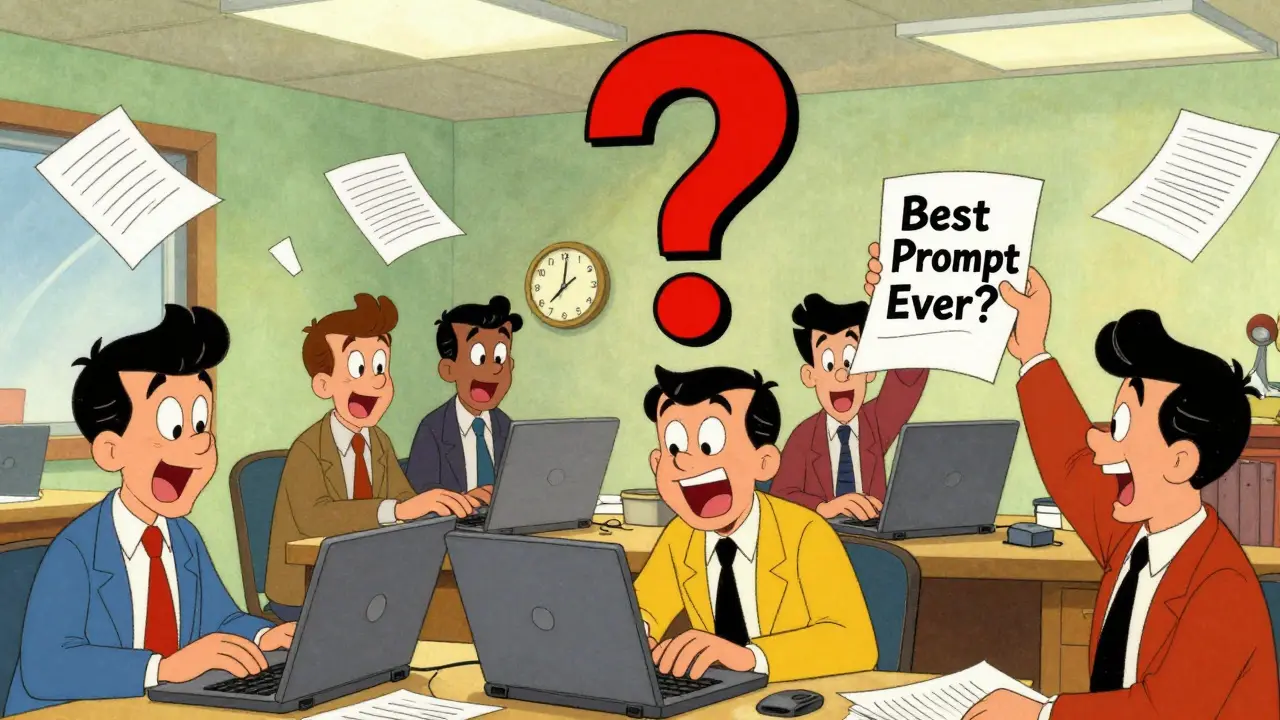
Most teams using AI tools like ChatGPT or Claude are stuck in the same loop: someone spends 20 minutes crafting the perfect prompt, gets great results, then leaves. A week later, someone else tries the same task and starts from scratch. No one knows what worked before. No one can find it. That’s not efficiency. That’s chaos.
Centralized prompt libraries fix this. They’re not just folders full of saved prompts. They’re the operating system for how your team talks to AI. When done right, they turn random experiments into repeatable processes. Marketing doesn’t guess how to write product descriptions. Customer support stops reinventing responses to common questions. Legal teams get consistent, compliant outputs every time.
Why Your Team Needs a Prompt Library
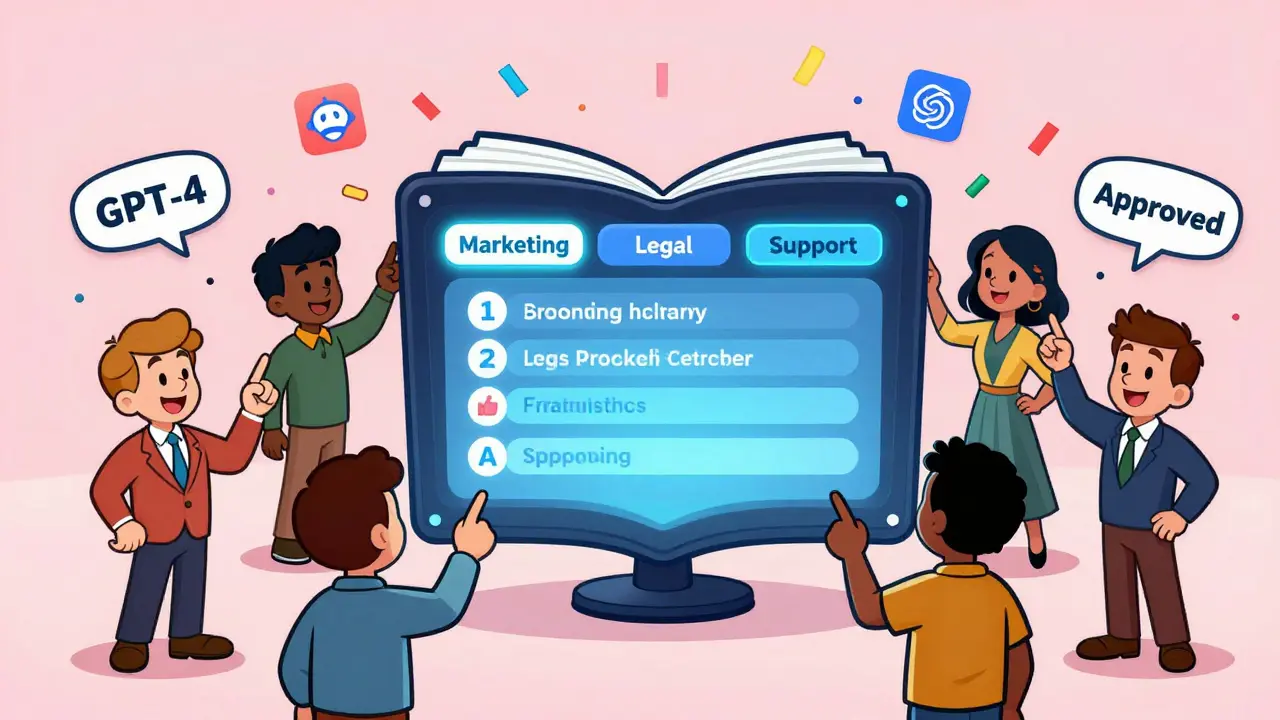
Think of a prompt library like a company’s internal knowledge base-but for AI interactions. Instead of relying on one person’s memory or a messy Notion doc, you have a searchable, organized system where every prompt is labeled, tested, and tracked.
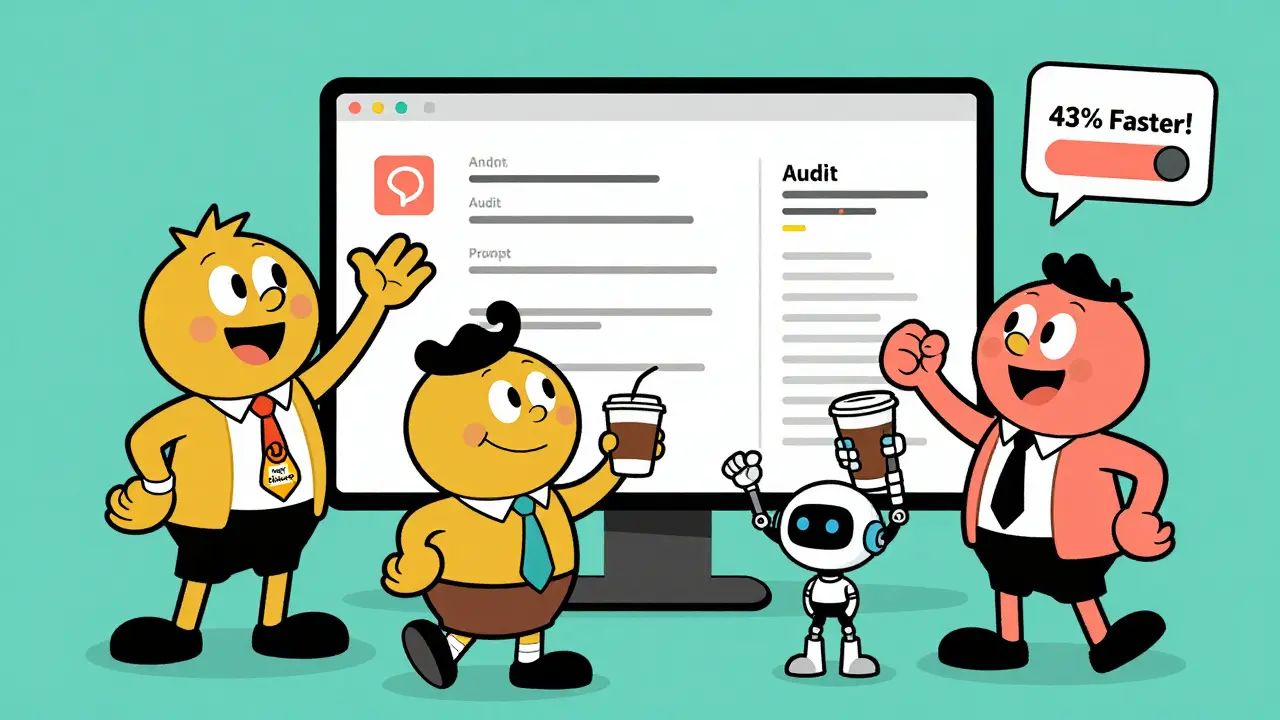
Companies using these systems report 43% faster task completion and 62% more consistent output, according to TextExpander’s 2025 enterprise survey. That’s not a small gain. That’s the difference between spending hours rewriting content and hitting publish in minutes.
But it’s not just about speed. It’s about control. Without standards, AI outputs drift. One team’s tone is casual. Another’s is robotic. Brand voice gets lost. A centralized library enforces consistency. It answers the question: “What does our AI sound like?”
And it’s not just for big companies. Even small teams with 5-10 people benefit. The time saved adds up. The mistakes drop. The trust in AI grows.
What Makes a Prompt Library Work
Not all prompt libraries are the same. A basic one is just a shared Google Doc with a bunch of prompts. An enterprise-grade one? It’s a full system.
Here’s what actually works:
- Smart search-You don’t type “email template.” You type “draft a polite follow-up to a client who didn’t reply,” and the system finds the best match based on intent, not keywords.
- Automatic tagging-Prompts are labeled by department (marketing, legal), use case (summary, translation, code), complexity (simple, advanced), and which AI model they work best with (GPT-4, Claude 3, Gemini).
- Multi-model support-The system knows when to use a cheaper model for simple tasks and when to switch to a more powerful one for critical work.
- Role-based access-Only legal can edit compliance prompts. Only managers can approve new versions. Audit logs track every change.
These features aren’t optional anymore. Gartner reports that 78% of Fortune 500 companies now use some form of prompt management system. The ones that don’t are falling behind.
How It Works in Practice
Let’s say you’re in marketing and need to write 10 product descriptions for a new line of eco-friendly water bottles.
Without a library: You open ChatGPT, type something like “Write a product description for a reusable bottle,” tweak it five times, get it right, then move on.
With a library: You search “product description - eco-friendly - B2C - short.” You pick the top-rated version. It’s been tested by three other marketers. It includes the brand voice rules. It’s optimized for GPT-4. You click “use,” and it generates the first draft in 12 seconds. You tweak one line. Done.
That’s the difference.
One user on Reddit, who works at a mid-sized SaaS company, said their content team went from 45 minutes per piece to 12 minutes. Brand consistency improved by 73%.
That’s not magic. That’s structure.
Choosing the Right Tool
You don’t need to build your own. There are three main types of tools out there:
- Open-source - Like GitHub repos with shared prompts. Free, but no support, no search, no access controls. Good for hobbyists.
- Specialized platforms - PromptPanda, TextExpander AI, AICamp. These are built for teams. They have collaboration, versioning, approval workflows. TextExpander AI scores 4.6/5 on G2 with 89% of users citing time savings as the top benefit.
- Integrated suites - Some enterprise AI platforms now include prompt libraries as part of their toolset. If you’re already using one, check if it’s built in.
For teams serious about AI, the ROI is clear. Forrester found enterprise prompt libraries deliver 3.2x higher ROI than basic ones. But they take longer to set up-8 to 12 weeks versus 2 to 3 weeks for a simple version.
Don’t start with the fanciest tool. Start with what solves your biggest pain point. If your team wastes hours rewriting the same prompts, a simple shared Notion doc with clear categories is a good first step.
How to Get Started
Building a prompt library isn’t a one-time project. It’s a habit. Here’s how to begin:
- Inventory - Gather every prompt your team has ever used. Even the bad ones. Put them in one place. This takes 2-3 weeks.
- Classify - Group them by purpose: customer service, content, data analysis, coding help. Add tags: who used it? What model? Was it effective?
- Test - Run each prompt through real tasks. Rate them: high, medium, low. Keep the winners. Archive the rest.
- Assign stewards - Pick one person per department to own their prompts. They update, test, and improve them weekly.
- Integrate - Make the library part of your workflow. Link it in Slack. Embed it in your project tools. Train everyone on how to use it.
Successful teams spend 5-7 hours a week maintaining their library. Not because it’s hard. Because AI changes. Models update. What worked last month might be outdated now.
Common Mistakes to Avoid
Most teams fail not because the tech is bad-but because they treat it like a side project.
Here’s what goes wrong:
- “Set it and forget it” - One company’s homegrown library became useless in six months because no one updated it. 68% of prompts were obsolete. AI models evolve fast. Your prompts must too.
- No ownership - If no one is responsible, the library turns into a graveyard. Assign a “prompt steward” for each team.
- Too rigid - Don’t lock people into one prompt. Allow room for variation. The library should guide, not control.
- Ignoring feedback - If a prompt gets low ratings, investigate why. Ask users: “What didn’t work?”
MIT researcher Dr. Arjun Patel warns: “Over-reliance on standardized prompts risks creating organizational blind spots.” That’s true. But the bigger risk? Not having any standard at all.
The Bigger Picture
Centralized prompt libraries are becoming part of AI governance-just like data security or compliance policies. By 2027, Gartner predicts 85% of mature AI organizations will have standardized prompt libraries. Right now, it’s 35%.
Deloitte found 71% of financial services firms now add audit controls to their prompt libraries because of regulatory pressure. Cloudflare now requires all AI-generated content to come from a managed library.
This isn’t a trend. It’s infrastructure. The best teams don’t just use AI. They systematize how they use it.
And the data backs it up. MIT Sloan’s study of 342 companies showed a direct link between prompt library sophistication and AI ROI-with a correlation score of R²=0.87. That’s stronger than most business metrics.
What’s Next
The next wave of prompt libraries won’t just store prompts. They’ll improve them.
AICamp’s new “Prompt Intelligence” feature automatically analyzes which prompts perform best and suggests tweaks. Anthropic is building pipelines where high-performing prompts trigger automatic model fine-tuning.
Soon, your prompt library won’t just answer: “What should I say?” It’ll say: “Here’s what worked last time-and here’s how to make it better.”
That’s the future. And it’s already here for teams that started building.
What’s the difference between a basic prompt library and an enterprise one?
A basic prompt library is just a shared folder or doc with saved prompts-no search, no version control, no access rules. An enterprise library has smart search, automated tagging, multi-model support, role-based permissions, audit logs, and collaboration tools. It integrates with your team’s workflow and adapts as AI models change. Enterprise systems deliver 3.2x higher ROI and are used by 78% of Fortune 500 companies.
Do we need to buy software to build a prompt library?
No, you don’t. You can start with a shared Google Doc, Notion page, or even a simple spreadsheet. Label prompts by use case, team, and model. But if you’re serious about scaling, you’ll hit limits fast. Teams with 10+ people using AI daily benefit from dedicated tools like TextExpander AI or AICamp, which offer search, collaboration, and versioning that free tools can’t match.
How often should we update our prompt library?
At least once a month. AI models update frequently-sometimes every few weeks. A prompt that worked perfectly on GPT-4 last month might give weak or biased results after an update. Successful teams dedicate 5-7 hours per week to reviewing, testing, and refining prompts. Treat it like maintaining your website or CRM-not a one-time setup.
Who should own the prompt library in our company?
Not one person. Not IT. Assign a “prompt steward” in each team-marketing, customer support, legal, etc. They know their work best. They test prompts, flag outdated ones, and suggest improvements. A central coordinator can help align standards across teams, but ownership must be distributed. This prevents bottlenecks and keeps the library relevant.
Can a prompt library help with compliance and risk?
Absolutely. Regulated industries like finance and healthcare use prompt libraries to ensure outputs meet legal standards. By locking down approved prompts for sensitive tasks-like drafting emails to clients or summarizing patient data-you reduce risk of errors or violations. Audit logs track who used what and when. That’s critical for compliance. Deloitte reports 71% of financial firms now require audit controls on their prompt libraries.
How long does it take to see results from a prompt library?
You’ll see time savings within two weeks if you start with your most repetitive tasks. For example, if your team writes 20 customer replies a day, replacing manual prompts with a library can save 5-10 hours weekly right away. Full team adoption and optimization take 4-8 weeks. The real payoff-consistent quality, reduced rework, and better AI trust-builds over months.


Been using a shared Notion doc for our marketing prompts. Saved us 10+ hours a week. No fancy tool needed.
There’s something quietly revolutionary about turning chaotic AI whispers into a symphony of consistency. It’s not just efficiency-it’s dignity. When your team stops reinventing the wheel every Monday morning, you stop feeling like a cog and start feeling like a conductor.
That 73% brand consistency jump? That’s not a metric. That’s the sound of your voice finally being heard-across departments, across time, across tired interns who just want to get it right once.
And the best part? You don’t need a $20k platform. Start with a Google Doc. Label it. Test it. Let it breathe. Let it grow. The library will become your quietest, most powerful teammate.
Enterprise-grade prompt governance is no longer optional-it is a strategic imperative aligned with AI maturity models as defined by Gartner’s 2025 AI Adoption Framework. Organizations that fail to institutionalize prompt standardization are exposing themselves to operational drift, compliance liability, and diminished ROI.
Furthermore, the correlation coefficient of R²=0.87 between prompt library sophistication and AI ROI, as validated by MIT Sloan, underscores a statistically significant relationship that cannot be ignored by C-suite leadership.
It is therefore recommended that organizations establish a Prompt Governance Committee, implement version-controlled repositories with RBAC, and mandate monthly review cycles to ensure alignment with evolving model architectures.
Let’s be real-this is just corporate AI-washing dressed up as ‘best practice.’ You’re not building a library. You’re building a cage. AI is supposed to be creative, not templated. Now you’re training your team to think like robots so your ‘stewards’ can feel in control.
And who gets to decide what’s ‘high-performing’? Some mid-level manager who’s never written a prompt in their life? This is how innovation dies. Slowly. Quietly. With a 4.6/5 G2 rating.
Next they’ll require approval forms for ‘unauthorized creativity.’
There are several grammatical inconsistencies in the original post that undermine its credibility. For instance, the phrase 'You click use' lacks a determiner-it should be 'You click the use button.' Also, 'It’s optimized for GPT-4' should be 'It is optimized for GPT-4' in formal contexts. And why is 'GPT-4' inconsistently capitalized? It's a proper noun.
Furthermore, the use of em dashes without proper spacing and the overuse of contractions in a supposedly professional piece reduces its authority. This is the kind of sloppiness that propagates through teams when standards aren't enforced.
Think about it. We’re not just saving time-we’re saving souls. Every time someone rewrites the same damn prompt, they lose a little piece of their humanity. That’s not productivity. That’s soul-drain.
And what’s the alternative? A world where AI doesn’t just answer questions-it remembers your voice, your pain, your tired eyes at 2 a.m. when you just needed one good line to make the client smile.
This library? It’s not a tool. It’s a ritual. A sacred archive of our collective whispers to the machine. And if you don’t see that? You’re not looking hard enough.
They say AI will replace humans. I say it’s already helping us remember who we were before the algorithm made us forget.
Love this breakdown! My team started with a shared Notion doc and now we’re at 87% faster turnaround on client copy. The key? Make it easy. No bureaucracy. Just tag it, test it, and celebrate the wins.
Also-huge shoutout to the prompt stewards. They’re the unsung heroes. Give them coffee. Give them praise. They’re keeping the magic alive.
Y’all are overcomplicating this. My team uses a Google Sheet with columns: Task, Prompt, Model, Rating, Last Used. Done. We update it every Friday. No meetings. No stewards. Just get it done.
Why pay for software when your brain’s already smart enough?
Just start with one prompt that kills the most time. Fix that first. The rest will follow. Stop overthinking. Just do it.
Of course this is what the vendors want you to believe. Prompt libraries are just the next phase of corporate control. They’re not about efficiency-they’re about surveillance. Who’s using what? When? Why? Audit logs? That’s not governance. That’s tracking.
And who benefits? Not you. Not your team. The SaaS companies selling you the ‘enterprise solution.’ Meanwhile, your creativity gets locked in a compliance cage.
Remember: AI is supposed to empower. Not bureaucratize.