
You know the drill. It’s Monday morning, your inbox is flooding with support tickets, and you’re spending more time sorting them than actually fixing anything. Password resets, printer jams, VPN issues-they all look the same until someone actually opens them. This manual triage process is a bottleneck that kills productivity and frustrates users who just want their tech to work.
What if your Generative AI could read those tickets, understand what the user actually needs, and route them correctly before you even log in? That’s not sci-fi; it’s happening now in modern IT Service Management (ITSM). By leveraging large language models, organizations are turning chaotic help desks into streamlined, self-healing systems. Let’s break down how this works for ticket triage and why it’s changing the game for knowledge management.
The Broken State of Traditional Ticket Triage
Traditional ticket triage relies on humans reading descriptions and guessing categories. If a user writes "my email is broken," does that mean they can’t send, can’t receive, or can’t log in? A human agent has to guess, often leading to misrouting. This causes ping-ponging between teams, delayed resolutions, and unhappy employees. As ticket volumes grow, this manual approach becomes unsustainable. Agents burn out doing repetitive classification work instead of solving complex problems.
Worse, inconsistent categorization messes up your data. You can’t spot trends if half the password reset tickets are labeled "Account Issue" and the other half "Login Error." Without clean data, you can’t improve your services. You’re stuck in a reactive loop, putting out fires rather than preventing them.
How Generative AI Transforms Ticket Classification
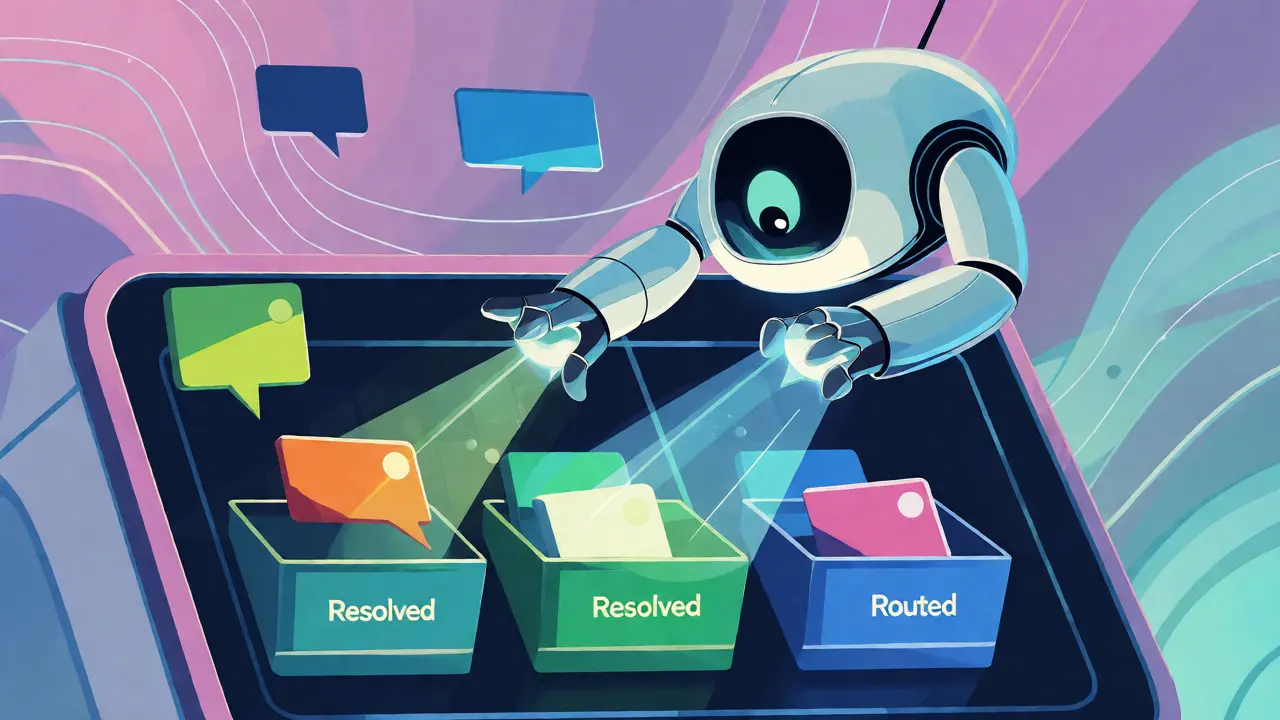
Generative AI doesn’t just look for keywords like old automation tools did. It uses Natural Language Processing (NLP) to understand context and intent. When a ticket arrives, the AI analyzes the text against historical data to determine the root cause. It recognizes that "I can’t get into my account after the update" is likely a single sign-on issue, not a general hardware fault.
This shift from keyword matching to semantic understanding allows for precise routing. The system identifies the category, priority, and even the best agent for the job based on past success rates with similar issues. According to industry benchmarks from firms like Quinnox, over 70% of routine IT support tickets can be resolved autonomously using these NLP-driven contextual understandings. That means your team spends less time sorting and more time solving.
Automating Knowledge Article Creation and Retrieval
One of the biggest pain points in ITSM is keeping the knowledge base current. Writing articles takes time, and outdated docs confuse users. Generative AI changes this by drafting Knowledge Articles automatically. After a ticket is resolved, the AI summarizes the conversation, extracts the solution steps, and drafts an article. An agent reviews and approves it, cutting creation time from hours to minutes.
But it’s not just about creating content; it’s about finding it. Modern GenAI-powered search engines allow users to ask questions in plain English. Instead of typing "VPN error code 809," a user can say, "My VPN keeps disconnecting when I join meetings." The AI retrieves the most relevant article, even if the exact phrasing doesn’t match. This improves self-service rates because users find answers faster without needing to speak to an agent.
Predictive Insights and Proactive Support
Once your tickets are categorized accurately by AI, you unlock predictive power. The system spots patterns humans miss. Maybe every Tuesday at 10 AM, there’s a spike in Outlook login failures. Or perhaps a specific software update consistently triggers printer errors. GenAI flags these trends early, allowing IT teams to deploy fixes proactively.
This moves ITSM from reactive to preventive. Instead of waiting for 50 people to complain about the same bug, the system alerts you after the fifth one. You can patch the issue before it becomes a crisis. This proactive stance reduces downtime significantly and boosts overall employee satisfaction, as people feel supported rather than ignored.

Implementation Checklist for IT Leaders
If you’re ready to bring GenAI into your ITSM strategy, here’s what you need to focus on:
- Data Hygiene: Ensure your historical ticket data is clean. AI learns from past mistakes, so garbage in equals garbage out.
- Human-in-the-Loop: Don’t fully automate critical decisions yet. Keep agents in the loop for high-priority or sensitive tickets to build trust.
- Feedback Loops: Set up mechanisms where agents can correct AI classifications. This retrains the model continuously.
- User Communication: Tell your users that AI is helping. Transparency builds acceptance and encourages them to use self-service options.
| Feature | Traditional Manual Triage | GenAI-Powered Triage |
|---|---|---|
| Classification Method | Keyword matching & manual review | Semantic understanding & intent detection |
| Response Time | Hours to days | Seconds to minutes |
| Accuracy | Prone to human error/inconsistency | High consistency, improves over time |
| Knowledge Base Updates | Manual writing, often outdated | Auto-drafted, real-time updates |
| Resource Allocation | Reactive staffing | Predictive workload balancing |
Overcoming Common Adoption Hurdles
Some IT leaders worry that AI will replace jobs. In reality, it removes the drudgery. Your agents stop being data entry clerks and start becoming problem solvers. Another concern is hallucination-AI making things up. This is mitigated by grounding the AI in your specific company data and requiring human approval for published knowledge articles. Start small, perhaps with password reset tickets, prove the value, then expand.
Integration with existing tools like ServiceNow, Jira Service Management, or Freshservice is also key. Most modern platforms now offer native GenAI plugins, reducing the technical lift required to implement these features. You don’t need to rebuild your stack; you just need to plug in intelligence.
Can Generative AI handle complex technical tickets?
Yes, but with caveats. While GenAI excels at routine and moderately complex issues, highly specialized or novel problems still benefit from human expertise. However, it can significantly speed up the initial diagnosis by suggesting potential causes and gathering necessary logs, giving the human agent a head start.
How accurate is AI-generated knowledge content?
Initial drafts are usually 80-90% accurate but require human review. The goal isn't perfect automation but acceleration. Agents spend 5 minutes editing an AI draft instead of 45 minutes writing from scratch. Over time, as the AI learns from corrections, accuracy improves.
Does this require replacing our current ITSM tool?
Not necessarily. Many major ITSM platforms have integrated GenAI capabilities via APIs or native modules. You can often add intelligent triage and knowledge generation features to your existing setup without a full migration.
What happens to ticket volume metrics?
You might see a slight increase in total logged interactions because users find it easier to report issues via chat interfaces. However, the number of tickets requiring agent intervention drops sharply. Focus on metrics like 'First Contact Resolution' and 'Time to Resolution' rather than raw volume.
Is my data safe with GenAI?
Security depends on implementation. Enterprise-grade solutions keep data within your cloud environment or private instances. Always check vendor compliance certifications (like SOC 2) and ensure PII masking is enabled before sending ticket data to external LLMs.


It is worth noting that the distinction between semantic understanding and keyword matching has been a theoretical goal for decades, long before the current generative AI hype cycle. The industry benchmarks cited from Quinnox regarding 70% autonomous resolution are optimistic at best when applied to complex enterprise environments with legacy infrastructure. Most organizations struggle simply to maintain data hygiene, which renders any advanced NLP model ineffective regardless of its architectural sophistication.
This article completely misses the mark on the actual technical debt we're accumulating by blindly integrating these LLMs into ITSM workflows. You talk about 'clean data' as if it's a simple checklist item rather than the fundamental bottleneck that kills 90% of AI projects in their infancy. If your historical ticket taxonomy is inconsistent-which it always is-your vector embeddings will be garbage and your retrieval-augmented generation will hallucinate solutions that don't exist. We aren't looking at streamlined systems here; we're looking at automated misrouting at scale because leadership wants to cut headcount without fixing the underlying ontology issues first.
The core issue isn't technical but epistemological
We assume that intent can be perfectly mapped to category through language alone
But language is ambiguous by nature and context is often missing in short tickets
When an agent guesses they use intuition and social cues that AI lacks entirely
This creates a false sense of precision where there is only probabilistic noise
Efficiency gains might just be shifting error rates from humans to machines
Without acknowledging this philosophical gap we remain stuck in reactive loops
hey all i work in helpdesk support and honestly this sounds great on paper but my team is already burnt out trying to fix the bad data
we spend more time cleaning up after the old automation tools than actually solving tickets :(
i worry adding another layer of ai will just confuse users even more if it gets things wrong
but maybe if we start small like password resets it could help us breathe a little easier :)
thanks for sharing this perspective
One must consider the implications of allowing external large language models to process internal corporate communication. When you feed proprietary ticket data into third-party APIs, you are effectively surrendering control over your organizational knowledge base to entities whose primary incentive is model training rather than client security. The mention of SOC 2 compliance is a standard checkbox exercise that rarely addresses the granular risk of data leakage or cross-client contamination. Until we have absolute certainty that our operational metadata remains siloed within our private instances, adopting these tools introduces unnecessary vectors for surveillance and intellectual property erosion.
This is exactly what American companies do! They import foreign tech concepts without proper implementation planning. In India we have seen this happen many times. Companies rush to adopt AI to look modern. But they forget basic discipline. Data hygiene is not optional. It is mandatory. If you skip it you fail. Simple words. Clear truth. Do not trust blind automation. Trust human oversight. Always. Keep it real. Keep it safe. This is how we do it right.
I love the focus on empowering agents rather than replacing them here. It’s so important to remember that technology should serve the people using it. Starting with low-risk tasks like password resets is such a smart way to build confidence across the whole organization. I’ve seen teams thrive when they treat AI as a supportive coach rather than a strict overseer. This approach really helps reduce anxiety and encourages everyone to engage with the new tools positively. Great insights!
Finally someone says it straight!! 😡 Stop letting big tech push this nonsense on us. We need strong borders for our data not open doors for algorithms. 🇺🇸 Our jobs matter more than efficiency metrics. If this AI messes up my ticket I am calling my rep directly. No robots getting in the way of American service. 👊 Keep it local keep it real. Don't let them fool you with fancy words. We deserve better than black box decisions. 💢