
You’ve probably seen the headlines: training a massive Large Language Model (LLM) costs millions. But what if you could cut that bill nearly in half without losing model quality? That’s the promise of mixed-precision training. It’s not magic; it’s a smart way of using different numerical formats to speed up calculations and save memory. If you’re trying to train models like Llama 3 or fine-tune GPT-style architectures, understanding how FP16, BF16, and emerging FP8 formats work is no longer optional-it’s essential.
Most people assume computers always calculate with high precision. They don’t. Standard training uses FP32 (32-bit floating point), which is accurate but slow and memory-hungry. Mixed-precision training swaps this for lower-precision formats during heavy lifting, keeping only critical parts in FP32. The result? Up to 3x faster training and 50% less memory usage. Let’s break down exactly how this works, why BF16 has become the go-to standard, and where the technology is heading next.
Why Your GPU Needs Mixed Precision
Here’s the core problem: modern LLMs have billions of parameters. Storing these in FP32 means each parameter takes 4 bytes. For a 70-billion parameter model like Llama 3, that’s 280 GB just for weights-before you even count gradients or optimizer states. Most consumer GPUs (and many data center cards) can’t hold all that in VRAM at once.
Mixed precision solves this by exploiting a simple truth: neural networks are robust. They don’t need perfect precision for every multiplication. You can use lower-precision math for the bulk of computations and still get great results. This isn’t new; NVIDIA popularized it around 2017 with Volta architecture GPUs and their Tensor Cores. These specialized hardware units are designed specifically to crunch low-precision numbers much faster than standard cores.
The workflow looks like this:
- Forward Pass: Weights and activations are cast to FP16 or BF16. Matrix multiplications happen here, benefiting from Tensor Core speedups.
- Backward Pass: Gradients are also computed in lower precision.
- Weight Update: Here’s the catch. You keep a "master copy" of your weights in FP32. When updating, you add the low-precision gradients to the high-precision master weights. This prevents small updates from being lost due to rounding errors.
This hybrid approach gives you the best of both worlds: the speed of low-precision hardware and the stability of high-precision storage.
FP16 vs. BF16: The Battle for Stability
For years, FP16 was the default choice for mixed precision. It’s fast and widely supported. But it has a major flaw: limited dynamic range. FP16 uses 5 bits for the exponent and 10 for the mantissa. This restricts its representable values to between $6.10 \times 10^{-5}$ and $65,504$. In deep networks, especially those with many layers, gradients can easily fall below this minimum threshold, causing them to underflow to zero. When gradients vanish, learning stops.
To fix this, developers had to implement loss scaling. You multiply the loss by a large factor before backpropagation to boost gradient values into the safe FP16 range, then divide them back out before updating weights. If the scale factor is wrong, you either get overflow (inf/nan errors) or underflow (zero gradients). Tuning this is painful.
Enter BF16 (Brain Floating Point). Introduced by Google in 2018 for TPUs, BF16 keeps the same 8-bit exponent as FP32 but reduces the mantissa to 7 bits. This means it has the same dynamic range as FP32 ($10^{-38}$ to $10^{38}$) but uses only half the memory. Because the exponent is wider, BF16 rarely suffers from underflow or overflow issues. You typically don’t need aggressive loss scaling, making training significantly more stable and easier to debug.
| Feature | FP32 (Standard) | FP16 (Half-Precision) | BF16 (Brain Float) | FP8 (Emerging) |
|---|---|---|---|---|
| Bit Size | 32 bits | 16 bits | 16 bits | 8 bits |
| Exponent Bits | 8 | 5 | 8 | 4 (E4M3) or 5 (E5M2) |
| Mantissa Bits | 23 | 10 | 7 | 3 or 2 |
| Dynamic Range | $\approx 10^{38}$ | $\approx 65,504$ | $\approx 10^{38}$ | $\approx 10^{9}$ |
| Memory per Param | 4 Bytes | 2 Bytes | 2 Bytes | 1 Byte |
| Stability | High | Low (Needs Loss Scaling) | High | Very Low (Complex Quantization) |
| Hardware Support | All GPUs | Pascal+ (NVIDIA) | Ampere+ (NVIDIA), TPU v3+ | Hopper+, Blackwell+ |
The industry has largely shifted toward BF16 for serious LLM work. Meta’s Llama 3 implementation, for example, relies on BF16 for its stability. While FP16 might offer slightly better raw precision in the mantissa, the risk of numerical instability in deep transformers usually outweighs the benefit. Unless you are on older hardware (like Pascal P100s) that doesn’t support BF16, start with BF16.

Implementing Mixed Precision in PyTorch
If you’re using PyTorch, implementing automatic mixed precision (AMP) is surprisingly straightforward. Since version 1.6, PyTorch has provided tools to handle most of the complexity for you. As of PyTorch 2.2 (released January 2024), the API is mature and efficient.
You need three main components:
- Autocast: A context manager that automatically selects the appropriate precision for operations. It casts inputs to FP16/BF16 for ops that benefit from it (like matrix multiplications) and keeps others in FP32.
- GradScaler: Manages the loss scaling process to prevent underflow. It scales the loss before backward pass and unscales gradients before the optimizer step.
- Optimizer: Works with the scaled gradients to update the FP32 master weights.
Here’s a minimal example structure:
from torch.cuda.amp import autocast, GradScaler

scaler = GradScaler()

for epoch in epochs:
    for inputs, labels in dataloader:
        optimizer.zero_grad()

        # Forward pass in mixed precision
        with autocast(dtype=torch.bfloat16):
            outputs = model(inputs)
            loss = criterion(outputs, labels)

        # Backward pass with scaling
        scaler.scale(loss).backward()

        # Unscales gradients and steps optimizer
        scaler.step(optimizer)
        scaler.update()
Notice the `dtype=torch.bfloat16` argument. This tells PyTorch to prefer BF16 over FP16. On newer hardware (A100, H100), this will leverage native BF16 support. If you omit it, PyTorch defaults to FP16, which might require more careful tuning of the `GradScaler` initialization factor.
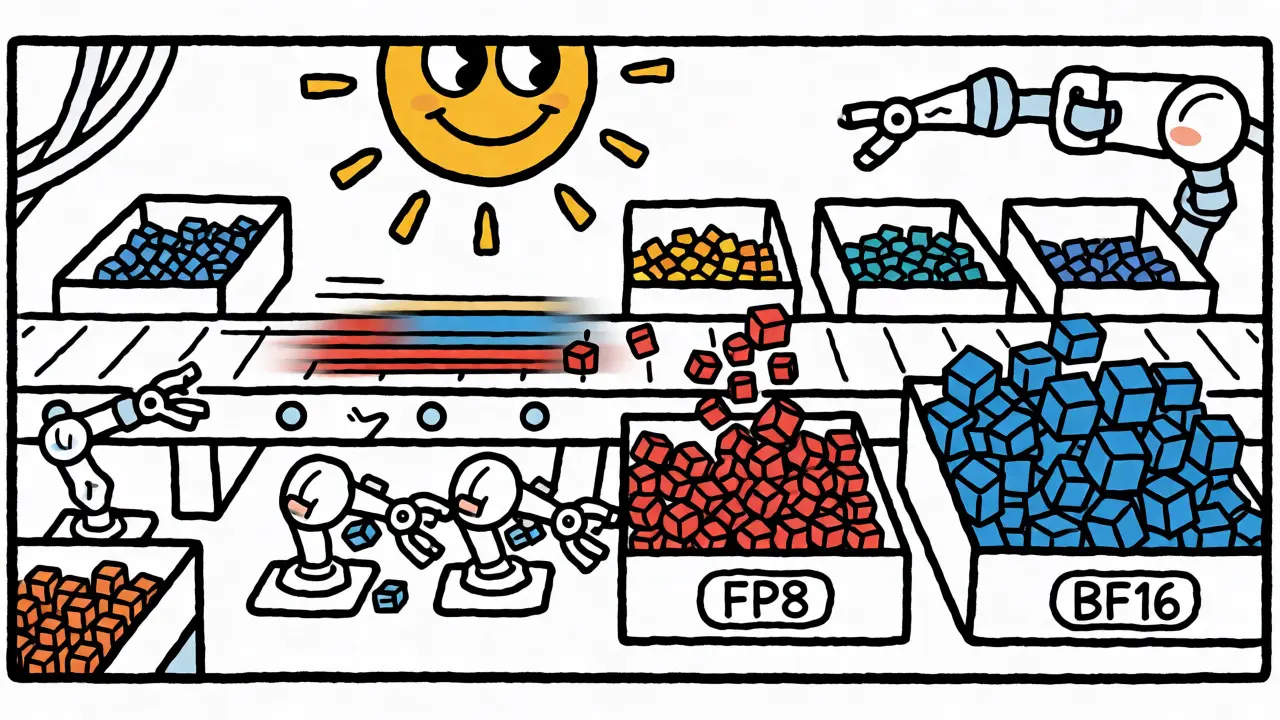
The Rise of FP8 and Beyond
We aren’t stopping at 16 bits. The next frontier is FP8. Announced with NVIDIA’s Hopper architecture (H100 GPUs) and adopted in models like Meta’s Llama 4, FP8 cuts memory requirements in half again compared to BF16. Each parameter takes just 1 byte.
But there’s a catch. FP8 has extremely limited precision and dynamic range. Naive casting leads to significant accuracy drops. To make it work, researchers use sophisticated techniques like:
- Per-Block Scaling: Instead of one global scale factor, groups of weights (e.g., 128 elements) share a local scale. This adapts to varying magnitudes across the tensor.
- Outlier Handling: Some activation values are huge outliers. Keeping these in higher precision while quantizing the rest preserves signal integrity.
- Quantization-Aware Training (QAT): Simulating FP8 noise during training so the model learns to be robust to it.
Recent benchmarks show FP8 can deliver another 1.5x speedup over BF16 on compatible hardware. However, it’s currently complex to implement correctly. Frameworks like TransformerEngine from NVIDIA are helping abstract this away, but it’s not yet a simple "drop-in" replacement for everyone.
Looking further ahead, we see interest in INT4 and even FP4 formats. NVIDIA’s Blackwell GPUs (shipping Q2 2025) promise hardware acceleration for FP4. Research suggests that with advanced algorithms, we might push precision even lower without catastrophic failure, though experts warn that returns diminish rapidly below 4 bits.
Practical Pitfalls and Best Practices
Even with automated tools, things go wrong. Here are common issues and how to fix them based on community feedback from platforms like Reddit and GitHub:
- NaNs in Loss: If your loss becomes NaN early in training, you likely have an overflow. Try lowering the initial loss scale factor in `GradScaler`. Conversely, if gradients are consistently zero, increase the scale.
- Custom Ops Breaking AMP: Not all custom CUDA kernels support mixed precision. If you have custom layers, ensure they handle input casting correctly or wrap them in `autocast(enabled=False)` to force FP32 execution for that block.
- Batch Norm Instability: Batch Normalization running statistics can behave differently in low precision. Some implementations prefer keeping BN stats in FP32 explicitly.
- Learning Rate Adjustments: Because effective batch size increases (due to memory savings allowing larger batches), you often need to scale your learning rate accordingly (linear scaling rule).
Start with Automatic Mixed Precision (AMP) defaults. Don’t try to manually control precision layer-by-layer until you’ve hit a wall. Modern frameworks do a good job of choosing the right format for each operation. Only intervene when profiling shows specific bottlenecks or instabilities.
Economic Impact and Adoption
Why does this matter beyond engineering curiosity? Money. Training a 7B parameter model used to cost around $1.2 million on cloud infrastructure. With mixed precision optimizations enabling larger batches and faster iterations, that cost drops to roughly $480,000-a 38% reduction according to Lambda Labs’ analysis. For enterprises, this is the difference between a viable product and a budget overrun.
Adoption is widespread. By late 2024, 87% of enterprises training models over 1 billion parameters used some form of mixed precision. Cloud providers reflect this too; AWS reported that 73% of their P5 instance workloads utilized mixed precision features. It’s no longer an optimization trick; it’s the baseline expectation for efficient AI development.
Should I use FP16 or BF16 for my LLM?
Use BF16 if your hardware supports it (NVIDIA Ampere/A100/H100 or newer, AMD MI200/MI300, or Google TPU v3+). BF16 offers the same dynamic range as FP32, preventing gradient underflow and eliminating the need for complex loss scaling. Use FP16 only if you are on older hardware (like V100 or P100) that lacks native BF16 support. FP16 requires careful management of loss scaling to avoid instability.
Does mixed precision reduce model accuracy?
Generally, no. In fact, studies suggest it can sometimes improve validation accuracy by 0.5-1.2%. The slight noise introduced by lower-precision arithmetic acts as a form of implicit regularization, helping the model generalize better. Significant accuracy drops usually indicate implementation errors, such as improper loss scaling or unsupported custom operations, rather than inherent limitations of the method.
What is loss scaling and why do I need it?
Loss scaling is a technique used primarily with FP16 to prevent gradient underflow. Because FP16 cannot represent very small numbers, gradients might round to zero. By multiplying the loss by a large constant (scale factor) before backpropagation, you boost gradient values into the representable range. After computing gradients, you divide them by the same factor before updating weights. BF16 rarely needs this because its wide exponent range handles small values naturally.
Can I use mixed precision for inference?
Yes, but the term is usually referred to as "quantization" or "low-precision inference." During inference, you don't need master FP32 weights or gradient updates. You can run the entire model in FP16, BF16, INT8, or even INT4. This drastically reduces memory footprint and speeds up token generation. Tools like ONNX Runtime, TensorRT, and llama.cpp heavily optimize for these lower-precision inference modes.
Which GPUs support BF16 natively?
NVIDIA GPUs from the Ampere architecture onwards (A100, A10G, RTX 30-series, H100, H200, B100) support BF16 natively via Tensor Cores. Older architectures like Volta (V100) and Turing (RTX 20-series) generally do not support BF16 hardware acceleration, though software emulation exists. AMD's CDNA architecture (MI200, MI300) also supports BF16. Intel's Data Center GPUs (Ponte Vecchio) support it as well.