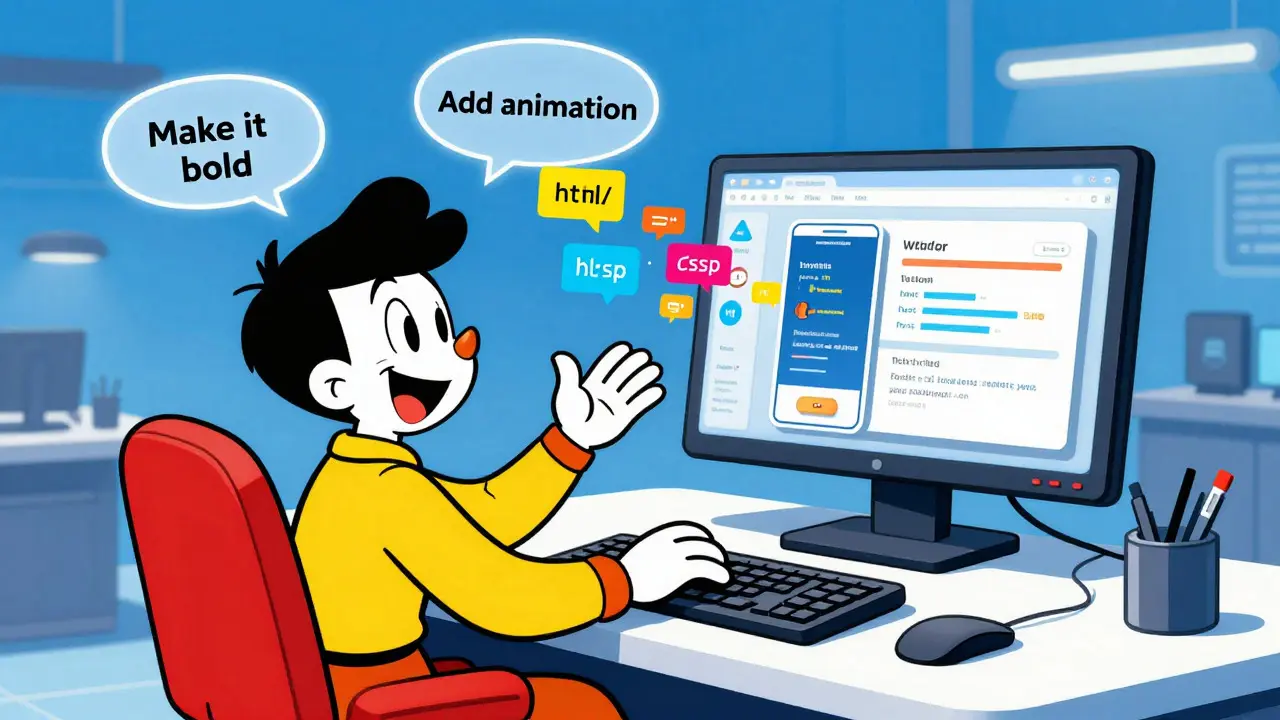
Remember when building a clickable prototype meant dragging rectangles in Figma for hours? That era is ending. In early 2025, Vibe Coding emerged as a new way to build interfaces, coined by Andrej Karpathy. It flips the script: instead of drawing static screens, you describe the feeling and function of an app using natural language, and AI generates the working code instantly.
For designers, this isn't just about speed. It’s about agency. You are no longer handing off flat images to developers and hoping they understand your intent. You are creating functional, interactive experiences directly in the browser. This shift changes how we test ideas, collaborate with teams, and even define what "design" means in 2026.
What Is Vibe Coding?
Vibe Coding is an AI-assisted methodology where users leverage large language models (LLMs) to generate interactive user interface code from natural language prompts. The term captures two things: the "vibe" (the mood, tone, and emotional impact) and the "coding" (the functional structure).
Unlike traditional workflows where you start with wireframes, vibe coding starts with a prompt. You tell the AI what you want it to feel like-calm, bold, playful-and what it needs to do. The AI translates that into HTML, CSS, and JavaScript. You then act as the creative director, refining the output through conversation rather than writing syntax line-by-line.
This approach differs significantly from Generative UI (GenUI). In GenUI systems, the AI decides autonomously whether to show or hide elements based on user behavior. In vibe coding, you remain in control. You explicitly request what gets built. This keeps human creativity at the center while letting AI handle the heavy lifting of implementation.
Key Tools for AI-Generated Frontends
To practice vibe coding, you need the right environment. Two platforms have become industry standards for this workflow in 2026:
- V0 by Vercel: An AI coding assistant that generates React components and full pages from plain English. It’s ideal for rapid component creation.
- Bolt.new: A platform that integrates AI with WebContainers. It allows you to create, run, debug, and deploy full-stack applications entirely in the browser using natural language.
Both tools support modern frameworks like React, making it easy to transition from prototype to production-ready code. Other tools like Figma Make and Replit are also gaining traction, but V0 and Bolt.new offer the most seamless experience for designers who aren’t deep coders.
| Platform | Best For | Key Feature | Learning Curve |
|---|---|---|---|
| V0 (Vercel) | Component-level prototyping | Direct React code generation | Low |
| Bolt.new | Full-stack application logic | In-browser deployment & debugging | Medium |
| Figma Make | Design-to-code handoff | Integration with existing Figma files | Low |
Why Designers Should Care
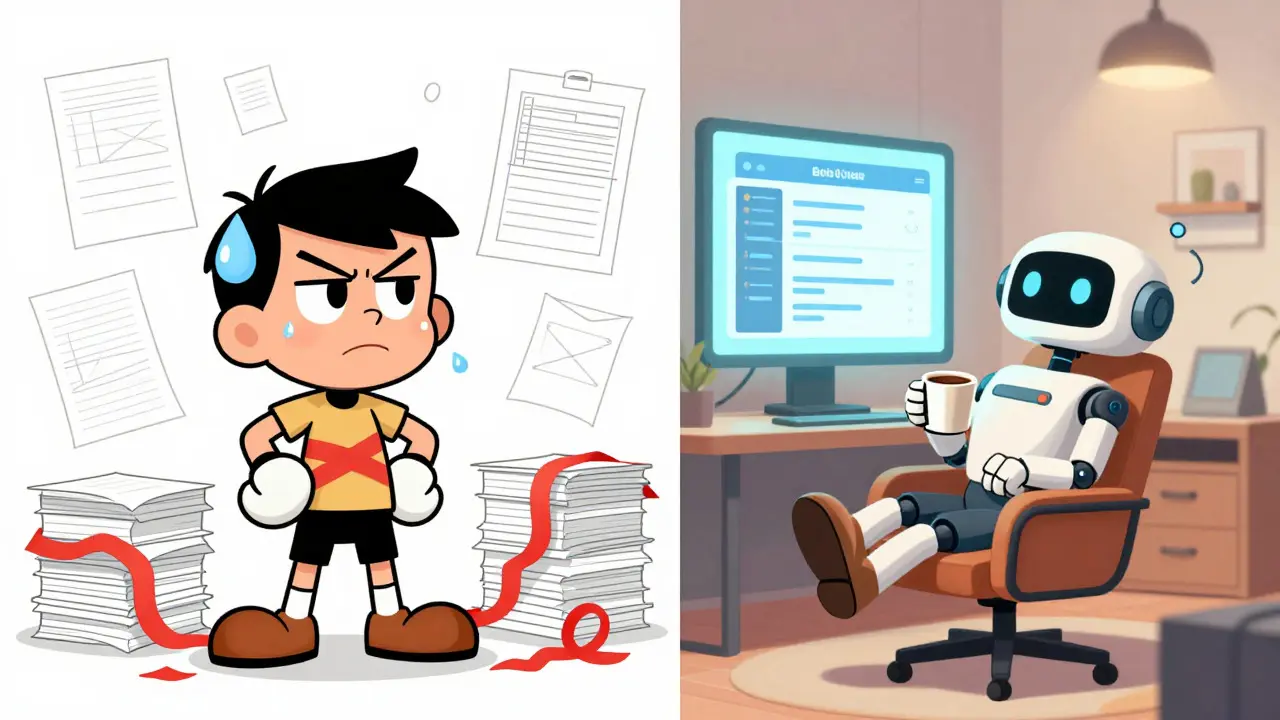
The biggest win here is immediacy. When you can see your idea live in the browser within seconds, you iterate faster. Microsoft Design reported that vibe coding allowed their teams to shape not just appearance, but actual behavior-motion, constraints, and accessibility-much earlier in the process.
Consider this scenario: You’re designing a checkout flow. In Figma, you might draw three screens. With vibe coding, you prompt: "Create a mobile checkout form with a sticky bottom bar, error states for invalid emails, and a success animation." The AI builds it. You click through it. You realize the error message is too small. You prompt again: "Make the error text larger and red." Done. No waiting for a developer. No miscommunication.
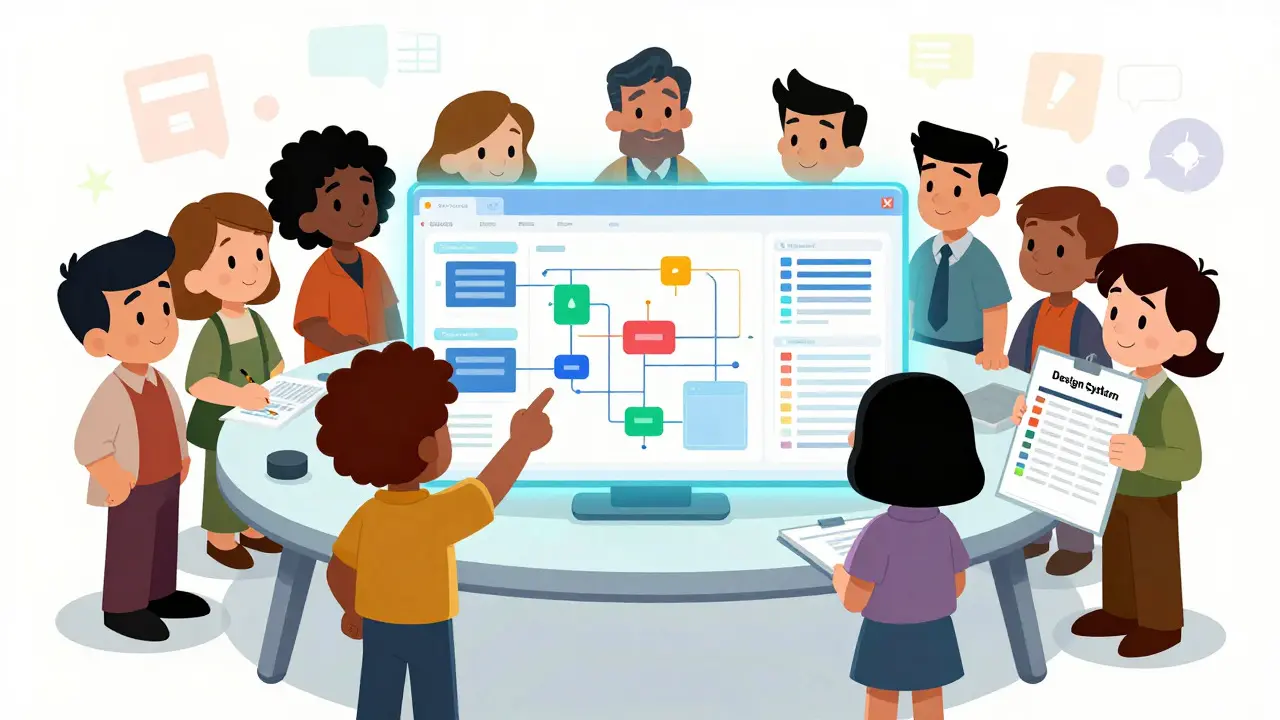
This also improves team alignment. Prompts written in plain language mean stakeholders, writers, and engineers can all contribute to the creative direction. You reduce friction because everyone sees the same functional reality, not just a static image.
Limitations and Challenges
Vibe coding isn’t magic. It has real limits. AI-generated code often struggles with high complexity. If you need custom animations or intricate state management, the AI might produce buggy or inefficient code. You’ll still need skilled developers for those parts.
Another major challenge is Design System Consistency. AI doesn’t automatically know your brand guidelines. If you don’t specify exact colors, typography, or spacing rules in your prompts, the AI will guess. This leads to variation. One button might be blue; another might be indigo. To fix this, you must treat your design system as part of your prompt strategy. Define tokens clearly and reuse them.
Accessibility is another concern. AI may forget aria labels or keyboard navigation. You have to explicitly ask for these features. Don’t assume the AI cares about WCAG compliance-it won’t unless you tell it to.
Getting Started: A Practical Guide
You don’t need to be a senior engineer to use vibe coding. Here’s how to begin:
- Pick a Tool: Start with Bolt.new or V0. They offer free tiers that are sufficient for learning.
- Write Clear Prompts: Be specific. Instead of "make a nice header," try "create a responsive navbar with a logo on the left, three links centered, and a CTA button on the right. Use sans-serif font and dark mode colors."
- Iterate Fast: Generate multiple versions. Test them immediately. Refine based on feel and function.
- Check the Code: Even if you don’t write code, learn enough to read it. Look for missing accessibility attributes or inconsistent styling.
- Integrate Early: Use vibe coding for low-fidelity ideation and mid-fidelity testing. Save high-fidelity polish for later stages with developer support.
The goal isn’t to replace developers. It’s to empower designers to explore further, faster. By bridging the gap between concept and code, you create better products with less waste.
Future Outlook
As of 2026, adoption is accelerating. Major tech companies are integrating these tools into their core workflows. We expect tighter integration with design systems, better handling of complex interactions, and more robust accessibility defaults. But the core principle remains: human direction, machine execution.
Vibe coding represents a fundamental shift in UX design. It moves us from static representation to dynamic creation. Embrace it, understand its limits, and use it to build experiences that truly resonate.
Is vibe coding replacing traditional UI design?
No. Vibe coding complements traditional methods. It excels at rapid prototyping and ideation but lacks the precision needed for final production details. Think of it as a powerful sketching tool, not a replacement for detailed engineering.
Do I need to know how to code to use vibe coding?
Not necessarily. You need to understand basic web concepts like layout, responsiveness, and interactivity. However, knowing some HTML/CSS helps you refine outputs and catch errors.
Which tool is best for beginners: V0 or Bolt.new?
V0 is simpler for generating individual components. Bolt.new is better if you want to build and test entire multi-page applications in one go. Start with V0 if you’re new to AI coding.
How do I ensure my AI-generated prototypes are accessible?
Explicitly mention accessibility in your prompts. Ask for semantic HTML, proper contrast ratios, and keyboard navigation. Always test the generated code with screen readers or automated audit tools.
Can I use vibe coding for client presentations?
Yes. Interactive prototypes are far more engaging than static slides. Clients can click through flows and provide immediate feedback, leading to clearer requirements and fewer revisions later.

Oh, look. Another article telling designers they can just "vibe" their way into building software without actually learning the craft.
It is absolutely exhausting to watch this industry dumb itself down for the sake of a catchy buzzword. You are not a creative director because you typed a prompt into a chatbot; you are a user who got lucky. The idea that we can replace years of meticulous attention to detail with natural language requests is not just lazy, it is morally bankrupt. Where is the care? Where is the precision?
We are handing over our agency to algorithms that do not give a single damn about accessibility or human experience unless explicitly forced to. It is passive-aggressive at its finest-pretending this is empowerment while it is actually just outsourcing critical thinking. Stop pretending this is innovation. It is procrastination dressed up as progress.
I think it's really interesting how this changes the workflow. I've been trying out V0 lately and it feels nice to see things come together quickly. It doesn't mean we stop designing, just that the first steps are different now.
You are all missing the point entirely
the code is garbage
you think you are saving time but you are creating technical debt that will haunt your team for months
I have seen the output of these tools
it is messy
it is inefficient
and you are too busy feeling clever to notice
stop playing with toys and learn HTML
Wait... so you're saying Big Tech wants us to rely on AI for everything?!
This is exactly what they want! They want to erase the line between design and development so they can fire half the workforce and blame the other half when the site crashes!
I checked the source code of Bolt.new last night (I know, I'm paranoid, but someone has to be) and there were tracking scripts everywhere! They are harvesting our prompts to train the next model that will replace US!
Don't trust the vibe! Trust your gut! The government is watching through your browser tab right now!
WAKE UP PEOPLE!!!
Actually, if you look at the underlying architecture of LLMs, the concept of "vibe coding" is fundamentally flawed because it assumes semantic consistency in probabilistic outputs.
The article claims that human creativity remains at the center, but statistically, the variance in generated CSS classes proves otherwise. Every time you regenerate a button, the class name changes, breaking your design system tokens. This isn't prototyping; this is digital entropy.
Furthermore, the assertion that V0 is "low learning curve" is demonstrably false for anyone who understands React context providers. You are essentially writing spaghetti code via voice command. It is dramatic, yes, but it is also disastrous for maintainability. The real issue isn't the tool; it's the delusion that natural language is precise enough for logic gates.
I tried Bolt.new yesterday. It works okay for simple stuff. Not sure I'd use it for a whole app though. Seems like it could get messy fast.
Well, I suppose that is one way to look at it, although I find that the collaborative aspect is somewhat underrated in this discussion, don't you think?
When I started using these tools, I was hesitant, naturally, but then I realized that being able to iterate on a checkout flow in seconds rather than days allows for a much more fluid conversation with stakeholders, which is quite beneficial, really. Of course, as the article mentions, you still need to check the code, and I cannot stress enough how important it is to define your tokens clearly, otherwise, you end up with a bit of a mess, which is unfortunate.
I have found that combining V0 for components and then manually refining the structure yields the best results, provided you are willing to spend a little time reading the generated HTML, which many people seem to skip, unfortunately. It is not about replacing developers, per se, but rather augmenting the designer's ability to communicate intent, which is a subtle but significant distinction, wouldn't you agree?