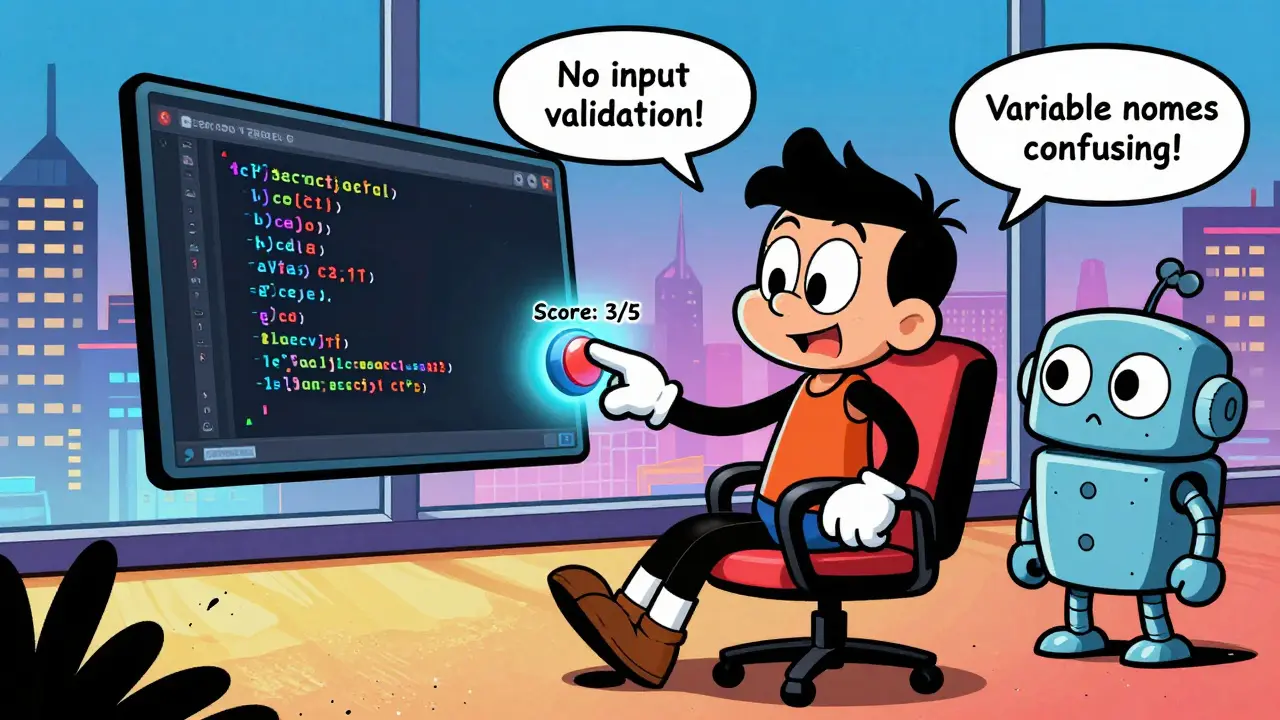
AI tools like GitHub Copilot and Claude Code can write code fast-but how do you know if it’s good code? Too often, developers accept AI suggestions without checking, only to find bugs weeks later. The fix isn’t more AI. It’s better human feedback. Human Feedback in the Loop (HFIL) isn’t just a buzzword. It’s a proven system that cuts critical bugs by over a third and makes code easier to maintain. If you’re using AI to write code but still spending hours fixing it, you’re not using it right.
Why Human Feedback Matters More Than You Think
AI doesn’t understand context. It doesn’t know your team’s style, your company’s security rules, or why a certain pattern causes problems down the line. Left alone, AI will repeat the same mistakes over and over. A 2025 IEEE study of 1,200 developers found that teams using unstructured AI coding had 37.2% more critical bugs than teams with a formal feedback system. Why? Because without feedback, AI learns from what’s accepted, not what’s correct. Take a simple example: AI might suggest a function that works fine for 95% of inputs but crashes under edge cases. If your junior developer accepts it because it passes the test suite, the bug slips into production. Now imagine that same developer gets trained to score the suggestion: “Security risk: no input validation (score: 2/5), readability: unclear variable names (score: 3/5)”. That feedback changes the AI’s next suggestion-and the one after that. This isn’t theory. At Bank of America, AI-generated code used to trigger compliance violations 14.3% of the time. After implementing a structured feedback loop, that dropped to 2.1% in six months. The difference? Developers weren’t just approving or rejecting code. They were scoring it on specific criteria.The Three Core Parts of a Human Feedback Loop
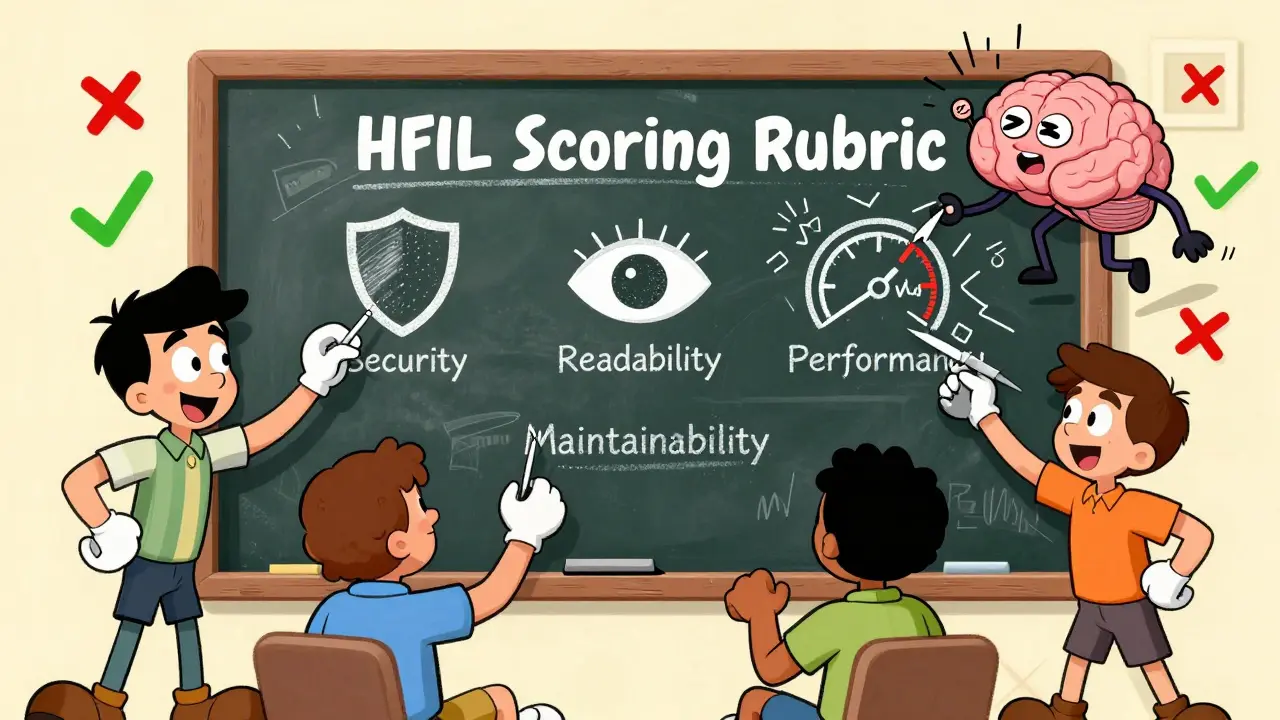
A working HFIL system has three parts: a way to collect feedback, a way to turn it into scores, and a way to use those scores to improve future code. First, the feedback interface. Modern tools like GitHub Copilot Business and Google’s Vertex AI let you rate suggestions directly in your IDE. You don’t need to write long reviews. Just click: “Too slow,” “Insecure,” “Hard to read.” Some systems even let you highlight a line and add a note like, “Avoid this pattern-caused a bug in sprint 3.” Second, the scoring model. This is where it gets technical. Systems like Anthropic’s Claude Code use a reward model trained on over 150,000 human-labeled code examples. Each suggestion gets scored across 12 dimensions: security (weighted at 22.3%), performance (18.7%), readability (15.2%), maintainability (12.9%), and more. These weights aren’t random-they’re based on real data from thousands of GitHub pull requests. The system learns: “When developers reject code for poor security, it’s usually because of missing input validation.” Third, the refinement engine. After you score a suggestion, the AI adjusts its internal parameters in under 100 milliseconds. The next time you type a similar prompt, it generates something better. This loop happens in real time. You don’t wait for a daily batch update. You get smarter suggestions after every feedback click.How HFIL Compares to Basic AI Coding Tools
Not all AI coding assistants are built the same. Here’s how the big players stack up:| Tool | Feedback Type | Cost (per user/month) | Code Quality Improvement | Best For |
|---|---|---|---|---|
| GitHub Copilot Business | Multi-dimensional scoring (5+ metrics) | $39 | 32.7% higher on SonarQube | Enterprise teams needing compliance |
| Google Vertex AI Enterprise | Multi-dimensional scoring + AI-assisted feedback | $45 | 41.2% better long-term quality | Teams with mature feedback culture |
| Amazon CodeWhisperer Professional | Binary (approve/reject) | $19 | 18.3% lower improvement | Small teams on a budget |
| GitHub Copilot (Basic) | No feedback loop | $10 | Baseline (no improvement) | Individuals, prototyping |
How to Set Up a Feedback Loop (Without Losing Your Team)
Setting up HFIL sounds complicated. It’s not. But it’s not plug-and-play either. Here’s what actually works:- Define your scoring rubric in 3-5 days. Pick 5 key metrics: security, readability, performance, maintainability, and one team-specific rule (like “no global variables”). Don’t overcomplicate it. GitHub’s internal docs show teams that used 3-5 metrics improved faster than those using 10.
- Train your team. A 2025 JetBrains survey found developers needed 23.7 hours on average to give good feedback. Seniors took 18.2 hours. Juniors took 29.1. Run a 90-minute workshop: show examples of bad vs. good feedback. Use real code from your repo.
- Integrate with your CI/CD. Make feedback part of your pull request process. Tools like GitHub Actions can auto-flag suggestions that score below a threshold. No need to manually check every line.
- Hold weekly calibration sessions. If one dev scores “readability” as 5/5 and another gives it 2/5, the AI gets confused. Spend 15 minutes each week reviewing 2-3 code samples together. Align your standards.
The Hidden Risks (And How to Avoid Them)
HFIL isn’t magic. It has traps. Feedback fatigue: 68.3% of developers report burnout after four months of constant scoring. Solution? Make feedback optional for low-risk code. Let AI handle simple utility functions. Save human input for core logic. Feedback homogenization: If everyone scores code the same way, AI stops exploring creative solutions. A 2026 IEEE ethics report warned that teams using HFIL too rigidly started writing “boring” code-same patterns, same structures. Solution: Occasionally flip the script. Ask your team to score code for “most innovative approach,” not just “most correct.” Over-engineering: Martin Fowler found teams spending more than 20% of their time on feedback saw no extra quality gains. If you’re spending half your day rating code, you’re doing it wrong. Keep it light. Fast. Actionable. And don’t ignore junior developers. On Reddit, one user wrote: “The AI keeps suggesting the same inefficient pattern because our juniors keep accepting it without understanding why it’s bad.” That’s a training problem, not a tool problem. Pair new devs with seniors during feedback sessions. Make them explain why they scored something low. That’s how they learn.Who Should Use This-and Who Should Wait
HFIL shines in regulated industries. Finance, healthcare, government: if your code has to pass audits, you need this. At a healthcare startup in Seattle, HFIL cut HIPAA violations by 89% in nine months. But if you’re a solo dev building a weekend prototype? Skip it. The setup time isn’t worth it. Same for fast-moving startups in gaming or social apps-speed matters more than perfection. The sweet spot? Teams of 5-20 developers building products where reliability, security, and long-term maintainability matter. If your code runs on servers, handles payments, or stores user data, HFIL isn’t optional. It’s essential.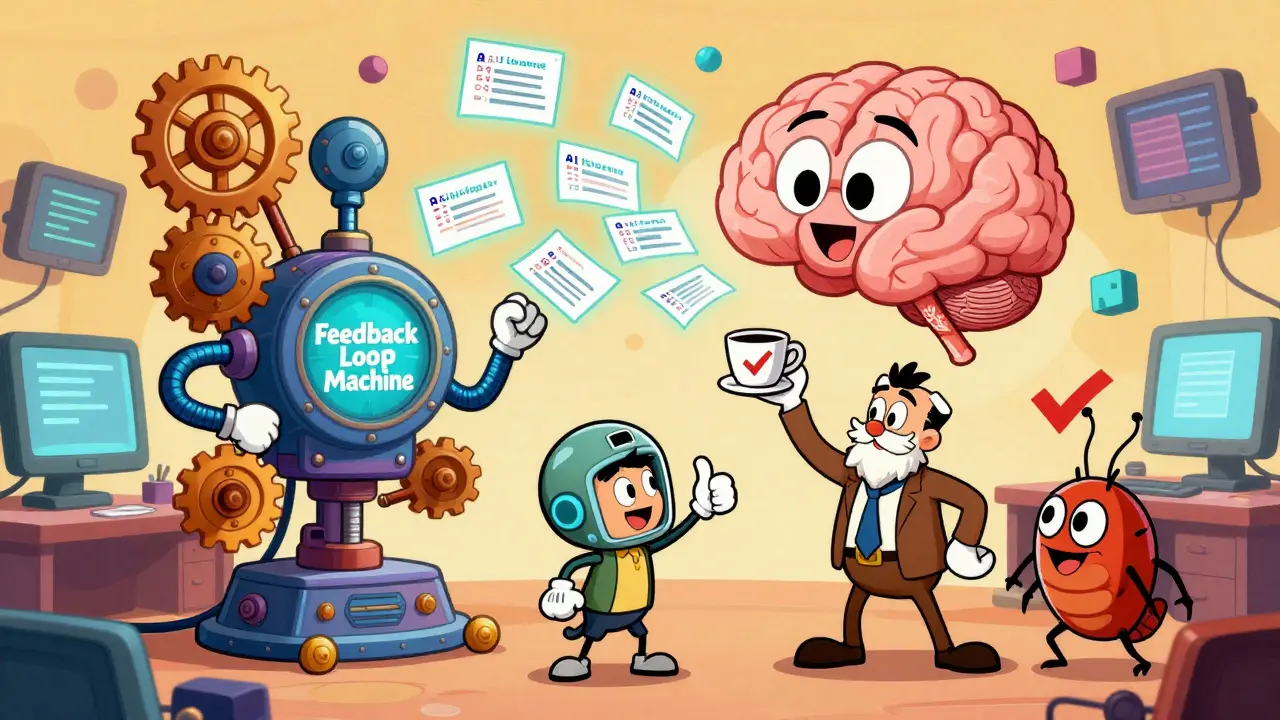
What’s Next? The Future of AI Coding Feedback
The field is moving fast. GitHub just launched Copilot Feedback Studio, an AI tool that analyzes your feedback comments and suggests standardized scores-cutting feedback time by 35%. The Linux Foundation released the Open Feedback Framework 1.0, a free, open standard for scoring AI code. Over 47 companies, including Microsoft and Meta, are on board. By 2027, Forrester predicts 85% of enterprise AI coding tools will include automated scoring with human oversight. The real risk? “Feedback debt”-like technical debt, but for bad feedback habits. If your team stops giving good feedback, the AI gets worse. And it gets worse faster than you notice. The best teams aren’t just using AI. They’re teaching it. Every time you score a suggestion, you’re not just fixing one line of code. You’re shaping how the AI thinks for the next 100 generations.Frequently Asked Questions
Do I need to pay for a premium AI tool to use human feedback in the loop?
Not necessarily. GitHub Copilot Basic doesn’t support feedback loops, but tools like Google’s Vertex AI and Anthropic’s Claude Code require enterprise plans. If you’re using free tools, you can still implement feedback manually-just document your scoring criteria and share them with your team. The system works best with automation, but the core idea-human evaluation guiding AI-works even without paid features.
How long does it take for HFIL to show results?
Most teams see measurable improvements in 4-6 weeks. Bug rates drop, code reviews become shorter, and onboarding new developers gets easier. But the biggest gains come after 3-6 months, when the AI has learned from dozens of feedback cycles. Don’t expect miracles in week one. This is a long-term investment.
Can HFIL replace code reviews?
No. HFIL complements code reviews, it doesn’t replace them. AI feedback helps catch obvious issues early-like security holes or performance traps. Human code reviews still handle architecture, design patterns, and team alignment. Think of HFIL as a pre-check. Code reviews are the final audit.
What if my team disagrees on how to score code?
Disagreements are normal-and useful. They reveal gaps in your team’s understanding. Use them as teaching moments. Hold a 15-minute sync to discuss why two people scored the same code differently. Over time, your team will develop shared standards. Many successful teams use weekly calibration sessions for exactly this purpose.
Is HFIL only for large companies?
No. Even small teams of 3-5 developers benefit. The key is consistency, not size. A startup in Portland with 6 engineers cut their production bugs by 35% in three months using a simple Google Sheets scoring system. You don’t need fancy tools-just a shared understanding of what good code looks like.
Next Steps
If you’re using AI to write code right now, here’s what to do next:- Try scoring your next 5 AI suggestions using 3 simple criteria: security, readability, performance.
- Share your scores with one teammate. Compare notes.
- Look at the next 10 suggestions the AI makes. Are they better?

This whole HFIL thing is just corporate jargon dressed up as a silver bullet. AI writes garbage, you slap a score on it, and suddenly you think it’s magic? Newsflash: the AI doesn’t care about your scoring rubric. It’s just pattern-matching based on what gets accepted. You’re not teaching it-you’re training it to mimic your biases.
My team tried this for three months. Bug rate dropped? Sure. But only because we started rejecting everything that looked even slightly weird. Now our code is bland, boilerplate, and takes 3x longer to write. The AI’s creativity got crushed. We’re not engineers anymore-we’re QA bots with IDEs.
OMG YES. 🙌 I was just telling my team last week that AI code feels like a TikTok dance-flashy, catchy, but one wrong step and the whole thing collapses. I started scoring suggestions with emojis: 🔒 for security, 🧠 for readability, ⚡ for speed. Now my juniors actually *get* why we don’t use global vars. It’s not just feedback-it’s a vibe. The AI’s starting to write like us, not like a textbook. I’m basically a code whisperer now. ✨
Let’s zoom out for a sec 🌱-this isn’t just about code quality. It’s about how we relate to machines. Every time we give feedback, we’re not just correcting syntax-we’re modeling *intention*. We’re saying: ‘Here’s what matters.’ That’s deeper than engineering. It’s cultural. It’s spiritual, even.
When I score a suggestion as ‘too clever’ (score: 2/5), I’m not just saying ‘avoid complexity.’ I’m saying: ‘Respect the next person who reads this. They might be tired. They might be new. They might be me, six months ago.’
HFIL isn’t a tool. It’s a practice. Like meditation, but for code. And yes, it’s messy. And yes, it takes time. But if we want AI to serve humanity-not replace it-we gotta show up. With care. With patience. With heart. 💛
This is all a psyop by Microsoft and Google to sell you more subscriptions. They don’t care if your code sucks. They care if you keep paying for Copilot Business. The ‘12 dimensions’? Made up. The ‘150k labeled examples’? Scraped from public repos without consent. The ‘real-time refinement’? It’s just a placebo effect. You think the AI learned? Nah. It just memorized your team’s nitpicks. Next thing you know, your whole codebase looks like a corporate template written by a bot trained on HR manuals. Wake up.
Oh, so now we’re supposed to become AI therapists? How quaint. I’ve seen junior devs waste 20 hours a week clicking ‘Insecure’ on code that was perfectly fine. This isn’t improvement-it’s performative compliance. You think Bank of America’s 2.1% violation rate is due to feedback? No. It’s because they fired everyone who didn’t conform. HFIL is just a velvet glove over a steel fist of corporate control.
Real engineers write code that works. Not code that scores high on your five-point checklist. If your team needs a scoring system to write clean code, you hired the wrong people.
Look, I get the skepticism. I was a skeptic too. But I’ve seen this work-really work. Last quarter, we had a junior dev who kept accepting AI suggestions that used deprecated libraries. We started scoring: ‘Deprecated: yes/no’, ‘Docs: present/missing’, ‘Test coverage: adequate/weak’. Within two weeks, he stopped accepting bad suggestions. Not because he was scolded. Because he understood *why*.
HFIL isn’t about control. It’s about clarity. It’s about turning vague ‘this feels wrong’ into ‘this violates our security policy because X’. That’s not bureaucracy. That’s mentorship. And yeah, it takes time. But so does learning to ride a bike. You don’t stop pedaling just because you wobble.
I love how this post doesn’t just say ‘use HFIL’-it shows the pitfalls too. Feedback fatigue is real. I’ve seen teams burn out after 3 months. The trick? Make it optional. Let the AI handle the boring stuff: boilerplate, getters/setters, logging. Save human feedback for the meaty logic-the stuff that actually impacts users.
Also, don’t overthink the scoring. We use three criteria: ‘Does this break anything?’, ‘Can a new hire understand it?’, ‘Would I be proud to show this to my boss?’. That’s it. The AI adapts faster than you think. And honestly? It’s kinda cool to watch it get better. Like training a puppy. But with less drool.
Let’s be brutally honest: if your team needs a scoring system to write good code, you’ve already lost. The real problem isn’t the AI-it’s the lack of senior engineers. You’re outsourcing judgment to a machine because you don’t have the expertise to judge it yourself. HFIL is a band-aid on a broken culture. The AI doesn’t need feedback. Your team needs mentors.
And don’t get me started on ‘calibration sessions’. That’s not alignment. That’s conformity. You’re not teaching the AI. You’re training your team to think like a spreadsheet. The future of code isn’t in scoring rubrics. It’s in deep, human understanding. Which, by the way, you can’t automate.