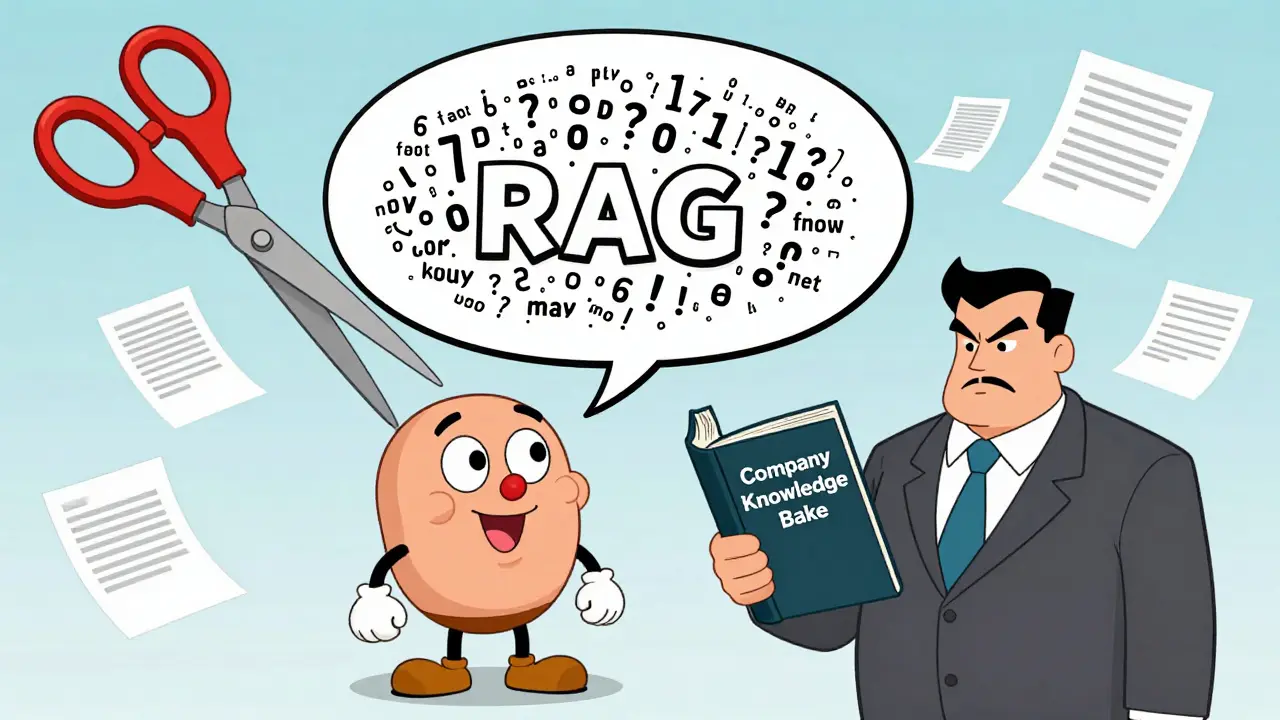
Generative AI doesn’t know what it doesn’t know. That’s the problem. When you ask an AI to write a customer response, draft a sales email, or summarize a policy, it often makes things up - confidently, convincingly, and dangerously. This isn’t just annoying. In business, it’s risky. A single hallucinated fact in a customer support reply can cost you trust, compliance, or even a lawsuit. The fix isn’t better prompts. It’s grounding.
What Grounding Actually Means
Grounding isn’t a buzzword. It’s the process of tying an AI’s answer to real, verifiable data. Think of it like a lawyer who can’t argue a case without citing the law. Without grounding, AI is a brilliant but unlicensed talker. With grounding, it becomes a trained expert who only speaks from the official record. The technical term for this is Retrieval-Augmented Generation, or RAG. It works in three steps. First, when you ask a question, the system searches your company’s documents - CRM data, support tickets, product manuals, internal wikis - for relevant passages. It doesn’t guess. It retrieves. Second, it takes those passages and sticks them into your prompt, right before the AI answers. Third, the AI writes its response, but now it’s forced to use only what it just read. No free-form imagination. No made-up stats. No fake quotes. This isn’t theory. It’s what’s cutting hallucination rates from 27% down to under 3% in enterprise systems like GPT-4 with RAG. That’s not a small improvement. That’s the difference between unreliable and usable.Why Your Old Prompts Aren’t Enough
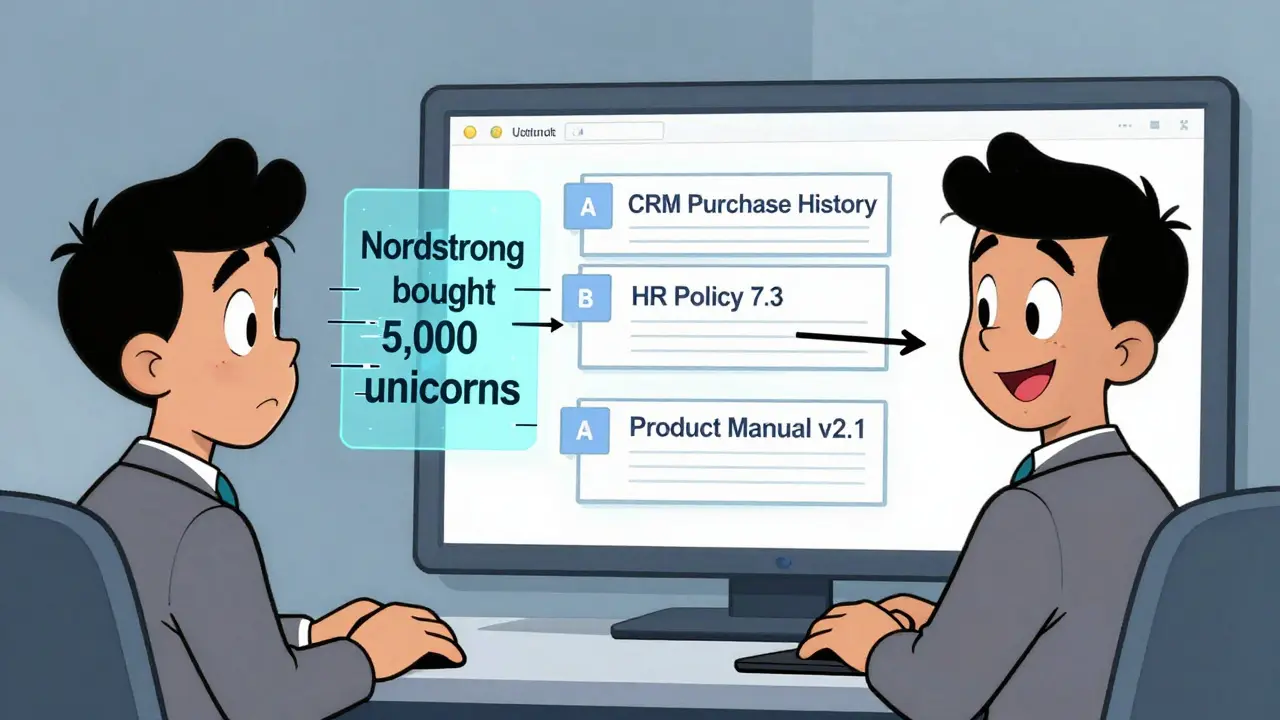
You’ve probably tried fine-tuning prompts. You’ve added: “Use only the data I provide.” “Don’t make things up.” “Cite your sources.” It doesn’t work. Why? Because large language models are designed to fill gaps. They’re trained on the entire internet. Their default behavior is to invent when uncertain. No amount of pleading in the prompt changes that. You’re asking a genius to ignore everything it’s ever learned - and rely only on your note. It resists. Grounding bypasses this entirely. Instead of begging the AI to behave, you give it a sourcebook. You give it facts it can’t ignore. When it answers, it’s not guessing. It’s quoting. Salesforce saw this firsthand. Before grounding, their AI wrote generic sales pitches. After connecting to their CRM, it started saying things like: “Based on your purchase of 1,200 pairs of sneakers last quarter, we’re offering you another 15% discount.” That’s not magic. That’s grounding. The AI didn’t know Nordstrom bought sneakers. The CRM did. And now the AI can use that.How RAG Works Behind the Scenes
Here’s what happens inside a real RAG system:- Retrieval: Your question gets turned into a vector - a mathematical representation of its meaning. The system then searches your knowledge base for documents with similar vectors. It uses cosine similarity scores above 0.7 to find matches. If the top result scores 0.68, it’s ignored. No guessing.
- Augmentation: The top 3-5 relevant passages are pulled in. Most systems limit this to 3,072 tokens - about 2,000 words. Anything beyond that gets cut. This is why clean, well-structured documentation matters. Messy emails? Bad results.
- Generation: The AI now sees your original question + the retrieved context. It writes a response using only that. No outside knowledge. No internet. Just what’s in front of it.
What You Need to Make It Work
Grounding doesn’t work with junk data. If your knowledge base is a mess, the AI will be too. Most companies spend 3 to 6 months preparing before they even start. Why? Because they need to:- Clean up outdated or conflicting documents
- Break large files into small chunks (under 500 words each)
- Tag content with metadata (department, product, date, owner)
- Remove sensitive info that shouldn’t be exposed
Where Grounding Shines - And Where It Fails
Grounding works best when you have clear, reliable sources. Customer service? Perfect. Sales teams? Even better. HR policies? Essential. Moveworks’ clients saw resolution times drop by 52%. Why? Because agents stopped saying, “I think the policy says…” and started saying, “According to HR Policy 7.3, effective January 2024…” But grounding has limits. If your knowledge base doesn’t include something, the AI won’t know it. A 2023 study in JAMA Internal Medicine found grounding failed in 31% of medical diagnosis cases - not because the AI was wrong, but because the source data was incomplete. It also struggles with ambiguity. If someone asks, “What’s the policy on overtime in California?” and your system has two documents - one for retail, one for tech - the AI might pick the wrong one. That’s a 37% error rate on homonyms, according to Deepchecks. Hybrid search helps. Google Cloud’s system combines vector search with keyword matching. So even if “overtime” isn’t in the vector space, the word “California” might still pull the right doc.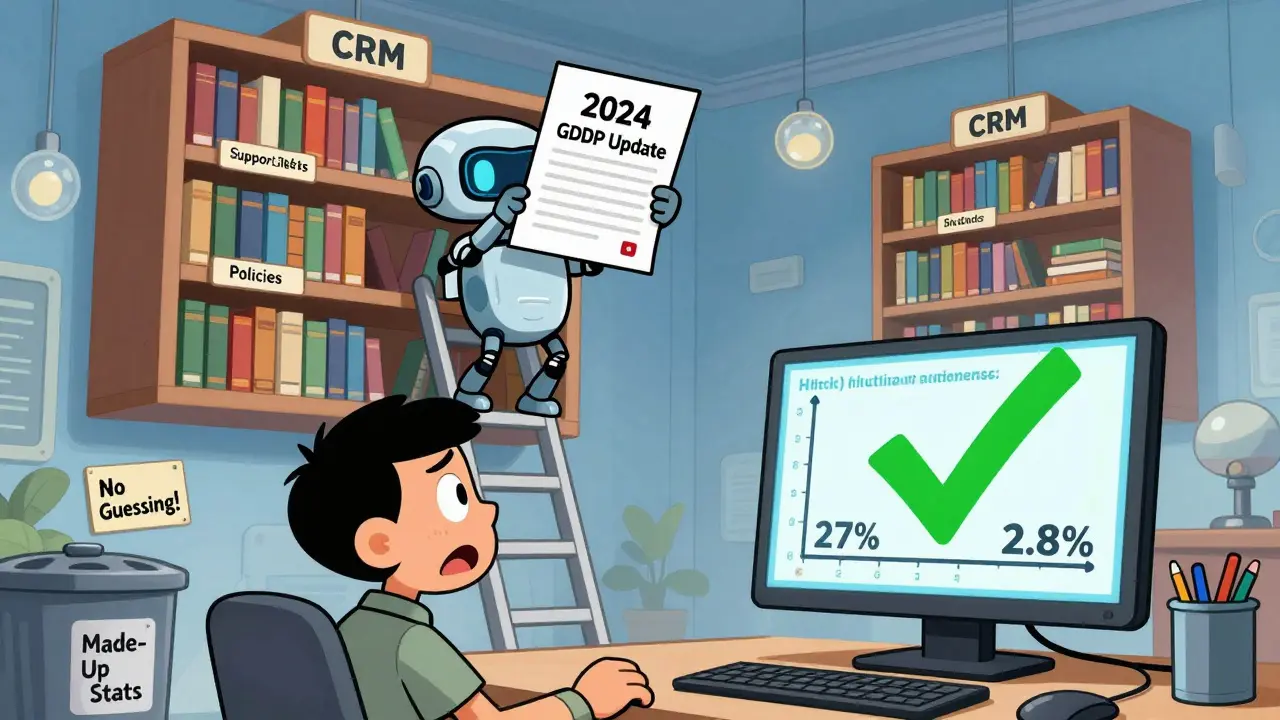
Security and Compliance Risks
Grounding gives AI access to your most sensitive data. That’s powerful. And dangerous. MIT Technology Review reported that 22% of enterprises had data leaks during RAG implementation in 2023. Why? Because the knowledge base became a target. If an attacker can trick the AI into revealing a document, they can steal customer lists, contracts, or internal memos. That’s why companies like K2View now use field-level encryption. Only authorized users can trigger retrieval of sensitive fields. GDPR and CCPA compliance isn’t optional anymore. The EU AI Act, passed in February 2024, explicitly requires “technical solutions to minimize risks of generating false information” - and naming grounding as the key tool.What’s Next? The Future of Grounding
The market is exploding. Grounding AI hit $2.3 billion in 2023. By 2027, it’ll be $14.7 billion. Fortune 500 adoption jumped from 12% in 2022 to 41% in 2024. New tools are coming fast. Google Cloud launched “Grounding Metrics” in January 2024 - a dashboard that shows exactly how often your AI hallucinates. Salesforce bought DataCloud to improve how it finds and organizes data for grounding. Meta open-sourced RAG 2.0, making cross-language retrieval better. The next frontier? Multimodal grounding. Imagine asking, “What’s the warranty on this product?” and the AI not only pulls the text but also shows you the product image, the manual PDF, and a video of the repair process. Early tests show a 39% accuracy boost. But here’s the truth: grounding isn’t about fancy tech. It’s about trust. People don’t want AI to be smart. They want it to be right. And the only way to guarantee that is to tie every answer to a source.Frequently Asked Questions
What’s the difference between grounding and fine-tuning?
Fine-tuning changes the AI’s internal knowledge by retraining it on your data. That takes weeks, costs $15,000-$50,000, and locks your AI into static knowledge. Grounding doesn’t retrain anything. It just gives the AI fresh source material every time it answers. It’s faster, cheaper, and always up to date.
Can I use grounding with ChatGPT or Claude?
Not directly. OpenAI and Anthropic don’t let you plug in your own documents. But you can build a RAG system on top of them using platforms like LangChain, LlamaIndex, or cloud tools from Google, AWS, or Azure. These let you connect your data to any LLM.
How do I know if my grounding setup is working?
Run a simple test. Ask the AI a question you know the answer to. Then check: Did it cite a specific document? Did it quote exact numbers or policies? Did it avoid guessing? If it says, “I think…” or “Usually…”, it’s not grounded. If it says, “According to Policy 4.2, page 17…” - you’ve got it right.
Do I need a vector database to use RAG?
Yes. RAG needs a way to search your documents by meaning, not keywords. Vector databases like Pinecone, Weaviate, or FAISS store documents as numerical vectors so the AI can find similar ones fast. If you’re using a cloud platform like Google Vertex AI or AWS Bedrock, they handle this for you.
What happens if my knowledge base changes?
RAG updates in real time. If you add a new policy, delete an old manual, or fix a typo, the AI will use the latest version the next time it retrieves. No retraining needed. That’s the biggest advantage over fine-tuning.