
Deploying large language models (LLMs) without optimization is like renting a 10-car garage to park one sedan. You can do it - but you’re paying for capacity you don’t need. As of 2026, companies that still run uncompressed LLMs in production are wasting money, slowing down responses, and burning through GPU resources that could be doing far more valuable work. The fix isn’t buying more hardware. It’s compression.
Why Compression Isn’t Just a Tech Trick - It’s a Cost Lever
Most teams think of LLMs as black boxes: you feed in text, you get out answers. But behind that simplicity lies a massive computational burden. A 70-billion-parameter model doesn’t just need memory - it needs bandwidth. Every token processed requires multiple memory reads, floating-point operations, and GPU cycles. Uncompressed, these models eat through cloud bills faster than a marketing campaign runs out of budget. The truth? Over half of all vLLM deployments today still run full-precision models. That’s not innovation. That’s inefficiency. And it’s costing companies millions annually. Compression changes that. It doesn’t dumb down your AI. It makes it leaner. Faster. Cheaper. And yes - just as smart.The Four Big Ways Compression Cuts Costs
There are four main techniques that deliver measurable savings. Used together, they can slash infrastructure costs by 80% or more.Quantization: Shrinking Numbers to Save Money
Think of quantization like converting a 4K video to 720p. You lose some detail - but not enough to matter. In models, this means switching from 32-bit floating-point numbers to 8-bit or even 4-bit integers. The math still works. The outputs stay accurate. But memory usage drops by 75% or more. There are two main flavors:- Post-Training Quantization (PTQ): Apply after training. Fast. Easy. Gets you 2x-4x faster inference with minimal accuracy loss.
- Quantization-Aware Training (QAT): Train the model knowing it’ll be quantized. Slightly harder, but preserves more performance - especially for complex tasks.
Pruning: Cutting the Fat, Not the Brain
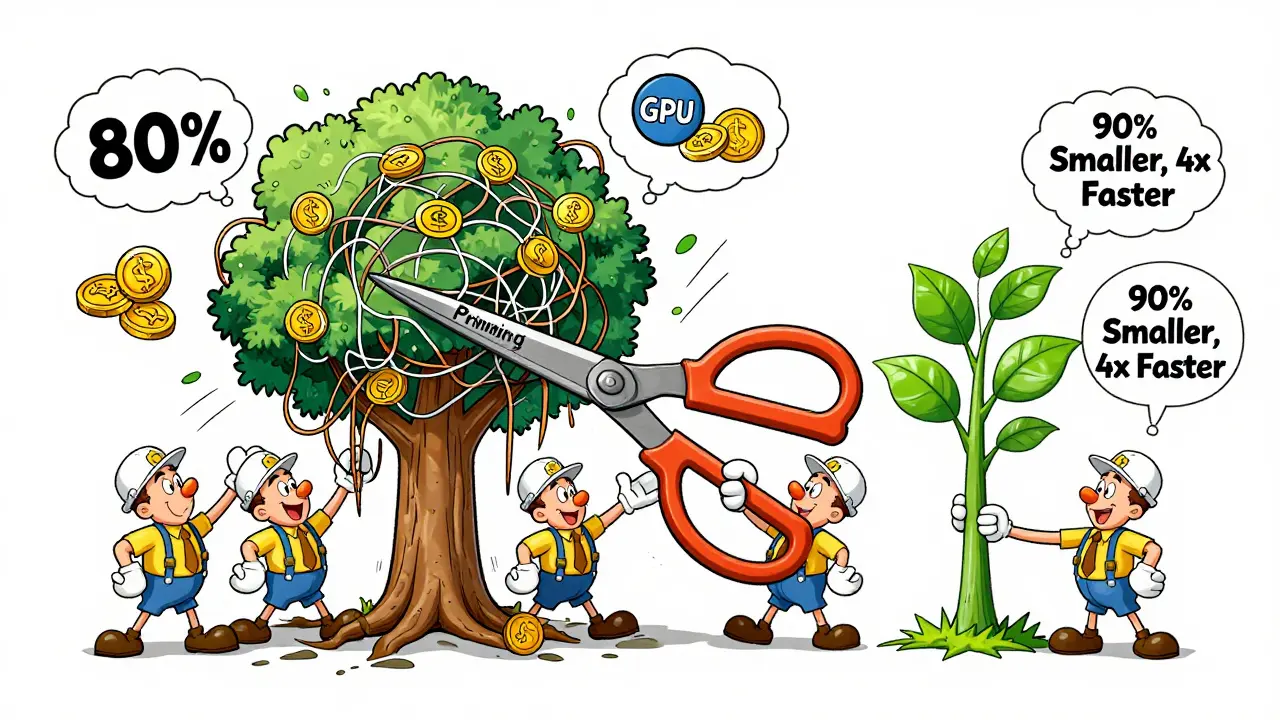
Not every weight in a 70B model matters. Studies show up to 80% of parameters contribute almost nothing to output quality. Pruning removes those. It’s like removing unused lanes from a highway - traffic flows faster. Iterative pruning, where you remove weights, fine-tune, then prune again, can shrink models by 90% with under 1% accuracy drop. Combine that with quantization, and you get a model that’s 10x smaller and 4x faster. That’s not optimization. That’s transformation.Distillation: Teaching a Smart Kid to Do the Work of a Professor
Instead of running a massive model, train a tiny one to mimic it. This is knowledge distillation. You take a large model - say, LLaMA-70B - and use its outputs to teach a 7B model how to answer questions the same way. The result? A model 10x smaller that performs nearly as well on targeted tasks like customer support or document summarization. And because it’s smaller, it trains faster, fine-tunes cheaper, and deploys anywhere - even on edge devices. Data distillation takes this further. Instead of feeding real data into the small model, you generate high-quality synthetic examples from the big model. This cuts training time by 60% and reduces labeling costs to near zero.Prompt Compression: Less Input = Less Cost
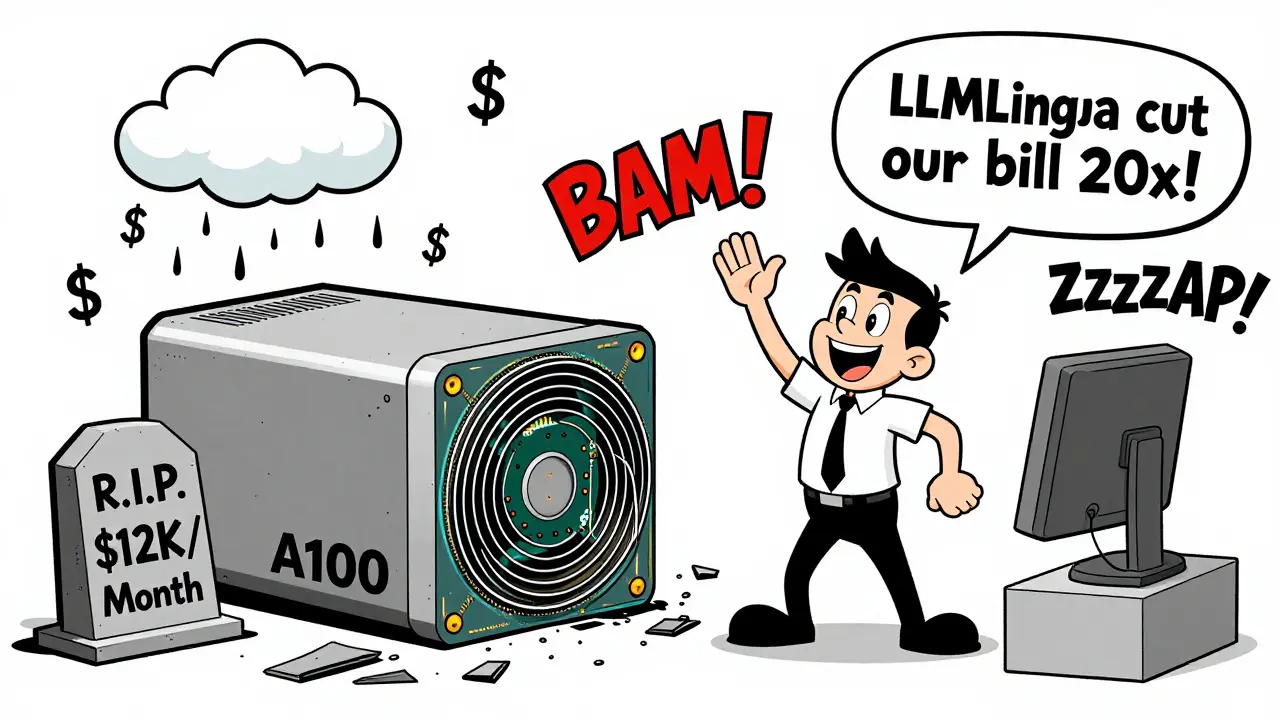
Here’s a secret most teams miss: the biggest cost isn’t the model. It’s the input. A customer service chatbot might send a prompt like:“You are a customer support agent. Here’s the user’s history: [2,000 tokens of past chats]. Here’s the current issue: [500 tokens]. Here’s our product manual: [3,000 tokens]. Please respond politely.”That’s 5,500 tokens. Most of it is redundant. Enter LLMLingua, a tool from Microsoft Research. It analyzes prompts and removes filler - repeated context, overly verbose examples, redundant instructions - without losing meaning. The result? Up to 20x reduction in input length. That means 20x fewer tokens processed. 20x lower cost. 20x faster responses. One SaaS company using LLMLingua cut their monthly LLM bill from $42,000 to $2,100 - without changing the model or degrading quality.
Real-World ROI: What This Looks Like in Practice
LinkedIn didn’t just theorize about compression. They applied it. Their internal EON models handled candidate-job matching across millions of profiles. Original prompts were long, full of context, and slow. By compressing prompts by 30%, they cut inference time by 40% and reduced GPU usage by 55%. That wasn’t a tweak. That was a 10x efficiency gain per user request. Multiverse Computing took it further. Their CompactifAI system shrinks models by up to 95% using quantum-inspired techniques. Clients report 50-80% cost reductions and 4-12x speed boosts. They just raised €189 million to scale it globally. That’s not hype. That’s market validation. Even smaller teams are seeing results. A startup building a legal document assistant cut their monthly AWS bill from $18,000 to $1,200 by combining quantization (4-bit), pruning (85%), and prompt compression. Their model now runs on a single A10G - not an A100.Why Most Teams Still Don’t Do This
You’d think this would be standard. But it’s not. Why? Three reasons:- They think it’s too hard. Tools like LLM Compressor, InstructLab, and Red Hat’s Hugging Face repository now make compression as simple as a few CLI commands.
- They fear accuracy loss. But with modern techniques, accuracy drops are often under 1%. For 80% cost savings? That’s a trade-off worth making.
- They don’t measure. If you’re not tracking cost per inference, tokens per second, or GPU utilization, you’re flying blind.
How to Build Your Business Case
Want to convince your team or CFO? Here’s how:- Start with a pilot. Pick one low-risk use case - say, internal document summarization.
- Measure before. Track tokens per request, latency, and GPU cost.
- Apply 2-3 techniques. Try quantization + prompt compression first. They’re the easiest and give the biggest bang.
- Measure after. Compare results. You’ll likely see 50-70% savings in under a week.
- Scale. Roll out to other use cases. Add pruning or distillation next.
The Future Isn’t Bigger Models - It’s Smarter Models
The race isn’t about who has the largest model. It’s about who can deploy the most efficient one. By 2027, running an uncompressed LLM in production won’t be seen as cutting-edge. It’ll be seen as irresponsible - like running a gas-guzzler in a city with electric charging everywhere. The tools are here. The data is clear. The savings are real. If you’re still deploying full-size models without compression, you’re not just spending more. You’re falling behind.Does model compression reduce accuracy?
Not significantly - if done right. Modern techniques like quantization, pruning, and distillation can reduce model size by 80-95% with accuracy losses under 1-2%. For tasks like summarization, chat, or classification, this is negligible. In fact, some compressed models outperform originals on narrow tasks because they’re less prone to overfitting.
Can I compress any LLM?
Yes - but effectiveness varies. Open models like LLaMA, Mistral, and Phi-3 compress best because they’re well-documented and designed for flexibility. Proprietary models (like GPT-4 or Claude) can’t be compressed directly, but you can use distillation to train a smaller model on their outputs. This is how companies like Anthropic and OpenAI internally optimize.
Is quantization safe for production use?
Absolutely. Quantization has been used in production for years - from mobile AI on iPhones to real-time translation in Zoom. Modern frameworks like vLLM, TensorRT-LLM, and Hugging Face Accelerate handle quantization automatically. Tests show 4-bit models perform reliably under heavy load, with latency under 200ms and error rates matching full-precision models.
What’s the easiest way to start compressing my models?
Start with prompt compression and post-training quantization. Use LLMLingua to shorten inputs - it’s free and open-source. Then, use Hugging Face’s AutoGPTQ or bitsandbytes to quantize your model to 4-bit. Combine them, test on 100 real requests, and compare cost and speed. Most teams see 50% savings in under 2 days.
Do I need special hardware to run compressed models?
No. In fact, compression lets you run models on cheaper hardware. A 7B 4-bit model can run on a single A10G GPU - no A100 needed. Even consumer-grade GPUs like the RTX 4090 can handle compressed 13B models. You’re not upgrading hardware - you’re retiring it.

Honestly, this post hit different. I’ve been running a 70B model for customer support and our cloud bill was out of control. After applying 4-bit quantization + LLMLingua on prompts, we dropped from $38k/month to $9k. No magic, just math. And yeah, accuracy? Barely changed. We’re now using the savings to fund our next AI feature. Sometimes the best innovation is just... stopping the waste.
Also, props to LinkedIn. That 55% GPU drop? That’s the kind of win that gets you a bonus.
Oh good. Another ‘compression is magic’ thinkpiece. Let me guess - you didn’t test it on edge cases, did you? Like legal contracts with 3000-token context or multilingual customer queries? Quantization doesn’t ‘preserve accuracy’ - it just makes the model less likely to notice it’s hallucinating. And ‘prompt compression’? Sounds like you’re just deleting the parts that make the AI not sound like a robot on autopilot.
Also - ‘under 1% accuracy loss’? Who measured that? Your intern? With a 5-question survey? Wake up. We’re not optimizing models. We’re optimizing for quarterly reports.
Bro. I read this whole thing and I’m just… emotionally drained. Like, I get it. Compression = money. But what about the engineers? The ones who spent 6 months fine-tuning a model that now feels like a shadow of itself? What about the soul of the AI?
I’m not saying don’t do it. I’m saying - don’t pretend it’s not a sacrifice. You’re not ‘making it leaner.’ You’re gutting it. And yeah, maybe it still works. But does it *feel* right? Does it still surprise you? Or is it just… efficient? Cold. Clean. Soulless.
I’m not against savings. I’m against pretending efficiency = enlightenment.
I come from a small team in Bangalore where we were spending over ₹12 lakh per month on AWS just to run a 13B model for document classification. We tried everything - scaling up, spot instances, caching - nothing worked. Then we tried quantization (4-bit), pruning (80%), and prompt compression using LLMLingua. The results? We cut our monthly cost to ₹1.8 lakh. That’s an 85% reduction. We didn’t lose accuracy - in fact, our F1 score improved by 0.7% because the model stopped overfitting to noisy inputs. The biggest surprise? Our latency dropped from 1.8s to 0.3s. We now run everything on a single A10G. No A100. No cluster. Just one GPU. And we’re hiring more engineers because we have budget now. This isn’t theory. This is what happens when you stop believing the hype and just try the tools that are already free and open-source. If you’re still using full-precision models in production without measuring cost per token - you’re not being innovative. You’re being negligent. And honestly? It’s embarrassing.
Y’all are out here turning AI into a spreadsheet spreadsheet spreadsheet. ‘Cut costs’ ‘slash bills’ ‘efficiency gains’ - like we’re not building something that should feel alive. I’m not saying don’t optimize. I’m saying don’t optimize to death. You take a model that used to write poetry, and you squeeze it into a bullet point factory. It’s like feeding a Michelin chef a meal plan from Weight Watchers and calling it ‘improvement.’
And don’t get me started on ‘distillation.’ You’re not teaching a smart kid - you’re training a mimic. A glorified autocomplete with no soul. We’re not just reducing parameters. We’re reducing wonder.
But hey - if your CFO loves a 70% cost drop, go ahead. Just don’t act like you’re saving the future. You’re just saving your Q3.
Love this breakdown. The prompt compression part blew my mind - 20x reduction? That’s insane. We’re testing LLMLingua right now on our internal helpdesk bot and saw a 65% drop in tokens per request within 24 hours. Combined with 4-bit quantization, we’re looking at ~75% savings on our biggest workflow. Honestly, the hardest part was convincing the team it wouldn’t break things. But the numbers don’t lie. We ran 500 real user queries pre- and post-compression - output quality was indistinguishable. And the best part? Our dev team now has breathing room to build new features instead of just babysitting GPU costs. If you’re not measuring cost per inference, you’re flying blind. Start small. Test. Measure. Repeat. This isn’t just smart engineering - it’s smart business.