
Deploying a large language model feels like moving a house without disassembling the furniture. You have massive model weights-often exceeding 50 gigabytes-and complex software dependencies that refuse to play nice with each other. If you’ve tried running an LLM on your local machine and then moved it to production, you know the pain of "it works on my machine" syndrome. This is where containerizing large language models becomes non-negotiable. It’s not just about packaging code; it’s about creating a reproducible, isolated environment that handles the sheer weight of modern AI infrastructure.
The stakes are high. According to recent industry data, nearly 70% of LLM deployment failures stem from environment drift-the gap between how your development setup looks versus your production server. When you add GPU acceleration into the mix, specifically NVIDIA's CUDA toolkit, those gaps become chasms. A mismatched driver version can crash your entire node. An unoptimized Docker image can take twenty minutes to start up. Let’s break down exactly how to build robust, fast, and efficient containers for your LLMs.
Why Containerization Is Critical for LLMs
You might wonder if bare-metal deployment or serverless functions could work. For small scripts, sure. For LLMs, absolutely not. Serverless platforms like AWS Lambda have strict storage limits (usually around 10GB), which cuts off most useful models immediately. Bare-metal deployments suffer from inconsistency. Every time you update a library or tweak a system dependency, you risk breaking the delicate balance required for tensor operations.
Containers solve this by encapsulating everything: the operating system libraries, Python versions, CUDA toolkits, and the model weights themselves. This isolation ensures that the inference engine behaves identically whether it’s running on a developer’s laptop or a Kubernetes cluster in a data center. The trade-off? Larger image sizes and longer cold starts. But with proper optimization, these downsides shrink significantly.
CUDA and Driver Management: The Biggest Pitfall
If there is one thing that kills LLM deployments faster than bad code, it’s CUDA version mismatches. In early 2026, reports showed that over half of all GPU-accelerated LLM issues were caused by incompatible CUDA toolkit and host driver versions. Here is the rule you need to memorize: the NVIDIA driver installed on the host machine must support the CUDA version inside your container.
NVIDIA uses a forward-compatibility model. A newer driver supports older CUDA runtimes, but an older driver will never support a newer CUDA runtime. For example, if you use a container based on nvidia/cuda:12.4-runtime, your host needs a driver that supports CUDA 12.4. If you’re unsure, stick to stable, widely supported versions like CUDA 12.1 or 12.2 for now, as they offer the best balance of performance and compatibility across different hardware generations.
To avoid headaches, always reference official NVIDIA NGC images as your base. These images come pre-configured with the correct libraries (libcudart.so, libcudnn.so) and eliminate the guesswork. Never try to install CUDA manually via apt-get unless you have a very specific reason. It introduces unnecessary complexity and potential security vulnerabilities.

Optimizing Your Docker Image Size
A standard Ubuntu image plus Python plus PyTorch plus CUDA can easily balloon to 15-20GB before you even load the model weights. This bloat slows down builds, increases storage costs, and lengthens deployment times. You need to trim the fat.
First, switch from full development images to runtime-only images. Use tags like -runtime instead of -devel. The devel images include compilers and headers needed to build software, which you don’t need at inference time. Second, leverage multi-stage builds. In the first stage, install your dependencies and compile any custom C++ extensions. In the second stage, copy only the necessary artifacts into a clean, minimal base image.
Here is a simplified pattern for your Dockerfile:
- Stage 1 (Builder): Use a larger image with build tools. Install Python packages using
--no-cache-dirto prevent pip from storing cached downloads in the layer. - Stage 2 (Runtime): Start with
nvidia/cuda:12.1.1-cudnn8-runtime-ubuntu22.04. Copy only the compiled application and its dependencies from Stage 1. Do not copy the builder’s OS layers.
This approach alone can reduce your final image size by 30-50%. Additionally, ensure you are using the latest versions of your core libraries. Newer releases of frameworks like vLLM often include optimizations that reduce memory footprint and improve throughput.
Loading Model Weights Efficiently
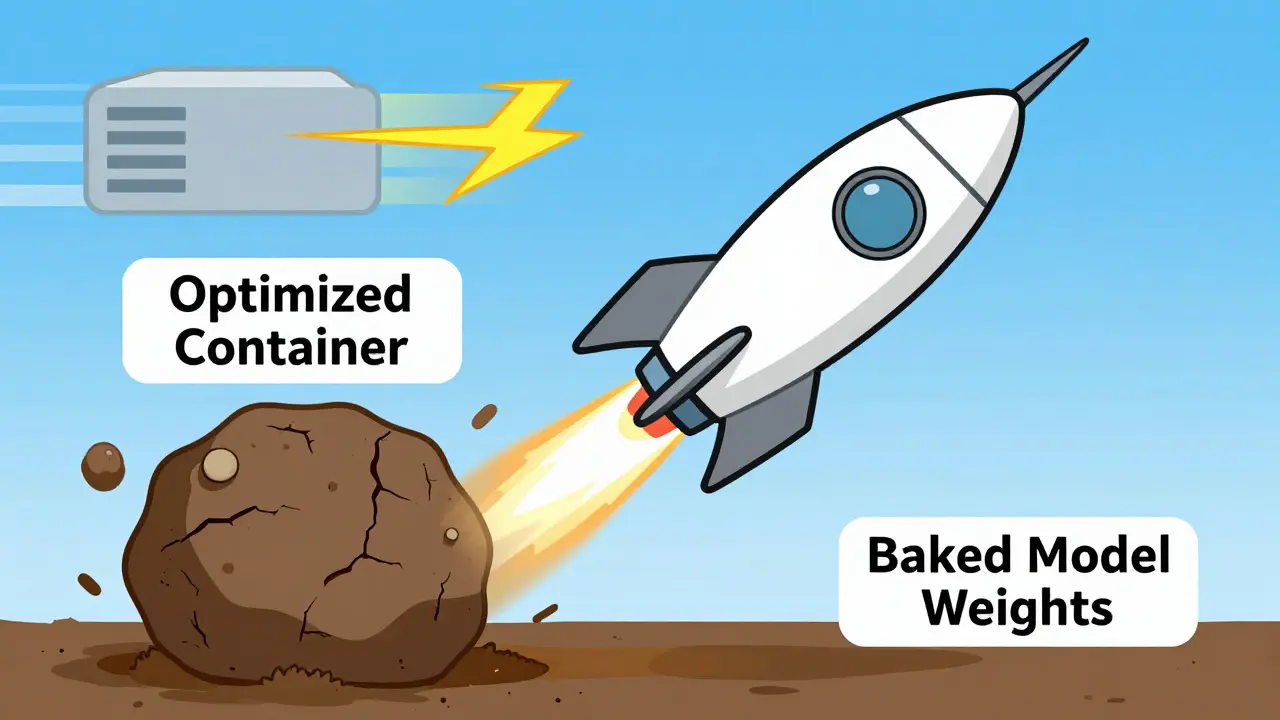
Baking model weights directly into your Docker image sounds convenient, but it’s a trap. If you embed a 40GB model into your image, every pull takes forever, and updating the model means rebuilding and redistributing the entire container. Instead, treat model weights as external assets.
Use volume mounts to attach your model directory to the container at runtime. Even better, mount them from a high-performance file system. Services like Amazon FSx for Lustre provide low-latency access to model weights. Benchmarks show that loading a 32-billion parameter model from standard EBS volumes can take 15-20 minutes. With Lustre, that time drops to under two minutes. This drastically reduces cold start latency, which is critical for auto-scaling groups that spin up instances based on traffic spikes.
Also, ensure your models are stored in the .safetensors format. Developed by Hugging Face, this format eliminates the security risks associated with Python’s pickle module (which can execute arbitrary code) and allows for faster, memory-mapped loading. Most modern serving engines, including vLLM and TGI, support safetensors natively.
Resource Allocation and Parallelism
Running an LLM isn’t just about having a GPU; it’s about giving it enough room to breathe. Under-provisioning leads to out-of-memory errors and slow inference. Over-provisioning wastes money. For a 7B parameter model, allocate at least 16GB of GPU memory and 4 vCPUs. For larger models, like a 30B+ parameter variant, you’ll likely need multiple GPUs working together.
This is where tensor parallelism comes in. Frameworks like vLLM allow you to split the model across multiple GPUs within a single node. Ensure your container has access to all required GPUs by passing the correct device IDs. In Kubernetes, this often involves using Node Feature Discovery or similar operators to label nodes with their GPU capabilities.
Don’t forget CPU resources. While the heavy lifting happens on the GPU, preprocessing tokens and managing request queues still require significant CPU power. Starving the CPU can create bottlenecks that bottleneck the GPU.
| Model Size | GPU Memory Required | vCPUs | Parallelism Strategy |
|---|---|---|---|
| 7 Billion Parameters | 16 GB | 4 | Single GPU |
| 13-14 Billion Parameters | 24-32 GB | 8 | Single GPU (High-end) |
| 30-35 Billion Parameters | 40-80 GB (Total) | 16+ | Tensor Parallelism (2-4 GPUs) |
| 70+ Billion Parameters | 100+ GB (Total) | 32+ | Tensor + Pipeline Parallelism |
Security Considerations
Containers provide isolation, but they aren’t impenetrable fortresses. One major risk in LLM deployments is resource exhaustion attacks. A malicious user could send prompts designed to trigger extremely long generation sequences, consuming all available GPU memory and crashing the service for everyone else.
Mitigate this by setting strict resource limits in your container orchestration platform. Define maximum sequence lengths and token counts per request. Also, ensure your container runs as a non-root user whenever possible. Finally, encrypt your model weights both at rest and in transit. Since model weights represent significant intellectual property, treating them with the same security rigor as customer data is essential.
What is the best base image for LLM containers?
The best base images are the official NVIDIA NGC images, such as nvidia/cuda:12.1.1-cudnn8-runtime-ubuntu22.04. They provide pre-installed, compatible CUDA libraries and drivers, reducing configuration errors and speeding up build times.
How do I reduce cold start times for large models?
Cold starts are primarily driven by model weight loading. To speed this up, store weights on high-throughput file systems like Amazon FSx for Lustre rather than embedding them in the Docker image. Additionally, use the .safetensors format for faster memory mapping.
Can I use serverless for deploying LLMs?
Generally, no. Standard serverless platforms like AWS Lambda have strict storage limits (around 10GB) and initialization timeouts that make them unsuitable for most LLMs, which often exceed 20-50GB in size. Container-based services like AWS Fargate or Kubernetes are more appropriate.
Why does my container fail with CUDA errors?
Most CUDA errors stem from version mismatches between the host’s NVIDIA driver and the container’s CUDA toolkit. Ensure your host driver supports the CUDA version specified in your Dockerfile. Using official NVIDIA runtime images helps prevent this issue.
Should I bake model weights into the Docker image?
No. Baking weights makes images huge and difficult to update. Instead, mount model weights as external volumes at runtime. This allows you to update models without rebuilding containers and enables faster scaling.



it is truly pathetic how many engineers still struggle with basic container hygiene. you do not need a doctorate to understand that baking weights into an image is amateur hour. the article states the obvious for those who actually pay attention to best practices. stop treating production environments like your personal sandbox. it shows a complete lack of professional discipline. nobody respects a devops engineer who cannot manage their own dependencies properly. fix your pipeline or get out of the way.
look i tried this setup last week and honestly it was a nightmare. the cuda errors just kept popping up no matter what i did. maybe im just dumb but following these steps felt like guessing. why does nvidia make it so hard to get things running without breaking everything else. i feel like im fighting the hardware more than the software. its exhausting dealing with all these version mismatches when you just want to run a model.
hey man i totally get where you are coming from with the frustration. it can be really tricky to get the drivers aligned correctly especially if you are on older hardware. have you tried using the official ngc images as suggested in the post? they usually save a lot of headache because the libraries are pre-configured. sometimes just switching to a runtime only image makes a huge difference too. let me know if that helps you out at all!
who cares about optimization anyway. if it works dont touch it. this whole guide is just fear mongering about performance metrics that no one actually notices. people will wait twenty minutes for a response if the answer is good enough. stop overcomplicating simple tasks with fancy docker files and parallelism strategies. it is just noise.
great read everyone! :D i think the part about safetensors is super important for security. we cant ignore the risks of pickle modules anymore. also using lustre for file storage sounds like a game changer for cold starts. keep learning and growing yall! 🚀💪