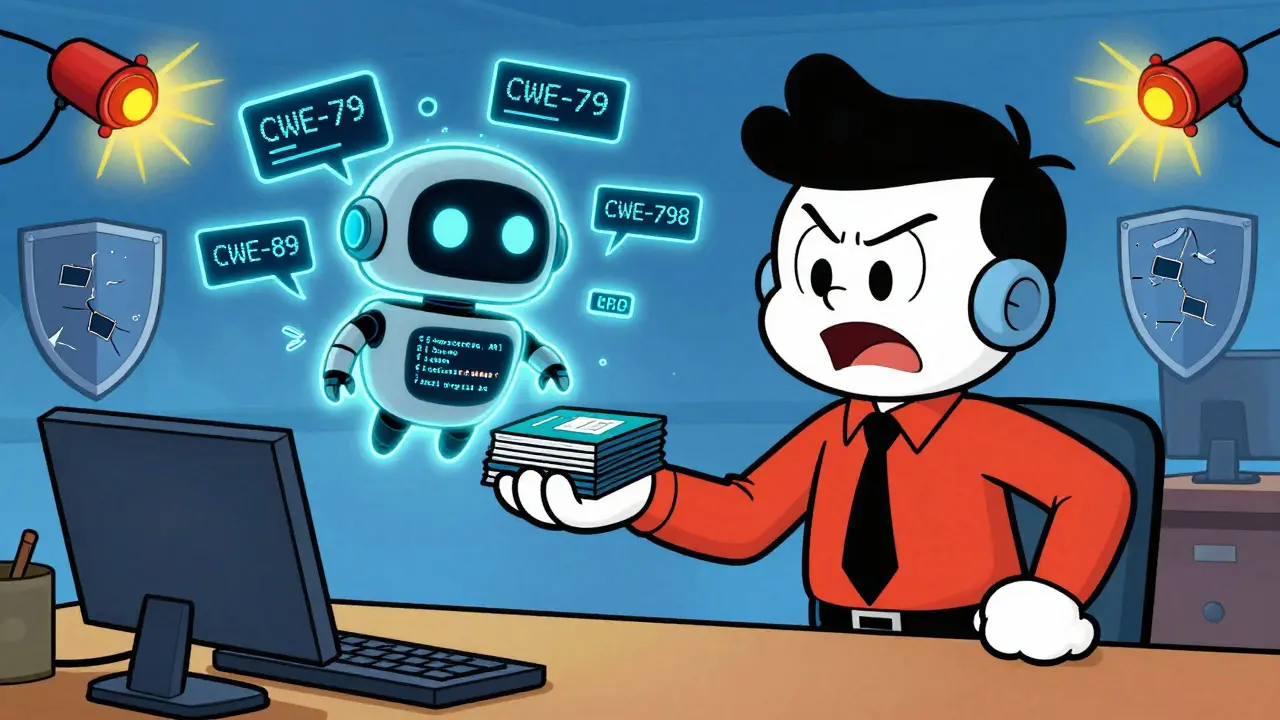
By 2026, if you're writing code without an AI assistant like GitHub Copilot, Cursor, or Amazon CodeWhisperer, you're already behind. These tools don’t just speed things up-they’re now writing nearly half the code in many projects. But here’s the problem: developers trust AI-generated code more than their own. And that trust is dangerous.
AI doesn’t understand security. It doesn’t know your app’s authentication flow, your data sensitivity, or your compliance rules. It only knows patterns from the code it was trained on. If the training data had insecure examples-like hardcoded API keys, unchecked user inputs, or unescaped HTML-then that’s exactly what the AI will spit out. And because it’s fast, clean, and feels right, developers often merge it without a second look.
What Kind of Vulnerabilities Does AI Generate?
The most common flaws in AI-generated code aren’t exotic. They’re the same old problems, but now happening at scale. A 2024 study by Snyk and Backslash found that 36% of AI-generated code snippets contained at least one security vulnerability. The top offenders? Here’s what you’ll actually see in production:
- CWE-79 (Cross-Site Scripting / XSS): AI generates HTML templates that insert user input directly into the page. Think of a comment form that displays text without escaping special characters. The result? A malicious script runs in every visitor’s browser.
- CWE-89 (SQL Injection): AI writes database queries by concatenating strings. "SELECT * FROM users WHERE id = " + userId. No parameterization. No validation. Just raw input. One wrong character and the whole database is exposed.
- CWE-798 (Hardcoded Credentials): This is the #1 issue. AI often inserts API keys, database passwords, or AWS tokens directly into code because it’s seen that pattern in public repos. One developer accidentally pushed a key to GitHub. It was found, exploited, and used to mine cryptocurrency across 12 cloud accounts in under 48 hours.
- CWE-22 (Path Traversal): AI generates file upload handlers that let users access /etc/passwd or config files by typing "../../etc/shadow" in the filename field. No validation. No filtering.
- CWE-20 (Improper Input Validation): AI writes code that assumes all input is good. A number field accepts -999999. A date field takes "2026-13-45". A URL parameter passes through without checking if it’s a redirect to a malicious site.
These aren’t edge cases. They’re routine. And they’re slipping through because no one is reviewing AI output like they would human-written code.
Why Is This Worse Than Human Mistakes?
Human developers make mistakes. But they also get feedback. Code reviews, pair programming, security training, and past incidents teach us what not to do. AI has none of that. It doesn’t remember last week’s breach. It doesn’t know your company’s security policy. It doesn’t care if you’re in healthcare, finance, or government.
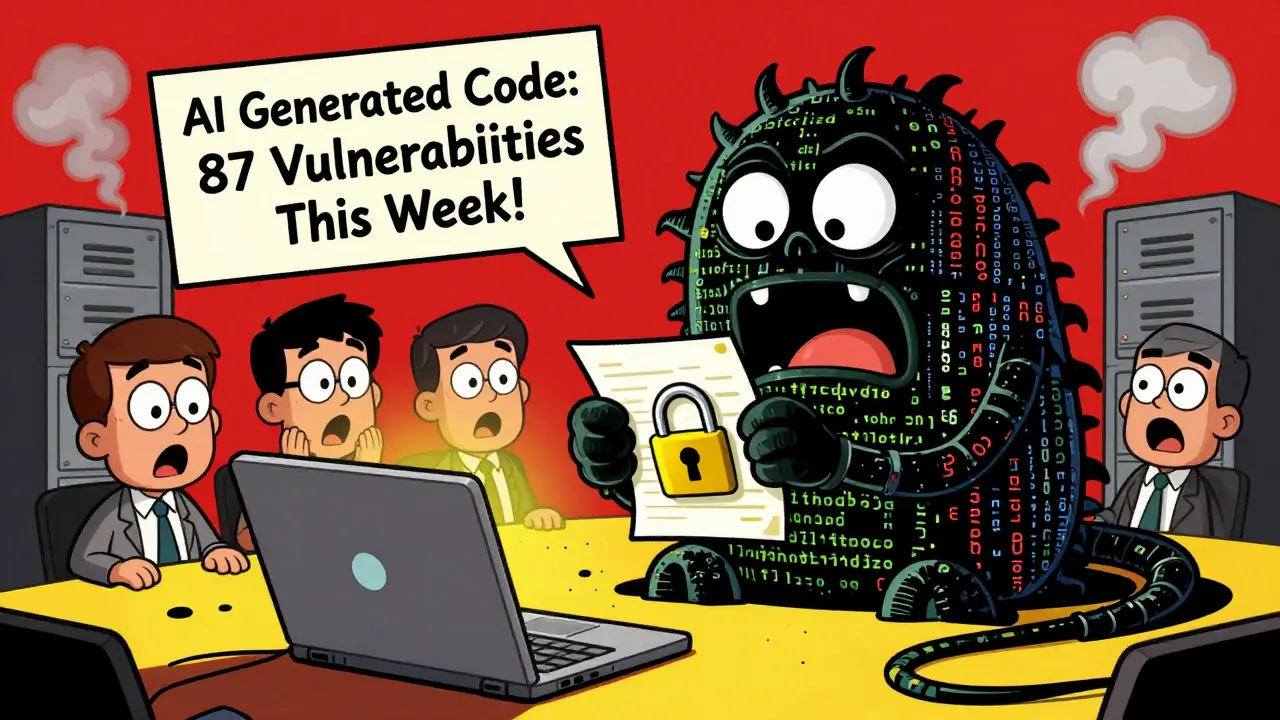
Worse, AI doesn’t just copy bad code-it amplifies it. If 100 open-source projects have hardcoded secrets, the AI learns that’s normal. It starts generating them everywhere. And because AI writes so much code so fast, the volume of flaws overwhelms teams. One team reported 87 new vulnerabilities in a single week, all from AI suggestions. They had to pause development for two weeks just to clean up.
AI Is Also an Attack Tool
It’s not just that AI generates bad code-it’s also helping attackers build worse ones. Tools like WormGPT, a malicious variant of LLMs, are already being used to write polymorphic malware. Attackers don’t need to know how to code. They just need to ask:
"Write a Python script that searches for .docx files, encrypts them with AES-256, and deletes the originals." And boom-ransomware is generated in seconds. No syntax errors. No obvious red flags. Just clean, working code designed to evade detection.
Then there’s prompt injection. Attackers can trick AI models into revealing secrets, bypassing filters, or even writing malicious code under the guise of "helpful" responses. A common trick? Using Unicode homoglyphs-characters that look like normal letters but are technically different. "pаssw0rd" looks like "password" to you, but the AI reads it as something else. Legacy scanners miss it. Humans miss it. Only specialized tools catch it.
And don’t forget data leakage. AI models trained on private corporate code can be reverse-engineered. Researchers have shown that with enough carefully crafted prompts, you can extract real API keys, usernames, and internal URLs from models-even without direct access to the training data.
How to Protect Your Codebase
Stopping AI-generated vulnerabilities isn’t about banning AI. It’s about treating AI-generated code the same way you treat any other code: with scrutiny, testing, and automation.
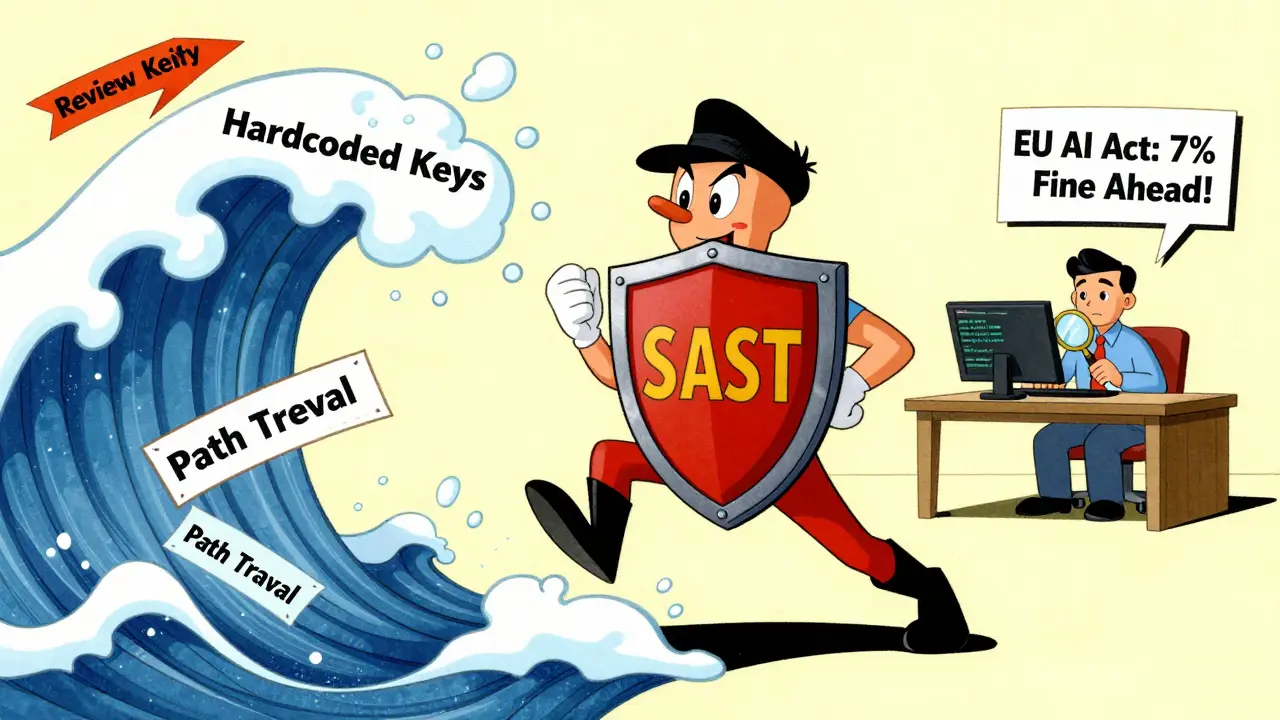
1. Use SAST tools everywhere. Static Application Security Testing (SAST) tools scan your code for vulnerabilities regardless of who wrote it. Tools like Semgrep, SonarQube, and CodeQL flag SQL injection, XSS, hardcoded secrets, and path traversal the same way whether it came from a human or an AI. Enable rules for the top 6 CWEs: 89, 79, 798, 22, 502 (deserialization), and 20.
2. Scan for secrets automatically. GitGuardian, GitHub Secret Scanning, and Semgrep’s p/secrets rule can detect API keys, tokens, and passwords before they’re pushed. Set up pre-commit hooks so code with secrets can’t even be committed.
3. Enforce environment variables. Never allow hardcoded credentials. Require all secrets to come from environment variables or secret managers like AWS Secrets Manager, HashiCorp Vault, or Azure Key Vault. AI will still suggest hardcoded keys-your CI/CD pipeline should block it.
4. Review dependencies. AI often suggests outdated, abandoned, or vulnerable libraries. Use tools like Dependabot or Snyk to scan for known vulnerabilities in third-party packages. Don’t assume "it works" means "it’s safe."
5. Train your team on AI-specific risks. Developers need to know: "AI is not a colleague. It’s a tool with blind spots." Train them to treat every AI suggestion like a pull request from a junior dev: review it, test it, question it.
6. Audit your AI tools. Are you using multiple AI assistants? Different models give different answers. One might be strict about security. Another might ignore it. If your team uses both GitHub Copilot and CodeWhisperer, you’re creating inconsistency. Choose one primary tool, or at least enforce uniform security policies across them.
The Regulatory Wall Is Coming
The EU AI Act takes full effect in August 2026. It requires AI-generated content to be detectable. If your company uses AI to write code and doesn’t watermark or log its output, you could face fines up to 7% of your global revenue. This isn’t theoretical. Companies in the EU are already being audited.
Even outside the EU, regulators are watching. The U.S. NIST AI Risk Management Framework now includes software supply chain controls for AI-generated code. Insurance providers are starting to ask: "Do you scan AI-generated code?" If the answer is no, your cyber liability coverage might be denied.
The Silver Lining: AI Can Also Fix Security
It’s not all bad. In late 2025, an AI system named AISLE discovered 15 new CVEs-including 12 zero-days in OpenSSL. It didn’t just find them. It understood the context, wrote proof-of-concept exploits, and reported them responsibly.
This is the dual nature of AI in 2026: it’s both the biggest source of new vulnerabilities and one of the most powerful tools for finding them. The difference? Human direction. You can’t just turn AI loose on your codebase. You need to guide it-train it, constrain it, and verify it.
What You Should Do Today
Here’s your action list:
- Run a SAST scan on your entire codebase. Look for the top 6 CWEs listed above.
- Search for hardcoded secrets in your repos. Use a tool. Don’t do it manually.
- Set up pre-commit and CI/CD checks to block secrets and unvalidated inputs.
- Update your developer onboarding: include AI security as part of the training.
- Choose one primary AI coding assistant and lock down its settings for security.
- Document your AI code policy: what’s allowed, what’s banned, how it’s reviewed.
AI isn’t going away. But the security risks? Those are optional. You don’t have to accept them. You just have to treat AI-generated code like every other piece of software you deploy: with care, checks, and constant vigilance.

Oh sweet mercy, we’re all just letting AI write our code like it’s some kind of divine oracle? I’ve seen devs merge AI-generated snippets with hardcoded AWS keys like they’re ordering coffee-"Just add the secret, no biggie." One guy I know had his entire AWS bill spike to $87k in 72 hours because Copilot "thought" it was being helpful. And now we’re supposed to just trust it more? Please. This isn’t innovation, it’s institutionalized negligence wrapped in a shiny UI. We’re not just automating code-we’re automating our own irrelevance. If your CI/CD pipeline doesn’t scream like a banshee every time it sees a hardcoded credential, you’re not a developer-you’re a janitor with a fancy title.
And don’t get me started on how AI regurgitates "best practices" from 2018 GitHub repos full of SQLi nightmares. It’s like asking a library that hasn’t been dusted since 2009 for fashion advice. We need mandatory AI code reviews that treat every suggestion like a drunk uncle at Thanksgiving-polite, but with a fire extinguisher ready.
Also, the EU AI Act fines? That’s just the warm-up. Wait till the first child dies because an AI-generated medical device controller had a path traversal flaw. Then we’ll see who’s laughing.
Stop romanticizing AI. It’s not your co-worker. It’s a very convincing parrot that’s read every exploit ever written and thinks "it works" means "it’s safe."
I love how this post nails the paradox-we’re using AI to move faster, but we’re not upgrading our guardrails at all. It’s like putting a jet engine on a bicycle and wondering why it’s not handling curves.
What’s wild is that the same tools we use to find vulnerabilities in human-written code? They work even better on AI output. Semgrep caught 14 critical flaws in my team’s last AI-generated sprint. We didn’t even have to read the code-just ran the scan and let it highlight the nonsense.
The real win? Using AI to scan its own output. We trained a custom LLM to flag patterns like "+ userId" in SQL queries or "api_key = 'xxx'" in config files. It’s not perfect, but it catches 80% of the dumb stuff before it even hits staging. AI as its own watchdog? That’s the future.
Also, pre-commit hooks with secret scanning? Non-negotiable. We made it mandatory. Now even the juniors who think "it’s just a test key" get blocked. No drama. Just automation doing its job.
Let me guess-you’re one of those people who thinks "AI is just a tool." No. It’s a Trojan horse. The Chinese government trained their models on stolen US corporate code. They’re not just generating bugs-they’re planting backdoors disguised as "convenient" solutions. You think that hardcoded AWS key was an accident? Or did the AI learn that American devs are lazy and *want* to leak secrets?
And the EU AI Act? Too late. They’ve already harvested our code. Every time you use Copilot, you’re feeding a model that’s now part of a global surveillance network. Your company’s proprietary logic? It’s already been scraped, analyzed, and weaponized.
Don’t trust AI. Don’t use it. Delete it. And if your company still uses it? You’re not just at risk-you’re complicit in digital espionage. This isn’t about security. It’s about national survival.
And yes, I’ve seen the evidence. I’ve seen the logs. You think I’m paranoid? Wait till your infrastructure goes dark because an AI-generated patch silently redirected traffic to a server in Shenzhen.
I’m so tired of people treating this like it’s just a "technical" issue. This is a moral crisis. You’re handing over your responsibility to a machine that doesn’t understand right from wrong. You’re letting an algorithm that’s been trained on leaked passwords and exploit code decide what’s "good enough" for your app.
And then you wonder why breaches happen? Because you stopped being human. You stopped caring. You stopped thinking. You became a clicker-"approve" button, "merge" button, "deploy" button.
Every line of AI-generated code that slips through without review is a betrayal of your users. Their data. Their privacy. Their trust.
It’s not about tools. It’s about character. If you’re okay with this, you’re not a developer-you’re a liability. And if your company lets you do this? They’re not a business. They’re a negligence factory.
Wake up. Before someone dies because you thought "it looked fine."
AI wrote this post. You’re just reading its propaganda.