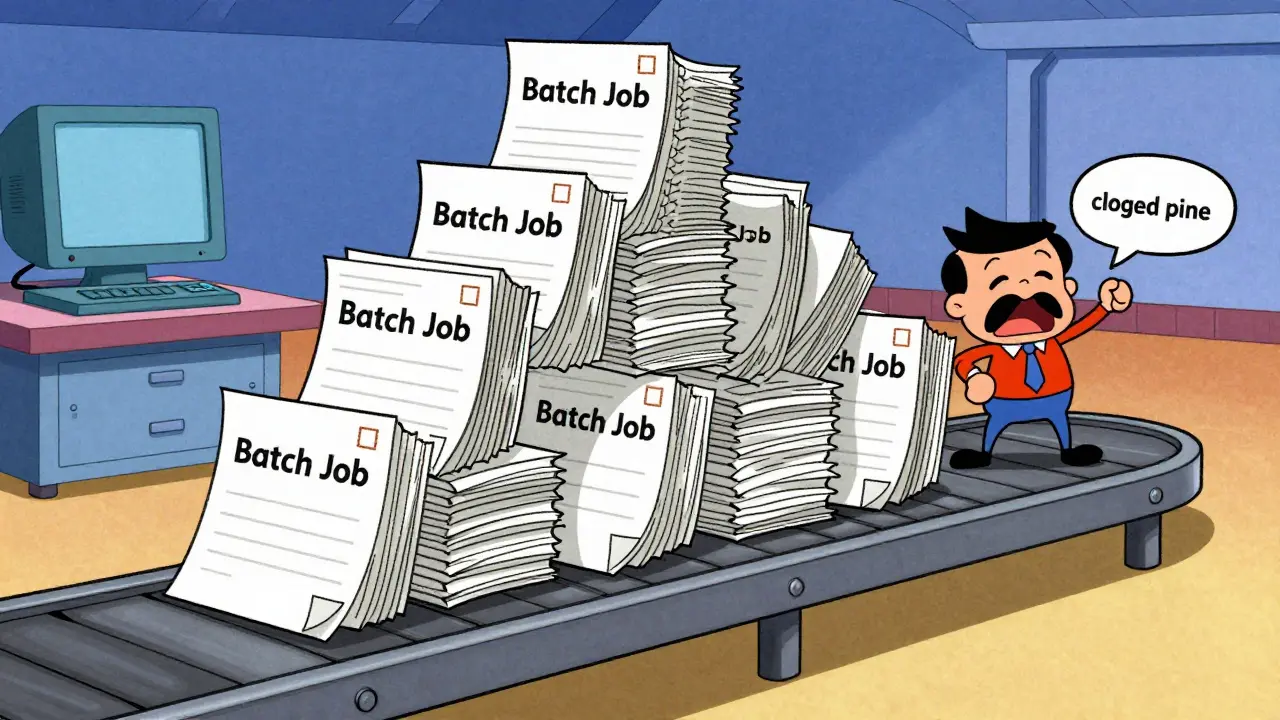
Imagine your company's flagship AI chatbot suddenly slows to a crawl because a developer started a massive batch job to summarize ten thousand documents in the background. To the end-user, the app looks broken. To the developer, the job is just running. This collision of needs is the primary headache for anyone managing Request Prioritization at scale. In a production environment, you can't treat every request the same; a customer-facing query and a background analytics task have completely different urgency levels.
The Clash of Interactive and Batch Workloads
Enterprise LLM traffic usually falls into three distinct buckets. First, you have interactive workloads-think of a chat interface where a human is waiting. These require sub-5-second response times. If it takes longer, the user experience evaporates. Then there are non-interactive workloads, like an automated code review for a pull request. These are important but can take a few minutes without causing a crisis.
Finally, you have scheduled batch operations. These are the lowest priority, designed to run only when the system has idle capacity. If you use a simple First-In-First-Out (FIFO) queue, a massive batch of low-priority requests can "clog the pipe," forcing a high-priority customer query to wait behind thousands of background tasks. This is why static queuing fails in the enterprise.
Moving Beyond FIFO with Priority Scheduling
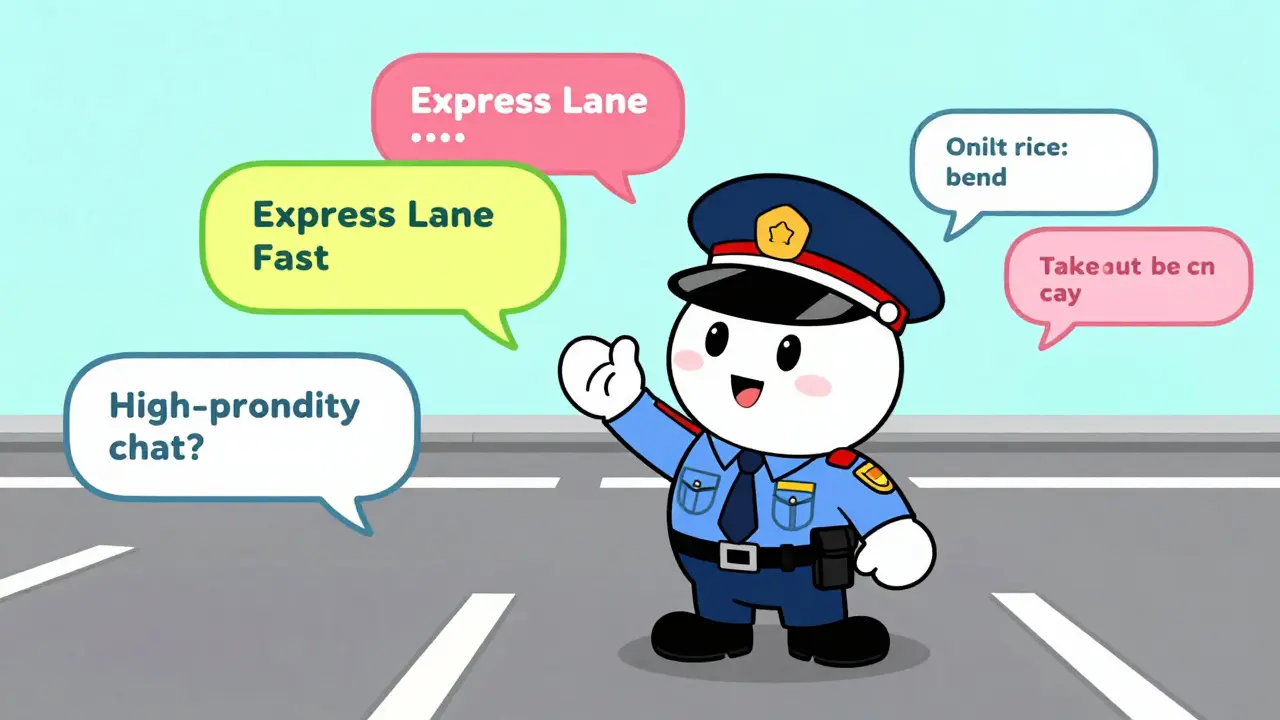
Modern inference engines are moving away from simple queues. For instance, vLLM is an open-source LLM serving framework designed for high-throughput and memory efficiency through PagedAttention . vLLM has transitioned toward priority-based scheduling, allowing requests to be tagged by business criticality before they ever hit the backend. This means a high-priority request can effectively jump the line.
Interestingly, this doesn't happen in rigid tiers but through continuous numeric values. If User A sends four requests at once, the system doesn't give them all the same priority. The first gets a 0, the second a 1, and so on. This prevents a single power user from monopolizing the entire GPU cluster while still allowing a single request from User B to maintain a priority 0 status. It's a fairness mechanism that keeps the system balanced.
| Workload Type | Priority Level | Target Latency | Business Impact |
|---|---|---|---|
| Interactive (Chat) | High (0) | < 5 Seconds | Direct User Churn |
| Non-Interactive (API) | Medium (1) | Seconds to Minutes | Operational Delay |
| Scheduled Batch | Low (2+) | Hours/Days | Cost Efficiency |
The Multi-Layer Scheduling Architecture
You cannot solve prioritization solely at the inference engine level. Once a request is submitted to the backend, reordering it becomes computationally expensive and complex. The real magic happens in a layered approach: the LLM-Server (the gateway layer) handles the initial sorting, and the inference engine handles the final execution refinement.
This is where the AI Gateway comes in. It acts as a thin, purpose-built layer between your app and the model. Without a gateway, every internal service connects directly to the model, creating a chaotic web of fragmented security and unpredictable performance. A professional gateway ensures that priorities are assigned based on the user's identity or the specific application context before the request ever touches the GPU.
For those obsessed with performance, the overhead of this gateway is a key metric. High-performance solutions like Bifrost can keep overhead under 15 microseconds per request. When you're processing millions of tokens, those microseconds add up, and any bottleneck here can jeopardize your P99 latency targets.
Managing Tail Latency and SLA Compliance
In the enterprise, the average latency is a lie. What actually matters is the P99-the 99th percentile of response times. If 1% of your users experience a 30-second delay, your system isn't "fast on average"; it's unreliable for thousands of people. To fix this, you need strategies that go beyond just adding more hardware.
- Request Hedging: This is a bold move where you send the same request to two independent replicas. The system takes whichever response comes back first and discards the other. It's expensive in terms of compute, but it's a killer way to eliminate tail latency.
- Intelligent Routing: Stop using round-robin load balancing. Instead, route requests based on the current depth of the queue and the status of the KV-Cache (the memory that stores previous tokens in a conversation). If one replica's cache is full, sending another request there will just cause a slowdown.
- Regional Distribution: Route traffic based on geographical proximity and real-time regional load to minimize the physical distance data travels.

Resource Optimization and the Cost Tension
There is a constant tug-of-war between the CTO's budget and the SLA requirements. Running on-demand GPU instances is expensive. To lower costs, many organizations use Spot Instances-spare cloud capacity sold at a discount. The risk? They can be reclaimed by the provider at any time.
Advanced frameworks like SageServe use complex mathematical optimization (specifically Integer Linear Programming) to determine exactly how many model instances are needed across different regions. By donating surplus capacity from high-priority instances to spot-based background tasks, companies can maintain their SLAs while slashing their cloud bill.
The goal is a "reactive" strategy: forecasting when a spike in interactive traffic is coming and scaling out GPU virtual machines just before the rush hits, while scaling them back in the moment the queue clears.
Why is FIFO not enough for enterprise LLMs?
FIFO (First-In-First-Out) treats all requests equally. In an enterprise setting, a background task processing 5,000 documents can block a critical customer support query. Priority scheduling allows business-critical tasks to bypass the queue, ensuring users aren't waiting on background jobs.
What is P99 latency and why does it matter for SLAs?
P99 latency is the time it takes for the slowest 1% of requests to complete. While average latency looks good on a dashboard, P99 reveals the "worst-case scenario." For enterprises, P99 is the true measure of reliability because it identifies the unstable spikes that frustrate users.
How does an AI Gateway improve LLM performance?
An AI Gateway provides a centralized point to assign priorities, enforce security, and route requests intelligently. It prevents the "fragmented implementation" problem where every app connects to the LLM differently, allowing the organization to apply consistent SLA rules across all services.
Does request hedging waste resources?
Yes, it doubles the compute cost for that specific request. However, for critical high-priority paths, the cost is justified by the massive reduction in tail latency, ensuring the system meets its strict SLA commitments regardless of a single replica's performance dip.
How is priority handled in vLLM?
vLLM uses continuous numeric priority values. This allows it to differentiate not just between "high" and "low," but also to prevent a single user from flooding the system by incrementally lowering the priority of their subsequent requests while keeping other users' first requests at top priority.
Next Steps for Infrastructure Teams
If you're currently seeing unpredictable spikes in your LLM response times, start by auditing your request types. Are your background agents sharing the same queue as your customer-facing UI? If so, your first move should be implementing an AI Gateway to decouple request arrival from backend execution.
From there, move toward a P99-centric monitoring system. Stop looking at the "average" and start looking at the tail. Once you have visibility into those spikes, you can decide whether to implement request hedging for your most critical endpoints or move toward a more dynamic provisioning model using spot instances to balance the cost of your SLA compliance.



man this is super helpfull. i always thought we just needed more h100s but the queueing logic is where the real magic happenes lol
Oh, look at us, discovering that FIFO is inefficient for complex systems. Groundbreaking. Truly. I'm sure the "genius" who designed the first queue is shaking in their boots knowing we now have "AI Gateways" to solve a problem that basic operating system theory handled decades ago. But please, continue to treat P99 as some mystical revelation rather than a standard statistical measure of tail latency. It's almost cute how this is framed as a new challenge for the "enterprise" when it's basically just Priority Scheduling 101 with a GPU flavor. Absolutely riveting stuff.
The throughput optimization here is legit. Using PagedAttention to mitigate memory fragmentation is such a game changer for KV-cache management. It's wild how much the infra side impacts the actual UX in these LLM deployments. Definitely seeing a lot of potential for hybrid-cloud orchestration here to hit those P99 targets without blowing the budget on reserved instances. Great breakdown of the stack!
Typical. We build these massive models and then realize we can't even handle a basic batch job without the whole house of cards falling over. Most of you are just throwing gateways at a problem that starts with poor architecture and an inability to actually forecast load. It's honestly embarrassing that this is still a "headache" in the current year.
I find myself reflecting on how the tension between cost and performance is something many of us feel deeply in our daily operations, especially when you are trying to balance the needs of a frustrated user base against the very rigid constraints of a corporate budget that doesn't always understand why we need more compute, and it's quite interesting to see how request hedging could potentially save the user experience even if it feels like a waste of resources on paper, because at the end of the day, the human element of waiting for a response is what truly defines the success of the implementation regardless of the underlying hardware efficiency.
The sheer audacity of thinking that a few microseconds of gateway overhead is the primary bottleneck while the actual model is lumbering along like a wounded elephant is simply laughable. You've painted a picture of a sophisticated architecture, but in reality, it's just a desperate attempt to slap a bandage on the inherent inefficiency of autoregressive decoding which, let's be honest, is a computational nightmare that no amount of "intelligent routing" can ever truly mask from a discerning user who knows they are waiting on a glorified autocomplete engine.
The idea of continuous numeric values for priority is such a clever way to handle the "power user" problem! It's like a digital version of a fair-share scheduler. I wonder if this approach scales well when you have thousands of different endpoints across multiple regions, or if the gateway starts to become its own bottleneck. Really vibrant way to look at resource distribution!
This is all just a way for the cloud providers to keep us dependent on their proprietary scaling tools while they harvest our data. The "regional distribution" is just a cover for where they're actually routing our private prompts for training. Don't trust the gateway.
It's just interesting that we prioritize the "direct user churn" over the operational delays of other teams. It feels like the corporate hierarchy is being baked right into the code, which is a bit disappointing but I suppose that's just how things work in the enterprise world.