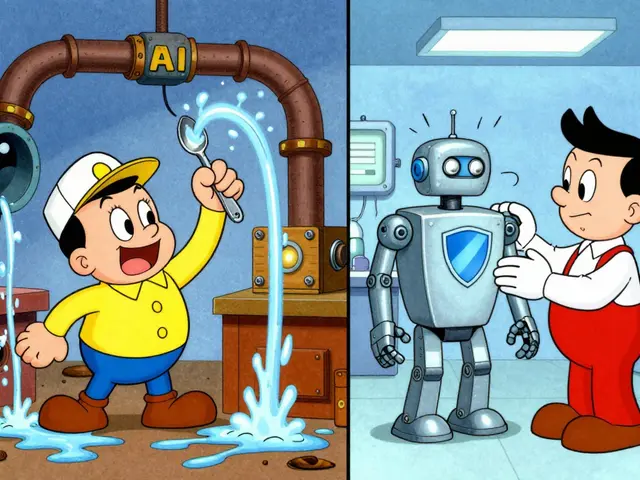
Imagine this: two employees in your marketing department ask the same AI model to write a product launch email. One gets a punchy, high-converting draft. The other gets a generic, robotic paragraph that sounds like it was written by a committee from 1995. This isn’t just annoying-it’s expensive. It means your team is wasting time fixing bad outputs instead of focusing on strategy.
The problem isn’t the AI model. The problem is the input. Without a standardized way to request information, your team is reinventing the wheel every single day. That’s where prompt libraries come in. They are not just folders full of text; they are the operational backbone of a mature AI strategy.
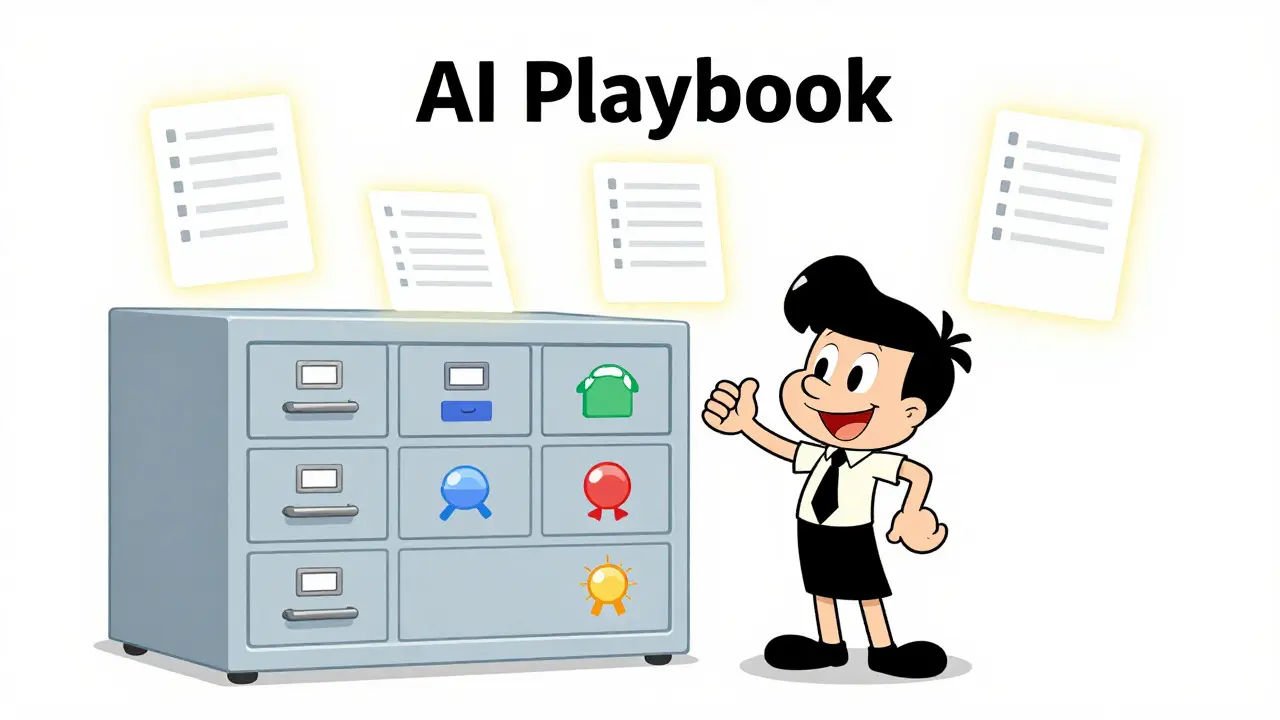
A prompt library is a structured, shared collection of reusable AI instructions. Think of it as an "AI playbook" for your organization. Instead of guessing how to phrase a request, your team pulls a tested, approved template, fills in the variables (like product name or target audience), and gets consistent, high-quality results every time. By mid-2026, this has shifted from a nice-to-have experiment to a critical infrastructure requirement for teams using generative AI at scale.
Why Your Team Needs a Centralized Prompt Repository
When you rely on individual memory or scattered Slack messages for prompts, you create chaos. A centralized repository solves three major problems:
- Consistency: Every output follows the same tone, structure, and quality standard. This is vital for brand voice in marketing or technical accuracy in engineering.
- Efficiency: New hires don’t need to spend weeks learning "how we talk to the AI." They can start using approved templates on day one.
- Governance: You know exactly which prompts are being used, who owns them, and whether they comply with company policies. No more rogue prompts leaking sensitive data or generating hallucinations.
According to industry observations from late 2024 through 2026, organizations that formalized their prompt collections saw a dramatic reduction in variation across daily tasks. When everyone uses the same starting point, the variance in output drops significantly.
Anatomy of a High-Quality Prompt Entry
A prompt library fails if it’s just a list of copy-paste texts. Each entry must be a robust asset with specific metadata. Based on best practices from leading prompt management platforms and community guides, every prompt should include these core components:
- Purpose: A clear, one-sentence description of what this prompt does (e.g., "Summarize customer support tickets into actionable insights").
- Input Variables: Clearly marked placeholders like
[Product Name],[Target Audience], or[Tone]. This makes the prompt reusable across different scenarios. - Expected Output: A sample of what the good result looks like. This helps users verify if the AI performed correctly.
- Model Guidance: Notes on which AI models work best with this prompt (e.g., "Works best with GPT-4o, avoid smaller models").
- Owner & Version: Who created it? When was it last updated? This is crucial for accountability.
Without these details, a prompt is fragile. If the underlying AI model updates or the context changes, a poorly documented prompt breaks silently.
Choosing Your Implementation Strategy
You don’t need expensive software to start. In fact, the best approach depends entirely on your team’s size and technical maturity. Here are the three main paths available in 2026:
| Method | Best For | Pros | Cons |
|---|---|---|---|
| DIY Lists (Microsoft Lists, Notion, Google Sheets) | Small teams, non-technical departments | Low cost, easy setup, familiar interface | No version control, limited analytics, hard to scale |
| Integrated Platform Templates (Copilot Studio, Teams Apps) | Enterprise Microsoft 365 users | Built-in access, hundreds of pre-built templates, secure | Limited customization, locked into vendor ecosystem |
| Specialized Prompt Management Tools (Langfuse, Promptfoo) | Engineering teams, heavy AI usage | Versioning, A/B testing, API deployment, tracing | Higher learning curve, requires dev resources |
If you are using Microsoft 365, you might already have the tools you need. Microsoft Lists allows you to create a custom "Prompt Library" list with columns for Title, Prompt Text, Category, and Usage Tips. You can even format it as a gallery view for easier browsing. For engineering teams, open-source options like Promptfoo is an MIT-licensed CLI tool for prompt evaluation and regression testing or Langfuse is a self-hostable observability platform for LLM applications offer deeper control, including tracking how prompts perform over time.
Step-by-Step: Building Your First Library
Don’t try to boil the ocean. Start small. Here is a practical workflow to get your library up and running in under a week:
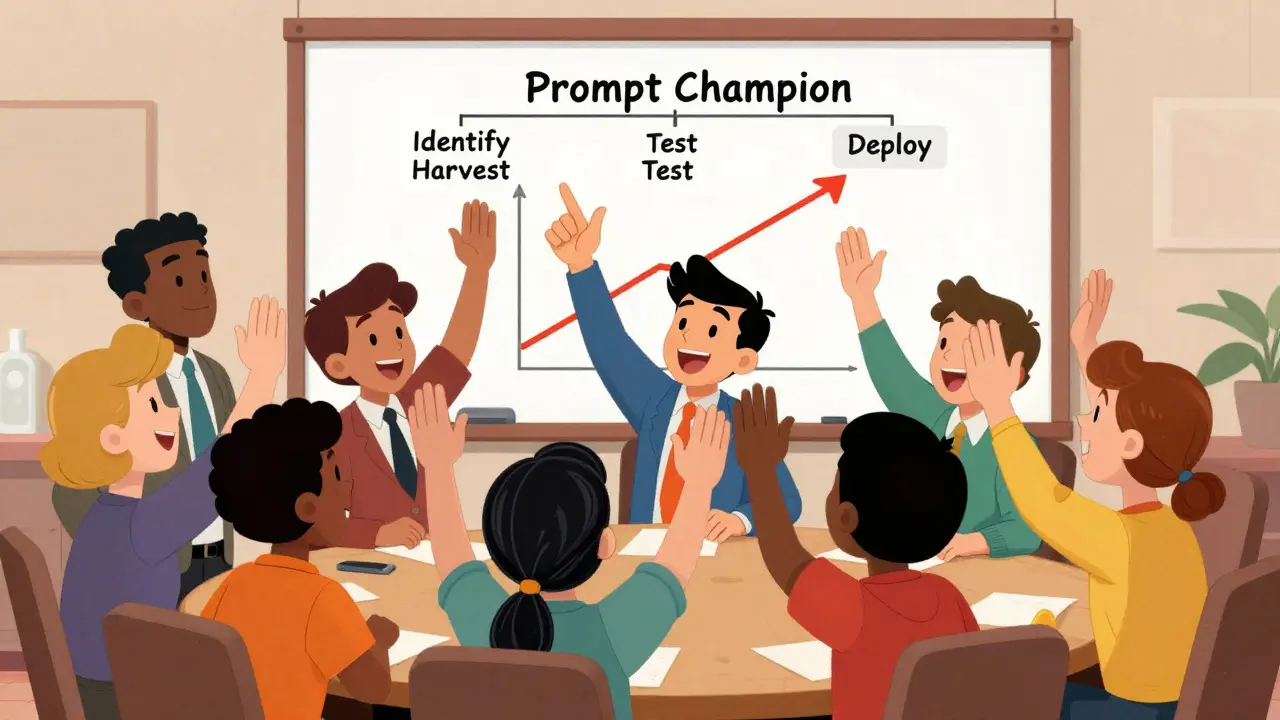
- Identify High-Impact Tasks: Pick 3-5 repetitive tasks that cause friction. Examples: writing sales follow-up emails, summarizing meeting notes, or drafting code comments.
- Harvest Existing Prompts: Ask your team to share their current best prompts for these tasks. Use a simple form to collect the text, purpose, and any tricks they use.
- Normalize and Test: Take those raw prompts and clean them up. Add clear variable placeholders. Test them yourself. Does it work consistently?
- Add Metadata: Tag each prompt with categories (e.g., #marketing, #support) and difficulty levels. Assign an owner.
- Deploy and Train: Share the library link. Hold a 15-minute session showing how to use it. Emphasize that this saves them time, not adds work.
One effective tactic is to appoint "Prompt Champions" in each department. These are enthusiastic early adopters who help colleagues find the right prompt and gather feedback. They act as the bridge between the library and daily work.
Governance: Keeping the Library Alive
A prompt library is a living document. If you build it and forget it, it will rot within months. AI models change, business goals shift, and old prompts become obsolete.
To prevent decay, implement a lightweight review cycle:
- Monthly Audits: Review usage metrics. Which prompts are never used? Archive them. Clutter kills adoption.
- Peer Reviews: Before a new prompt is added, require a second person to test it. This ensures quality control without bottlenecking innovation.
- Rating System: Allow users to rate prompts (e.g., 1-5 stars). Highlight top performers and flag low-rated ones for improvement.
- Version Control: Never overwrite a prompt. Keep a history of changes so you can roll back if a new update breaks something.
Tools like those listed in G2’s 2026 prompt management category often automate some of this, offering dashboards that show success rates and error logs. But even in a simple spreadsheet, a weekly "Friday Review" of top and bottom performers can keep the culture of quality alive.
Common Pitfalls to Avoid
Many teams fail because they treat the library as a dumping ground. Avoid these mistakes:
Too Much Complexity Early On: Don’t start with 100 prompts. Start with 5 excellent ones. Quality beats quantity. Users trust a library that delivers great results immediately.
Ignoring Context: A prompt that works for internal memos might fail for external client communications. Always specify the context and tone in the metadata.
Lack of Ownership: If no one is responsible for updating a prompt, it will drift. Assign clear owners for each category.
Static Content: AI evolves fast. A prompt optimized for an older model might be inefficient for newer ones. Schedule regular updates to align with model releases.
The Future of PromptOps
We are moving toward a discipline called PromptOps, similar to DevOps or MLOps. As of 2026, forward-thinking companies are integrating prompt libraries directly into their development pipelines. This means prompts are version-controlled in Git, tested automatically against benchmarks, and deployed via APIs.
This shift turns prompts from ad-hoc hacks into reliable engineering assets. Whether you are a small startup using a shared Notion page or an enterprise deploying Langfuse, the principle remains the same: standardize your requests to standardize your results.
What is the difference between a prompt library and a prompt management tool?
A prompt library is the concept of storing reusable prompts. A prompt management tool is the software used to store, organize, test, and deploy those prompts. You can have a library in a simple spreadsheet, but specialized tools add features like version control, A/B testing, and analytics.
How do I get my team to actually use the prompt library?
Start with high-friction, repetitive tasks where the value is obvious. Appoint "Prompt Champions" to advocate for the library. Make the library easy to access (integrate it into Slack or Teams) and ensure the initial prompts deliver immediate, high-quality results. If it saves time, people will use it.
Do I need coding skills to build a prompt library?
No. You can start with no-code tools like Microsoft Lists, Notion, or Google Sheets. Coding is only required if you want to integrate advanced features like automated testing, API deployment, or custom analytics dashboards using tools like Promptfoo or Langfuse.
How often should I update my prompt library?
You should conduct a monthly audit to remove unused prompts and update outdated ones. Additionally, whenever a major AI model update is released, test your critical prompts to ensure they still perform well.
What metadata is essential for each prompt?
Each prompt should include: Purpose (what it does), Input Variables (placeholders for customization), Expected Output (example result), Model Guidance (which AI works best), and Owner/Version info for accountability.
Can a prompt library improve AI security?
Yes. By centralizing prompts, you can review them for security risks before they are widely used. This prevents employees from accidentally using prompts that leak sensitive data or bypass safety filters. Governance becomes much easier when all inputs are visible and controlled.
Is it better to use open-source or commercial prompt management tools?
It depends on your needs. Open-source tools like Langfuse offer full data control and are ideal for engineering teams wanting deep integration. Commercial SaaS tools often provide easier setup, user-friendly interfaces, and built-in analytics, which may be better for non-technical teams.
How do I measure the success of my prompt library?
Track metrics like adoption rate (how many people use it), time saved per task, and output quality scores (via user ratings). If users report less time spent editing AI outputs and higher satisfaction with results, your library is successful.