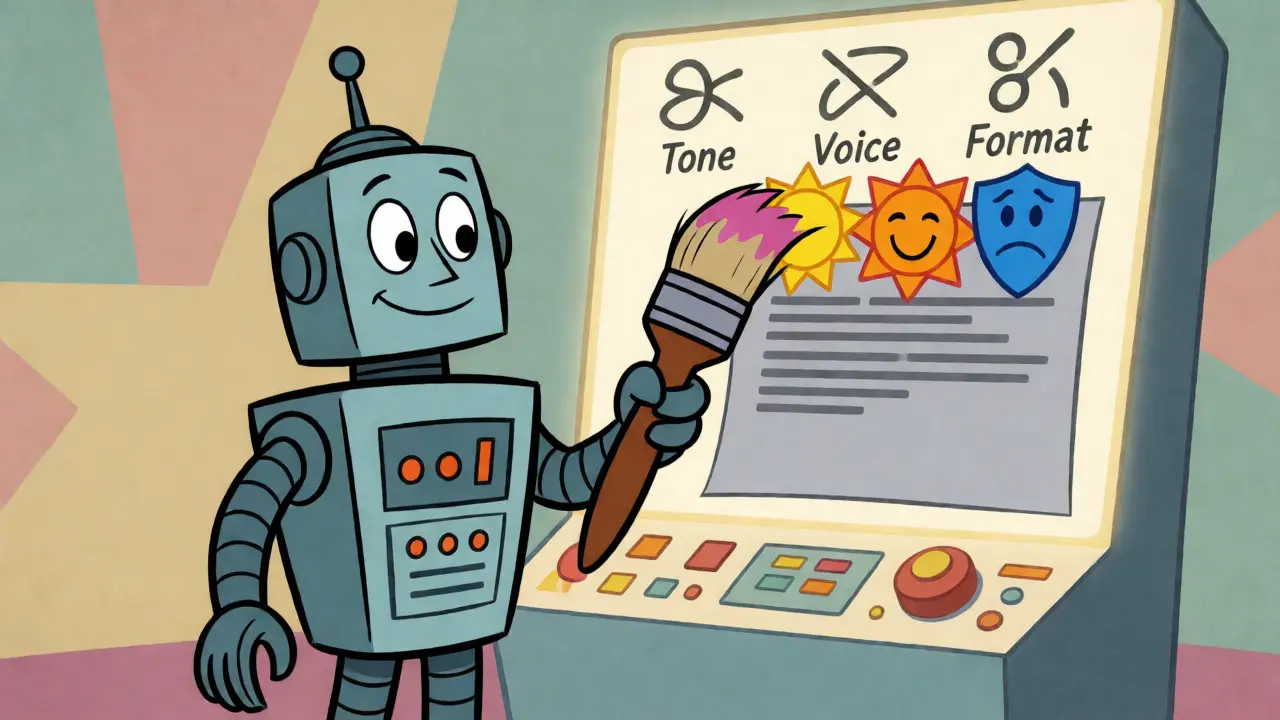
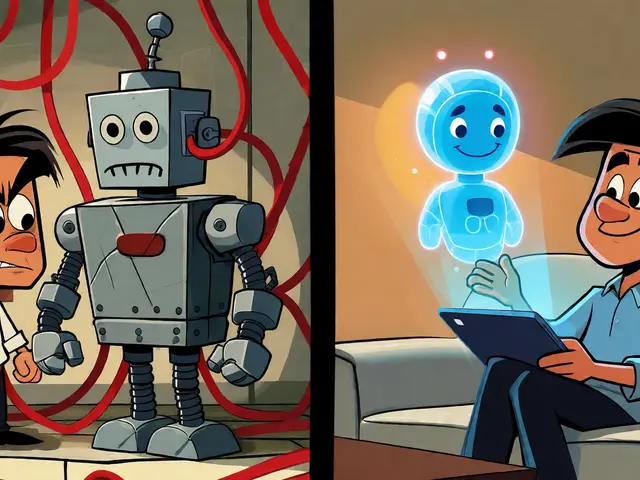
You know that feeling when you ask an AI to write a product description, and it sounds like a robot trying too hard to be friendly? Or maybe you want your blog post to sound exactly like your CEO, but the output feels generic. That gap between what you want and what you get is where Style Transfer comes in. It’s not just about copying a vibe; it’s about precise control over how information is delivered.
Think of style transfer as a filter for meaning. In visual art, we’ve been doing this for years-taking the brushstrokes of Van Gogh and applying them to a photo of your cat. But in text-based generative AI, it’s trickier because language carries weight, nuance, and context that pixels don’t. If you get the style wrong, you don’t just have a weird picture; you might miscommunicate your brand’s core message. This guide breaks down how to actually control tone, voice, and format using prompts, moving beyond basic instructions into structured style manipulation.
The Core Mechanics of Text-Based Style Transfer
Most people treat prompting like a magic spell: say the right words, get the right result. But style transfer in large language models (LLMs) works more like a translation engine. You are asking the model to map semantic content from one stylistic domain to another while preserving the underlying intent. Unlike visual style transfer, which relies on convolutional neural networks to separate texture from structure, text style transfer operates on token probabilities and contextual embeddings.
When you instruct an LLM to "write in a professional tone," you’re giving it a broad label. The model has to guess what "professional" means based on its training data, which can lead to inconsistency. Effective style transfer requires decomposing style into measurable attributes. We aren't just talking about adjectives; we're talking about sentence length variance, vocabulary complexity, punctuation density, and syntactic structures. For instance, a "casual" style might prioritize short sentences and contractions, while an "academic" style favors passive voice and nominalization. By explicitly defining these parameters, you reduce the model's guessing game.
Research indicates that current systems struggle with maintaining semantic integrity during extreme style shifts. A study published in the Journal of Artificial Intelligence Research noted approximately 18% meaning distortion when applying aggressive style modifications. This happens because the model sometimes sacrifices clarity for aesthetic compliance. To avoid this, you need a two-stage approach: first, codify the target style into specific rules, then apply those rules strictly. This prevents the common issue of "style bleed," where elements of the source style unintentionally alter the content's meaning.
Controlling Tone: Beyond Simple Adjectives
Tone is the emotional attitude behind the words. Asking for a "happy" tone is vague. Does happy mean enthusiastic? Calmly optimistic? Sarcastically cheerful? To control tone effectively, you must anchor it to specific behavioral cues. Instead of saying "be empathetic," try "acknowledge the user's frustration before offering a solution, using softening language like 'I understand' or 'that sounds tough.'"
Consider the difference between these two prompt fragments:
- Vague: "Write a polite email declining the offer."
- Specific: "Write a polite email declining the offer. Use formal salutations. Express gratitude twice. State the rejection clearly in the second paragraph without apologetic hedging. Close with a wish for their future success. Keep sentences under 15 words."
The second prompt gives the model constraints that define politeness through action rather than abstraction. This technique, often referred to as "constraint-based prompting," significantly reduces hallucination and drift. When dealing with longer texts, tone drift is a real problem. Models tend to revert to their default neutral tone after a few paragraphs. To combat this, periodically reassert the tone constraints within the prompt chain or use a system message that persists throughout the conversation.
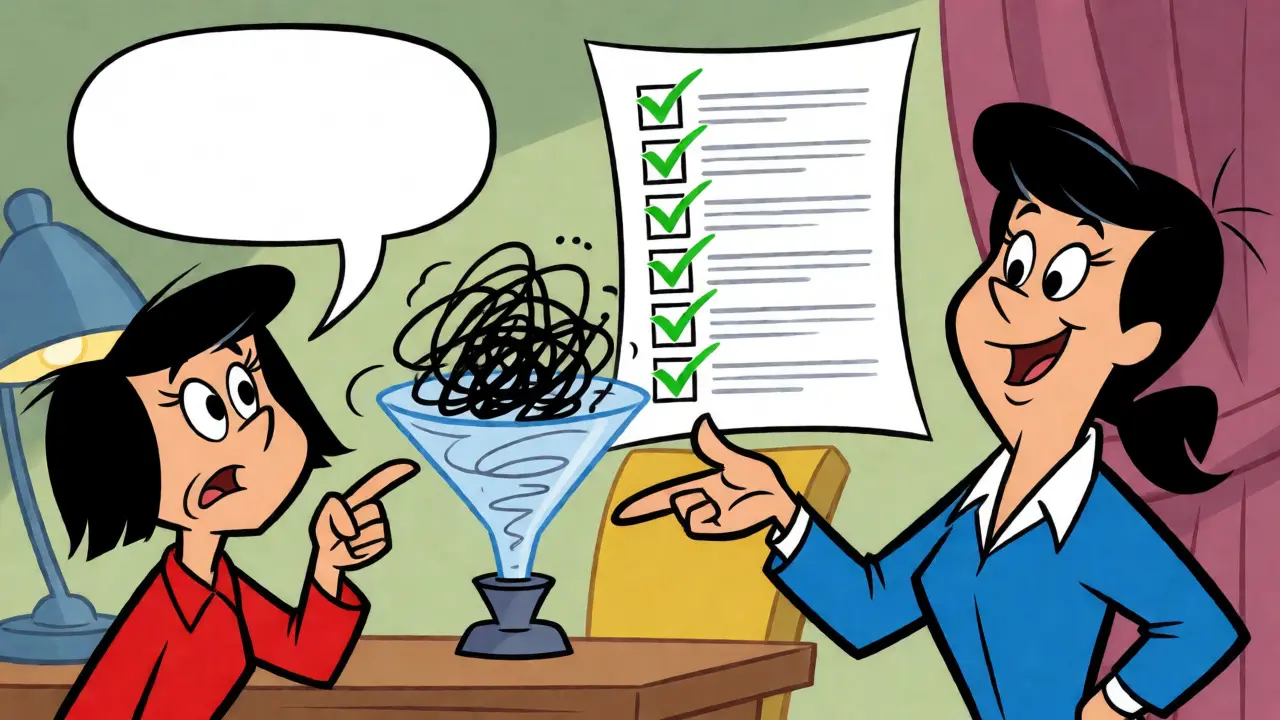
Capturing Voice: The Persona Framework
If tone is the mood, voice is the identity. Voice is consistent across different tones. Your brand might be serious during a crisis (tone) but playful on social media (tone), yet always retain a witty, intelligent character (voice). Capturing voice requires a deeper analysis of linguistic patterns. Christopher Penn, a leading expert in marketing analytics, suggests a method called "style distillation." He recommends feeding the AI 10-20 samples of desired writing and asking it to generate a bullet-point style guide. This guide becomes your reusable prompt component.
For example, if you want to replicate the voice of a seasoned tech journalist, your distilled style guide might include: Use active voice predominantly. Avoid jargon unless defined immediately. Prefer concrete examples over abstract claims. Maintain a skeptical but fair perspective. Use analogies from everyday life to explain complex concepts.
This level of detail helps the model distinguish between similar entities. Without it, the AI might confuse a "tech journalist" voice with a "marketing copywriter" voice, both of which are informative but serve different purposes. Enterprise users report that centralized style guides improve campaign performance metrics by up to 29% because they ensure consistency across multiple creators and AI sessions. However, note that maintaining this consistency requires regular auditing. As models update, their interpretation of specific phrases may shift, requiring minor tweaks to your style definitions.
Formatting: The Structural Skeleton
Format is often overlooked, yet it dictates readability and scannability. Generative AI defaults to standard prose paragraphs unless told otherwise. If you need a bulleted list, a table, or a JSON object, you must specify the structural schema. More importantly, you should define the hierarchy and spacing rules.
| Instruction Type | Prompt Example | Typical Output Quality | Best Use Case |
|---|---|---|---|
| Generic | "Make it easy to read." | Inconsistent paragraph lengths, random bolding. | Drafts only. |
| Structural | "Use H2 headers every 300 words. Bullet points for lists. Max 4 lines per paragraph." | High consistency, predictable layout. | Blog posts, reports. |
| Data-Centric | "Output a Markdown table with columns: Feature, Benefit, Risk." | Structured data, ready for import. | Comparisons, specs. |
Notice how the structural instruction provides clear boundaries. Models respond well to negative constraints too, such as "Do not use introductory filler phrases like 'In conclusion' or 'It is important to note.'" This saves editing time significantly. For technical content, specifying code block formats or citation styles ensures the output integrates seamlessly into existing workflows.
Practical Implementation Strategies
How do you actually build these prompts? Start small. Don't try to define every aspect of your brand voice in one go. Pick one attribute-say, sentence length-and test it. Then add another, like vocabulary complexity. This iterative process helps you identify which instructions yield the best results for your specific model.
One effective framework is the "Role-Task-Constraint" model. First, assign a role: "You are a senior editor at a financial magazine." Second, define the task: "Rewrite this press release for retail investors." Third, list constraints: "Use simple language, avoid acronyms, keep paragraphs under three sentences, and maintain a cautious but hopeful tone." This separation of concerns makes debugging easier. If the tone is off, you adjust the constraint. If the format is wrong, you tweak the structural rule.
Also, consider the context window limitations. While modern models handle large inputs, style coherence can degrade over very long generations. Chunking your content into manageable sections and passing the style guide with each chunk ensures adherence. Some advanced tools now offer "style vectors" or intensity sliders, allowing you to dial up or down the strength of the applied style. For example, you might want 80% of the "witty" voice but only 20% of the "informal" formatting.
Common Pitfalls and How to Fix Them
Even with good prompts, things go wrong. Here are the most frequent issues and solutions:
- Style Drift: The output starts strong but fades into generic AI-speak. Fix: Re-inject the style summary every few paragraphs or use a persistent system message.
- Over-Stylization: The text becomes caricature-like, losing professionalism. Fix: Add a constraint like "Maintain professional credibility while incorporating wit." Balance is key.
- Semantic Loss: The rewritten text changes the meaning. Fix: Always verify facts separately from style. Use a two-pass system: one pass for content accuracy, one for style application.
- Inconsistency Across Sessions: Different chats produce different voices. Fix: Save your successful style prompts as templates. Do not rely on memory or chat history alone.
Remember that style transfer isn't just about aesthetics; it's about trust. Readers notice when a brand sounds inconsistent. By mastering these prompt techniques, you turn generative AI from a novelty into a reliable partner for communication.
What is the difference between tone and voice in AI prompting?
Voice is the consistent personality or identity of the writer (e.g., authoritative, friendly, quirky), while tone is the emotional adjustment made for specific contexts (e.g., serious during bad news, celebratory during wins). Voice remains constant; tone varies by situation.
Why does my AI lose its style after a few paragraphs?
This is known as "style drift." Large language models tend to revert to their pre-trained default patterns over long sequences. To fix this, periodically repeat the key style constraints in the prompt or break long tasks into smaller chunks, providing the style guide with each request.
Can I combine multiple style transfers?
Yes, but carefully. Combining conflicting styles (like "formal" and "slang-heavy") can cause confusion. It's better to layer compatible attributes, such as a "professional" voice with a "concise" format and an "optimistic" tone. Use weighting or priority instructions if the model supports it.
How many examples do I need to teach an AI a new style?
Generally, 10-20 high-quality representative samples are sufficient for most modern LLMs to extract a usable style profile. Providing fewer may result in vague outputs, while too many can overwhelm the context window without adding significant value.
Does style transfer change the factual accuracy of the content?
It shouldn't, but it can. Aggressive style changes sometimes lead to semantic distortion where nuances are lost or altered. Always fact-check the output against the original source material, especially when the style shift is drastic.
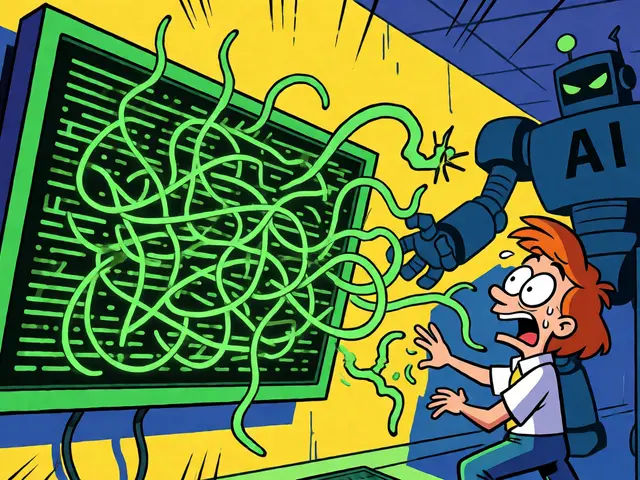
so basically you're saying i have to write a prompt that is longer than the actual output just so the ai doesn't sound like a depressed toaster?? cool. love it. will definitely spend my weekend defining "sentence length variance" instead of actually doing work.
also that stat about 18% meaning distortion is wild. feels accurate though when i try to get it to be funny.
I appreciate the breakdown on tone vs voice. It helps clarify why my outputs feel inconsistent. I will try the constraint-based prompting method for our internal newsletters.
Finally, someone who understands that lazy prompting leads to garbage results!!! The distinction between "professional" as a vague label and specific syntactic constraints is crucial... absolutely crucial... Most people just throw adjectives at the wall and hope something sticks, which is frankly insulting to the complexity of language models. If you aren't defining punctuation density and nominalization rates, are you even really using AI? Or are you just playing with a very expensive toy??? I’ve been saying this for years, but nobody listens until they read a blog post like this. It’s not magic, it’s mechanics, and treating it otherwise shows a lack of respect for the craft of writing itself.
Hey everyone, great insights here! Just wanted to share that starting small with one attribute really helped me reduce overwhelm. Don't stress if your first few prompts don't hit the mark perfectly; iteration is key. You've got this!
this entire article reeks of corporate fluff disguised as technical advice. you speak of "style vectors" and "intensity sliders" as if these are standard industry terms rather than marketing buzzwords invented to sell enterprise licenses. where is the raw data showing that centralized style guides improve campaign performance by 29%? do you have peer reviewed sources or did you just pull that number out of thin air to make the pitch deck look pretty?
furthermore the suggestion to feed 10-20 samples ignores the reality of context window costs for mid sized teams. we cannot all afford to burn tokens on style distillation every time we need a product description. this is elitist nonsense that benefits only those with unlimited api budgets while ignoring the practical struggles of real developers who just want consistent output without building a custom fine tuning pipeline
i am tired of seeing articles that treat prompt engineering as a solved problem when in reality it remains a chaotic art form prone to hallucination and drift regardless of how many bullet points you add to your system message
Wait wait wait... hold up!!! Are we seriously ignoring the fact that LLMs are trained on scraped data that might be copyrighted??? This "style transfer" isn't just about tone, it's about intellectual property theft masked as creativity!!! And what happens when the model starts mimicking voices from living authors without consent??? We are sleepwalking into a dystopian future where our unique human expression is flattened into algorithmic averages!!! The 18% distortion rate mentioned is probably higher because they aren't accounting for cultural nuance loss!!! Wake up people!!! This isn't just tech, it's a battle for the soul of literature!!! I refuse to believe that "witty" can be quantified by sentence length variance!!! That is absurd!!! Absolutely absurd!!!