You have a Large Language Model that works perfectly in your notebook. But the moment you push it to production, things get messy. Users complain about slow responses, or your server bills skyrocket because you’re paying for idle compute capacity. This is the classic battle between latency and throughput. You can’t usually have both at maximum levels simultaneously. Understanding this tradeoff isn't just academic-it’s the difference between a scalable AI product and a money-losing experiment.
In 2026, deploying an LLM means making hard choices about how you handle concurrent requests. Do you prioritize the speed of the first token appearing on screen (Time-to-First-Token) to keep users engaged? Or do you pack as many requests as possible into your GPU memory to process documents overnight? The answer depends entirely on what your application does. Let’s break down exactly how these metrics interact, which tools help you manage them, and how to configure your infrastructure without breaking the bank.
The Core Conflict: Speed vs. Volume
To make smart decisions, you need to define what you are actually measuring. Latency is the time it takes for a single request to complete. In chat applications, we often look at Time-to-First-Token (TTFT) and Inter-Token Latency (ITL). TTFT is how long a user waits before seeing any text. ITL is the delay between each subsequent word. If your TTFT is over 500ms, users perceive the app as sluggish. If ITL is high, the typing feels robotic.
Throughput, on the other hand, measures volume. It’s the number of tokens or requests processed per second across the entire system. High throughput means your GPU is busy. Low throughput means your expensive hardware is sitting idle. The conflict arises because GPUs work best when they process data in large batches. Batching multiple requests together increases throughput significantly but increases the latency for each individual request because they have to wait for the batch to fill up.
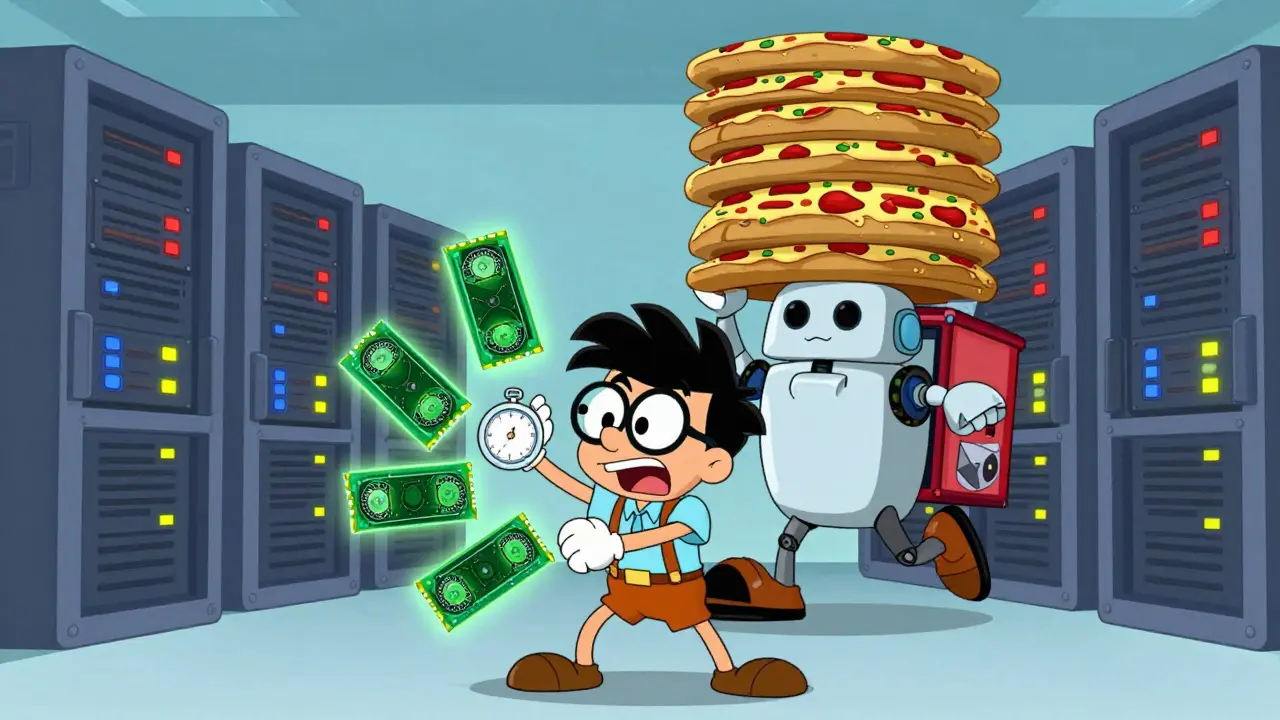
Think of it like a pizza delivery service. Latency is how fast one customer gets their hot pizza. Throughput is how many pizzas the kitchen delivers in an hour. To maximize throughput, the driver picks up ten orders at once and drops them off in a cluster. This is efficient for the business (high throughput), but if you live on the edge of that cluster, your wait time (latency) goes up. In LLM deployments, you must decide if your users care more about immediate gratification or if the system needs to handle massive volume efficiently.
How Batching Changes Everything
Batching is the primary lever you pull to balance these two metrics. When you send a request to an LLM, the model processes it through layers of neural networks. Processing one sequence alone leaves most of the GPU’s parallel processing units empty. By grouping sequences, you utilize the hardware fully.
However, there is a steep cost. Data from NVIDIA benchmarks shows that increasing the batch size from 1 to 64 on an NVIDIA A100 GPU can increase throughput by 14x, but it also increases latency by 4x. That is a significant tradeoff. For a real-time chatbot, a 4x increase in latency might mean the difference between a smooth conversation and a frustrating pause.
Here is how different batch sizes typically impact performance on a standard 7B parameter model:
- Batch Size 1: Lowest latency for the single user, but terrible GPU utilization. High cost per token.
- Batch Size 4-8: A sweet spot for interactive apps. Good balance of speed and efficiency.
- Batch Size 32-64: Ideal for background tasks like summarizing documents or generating code snippets where immediate feedback isn't critical.
The key insight here is that "batch size" isn't always static. Modern inference engines use dynamic batching. They wait a few milliseconds to see if another request comes in. If it does, they add it to the current batch. If not, they proceed with what they have. This minimizes the wait time while still capturing some efficiency gains.
Choosing the Right Inference Engine
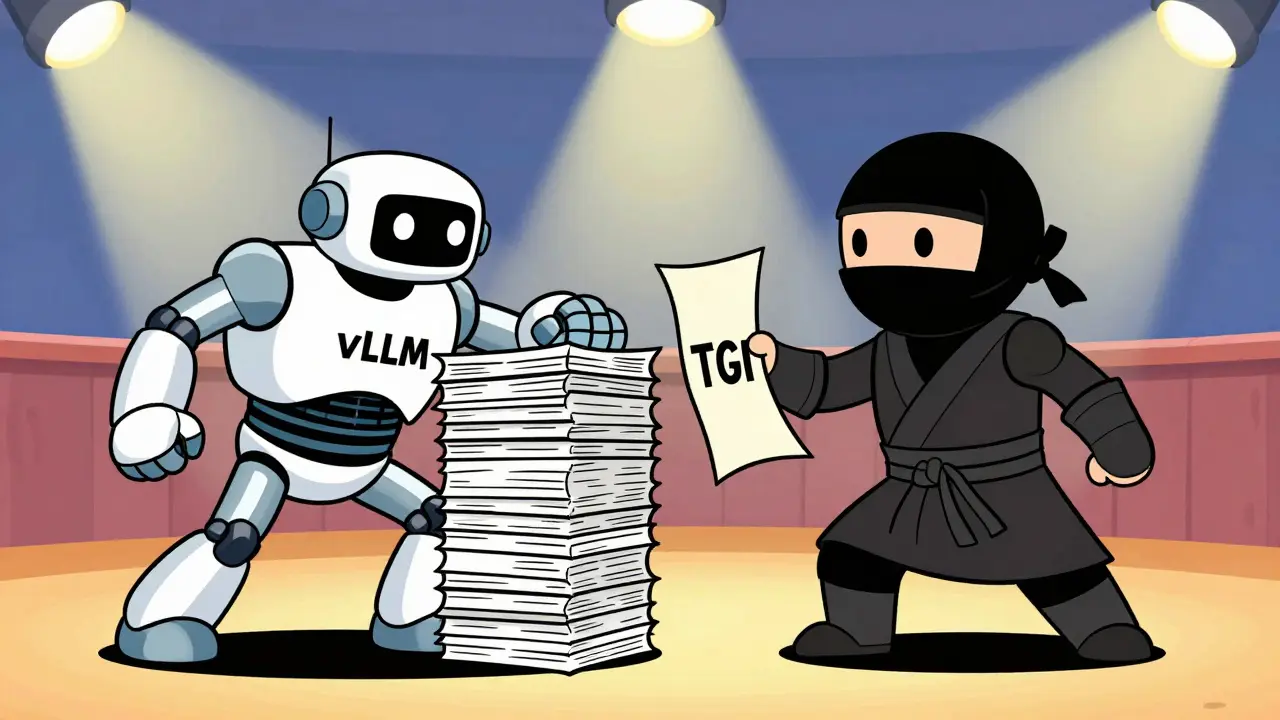
You don't have to build this batching logic from scratch. Specialized inference servers handle these optimizations automatically. Two dominant players in the landscape right now are vLLM and Text Generation Inference (TGI) from Hugging Face. Choosing between them depends on your specific latency-throughput profile.
vLLM, developed by Stanford researchers, uses a technique called PagedAttention. This manages GPU memory like an operating system manages RAM, allowing it to pack more active sequences into the same amount of video memory. Benchmarks from 2025 show vLLM achieving up to 24x higher throughput than TGI under high-concurrency loads. If your goal is to squeeze every last drop of throughput out of your GPUs, vLLM is often the winner.
TGI, however, shines in scenarios where tail latency matters. Tail latency refers to the worst-case response time. Even if the average response is fast, if 5% of your users experience a 3-second delay, your product feels broken. TGI tends to maintain lower and more consistent tail latencies for single-user or low-concurrency scenarios. It is less aggressive in packing batches, which keeps individual response times predictable.
| Feature | vLLM | Hugging Face TGI |
|---|---|---|
| Primary Strength | High Throughput | Low Tail Latency |
| Memory Management | PagedAttention (Efficient) | Standard Attention |
| Best Use Case | High-concurrency APIs, Batch Processing | Interactive Chatbots, Single-user Apps |
| Configuration Complexity | Moderate | Low |
If you are building a public API that serves thousands of users simultaneously, vLLM’s ability to handle high concurrency makes it a strong candidate. If you are building a premium support chatbot where every millisecond of delay hurts customer satisfaction, TGI’s consistency might be worth the loss in raw throughput.
Hardware Constraints and GPU Selection
Software optimizations only go so far. Your hardware dictates the ceiling for both latency and throughput. The type of GPU you choose determines how much memory you have available for context windows and how fast you can perform matrix multiplications.
NVIDIA’s H100 GPUs offer a 35-45% reduction in per-token computation time compared to the older A100s. More importantly, they have larger memory bandwidth. Since LLM inference is often memory-bound (waiting for data to move from VRAM to the processor) rather than compute-bound, faster memory access directly reduces latency. If you are using multi-GPU setups, the interconnect speed matters too. NVLink reduces communication overhead by 20-30% compared to standard PCIe connections. Without fast interconnects, distributed inference can actually increase latency due to network synchronization delays.
For smaller models (under 13B parameters), a single A100 or even an L40S might suffice. But as you scale to 70B+ parameter models like LLaMA-3 or Qwen 2.5, you will likely need tensor parallelism across multiple GPUs. Here is the catch: increasing tensor parallelism from 2 GPUs to 4 GPUs doesn't linearly reduce latency. At small batch sizes, the gain is minimal (~12%). But at larger batch sizes (16+), the latency reduction jumps to ~33%. This means hardware scaling becomes more effective when you are already optimizing for throughput.

Optimization Strategies for Different Applications
There is no universal setting. You must align your configuration with your application type. Industry data suggests three distinct categories:
- Real-Time Conversational Interfaces (<500ms): Prioritize TTFT. Use small batch sizes (1-4). Enable speculative decoding if supported. This generates tokens faster by predicting likely next words with a smaller draft model. Accept lower overall throughput to ensure responsiveness.
- Interactive Web Applications (500ms - 2s): Balance is key. Use dynamic batching with a max queue size of 8-16. Monitor inter-token latency closely. This is common for search assistants or coding copilots.
- Batch Processing / Analysis (>2s): Maximize throughput. Use large batch sizes (32-64). Process documents, summarize emails, or generate reports during off-peak hours. Latency is irrelevant; cost-per-token is king.
One advanced technique gaining traction is micro-batching. Instead of waiting for a full batch, the system processes tokenization requests concurrently. This can reduce input processing latency by 40-60% for short sequences. Tools like vLLM implement this automatically, but understanding it helps you tune the `max_num_seqs` parameter correctly.
Also, consider the length of your prompts. Longer inputs take longer to process (prefill phase) and occupy GPU memory for longer periods. If you can truncate context or use retrieval-augmented generation (RAG) to keep context windows small, you free up resources for more concurrent requests, effectively boosting throughput without changing hardware.
Monitoring and Adjusting in Production
Setting it and forgetting it is a recipe for disaster. User behavior changes, and so do load patterns. You need to monitor specific metrics to know when your balance is off.
Track Time-to-First-Token (TTFT) and Tokens Per Second (TPS) separately. If TTFT spikes but TPS remains stable, your batching algorithm might be waiting too long for batches to fill. If TPS drops while TTFT stays low, you might be underutilizing your GPU because batch sizes are too small. Set alerts for the 95th percentile of latency, not just the average. Average latency hides the bad experiences of your unlucky users.
Adaptive batching is becoming the standard. Newer versions of inference servers adjust batch sizes dynamically based on real-time queue length. If the queue is empty, it processes immediately. If the queue is long, it groups requests. This maintains 95th percentile latency below target thresholds while achieving near-maximum throughput. Check if your chosen engine supports this feature-it’s often enabled by default in recent releases.
What is the ideal batch size for a chatbot?
For a real-time chatbot, start with a batch size of 1 to 4. This ensures low Time-to-First-Token (TTFT), keeping the conversation feeling natural. As you scale, you can increase this to 8 if you use dynamic batching, but monitor tail latency closely. If users report delays, reduce the batch size.
Does vLLM always provide better performance than TGI?
Not necessarily. vLLM excels in high-throughput scenarios with many concurrent users due to its PagedAttention mechanism. However, TGI often provides better and more consistent tail latency for single-user or low-concurrency applications. Choose vLLM for scale and TGI for predictability in interactive settings.
How does GPU memory affect latency?
GPU memory limits how many tokens and sequences you can process at once. If you run out of memory, the system may swap data to slower CPU memory, causing massive latency spikes. Larger memory allows for bigger batch sizes and longer context windows, improving throughput but potentially increasing individual request latency if not managed well.
What is speculative decoding and should I use it?
Speculative decoding uses a smaller, faster model to predict the next few tokens, which the larger model then verifies. This can significantly boost tokens-per-second and reduce perceived latency. It is highly recommended for interactive applications where speed is critical, though it adds slight complexity to your deployment.
How do I reduce costs while maintaining performance?
Optimize for throughput during non-peak hours by increasing batch sizes. Use auto-scaling to spin down unused instances. Implement caching for frequent queries to avoid re-computation. Finally, choose the right GPU tier; sometimes a newer, more efficient GPU like the H100 offers a better cost-per-token ratio than multiple older A100s due to higher utilization.