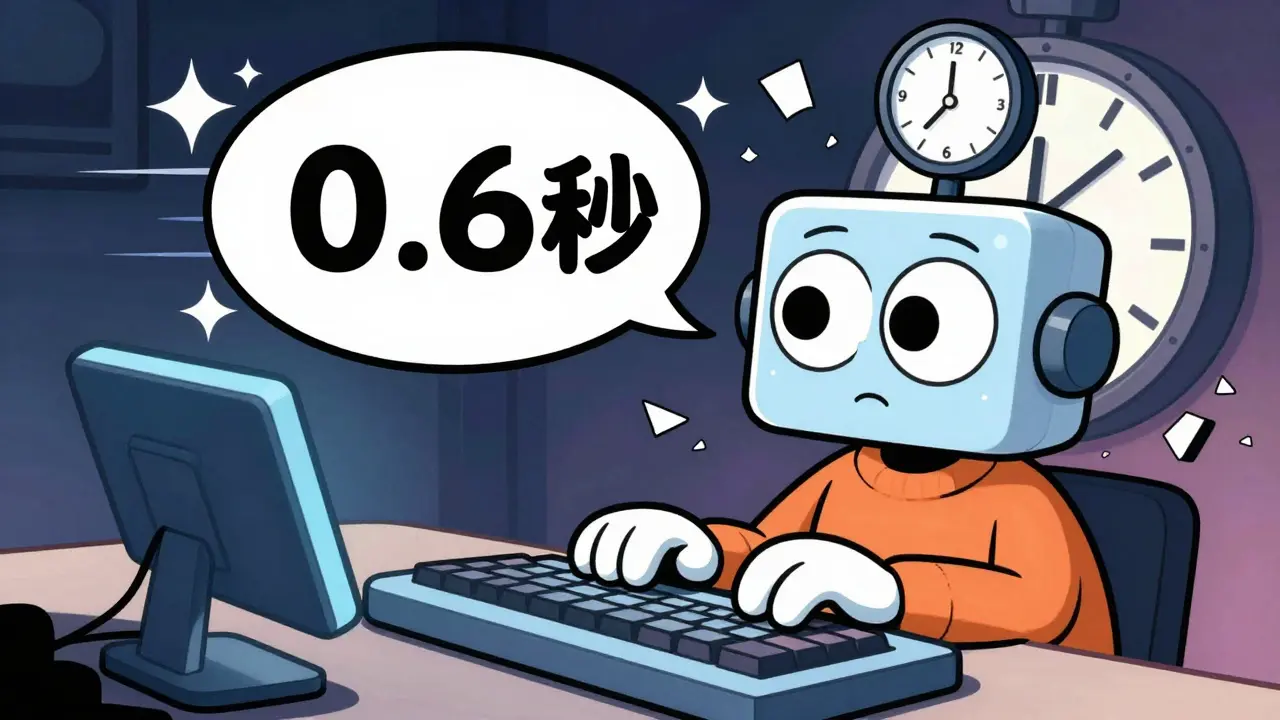
When you ask an AI chatbot a question, you don’t want to wait five seconds for the first word. You want it to feel like talking to a person-fast, natural, responsive. That’s where latency budgets come in. They’re not just technical specs; they’re the invisible rules that decide whether your AI app feels useful or frustrating.
What Is a Latency Budget?
A latency budget is the maximum time your system can take to respond to a user before the experience breaks. For interactive LLM apps, this usually means under 2-3 seconds total, with the first token appearing in under 1 second. If it takes longer, users get impatient. They click away. They switch to another tool. Simple as that.This isn’t about raw speed. It’s about perception. A model that takes 1.8 seconds to show the first word and another 4 seconds to finish feels sluggish. A model that shows the first word in 0.6 seconds and finishes in 3.2 seconds feels snappy-even though the total time is longer. That’s because humans react to Time to First Token (TTFT), not total response time.
Why TTFT Matters More Than You Think
TTFT is the latency of the prefill phase: when the model reads your entire prompt, builds a cache of key-value pairs, and prepares to generate. This step is compute-heavy, especially if your prompt is long-say, 10,000 tokens from a document you just uploaded. For these cases, TTFT can take over a second, even on powerful hardware.Here’s the catch: once the prefill is done, the model starts generating tokens one by one. This is the decode phase. It’s memory-bound, not compute-bound. That means even if you have a 100B-parameter model, it won’t speed up if you add more GPUs. The bottleneck is how fast data can move in and out of memory. That’s why tokens per second (TPS) matters for completion speed, but TTFT sets the tone for the whole interaction.
Think of it like ordering coffee. The barista taking your order (TTFT) feels slower than the time it takes to pour the milk (TPS). If you wait 45 seconds just to hear your name called, you’re already frustrated-even if the coffee is ready in 10 seconds after that.
Batching: Faster Throughput, Slower Responses
Many teams try to boost efficiency by batching requests. Instead of processing one user at a time, they group five, ten, or even twenty together. This keeps the GPU busy and cuts the cost per request.But here’s the tradeoff: every time you add a request to a batch, every other request in that batch waits longer. For the Qwen 2.5 7B model, latency drops from 976ms at batch size 1 to 126ms at batch size 8. Sounds great? Until you realize that each individual user is now waiting nearly a full second longer just to get started.
That’s why batching works for low-concurrency systems (like backend APIs) but fails for real-time chat apps. If you’re serving 100 users per minute, and each one waits 800ms just to get their first token, you’ve got a product that feels broken. The sweet spot? Keep batch sizes small-usually under 4-for interactive use cases.

Model Size vs. Speed: The Hard Choice
Bigger models are smarter. They follow instructions better. They’re less likely to hallucinate. But they’re also slower. A GPT-4.1 model might be 5x slower than GPT-4.1-mini, even if it’s 90% more accurate.Here’s what that looks like in practice:
- A 109B model needs three NVIDIA H100s. Each one costs $30,000. Running it 24/7 for a startup? You’re looking at $30,000/month in infrastructure alone.
- A 400B model? Ten H100s. $100,000/month. Only viable for enterprise workflows where mistakes cost millions.
- A 7B-8B model? Fits on one H100. Costs $5,000/month. But it might get basic facts wrong or miss nuance.
For most startups, the answer isn’t “use the biggest model.” It’s “use the smallest model that still works.” That means testing accuracy thresholds. If your users accept 85% accuracy instead of 95%, you can cut latency by 70% and save $25,000/month.
Speculative Decoding: A Smart Hack
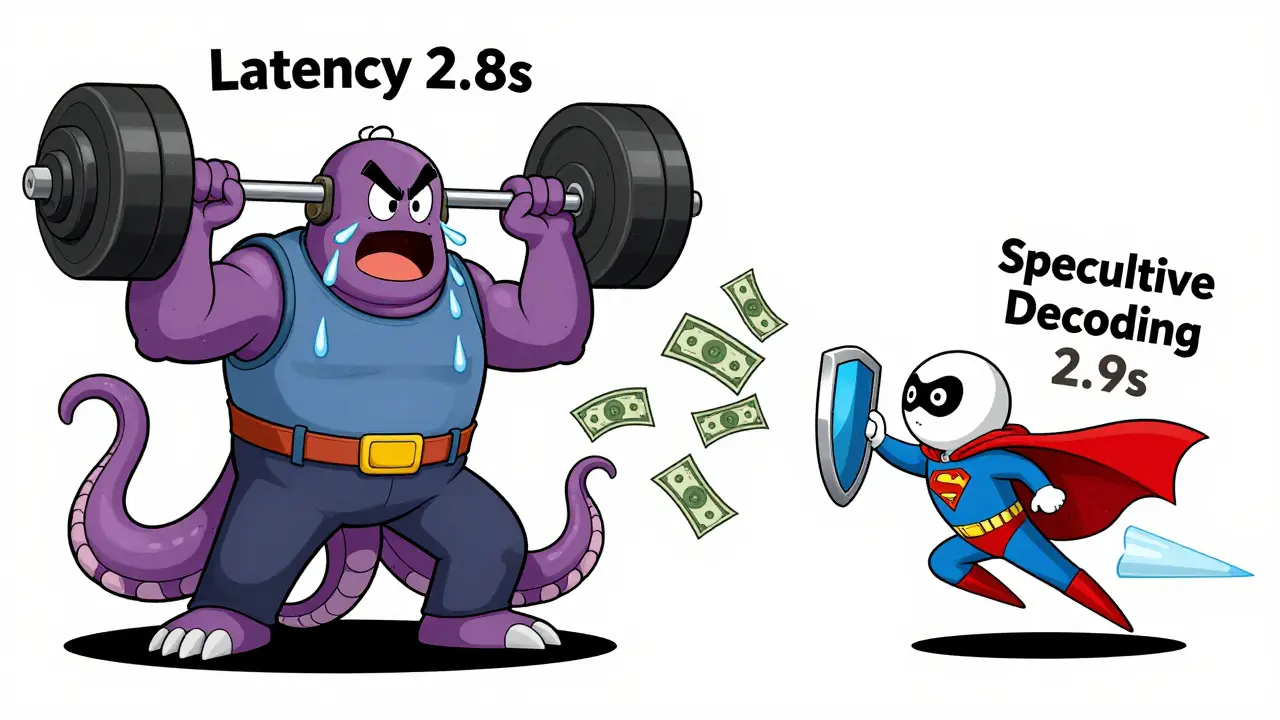
There’s a clever trick called speculative decoding. You run two models: a tiny, fast one (the “speculator”) and your big, accurate one.The small model predicts the next 3-5 tokens. Then the big model checks if those tokens are right. If they are, it accepts them. If not, it corrects just the wrong ones. This cuts latency by 2x to 4x-without changing your main model.
It’s like having a junior assistant who guesses what you’re going to say, so you don’t have to type it all out. You only need to verify their guess. It’s not perfect, but for many use cases-customer support bots, code assistants-it’s enough.
Quantization and Caching: Cutting Costs Without Sacrificing Speed
Quantization shrinks your model by using lower-precision numbers (like 4-bit instead of 16-bit). The GPT OSS 20B model drops from 40GB to 13.1GB with MXFP4 quantization. That means you can run it on a single GPU instead of three.But there’s a catch: accuracy can dip slightly. For creative writing? Maybe not. For medical advice? Probably not worth it.
Caching is even more powerful. If 30% of your prompts are repeats-like “Explain quantum computing” or “Summarize this PDF”-you can store the response and serve it instantly. No compute needed. No latency. Just a database lookup.
Online RAG systems (which pull real-time data from databases) are perfect for this. The prompt is long, but the answer is short. Cache the answer. Invalidate it when the source changes. Suddenly, your latency drops from 1.5 seconds to 50ms.
MoE Models: Sparse but Complex
Mixture of Experts (MoE) models activate only parts of the network per request. The GPT OSS 20B MoE model, for example, uses only 3.6B parameters per forward pass-far less than its full 20B size.This sounds ideal. Less compute, lower latency. But routing-figuring out which experts to use-adds overhead. And if your system has high concurrency, that routing becomes a bottleneck. In practice, MoE models help with cost, but not always with latency.
They’re best for batched, non-interactive workloads. For real-time apps? Stick to dense models unless you’ve tested the routing delay.
Real-World Latency Budgets by Use Case
Not all apps need the same speed. Here’s what works in practice:- Customer chatbots: TTFT under 800ms. Total response under 2s. Users expect instant replies.
- Code assistants: TTFT under 1s. TPS above 30 tokens/sec. Developers notice delays in autocomplete.
- Research assistants (RAG): TTFT under 1.2s. Cache prompts with known answers. Long inputs? Pre-process them.
- Content generators: TTFT up to 2s. Total time up to 8s. Users don’t mind waiting if the output is high-quality.
Measure your own users. Use tools like Prometheus or Datadog to track TTFT, TPS, and request per second (RPS). If your 95th percentile TTFT is over 1.5s, you’re losing engagement.
The Bottom Line
Latency budgets aren’t optional. They’re the foundation of user trust. You can’t fix a slow AI with better marketing. You fix it with smarter architecture.Start by measuring TTFT. Then optimize for it. Use quantization. Cache responses. Try speculative decoding. Choose the smallest model that still delivers quality. And never batch more than 4 requests at a time for real-time apps.
It’s not about having the most powerful model. It’s about having the right one-for your users, your budget, and your latency goals.
What’s a good TTFT target for interactive LLM apps?
For most interactive applications-like chatbots or code assistants-a TTFT under 800 milliseconds is ideal. If users wait longer than 1.2 seconds for the first token, engagement drops sharply. Some high-value workflows (like legal or medical) can stretch to 1.5 seconds, but anything beyond that feels sluggish.
Does batching always reduce latency?
No. Batching improves throughput (requests per second) but increases latency per request. For example, batching 8 requests might cut per-request cost by 80%, but each user waits 800ms longer. That’s fine for batch processing, but deadly for real-time chat. Keep batch sizes under 4 for interactive apps.
Can I use a smaller model without losing quality?
Yes-if you design for it. Smaller models like GPT-4.1-mini or Qwen 2.5 7B can match larger models in accuracy for many tasks when fine-tuned properly. Test on your real data. Often, you can get 90% of the quality with 5x faster speed and 70% lower cost.
How does quantization affect latency?
Quantization reduces model size by using lower-precision numbers (e.g., 4-bit instead of 16-bit). Smaller models fit better in GPU memory, which reduces memory bottlenecks and speeds up token generation. In practice, quantized models can improve tokens per second by 20-40%, with minimal quality loss-especially with modern formats like MXFP4.
Why is memory bandwidth more important than compute for decoding?
During decoding, the model generates one token at a time and must read the entire key-value cache from memory for each step. Even if your GPU has massive compute power, if it can’t pull data from memory fast enough, it sits idle. This is why adding more GPUs doesn’t help-you’re not compute-bound, you’re memory-bound.
Should I use MoE models for real-time apps?
Only if you’ve tested the routing overhead. MoE models like GPT OSS 20B activate only a fraction of parameters per request, which saves memory. But deciding which experts to use adds latency. For high-concurrency apps, that routing delay can cancel out the benefits. Stick to dense models unless you’re serving low-volume, high-value requests.
How do I measure my app’s actual latency?
Track TTFT (time to first token), inter-token latency (time between tokens), and end-to-end latency. Use tools like Prometheus, Datadog, or your LLM serving framework’s built-in metrics. Monitor the 95th percentile-not averages. If your 95th percentile TTFT is over 1.2s, you need to optimize.

Latency budgets are one of those things that seem trivial until you're the one waiting for a response that never comes. I've seen teams obsess over model accuracy while completely ignoring TTFT, and the results are always the same-users leave before the first word appears. It's not about raw power; it's about perception. A 0.7s TTFT with a 4s total time feels alive. A 1.3s TTFT with a 2.8s total time feels broken. The human brain is wired to react to initial feedback, not completion. We don't judge a conversation by how long it lasts-we judge it by how quickly it starts.
And batching? Don't get me started. I worked on a chatbot system that used batch size 8 to save costs. We cut infrastructure spend by 60%, but our retention dropped 40%. Users didn't care about efficiency-they cared about responsiveness. We had to go back to batch size 2 just to keep people engaged. Sometimes, the cheapest solution is the most expensive one in user trust.
OMG YES!! 😍 I've been saying this for YEARS-TTFT is everything. People don't care if your model is 99% accurate if they have to sit there staring at a loading spinner like it's 2008. I had a client who insisted on using GPT-4.1 for their customer support bot. We switched to Qwen 2.5 7B with speculative decoding and caching, and customer satisfaction scores went up 30%. Not because it was smarter-but because it felt faster. Speed isn't a feature. It's a baseline. If you're not under 800ms TTFT, you're already failing.
There's an important nuance here that's often overlooked: the distinction between perceived latency and actual latency. The post correctly identifies TTFT as the critical metric, but it doesn't emphasize enough that this is a psychological phenomenon, not an engineering one. Studies from human-computer interaction research dating back to the 1980s show that delays under 1 second are perceived as 'instantaneous'-regardless of actual processing time. Beyond that, users begin to attribute delay to system incompetence rather than computational complexity. This is why quantization and caching matter more than raw throughput. You're not optimizing for the GPU-you're optimizing for the user's mental model of responsiveness.
Also, speculative decoding is not a 'hack.' It's a legitimate architectural pattern that leverages the asymmetry between prediction and verification. The small model acts as a predictive cache for the large one. It's not unlike branch prediction in CPUs. The fact that it's underutilized in production speaks more to organizational inertia than technical feasibility.
It is, of course, entirely unsurprising that those who lack foundational understanding of distributed systems conflate latency with performance. The notion that 'TTFT matters more than total time' is not a revelation-it is a tautology. All interactive systems are bounded by first-response time, as established in the seminal work of Nielsen on user interface delays (1993). The real issue is not that engineers are unaware of this, but that they are incentivized to optimize for throughput and cost rather than user experience. This is a systemic failure of product management, not an engineering problem. Furthermore, the suggestion to use smaller models implies a surrender to mediocrity. One does not solve quality issues by reducing capability. One solves them by improving architecture. And yet, here we are, optimizing for budget instead of brilliance.
Love this breakdown. 😊 One thing I’d add: don’t forget about inter-token latency. TTFT gets all the love, but if your model spits out the first token in 0.5s and then takes 4s to finish, users still feel sluggish. I’ve seen teams nail TTFT but tank TPS by using slow decoders or not optimizing KV cache. A 30+ TPS target is non-negotiable for code assistants. Also-caching! If 30% of your prompts are repeats, you’re leaving 30% of your latency on the table. Simple DB lookup beats GPU compute every time. 🙌
My team tried to go all-in on a 109B model because 'it's the best.' We spent $28k/month and had a 1.7s TTFT. We switched to a quantized 7B model with caching and speculative decoding. TTFT dropped to 0.6s. Cost? $4k/month. Users didn't notice the 'dumber' model. They noticed the speed. We didn't lose quality-we gained trust. Sometimes the smartest move is the cheapest one.
For anyone building real-time LLM apps, this is your blueprint. But let’s not forget: latency isn’t just about numbers-it’s about rhythm. Humans don’t want robotic replies. We want conversational flow. That’s why even a 0.8s TTFT can feel off if the next tokens drag. It’s not just speed-it’s cadence. And caching? If you’re not using it for repetitive prompts, you’re basically throwing money into a black hole. I’ve seen RAG systems with 1.5s latency that dropped to 40ms after caching. It’s not magic. It’s just smart engineering.
Batching is a trap. I’ve been there. We thought we were being clever, saving on GPU costs by batching 8 requests. Turns out, our users were leaving because the chatbot took 1.2 seconds to even *acknowledge* they typed something. We went from 80% retention to 45%. No one cares about your cost per request if they hate your product. Stop optimizing for engineers. Start optimizing for humans. Batch size 4 max. Period.
Quantization is the unsung hero here. I used to think 4-bit models were 'cheater' models-like using a calculator on a math test. But then I saw what MXFP4 does to a 20B model: cuts memory footprint by 70%, speeds up TPS by 35%, and barely nudges accuracy. For customer-facing bots? It’s a win. For medical diagnostics? Maybe not. But for 90% of use cases? Go 4-bit. Your bank account and your users will thank you. 🌟
Latency isn’t just engineering-it’s empathy. Every millisecond you delay is a moment where a user doubts you care. That coffee analogy? Perfect. If your barista takes 45 seconds just to write down your order, you don’t care how good the latte is. You leave. And you tell your friends. The truth? Most teams don’t measure TTFT because they’re too busy chasing benchmarks. But real users don’t care about benchmarks. They care about feeling heard. So measure what matters. Optimize for the human. Not the hardware.