The Tech Behind the Vision: How It Actually Works
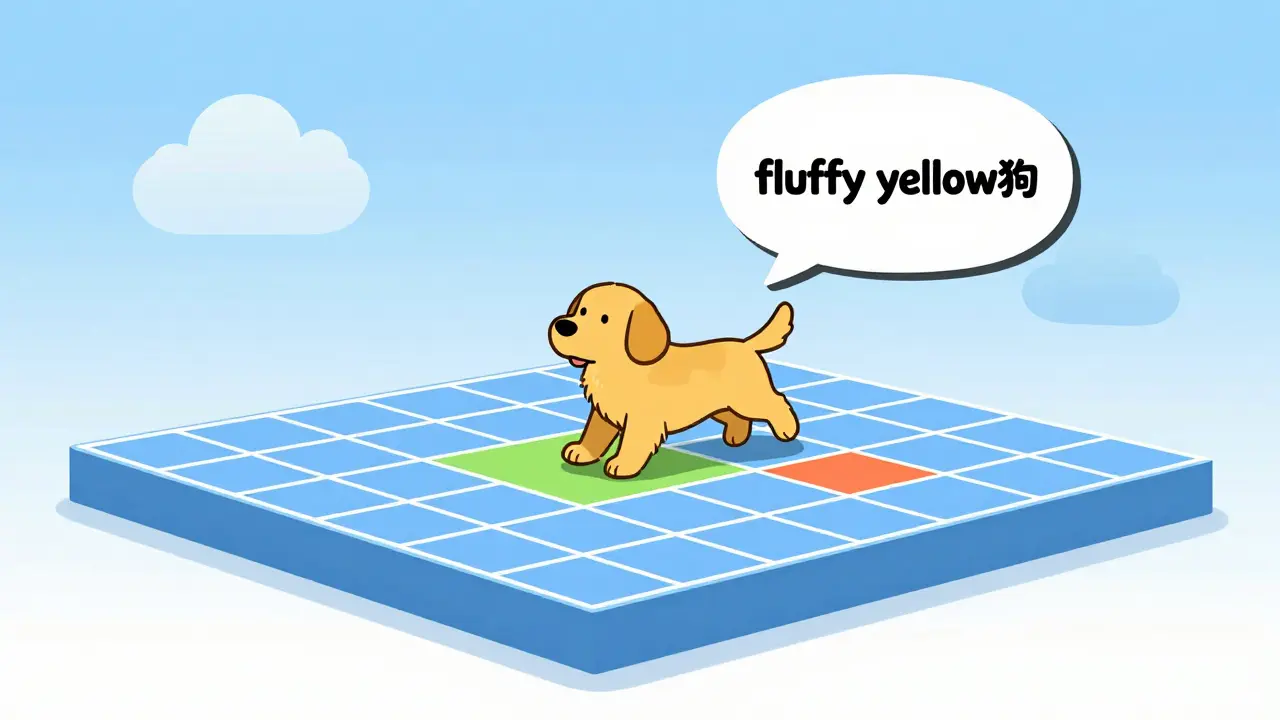
To understand how an AI describes an image, we have to look at multimodal foundation models. Unlike old-school AI that could only handle one type of data, these models bridge the gap between pixels and words. The most influential breakthrough here was CLIP (Contrastive Language-Image Pre-training), released by OpenAI in 2021. CLIP doesn't just label an image; it learns to associate images with text in a shared 512-dimensional vector space. Think of it like a giant digital map where the image of a golden retriever and the phrase "a fluffy yellow dog" are placed in the exact same spot. When you feed CLIP an image, it looks for the text phrases that sit closest to that image on the map. Later, models like BLIP (Bootstrapping Language-Image Pre-training) from Salesforce took this further by adding an image-grounded text encoder, which allows the AI to actually "generate" a sentence rather than just picking the best match from a list. For those looking to implement this, tools like CLIP Interrogator combine these strengths to produce detailed descriptions-covering style, medium, and content-often in under three seconds on high-end hardware like NVIDIA A100 GPUs.Generative AI vs. Traditional OCR: What's the Difference?
There is a common mistake where people confuse image-to-text AI with OCR. They aren't the same thing. OCR (Optical Character Recognition), like Google's Tesseract, is a specialist. It is incredibly good at finding a letter "A" in a scanned PDF and turning it into a digital character. It's about extraction, not understanding. Generative AI, on the other hand, is about semantic interpretation. It doesn't care about the specific letters in a sign; it cares that the sign is a "Stop" sign and that it's located at a busy intersection.| Feature | Generative AI (e.g., CLIP/BLIP) | Traditional OCR (e.g., Tesseract) |
|---|---|---|
| Primary Goal | Semantic Understanding | Character Extraction |
| Zero-Shot Ability | High (can describe new things) | Low (needs language training) |
| Accuracy Type | Contextual/Descriptive | Literal/Character-level |
| Weakness | Object counting & abstract art | Handwriting & complex layouts |
Solving the Alt Text Crisis
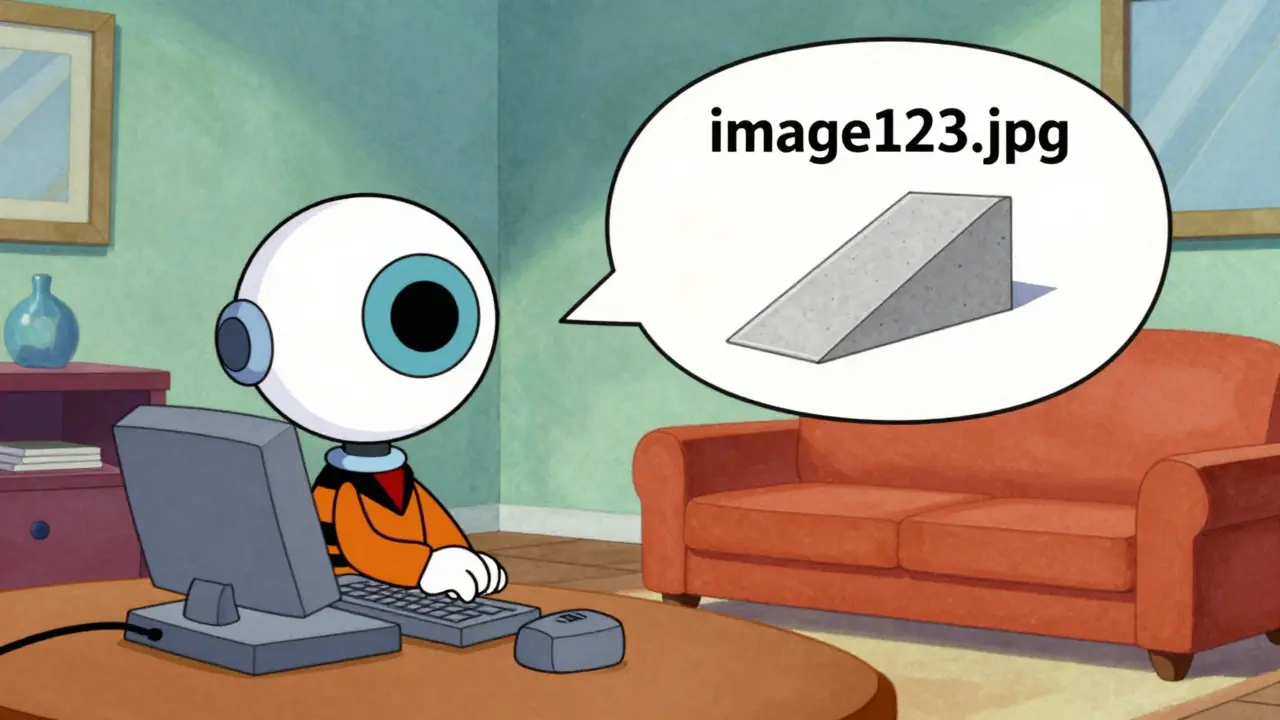
For web developers, alt text is a mandatory requirement for WCAG (Web Content Accessibility Guidelines) compliance. But let's be real: manually writing descriptions for 10,000 product images in an e-commerce store is a nightmare. This is where generative AI steps in to save hundreds of hours of manual labor. Companies like Shopify have already integrated these models, allowing merchants to generate descriptions automatically. In some e-commerce settings, this has reduced manual tagging efforts by up to 70%. However, this efficiency comes with a catch. If an AI describes a wheelchair ramp as a "decorative concrete structure," it isn't just a mistake-it's a failure in accessibility that can mislead a screen reader user. This highlights the "semantic gap." The AI sees the shapes and colors, but it doesn't always understand the human purpose of the object. While the BLIP-2 and BLIP-3 models have improved accuracy-reaching over 92% on specific accessibility benchmarks-they still struggle with nuance and cultural context.The Danger Zones: Bias and Reliability
We can't talk about AI accessibility without talking about the flaws. One of the biggest issues is dataset bias. Research has shown that models like CLIP can be significantly less accurate when describing non-Western cultural contexts. If the AI was trained mostly on images from North America and Europe, it might struggle to accurately describe a traditional market in Southeast Asia. Then there is the issue of "adversarial attacks." Some researchers found that tiny, invisible changes to an image could trick a model into completely changing its description. For a fun art project, that's a quirk; for a safety-critical application (like an AI helping a blind person navigate a street), it's a dealbreaker. Furthermore, studies from the Stanford Center for AI Safety indicate that these systems often have higher error rates when images contain people with visible disabilities. This creates a cruel irony: the very tool meant to help people with disabilities is often less accurate when it encounters them.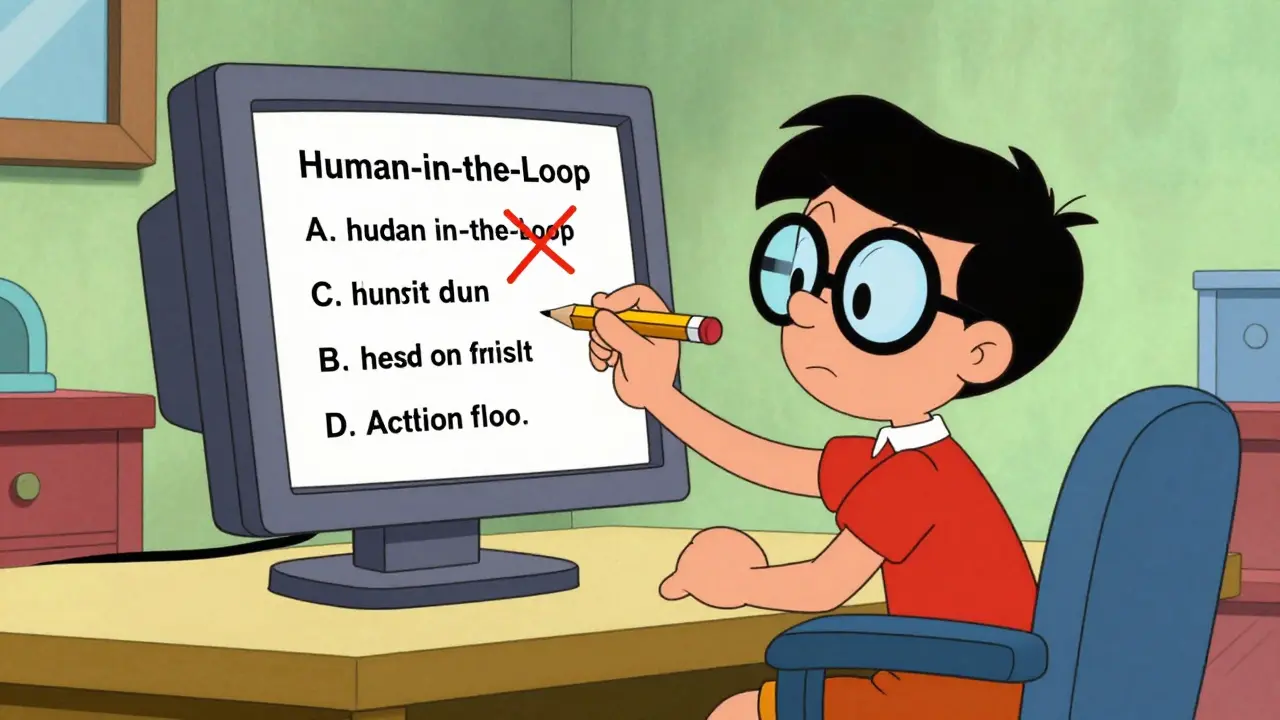
Putting it Into Practice: Implementation Guide
If you're a developer looking to deploy an image-to-text pipeline, you can't just flip a switch. You need a strategy. Most enterprise deployments use NVIDIA T4 GPU instances (like AWS p3.2xlarge) to handle the heavy lifting of multimodal embeddings. Here is a practical workflow for a reliable implementation:- Model Selection: Use BLIP-2 or BLIP-3 for captioning tasks, as they outperform the original CLIP in generating coherent sentences.
- Prompt Engineering: Don't just ask for a "description." Use specific prompts like "Write a concise alt-text description for a screen reader focusing on the essential purpose of this image."
- The Human-in-the-Loop Filter: This is the most critical step. Do not automate 100% of your alt text. Implement a review queue where human editors verify AI-generated text, especially for high-traffic or safety-critical pages.
- Post-Processing: Use a lightweight NLP layer to strip out AI-isms like "An image of..." or "A photo showing..." since screen readers already announce that it's an image.
What the Future Holds for Multimodal AI
We are currently in a phase of "inflated expectations." Everyone wants fully automated accessibility, but we aren't there yet. The trajectory for 2026 and 2027 suggests a shift toward hybrid workflows. We'll likely see AI handling the "first draft" of descriptions, while humans provide the final polish. New standards from the W3C are pushing for a 95% accuracy rate on safety-critical elements before any unreviewed AI alt text can be considered compliant. As we move toward more specialized "Accessibility-First" training, we can expect the error rates for diverse populations to drop, making the web a truly inclusive place for everyone.Can I rely 100% on AI to generate alt text for my website?
No. While generative AI is incredibly fast, it still suffers from a "semantic gap" and can hallucinate descriptions. For accessibility compliance (WCAG), human review is still essential to ensure the description is accurate and provides the correct context for screen reader users.
What is the difference between CLIP and BLIP?
CLIP is primarily designed for matching images to existing text (contrastive learning), making it great for search and classification. BLIP is designed for both understanding and generating text, making it much better at creating original, descriptive captions from scratch.
Does image-to-text AI work with handwritten notes?
If you want to transcribe the exact words, you should use OCR (Optical Character Recognition). Generative AI can describe the *fact* that there is a handwritten note, but it is generally less accurate at precise character extraction than dedicated OCR engines like Tesseract.
How much hardware do I need to run these models?
For production environments, you typically need GPUs with at least 16GB of VRAM. NVIDIA T4 or A100 instances are common choices. If you are just experimenting, you can use platforms like Hugging Face or Google Colab which provide temporary GPU access.
Is AI-generated alt text legal under the EU AI Act?
Under the EU AI Act, accessibility systems can be categorized as "high-risk" depending on their application. This means they may require conformity assessments to ensure they don't introduce biases or safety risks before being deployed in European markets.

Just great, another "revolutionary" AI tool that probably won't even work in the real world. Most devs are too lazy to even add basic alt text, and now they think they can just outsource their conscience to a GPU. Absolute joke.
lol imagine thinking a machine can replace human intuition 🙄 the bias stuff is just the tip of the iceburg... honestly we're all just pretendin this is progress while it's actually just lazyness at scale 💅✨
The sheer ontological reductionism here is staggring. You're talking about multimodal embeddings as if they aren't just digital panopticons designed for surveillance capitalism. These vector spaces are just cages for human perception, and the "semantic gap" is actually a deliberate feature to keep us dependent on the cloud architecture 👁️
I am absolutely appalled by the lack of attention to detail in the phrasing of this entire discussion because if we cannot even maintain basic grammatical standards in the pursuit of accessibility, then we are essentially admitting that the entire project is a failure from the start and it is simply exhausting to witness such linguistic decay in a professional context!
I think it's a nice start for people who struggle.
I use a screen reader too and let me tell you that "decorative concrete structure" is exactly what these bots do! :) It's so funny how the people making these apps don't even test them with real people first. Just a bad idea! :)
Oh wow, look at us leveraging synergistic paradigms for inclusivity! 🌈 I'm sure the stakeholders will be absolutely thrilled by the 70% reduction in labor costs, because nothing says "accessibility" like maximizing the bottom line while the AI hallucinates a wheelchair as a park bench. Truly a win-win for everyone involved! :)
Is an image even a thing if the AI can't describe it? Maybe the "semantic gap" is just where the real meaning actually lives... 🌌
This whole thing feels like a fever dream of silicon and sadness. We're stripping the soul out of art and replacing it with 512-dimensional vectors. It's a sterile, ghostly wasteland where my emotions go to die and the only thing left is a cold, calculating GPU humming in a warehouse in Virginia.
I'm curious if the human-in-the-loop part can be scaled better with some kind of gamified review system so more people can help out with the verifyin process! It'd be a cool way to build a community around accesibility.