Every time you ask a large language model (LLM) a question, it doesn’t just think - it burns energy. Thousands of processors churn, memory fills, and electricity flows. A single query can use up to 10 times more power than a Google search. That adds up fast. Companies running LLMs at scale are watching their cloud bills spike and their carbon footprints grow. The solution isn’t always upgrading hardware or switching models. Sometimes, it’s just changing the way you ask.
What Are Prompt Templates, Really?
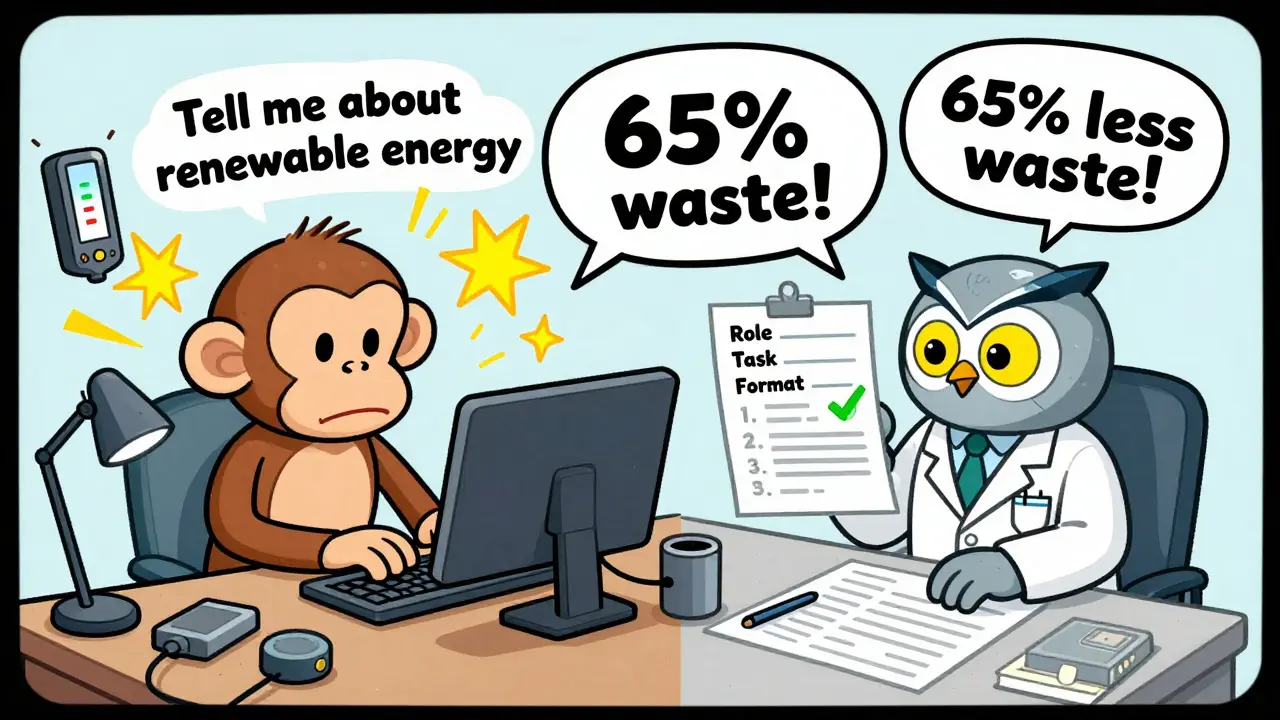
A prompt template isn’t just a pre-written question. It’s a structured recipe for getting the best answer with the least effort. Think of it like ordering coffee: saying "I want coffee" leaves the barista guessing. But saying "I want a large oat milk latte, no foam" cuts down the back-and-forth, speeds things up, and reduces waste. Prompt templates do the same for LLMs. Instead of typing out a vague request like "Tell me about renewable energy," a template might say:- Role: You are a climate policy analyst.
- Task: List the top 3 renewable energy sources in Germany in 2025.
- Format: Return as a numbered list. Do not explain.
How Much Waste Are We Talking About?
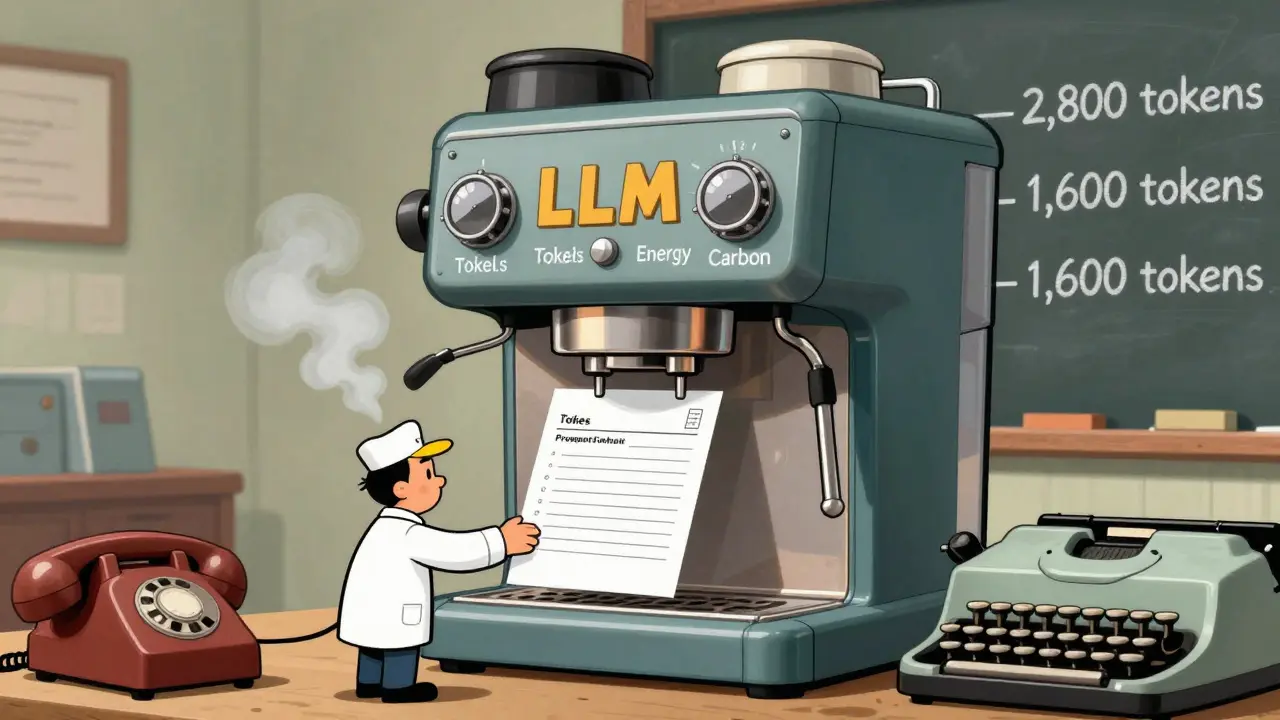
Studies from 2024 show that poorly designed prompts can waste 65-85% of computational resources. That means for every 1,000 tokens processed, up to 850 are spent on irrelevant output, repeated phrases, or over-explaining. The same task with a well-crafted template can cut that down to 150-200 tokens. Take a real example from a developer on Reddit who used LangChain to automate customer support responses. Before templates, each query averaged 2,800 tokens. After implementing variable-based templates with clear instructions, it dropped to 1,600 tokens - a 42% reduction. That’s not just cheaper; it’s faster, cooler, and uses less electricity. One study from PMC (2024) found that using direct decision prompts - like "Return TRUE if this code has a buffer overflow" - eliminated 87-92% of false positives. That means the model stopped wasting time on wrong answers. No more sifting through noise. Just clean, accurate output.The Top Techniques That Actually Work
Not all templates are created equal. Here are the most effective ones, backed by real data:- Role Prompting: "You are a financial auditor." This sets context and reduces off-topic tangents. Studies show it cuts token use by 25-30%.
- Chain-of-Thought (CoT): Instead of asking for an answer, ask for the steps. "Explain how you arrived at this conclusion." Surprisingly, this reduces energy use by 15-22% because the model avoids guessing and builds logic step-by-step.
- Few-Shot Prompting: Give 2-3 examples of good input/output pairs. This helps the model learn the pattern without extra processing. It improves accuracy by 37% and reduces response length by 28 tokens on average.
- Modular Prompting: Break big tasks into smaller steps. Instead of "Write a report on renewable energy in Europe," use three separate prompts: 1) List solutions, 2) Compare advantages, 3) Summarize. This cut token use from 3,200 to 1,850 in one test.
Where It Works Best - And Where It Doesn’t
Prompt templates shine in structured tasks:- Code generation
- Data extraction from documents
- Classification (spam, sentiment, intent)
- Automated customer service replies
- Screening research papers for systematic reviews
Cost Savings You Can Actually Measure
Let’s talk numbers. Cloud providers charge by the token. OpenAI’s GPT-4-turbo costs $0.01 per 1,000 input tokens. If your app makes 10,000 requests a day, and each uses 2,500 tokens, that’s 25 million tokens daily. At $0.25 per 1,000 tokens, that’s $6,250 a day. Now apply a template that cuts token use by 40%. Suddenly, you’re down to 15 million tokens. Daily cost drops to $3,750. That’s $2,500 saved every day. $75,000 a month. That’s not a rounding error - that’s a line item on your budget. Capgemini’s clients saw similar results. One company using LLMs for contract review reduced their monthly AWS bill by $18,000 after implementing templated prompts. That’s not magic. That’s math.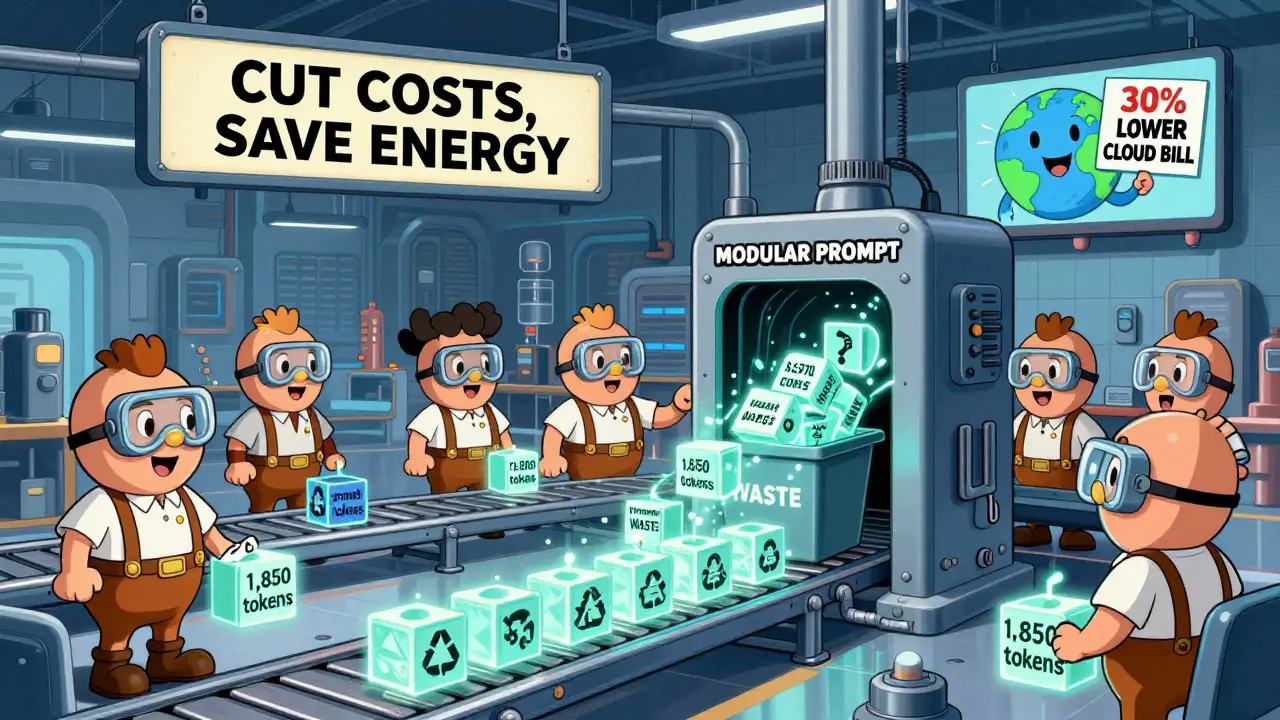
What You Need to Get Started
You don’t need to be an AI expert. Here’s how to begin:- Choose one high-volume task - like customer support replies or code suggestions.
- Collect 10-20 real examples of prompts you’ve used.
- Refine them using role, format, and step-by-step instructions.
- Test against the old version. Track token usage with tools like PromptLayer or LangChain.
- Deploy the winner. Repeat for the next task.
The Hidden Challenges
It’s not all easy. Here’s what trips people up:- Model updates break templates. When Anthropic or OpenAI releases a new model version, your carefully tuned prompts might stop working. 72% of users on HackerNews reported this issue.
- Too much control kills creativity. Over-optimizing for efficiency can make outputs bland. You need to balance structure with flexibility.
- It takes time. 68% of developers spend 3-5 hours a week just tweaking prompts. That’s real labor.
- Vendor lock-in. A template that works perfectly on GPT-4 might lose 40-50% of its efficiency on Llama 3. That’s a problem if you ever switch models.
What’s Next?
By 2026, Gartner predicts 75% of enterprise LLM deployments will use structured templates. The EU’s AI Act now requires "reasonable efficiency measures," making this a compliance issue, not just a cost one. New tools are emerging. Anthropic’s December 2025 update automatically refines prompts, cutting token use by 22% on its own. The Partnership on AI released the Prompt Efficiency Benchmark (PEB) in November 2025 - a standard way to measure how good your templates really are. Soon, AI will write your prompts for you. Gartner expects 60% of enterprise templates to be auto-generated by 2027. But for now, the biggest gains still come from humans who understand how to ask better questions.Do prompt templates work on all LLMs?
Yes, but effectiveness varies. Templates work best on models designed for instruction-following, like OpenAI’s GPT series, Anthropic’s Claude, Meta’s Llama 3, and coding-specific models like StableCode and CodeLlama. They’re less effective on older or less structured models. Always test your template on the exact model you’re using.
Can prompt templates replace model optimization techniques like quantization?
Not fully, but they’re easier and faster. Quantization reduces model size and energy use by changing how the model works under the hood - but it requires retraining, testing, and deployment. Prompt templates need no code changes. You just rewrite the input. Many teams use both: templates for immediate gains, quantization for long-term scaling.
Is there a risk of making outputs too generic with templates?
Absolutely. Overly rigid templates can lead to repetitive, formulaic answers. This is a known issue in customer service bots that sound robotic. The fix? Leave room for variation. Use placeholders, allow brief explanations, and occasionally test with open-ended versions to check quality.
How long does it take to learn prompt templating?
Most developers get comfortable in 20-30 hours of hands-on practice. You don’t need to memorize every technique. Start with role prompting and format constraints. Track token usage. See what cuts waste. Build from there. Tools like LangChain and PromptLayer give you real-time feedback so you learn by doing.
Are prompt templates worth it for small businesses?
Yes - even more so. Small teams often run on tight budgets. A 40% drop in token usage can mean the difference between staying under a $500/month cloud limit or going over. One small SaaS company cut its monthly LLM bill from $850 to $480 just by templating its support bot. That’s $4,400 saved a year. That’s not just efficiency - that’s survival.