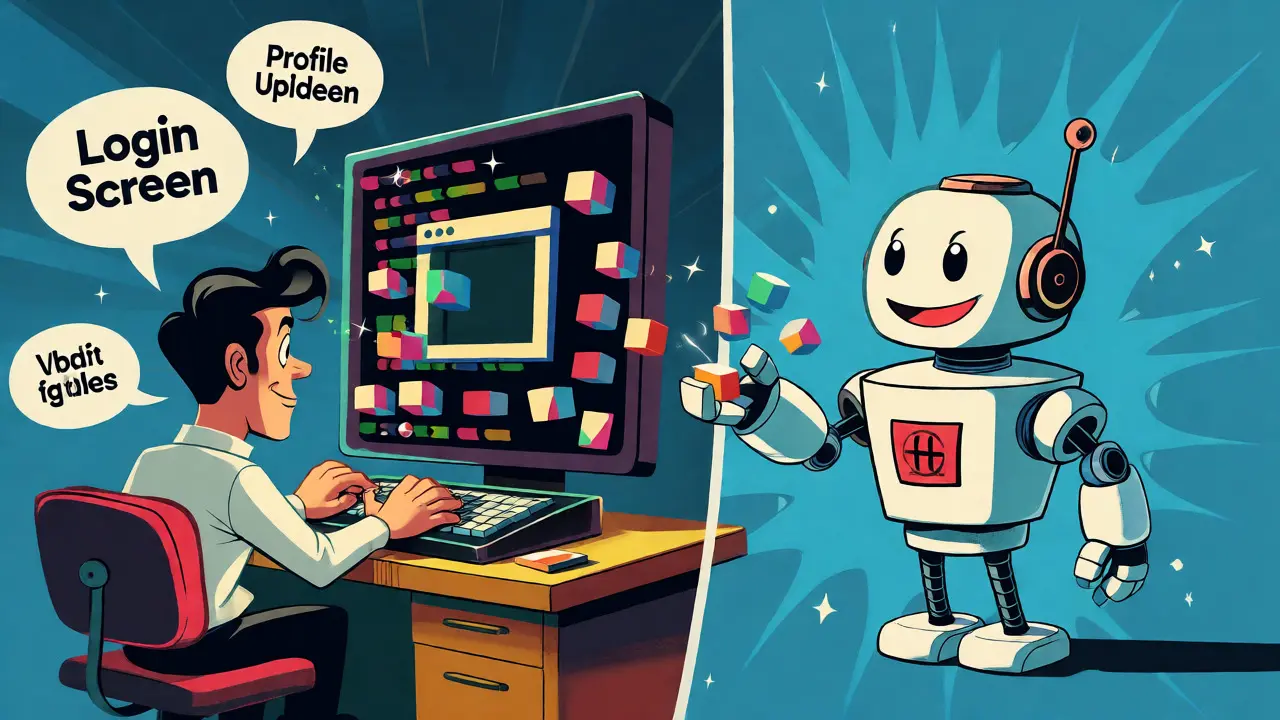
Imagine building a fully functional customer portal in an afternoon. Not just a static mockup, but a live application where users can log in, view their profile, and receive real-time notifications. This isn't science fiction; it's the promise of vibe coding, a development paradigm where AI tools generate code scaffolds based on natural language prompts, allowing developers to focus on logic and security rather than boilerplate syntax. But when you're dealing with sensitive data like user credentials and personal details, "fast" cannot mean "sloppy." How do you ensure your AI-generated authentication is secure? Can vibe-coded profiles handle complex relationships? And how do you manage notifications without drowning users in spam?
The Vibe Coding Reality Check
Vibe coding isn't about replacing engineers. It's about collaboration. Tools like Lovable, Rocket.new, and others allow you to describe what you want-"a login screen with email verification" or "a dashboard showing recent orders"-and they spit out React or Next.js components instantly. For customer portals, this velocity is tempting. You can scaffold a multi-tenant application with user management panels in hours instead of weeks.
However, there's a catch. AI models are excellent at pattern matching but poor at understanding context-specific security constraints unless explicitly told. If you prompt for a login form, you might get a basic HTML input field without any CSRF protection. If you ask for a profile update feature, you might get a database query that doesn't validate if the user actually owns the record they're trying to edit. The developer's job shifts from writing every line of code to reviewing, securing, and refining the AI's output. Think of the AI as a junior developer who types incredibly fast but needs a senior engineer to check their work for security holes.
Authentication: The First Line of Defense
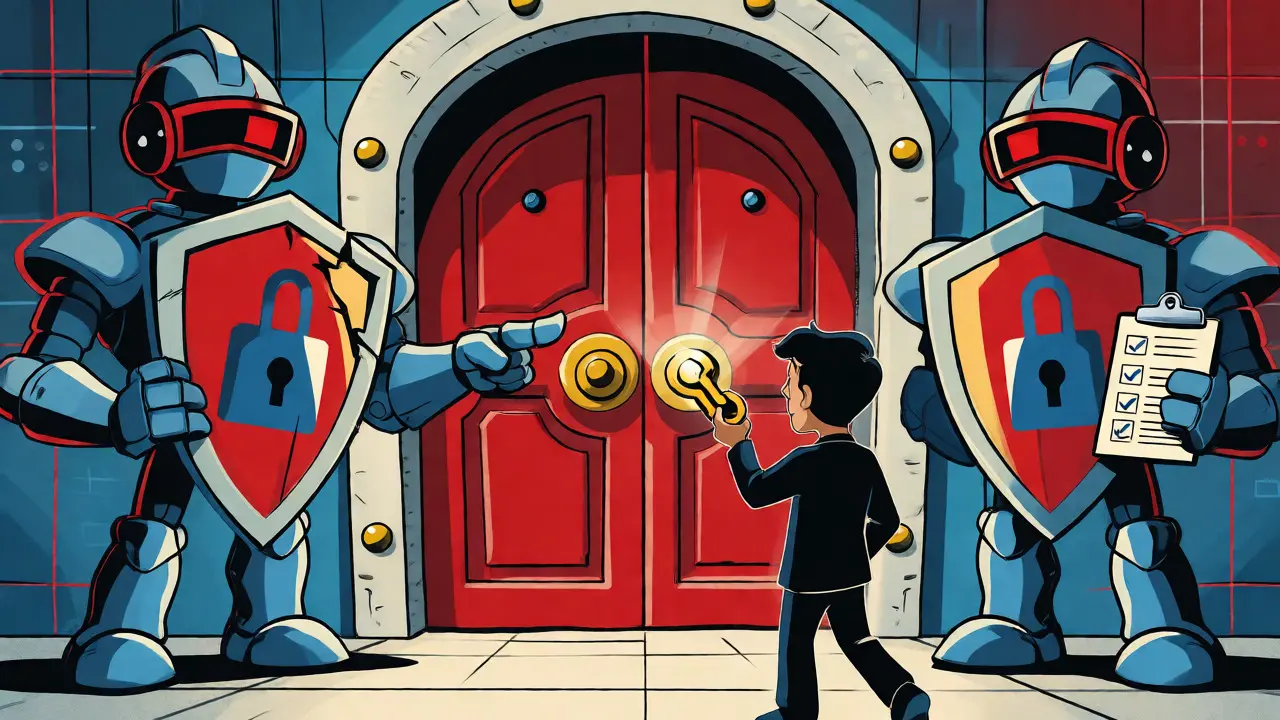
Authentication is the gatekeeper of your customer portal. In a vibe-coded environment, you'll likely start with the basics: email and password. The AI can quickly generate the UI for sign-up, login, forgot password, and email verification screens. But under the hood, things get tricky.
Most AI-generated JavaScript applications default to simple JWT (JSON Web Token) implementations. While convenient, these often lack robust token rotation or refresh mechanisms. A common pitfall is storing tokens in local storage, which makes them vulnerable to XSS attacks. Best practice dictates using HTTP-only cookies for session management in server-rendered apps, or secure, short-lived access tokens paired with longer-lived refresh tokens for SPAs.
Security experts note that AI tools frequently miss critical security headers or fail to enforce strict password policies. A typical AI-generated auth flow might allow a password like "password1," whereas enterprise standards demand 12+ characters with mixed case and symbols. When you vibe code, you must explicitly prompt for these constraints. For example, "Generate a registration endpoint that enforces bcrypt hashing with cost factor 10 and validates passwords against a minimum of 12 characters including one uppercase letter."
OAuth integration is another area where vibe coding shines but requires oversight. Adding "Continue with Google" buttons is trivial for AI. However, handling account linking-what happens when a user signs up with Google but already has an account with an email/password combo?-requires custom logic that AI might oversimplify. Always test edge cases: duplicate emails, provider mismatches, and token expiration scenarios.
User Profiles: Beyond the Name Field
Once authenticated, users expect to see and edit their information. A basic profile page is easy to vibe code. But real-world portals need more: address books, payment methods, subscription status, and activity logs. Here, the challenge shifts from security to data modeling and state management.
AI tools excel at creating CRUD (Create, Read, Update, Delete) interfaces. You can prompt for a "profile settings page with tabs for personal info, billing, and preferences," and get a functional component. But connecting this to a backend database requires careful attention to relationships. Does changing a user's email trigger a notification? Do profile updates invalidate cached data?
A major consideration in vibe-coded portals is data visibility. If you're using a platform like Notion as a backend, remember that granular permissions are limited. You can share specific database entries, but you can't easily hide individual fields within those entries. This means internal notes or confidential columns might be visible to customers if not architected carefully. For robust portals, a traditional relational database like PostgreSQL is safer, allowing row-level security and column masking. Vibe coding can help you set up Prisma or TypeORM schemas quickly, but you must define the access control rules yourself.
Notifications: Keeping Users Engaged
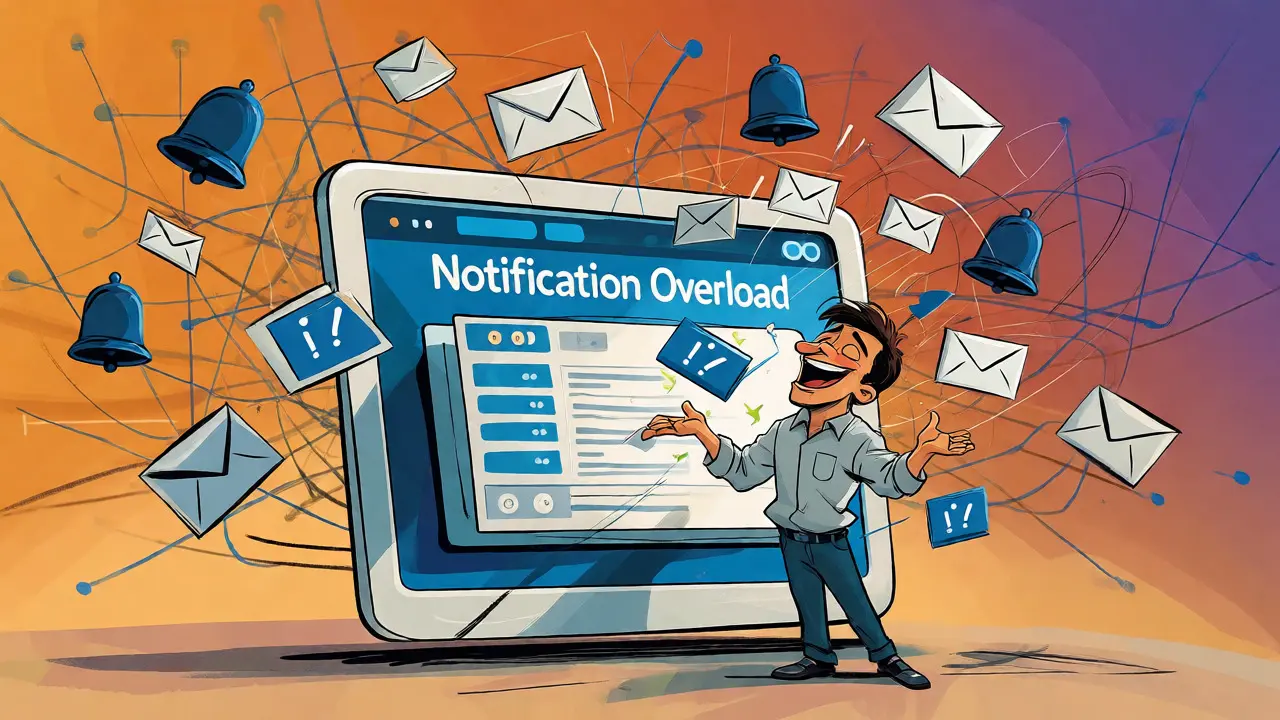
Notifications are the heartbeat of a customer portal. They inform users about order updates, system alerts, or personalized recommendations. Implementing a notification system via vibe coding involves three layers: triggering events, storing messages, and delivering them to the user.
AI can scaffold the frontend bell icon and dropdown menu effortlessly. It can also generate API endpoints to fetch unread notifications. The complexity lies in the event triggers. Should a notification be sent when a user logs in? When a support ticket is updated? When a subscription renews? These business rules rarely come pre-packaged in AI outputs. You need to map out the lifecycle of each notification type.
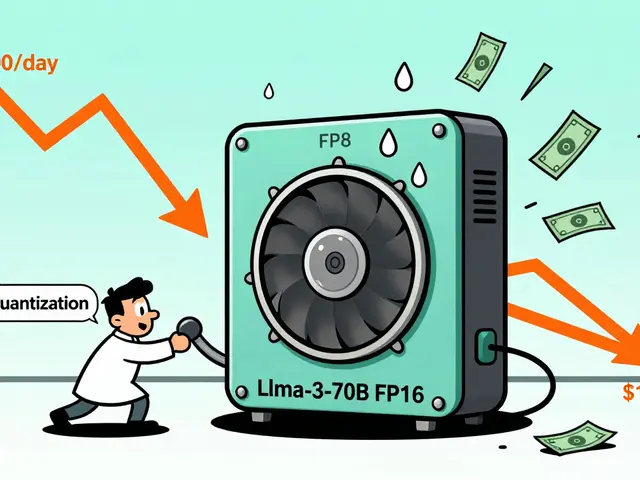
Real-time delivery is another hurdle. Most vibe-coded MVPs use polling-checking for new notifications every few seconds. This works for low traffic but scales poorly. Integrating WebSockets or Server-Sent Events (SSE) adds complexity that AI might struggle to implement correctly without precise guidance. Consider starting with email digests or simple push notifications before moving to real-time web sockets.
Security Pitfalls in AI-Generated Code
Let's talk about the elephant in the room: security vulnerabilities. Studies show that AI-generated code often contains subtle bugs that human reviewers might miss in a rush. Common issues include:
- Weak Input Validation: AI might sanitize inputs for SQL injection but forget XSS prevention.
- Missing Rate Limiting: Login endpoints generated by AI often lack throttling, making them susceptible to brute-force attacks.
- Insecure Defaults: Default secrets or debug modes left enabled in production builds.
- Logic Errors: Incorrect role checks where a regular user can access admin features due to flawed conditional statements.
To mitigate these risks, treat every AI-generated module as untrusted until tested. Use automated security scanners like Snyk or GitHub Advanced Security. Perform manual peer reviews specifically focusing on authentication flows and data access patterns. Remember, convenience should never compromise security.
From Prototype to Production
Vibe coding accelerates the journey from idea to prototype. For customer portals, this means faster feedback loops. You can show stakeholders a working login flow in days, not months. But transitioning to production requires rigor.
Start by isolating authentication logic. Use established libraries like Clerk, Auth0, or FusionAuth rather than rolling your own auth from scratch, even if AI suggests otherwise. These services handle edge cases like MFA, password resets, and social login securely. Then, let vibe coding handle the UI and business logic around these core services.
Testing is non-negotiable. Write unit tests for every authentication function. Simulate failed logins, expired tokens, and concurrent sessions. Monitor production environments for anomalies in access patterns. If a user suddenly accesses ten different accounts in a minute, flag it.
| Aspect | Vibe Coding Approach | Traditional Development |
|---|---|---|
| Speed to MVP | Hours to Days | Weeks to Months |
| Security Rigor | Requires heavy manual review | Built-in best practices |
| Customization | Limited by AI model knowledge | Unlimited flexibility |
| Maintenance | High dependency on prompt quality | Codebase familiarity |
| Best For | Rapid prototyping, small teams | Enterprise scale, complex logic |
Is vibe coding secure enough for financial data?
Not out of the box. While AI can generate the structure, it often misses nuanced security requirements like PCI compliance or encryption-at-rest. You must manually audit all code handling financial data and consider using specialized payment processors that handle security externally.
Can I use vibe coding for OAuth integrations?
Yes, but with caution. AI can generate the redirect URLs and button components easily. However, managing token exchanges, refreshing tokens, and handling consent scopes usually requires custom implementation or a third-party service like Auth0 to avoid common pitfalls.
How do I handle user roles in vibe-coded portals?
Define your role hierarchy clearly in your prompts. Ask the AI to generate middleware that checks user roles before allowing access to specific routes. Always verify that the backend enforces these checks, not just the frontend UI, to prevent privilege escalation.
What happens if the AI generates insecure code?
You refactor it. Treat AI output as a draft. Use linters, security scanners, and peer reviews to identify vulnerabilities. Replace weak implementations with standard libraries where possible, especially for authentication and encryption.
Does vibe coding support real-time notifications?
It can scaffold the frontend, but setting up the WebSocket server or integrating with a service like Pusher or Ably often requires manual configuration. Start with polling for simplicity, then upgrade to real-time as needed.


This entire premise is fundamentally flawed and demonstrates a complete lack of understanding regarding enterprise-grade security architecture. You cannot simply "vibe code" authentication when dealing with sensitive customer data because AI models are stochastic parrots that do not understand the nuance of cryptographic standards or compliance requirements like SOC2 or GDPR. The suggestion that developers should merely review AI output for security holes is dangerous advice that could lead to catastrophic breaches in production environments. We have spent decades refining secure coding practices and relying on established libraries for a reason which is to prevent exactly this kind of reckless acceleration at the expense of integrity. If you deploy vibe-coded auth without rigorous manual auditing you are essentially gambling with your users' personal information and your company's reputation. The speed to MVP metric is irrelevant if the resulting product is vulnerable to basic XSS attacks due to poor token storage implementation. Do not mistake convenience for competence especially when money and trust are involved in the transaction. This approach creates technical debt that will cripple your team six months from now when they try to scale. Stop chasing shiny objects and start respecting the complexity of distributed systems and secure software development lifecycles. Your customers deserve better than an afternoon hack job dressed up as innovation.
Oh my god!!! 😱😱😱 Is it just me or does everyone else feel like Big Tech is trying to trick us into giving away our data??? 🚩🚩🚩 I read this article and immediately got suspicious because why would they push "vibe coding" so hard unless there is a hidden agenda??? 🤔🤔🤔 Maybe the AI is actually recording every keystroke we make to train their models even better??? 👀👀👀 It feels like they want us to stop thinking critically about security headers and CSRF tokens so they can sell us more cloud services later!!! 💸💸💸 I am not going to let them fool me with these fancy buzzwords like "scaffolding" and "natural language prompts"!!! 🙅♀️🙅♀️🙅♀️ They probably built backdoors into the generated code that only they know how to find!!! 🔐🔓 Who knows what happens to our JWT tokens in their servers??? ☁️☁️☁️ I bet they are selling our login patterns to advertisers right now!!! 📢📢📢 Trust no one especially not when they tell you it is safe and fast!!! ⚠️⚠️⚠️ Keep your eyes open people because this smells fishy to me!!! 🐟🐟🐟
Actually, this analysis is completely wrong and misses the point entirely. Vibe coding isn't about replacing engineers; it's about augmenting human capability, but you're framing it as if developers are lazy idiots who can't type. The real issue isn't the AI generating insecure code by default; it's that developers are too arrogant to prompt correctly. If you ask for a secure login form, you get a secure login form. The problem is that most devs don't know what they're asking for. Furthermore, the comparison to traditional development is misleading because traditional dev also produces buggy code constantly. At least with AI, the boilerplate is consistent, whereas human-written boilerplate varies wildly based on who wrote it last week. You're clinging to old ways because you're afraid of change. The future is prompt engineering, not line-by-line debugging of trivial syntax errors. Wake up.
Agreed with the sentiment above though I think the tone could be softer. From my experience working with tools like Lovable and Bolt.new, the initial scaffold is indeed impressive for getting a prototype running quickly. However, the transition to production is where the friction lies as mentioned in the post. We recently tried this for a small internal tool and while the UI was ready in hours, fixing the edge cases around session management took longer than expected. It seems like a useful workflow for specific use cases but perhaps not for critical financial portals yet. Still worth experimenting with for rapid feedback loops though.
I totally agree with the previous comment and I think its important to highlight that vibe coding really shines when you are starting from scratch because it removes the blank page syndrome which is such a huge blocker for many junior developers!!! Its amazing how you can just describe a dashboard and get something functional instantly which allows you to focus on the business logic instead of fighting with CSS grids!!! However, I do worry about the long term maintainability because if the AI generates code that looks different from standard conventions then new team members might struggle to onboard!!! But hey, if it saves time and gets the product to market faster then maybe its worth the tradeoff for early stage startups!!! We should definitely encourage teams to try it out on non-critical features first before betting the whole portal on it!!!
Love this energy!! Seriously tho, dont let anyone tell you its useless cause its changing everything for indie hackers!! I used vibe coding to build my notification system last weekend and saved like 10 hours!! Just gotta watch out for those pesky websockets tho lol!! Keep pushing forward fam!!
Technically speaking, the article conflates two distinct concepts: code generation and architectural design. While AI excels at the former, it lacks the contextual awareness required for the latter. For instance, implementing OAuth flows requires understanding identity provider limitations which vary significantly between Google, Microsoft, and Apple. An AI might generate a generic redirect handler that fails silently during token exchange due to scope mismatch issues. Additionally, the mention of Notion as a backend is problematic for high-traffic portals due to rate limits and latency concerns. A proper implementation would require a dedicated database layer with indexing strategies that AI rarely suggests proactively. Therefore, while velocity increases, the cognitive load shifts from syntax creation to architectural validation. Developers must possess deep knowledge of security protocols to effectively supervise the AI. Without this expertise, vibe coding becomes a liability rather than an asset.
Haha, oh please. Another day, another tech bro claiming he invented programming again. "Vibe coding"? Really? Next you'll tell me you can vibe-code a nuclear reactor. Sure, it's great for building a todo list app in your garage, but try telling that to a bank CTO who needs audit trails for every single line of code. But hey, if it makes you feel productive, go ahead. Just don't blame the AI when your production server crashes because you forgot to handle null pointers. Good luck with that. 😂
Great insights here everyone. One thing I'd add is the importance of automated testing pipelines. When using AI-generated code you need robust integration tests to catch regressions quickly since the codebase evolves rapidly. Also consider using dependency scanning tools continuously to catch vulnerabilities in the generated scaffolds. Happy to share some templates we use if anyone is interested.