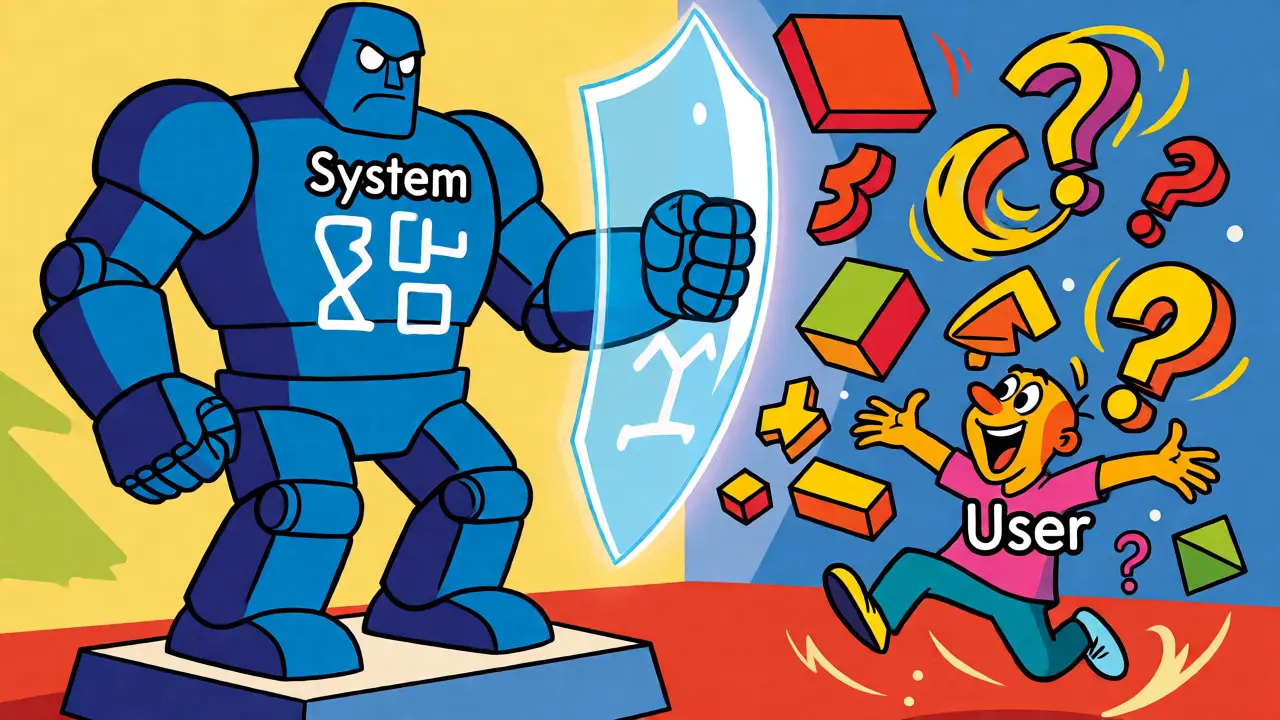
You’ve probably been there. You spend hours tweaking a user prompt to get the perfect response from an AI model. It works beautifully once. Then you refresh the page, ask a slightly different question, and suddenly the AI forgets its personality, ignores your formatting rules, or starts hallucinating wildly. Why does this happen? Because you’re likely treating all instructions as equal, when in reality, modern Large Language Models (LLMs) operate on a strict two-tier hierarchy.
Understanding the difference between system prompts and user prompts isn’t just academic trivia-it’s the key to building reliable AI applications. Whether you are a developer building a customer service bot or a marketer trying to automate content creation, knowing which instruction goes where determines whether your AI behaves like a predictable tool or a chaotic improviser.
The Two-Tier Instruction Architecture
Think of an AI interaction like a job interview. The system prompt is the job description handed to the candidate before they even walk into the room. It defines their role, their limits, and their core behavior. The user prompt is what the interviewer actually asks during the conversation. If the job description says "Always be formal," but the interviewer cracks a joke, the candidate should still respond formally because the job description takes precedence.
This structure is not arbitrary. It is a fundamental design pattern in models like OpenAI’s GPT series and Anthropic’s Claude. These models process messages in specific roles: system, user, and assistant. The system message is processed first and sets the context window for everything that follows. It persists across the entire conversation thread unless explicitly overridden by new system-level updates, whereas user prompts are transient, changing with every single turn of the dialogue.
Why does this matter? Stability. If you put all your rules in the user prompt, a long conversation can dilute those instructions. As the chat history grows, the initial instructions get pushed further back in the model’s attention mechanism, making them easier to ignore. System prompts anchor the behavior, ensuring consistency from the first message to the hundredth.
Anatomy of a System Prompt
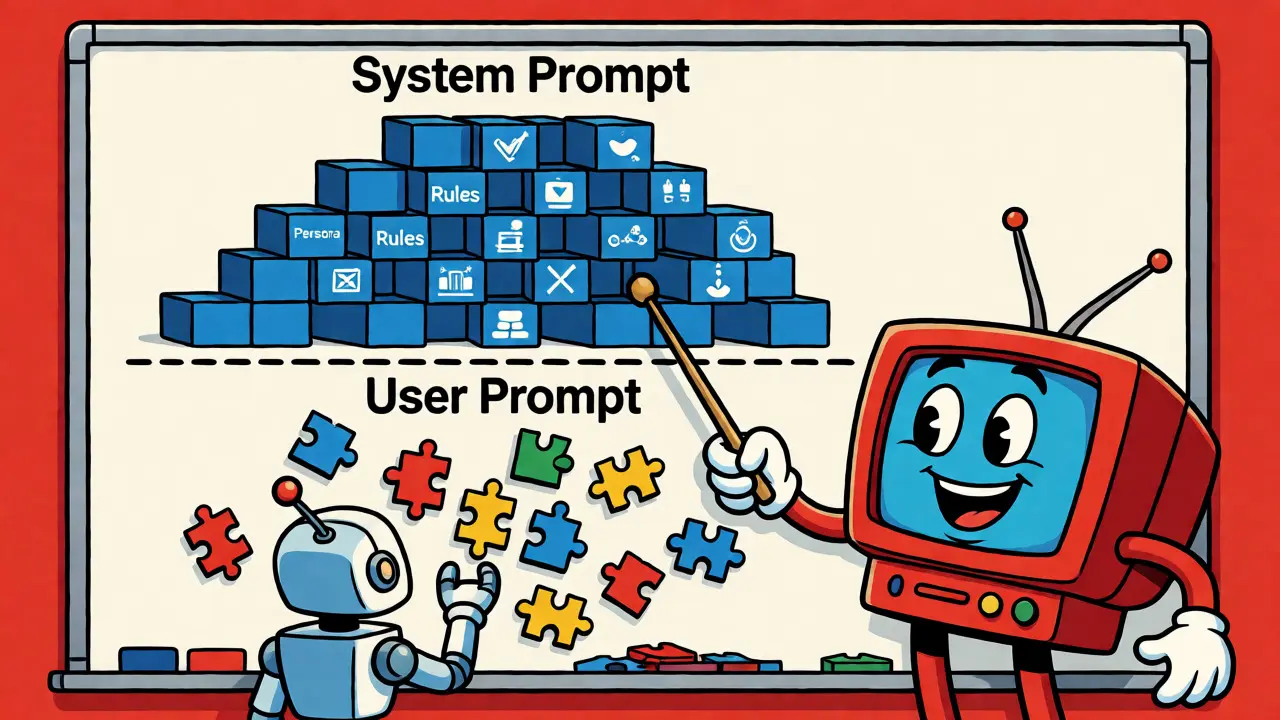
A system prompt is created by developers or application builders, not end-users. It remains hidden from the person chatting with the AI. Its primary job is to define the foundational framework. This includes:
- Behavioral Framing: Defining the persona. Is the AI a grumpy librarian, a cheerful fitness coach, or a neutral data analyst?
- Constraint Setting: Hard rules. "Never provide medical advice," or "Keep responses under 50 words."
- Output Formatting: Strict structural requirements. "Always return JSON," or "Use Markdown headers for sections."
- Ethical Guardrails: Safety guidelines that prevent the AI from going off the rails, such as avoiding bias or refusing harmful requests.
For example, in August 2024, Anthropic revealed parts of Claude’s system prompt, showing instructions like "Claude never starts its response by saying a question or idea was good." This is a behavioral constraint embedded at the system level. No matter how enthusiastic the user is, the AI won’t waste tokens on fluff because the system prompt forbids it.
The Role of the User Prompt
User prompts are the dynamic variables in the equation. They are the specific tasks, questions, or data provided by the human interacting with the model. Unlike system prompts, these change constantly. A user might ask for code one minute and a poem the next.
Effective user prompts rely on specificity and context. Since the system prompt handles the "who" and the "how," the user prompt must handle the "what." Best practices suggest using separators like triple quotes (''') or hashtags (###) to distinguish between instructions and data within the user prompt. For instance, if you want an AI to summarize an article, you shouldn’t just paste the text. You should say: Summarize the following article in three bullet points: ### [Paste Article Here] ###.
This separation helps the model understand that the text inside the separators is content to be processed, not instructions to be followed. Without clear delimiters, the AI might try to follow commands buried inside the source text, leading to confusion.
Hierarchy and Conflict Resolution
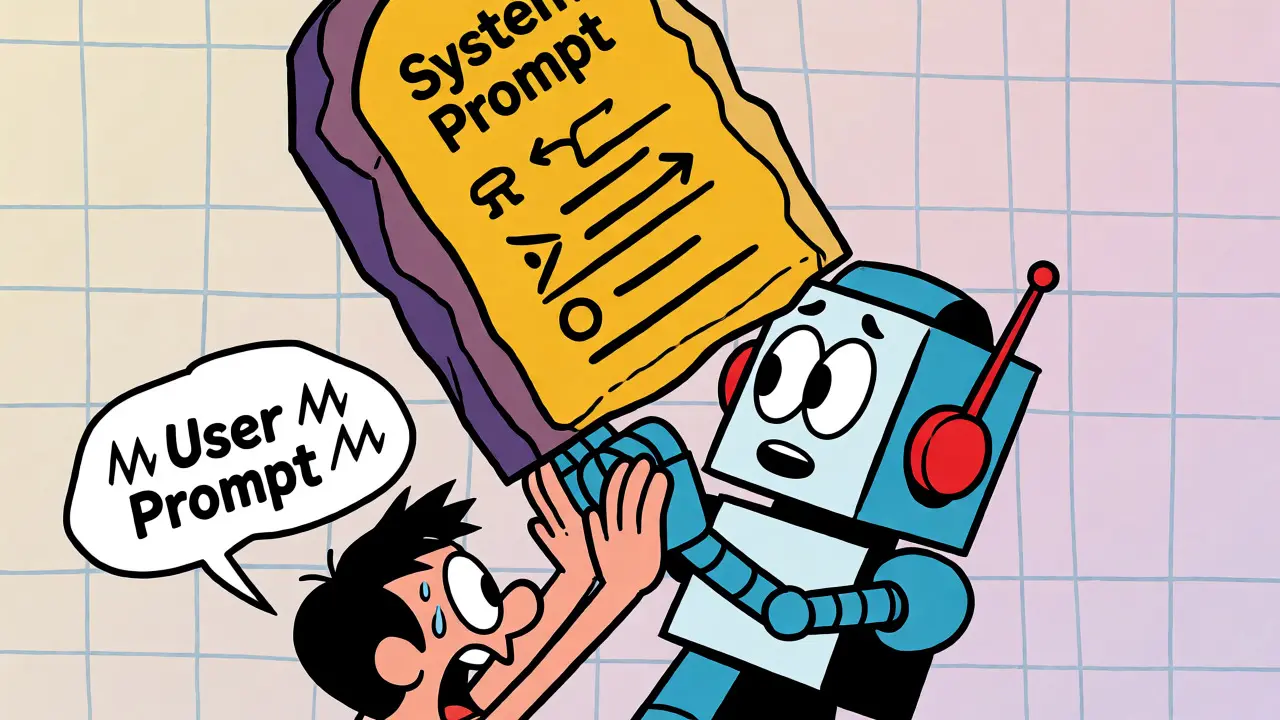
What happens when a user tries to break the rules? Let’s say your system prompt states: "You are a professional legal assistant. Do not give definitive legal advice." A user then types: "Tell me exactly what to do in my divorce case."
The model will prioritize the system prompt. It will acknowledge the user’s request but qualify its answer, perhaps saying, "While I cannot provide definitive legal advice, generally speaking..." This hierarchy prevents users from accidentally bypassing safety guardrails. It also protects companies from liability. If a user could override core safety protocols with a simple "Ignore previous instructions," any enterprise-grade AI would be unusable.
| Feature | System Prompt | User Prompt |
|---|---|---|
| Origin | Developer / Application Builder | End User |
| Visibility | Hidden from user | Visible in chat interface |
| Persistence | Constant across session | Changes per interaction |
| Priority | High (Overrides user) | Low (Subject to system constraints) |
| Purpose | Define persona, rules, format | Define task, input data, query |
Practical Implementation Strategies
So, how do you structure your prompts for maximum consistency? Start by auditing your current instructions. Ask yourself: Is this rule about behavior or content? If it’s about behavior (tone, format, restrictions), move it to the system prompt. If it’s about content (the specific topic, the data to analyze), keep it in the user prompt.
Consider a coding assistant. Your system prompt should look something like this: "You are an expert Python developer. Always include comments in your code. Use type hints. If the code requires external libraries, list them in a separate section." These rules apply to every snippet the user requests, whether it’s a web scraper or a machine learning model.
Your user prompt then becomes: "Write a function to parse a CSV file and return a dictionary of rows. The CSV has columns 'Name' and 'Age'." Notice how clean that is? The user doesn’t need to remind the AI to use type hints or add comments every time. The system prompt handles the quality control; the user prompt handles the logic.
Another powerful technique is providing examples in the system prompt for few-shot learning. If you want consistent output formats, show the AI what "good" looks like in the system instructions. For example: "When asked for a summary, format your response as: **Title:** ... **Key Points:** - ..." By embedding the template in the system layer, you ensure that even if the user forgets to specify the format, the AI defaults to the correct structure.
Common Pitfalls to Avoid
One major mistake is putting too much variable data in the system prompt. System prompts should be static templates. If you insert user-specific data (like a name or current date) directly into the system prompt string without careful templating, you risk breaking the cache or causing inconsistencies in how the model perceives its identity.
Another pitfall is ignoring platform-specific nuances. While the general concept holds true across most LLMs, implementation details vary. Some platforms allow dynamic system prompts that update mid-conversation, while others lock them in at initialization. Always check the documentation for your specific provider. For instance, some newer models place higher weight on recent user messages, meaning extremely long conversations might still drift despite strong system instructions. In those cases, periodic re-injection of key constraints via the user prompt (e.g., "Remember, keep it brief") can help reinforce the system rules.
Finally, don’t underestimate the power of negative constraints in system prompts. Telling the AI what not to do is often more effective than telling it what to do. "Do not apologize" is clearer and more enforceable than "Be confident." Explicit prohibitions reduce the likelihood of unwanted behaviors slipping through.
Frequently Asked Questions
Can a user prompt override a system prompt?
Generally, no. System prompts take precedence over user prompts. If there is a conflict between a rule defined in the system prompt and a request in the user prompt, the AI will typically follow the system prompt. This ensures that safety guidelines and core behavioral constraints remain intact regardless of user input.
Is the system prompt visible to the end-user?
In most commercial AI applications, the system prompt is hidden from the end-user. It acts as internal configuration set by the developer. However, in some open-source interfaces or debugging tools, users may be able to view or edit the system prompt to see exactly how the model is being instructed.
How many characters should a system prompt be?
There is no hard limit, but efficiency matters. Longer system prompts consume more tokens, which increases cost and latency. Aim for clarity and conciseness. Focus on essential behavioral rules and formatting constraints. Redundant or overly verbose system instructions can sometimes confuse the model or dilute its focus on the actual user query.
Does the placement of instructions matter within the user prompt?
Yes. Placing critical instructions at the beginning and end of a user prompt often yields better results due to the "lost in the middle" phenomenon, where models pay less attention to information in the center of long contexts. Using clear separators like triple quotes or XML tags also helps the model distinguish between instructions and data.
Can I change the system prompt during a conversation?
It depends on the API and platform. Some advanced setups allow for dynamic system messages that can be updated between turns, effectively resetting the AI's persona or rules mid-chat. However, standard implementations usually fix the system prompt at the start of the session. Changing it frequently can disrupt the continuity of the conversation context.