
You just built a slick web app in an afternoon. The AI handled the UI, the logic, and the database schema. You hit deploy, share the link, and feel like a genius. Then, three weeks later, you get a legal warning because your "genius" app didn't ask permission to track user data. This is the silent killer of vibe-coded frontends. When we let AI handle the heavy lifting of code generation, privacy compliance often falls through the cracks. It’s not that the AI forgot; it’s that privacy isn't a feature you prompt for-it's a legal requirement you have to enforce.
Vibe coding-building applications by describing intent rather than writing syntax-has democratized software creation. But with great power comes great responsibility, specifically under regulations like the General Data Protection Regulation (GDPR) and similar global laws. If your vibe-coded frontend uses analytics, cookies, or third-party scripts, you need robust privacy notices and cookie banners. Ignoring them doesn't just risk fines; it breaks trust. Let's look at how to implement these essential compliance mechanisms without ruining the speed that made vibe coding attractive in the first place.
Why Vibe Coding Breaks Privacy Defaults
Traditional development forces you to think about architecture early. You set up your server, define your routes, and configure your middleware. In this process, adding a cookie consent manager is a standard step. Vibe coding flips this. You prompt: "Build me a dashboard that tracks user activity." The AI generates React components, fetches data, and renders charts. It rarely adds a modal saying, "Hey, we're tracking you," unless you explicitly ask.
This gap exists because large language models optimize for functionality and aesthetic appeal, not legal liability. They assume a sandbox environment where data collection is implicit. In reality, every time your app sets a non-essential cookie-whether for Google Analytics, Facebook Pixel, or even session management-you are processing personal data. Under GDPR, you need explicit, informed consent before that data leaves the browser. If your vibe-coded app fires off tracking pixels on load without a banner, you are technically out of compliance from second one.
The problem is compounded by the speed of iteration. You might add a new feature, which pulls in a new library, which sets new cookies. Did you update your privacy policy? Did you audit the new dependencies? In rapid development cycles, these questions get skipped. The result is a "compliance debt" that balloons until launch day, when you realize your beautiful, AI-generated interface has no way to say "no" to tracking.
The Anatomy of a Compliant Cookie Banner
A cookie banner isn't just a nuisance popup; it's a functional component of your frontend architecture. To be effective in a vibe-coded context, it needs to follow specific UX and technical patterns. Most developers default to the "modal" approach-a giant box blocking the screen-but this often hurts user experience more than it helps compliance.
Consider placement. A footer-based banner is often superior for modern web apps. It sits at the bottom, unobtrusive but visible. It allows users to continue interacting with the main content while deciding their preferences. Modal overlays, while high-conversion, disrupt the flow. For a dashboard or tool built via vibe coding, where interaction is key, a footer slide-up is usually the better trade-off. It respects the user's attention span.
Next, look at the controls. A simple "Accept All" button is lazy design and often legally shaky. Users need granular control. Your banner should offer three clear options:
- Accept All: Enables all categories, including marketing and analytics.
- Reject All: Disables everything except strictly necessary cookies.
- Manage Preferences: Opens a settings panel where users can toggle specific groups.
This granularity matters because "non-essential" cookies should be off by default. Essential cookies (like those keeping you logged in) don't require consent. Everything else does. If your vibe-coded app defaults to tracking everyone, you're forcing the user to opt-out rather than opting-in. That’s a red flag for regulators.

Technical Implementation: Async Loading and State Management
How do you actually wire this into a React or Vue app generated by an AI? The biggest pitfall here is performance. If you block the main thread waiting for the user to click "Accept," your app feels sluggish. Conversely, if you load tracking scripts immediately, you violate consent rules.
The solution is asynchronous loading. Your frontend should initialize with only essential scripts. Once the user makes a choice, you dynamically inject the tracking scripts. Here’s the logical flow you should prompt your AI to build:
- Check local storage for existing consent status.
- If no status exists, render the cookie banner.
- Block initialization of analytics libraries (e.g., `gtag.js`, `mixpanel`) until consent is granted.
- On "Accept," save preference to localStorage and trigger script injection.
- On "Reject," save preference and ensure no tracking calls fire.
Be careful with the "flicker" effect. If your page loads, shows content, then suddenly shifts layout when the banner appears, it looks buggy. Use CSS to reserve space for the banner or animate its entry smoothly. Also, ensure your state management (whether Redux, Zustand, or Context API) holds the consent state globally. Every component that triggers a tracking event should check this state before firing.
For vibe-coded projects, I recommend using established libraries like Cookiebot, OneTrust, or open-source alternatives like Osano. Don't reinvent the wheel. Prompting an AI to write a custom consent manager from scratch often leads to edge-case bugs. Instead, integrate a proven SDK and wrap it in a simple React component.
Auditing Cookies in Rapid Development
You can't manage what you don't measure. Before launching any vibe-coded frontend, you must audit every cookie it sets. This is tedious but non-negotiable. Open your browser's Developer Tools, go to the Application tab, and inspect the Cookies section. Note down every cookie name, domain, and expiration.
Categorize them rigorously:
| Category | Purpose | Consent Required? | Examples |
|---|---|---|---|
| Strictly Necessary | Core functionality (login, cart) | No | `session_id`, `auth_token` |
| Performance/Analytics | Usage stats, error tracking | Yes | `_ga`, `_gid`, `amplitude_id` |
| Functional | User preferences (language, theme) | Yes | `theme_dark_mode`, `locale_en` |
| Advertising | Targeting, retargeting | Yes | `fbp`, `test_cookie` |
Many vibe-coded apps inadvertently set cookies they don't know about. Third-party widgets (chatbots, embeds) often drop tracking cookies silently. If you don't list them in your privacy notice, you're misleading users. Update your privacy policy text to match the actual technical reality. If you added a Stripe payment gateway, mention that Stripe processes data. If you use PostHog for analytics, disclose it. Transparency builds trust, and trust keeps users engaged.
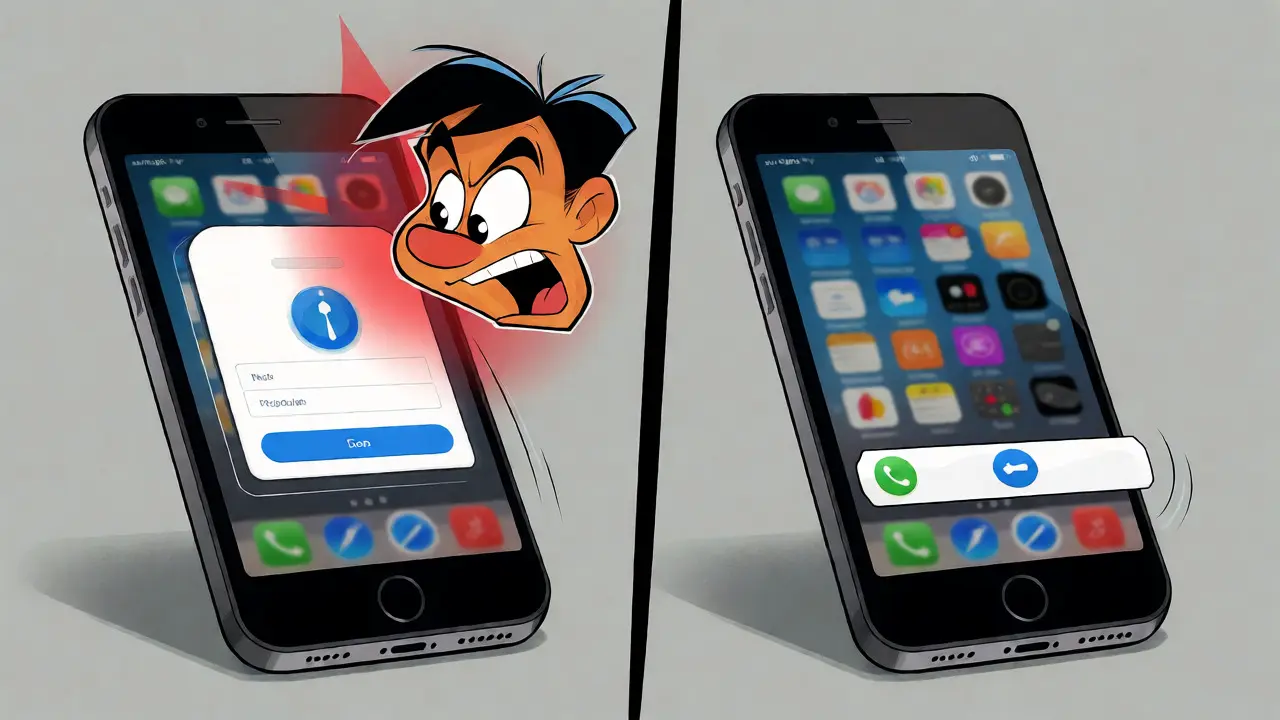
Balancing Compliance with User Experience
There’s a tension between strict compliance and smooth UX. Heavy-handed banners annoy users. Too many clicks cause "consent fatigue," leading people to blindly click "Accept All" just to make the popup disappear. This defeats the purpose of informed consent.
To mitigate this, keep your copy concise. Avoid legalese. Instead of "We utilize cookies for analytical purposes to enhance user engagement," try "We use cookies to understand how you use our app." Simple language works better. Also, make sure the "Reject" option is as easy to find as "Accept." If rejecting requires navigating three sub-menus, users will give up.
For mobile-first vibe-coded apps, screen real estate is precious. Ensure your banner collapses gracefully on small screens. Test it on a iPhone SE size viewport. Does it cover the primary call-to-action button? If so, adjust the z-index or padding. A compliant banner that blocks the "Sign Up" button is useless.
Finally, consider the long-term view. Users remember how you treated their data. A respectful, clear privacy notice signals professionalism. A hidden, confusing one signals sloppiness. In a market saturated with AI-generated tools, standing out means caring about the details-even the boring ones.
Pre-Launch Checklist for Vibe Coders
Before you push your latest vibe-coded creation to production, run through this checklist. It takes ten minutes and saves headaches later.
- Cookie Audit Complete: Have you identified every cookie set by your app and its dependencies?
- Consent Gate Active: Do analytics and ad scripts wait for explicit consent before initializing?
- Granular Options Available: Can users toggle specific cookie categories, or is it all-or-nothing?
- Policy Link Visible: Is there a clear link to your Privacy Policy and Terms of Service in the footer?
- Mobile Responsive: Does the banner function correctly on touch devices without overlapping critical UI?
- Rejection Path Tested: Did you verify that clicking "Reject" actually stops data transmission? Check the Network tab in DevTools.
If you skip these steps, you’re gambling with regulatory fines and user churn. Vibe coding accelerates creation, but it doesn't accelerate accountability. Treat privacy as a core feature, not an afterthought.
Do I need a cookie banner if my app only uses anonymous analytics?
It depends on the jurisdiction and the specific analytics provider. Generally, if data is truly anonymized and cannot identify individuals, GDPR requirements may be lighter. However, most modern analytics tools (like Google Analytics 4) use identifiers that are considered personal data. Unless you are certain your setup meets strict anonymity standards (e.g., IP masking, no cross-site tracking), it is safer to include a consent banner. When in doubt, ask.
Can AI generate my privacy policy automatically?
AI can draft a starting point, but it shouldn't be the final version. Tools like iubenda or Termly generate policies based on your selected services, which is more reliable than generic AI text. However, you must review it to ensure it accurately reflects your specific tech stack. If your vibe-coded app uses a unique third-party API that stores data, the AI might miss it. Always customize the generated text to match reality.
What happens if I forget to add a cookie banner?
You risk violating data protection laws like GDPR or CCPA. Penalties can range from warnings to significant fines (up to 4% of global turnover for GDPR). Beyond fines, you lose user trust. Tech-savvy users often check for consent mechanisms; seeing none suggests negligence. Additionally, some browsers and privacy-focused extensions may block your tracking scripts entirely, skewing your data anyway.
Is a modal better than a footer banner for conversions?
Modals typically yield higher immediate acceptance rates because they demand attention. However, they also have higher bounce rates and user annoyance scores. Footer banners are less intrusive and maintain better UX metrics. For SaaS products or dashboards where users spend significant time, footer banners are often preferred. For landing pages with short visits, modals might perform better. Test both to see what fits your audience.
How do I handle cookie consent changes after the initial visit?
Provide a persistent link, usually in the footer, labeled "Cookie Settings" or "Privacy Preferences." Clicking this should reopen the consent modal, allowing users to change their choices. When they update preferences, your frontend must clear existing tracking cookies and re-initialize scripts based on the new settings. This ensures ongoing compliance as user preferences evolve.


It is honestly embarrassing that we are still having this conversation in 2026. You build an app, you ignore the law, and then you act surprised when someone points out your negligence. This isn't about "vibe coding" being bad; it's about developers lacking basic professional discipline. If you can't handle a cookie banner, maybe you shouldn't be deploying to production at all.
i think the core issue here is deeper than just compliance... its about how we define ownership of data in the age of ai generated code... if the ai doesn't understand liability, does the developer truly own the consequence or is it a shared burden with the tool provider?...
dude seriously?? stop acting like every dev is lazy i literally spent two hours yesterday debugging why my consent modal wasn't firing because of some z-index shit in tailwind... it's not just "add a banner" it's integrating it without breaking the ui flow... u guys make it sound so simple but in practice its a nightmare 😤
The author fails to address the primary technical debt associated with these implementations. Most AI-generated frontends rely on client-side state management that is inherently fragile regarding persistence across sessions. Without robust server-side validation of consent states, which is rarely implemented in "vibe-coded" stacks, the entire compliance framework is illusory. Furthermore, the suggestion to use third-party SDKs introduces vendor lock-in and performance bottlenecks that contradict the very speed benefits vibe coding promises. It is a superficial solution to a systemic architectural flaw.
I love this perspective! 🌟 It really highlights that privacy is a feature, not a bug. I’ve found that using open-source alternatives like Osano actually helps keep the bundle size down while still providing those granular controls mentioned in the post. It’s totally doable to have both speed and compliance if you just take those extra ten minutes for the audit. Keep up the great work!
This is absolutely correct. We must respect user rights. The law is the law. There is no excuse for ignoring GDPR. Developers need to wake up and follow the rules properly. No more excuses. Compliance is mandatory for everyone. We should be proud of our standards. Do not let laziness ruin the reputation of our industry. Follow the checklist. Always. Never skip steps.
While the article discusses the mechanics of implementation, it overlooks the subtle surveillance capitalism embedded in these tools. Even with a banner, the data harvested by these "compliant" SDKs often feeds into larger profiling algorithms that users cannot see or control. The banner provides the illusion of choice, but the underlying architecture ensures that data extraction continues regardless of minor consent tweaks. We are trading privacy for convenience under the guise of regulation.
exactly this point about the illusion of choice...
we focus so much on the frontend banner that we forget the backend pipelines are already set up to ingest everything
if the api endpoint accepts data even when the frontend says "reject" then the consent is technically valid but practically meaningless
real privacy requires end-to-end encryption and minimal data collection not just a pretty popup