
You’ve built a great AI feature, it handles user queries perfectly, and your stakeholders love it. But here is the scary part: if you haven't locked down how your AI handles data, you've essentially left the back door to your server wide open. Most developers treat AI outputs like standard text, but in reality, an LLM can be tricked into generating malicious code or leaking your entire customer database through a clever prompt. If you're relying on the same security rules you used for a basic contact form in 2015, you're missing the mark. Insecure AI Patterns are a different beast entirely, and fixing them requires a shift from "trusting the model" to "treating every single AI output as untrusted user input."
The stakes are high. A 2024 report from Black Duck found that 78% of organizations using AI code assistants hit at least one security incident because they didn't handle inputs and outputs correctly. We aren't just talking about the AI hallucinating a fake fact; we're talking about prompt injection and data leakage that can lead to full system compromises. To stop this, you need a three-pronged defense: sanitization, encoding, and the principle of least privilege.
The First Line of Defense: Robust Input Sanitization
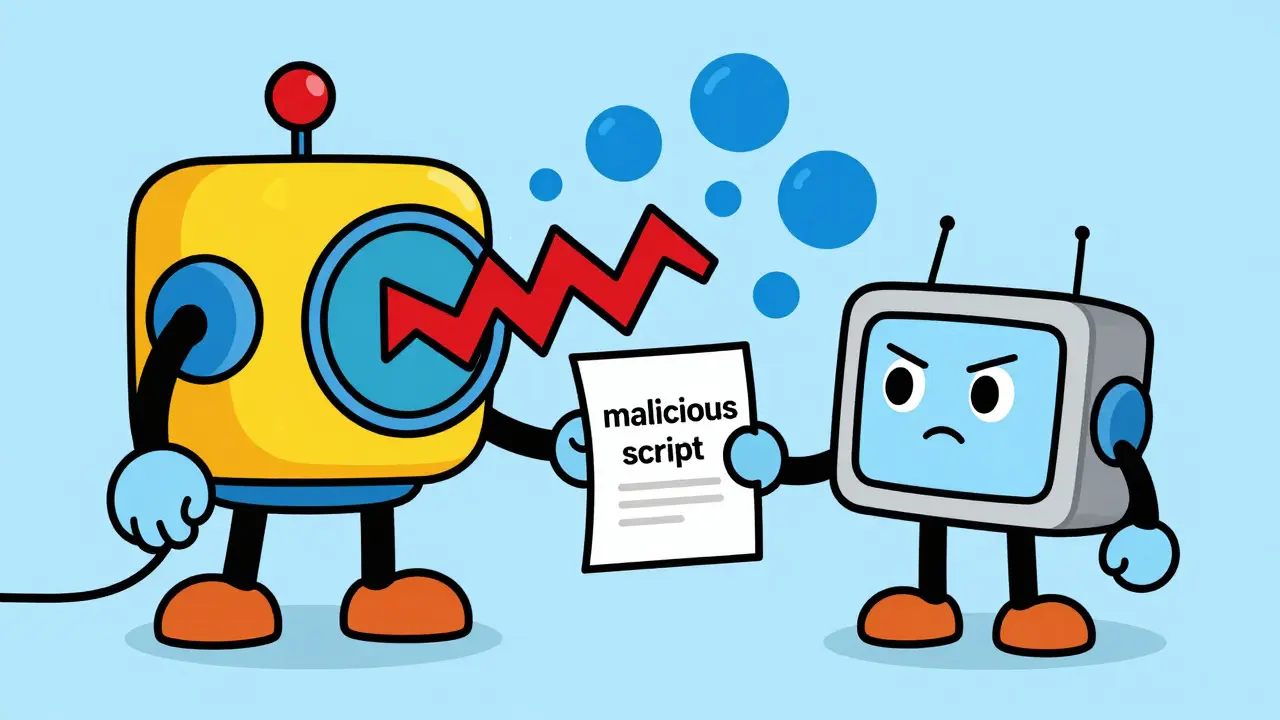
Think of sanitization as a filter that catches the bad stuff before it ever reaches the AI. In the world of LLMs, this is your primary shield against prompt injection-where a user tries to "override" your system instructions to make the AI do something it shouldn't.
Effective sanitization isn't just about stripping out HTML tags. You need a multi-layer approach. First, implement validation rules that automatically reject prompts containing sensitive patterns. For example, if your AI shouldn't be handling payments, your filter should block any 16-digit number that matches credit card formats. This prevents sensitive data from even entering the model's context window.
Beyond simple regex, you can use machine learning classifiers trained specifically to spot sensitive data patterns. This is where tools like Varonis shine; they often reach over 90% accuracy in detecting PII (Personally Identifiable Information) without slowing down the user experience. You can also use data masking to anonymize information, replacing a real name with "[USER_A]" before the prompt is sent. If you want a gold-standard example, look at Lakera's Gandalf implementation. By using multiple layers of input guards, they managed to drop prompt injection success rates from 47% down to a mere 2.3%.
Stopping the Leak: Context-Aware Output Encoding
Here is the biggest mistake developers make: they sanitize the input but trust the output. This is exactly what OWASP calls "Improper Output Handling" (LLM05:2025). If your AI generates a response and you plug that response directly into your web page, you've just created a Cross-Site Scripting (XSS) vulnerability. A clever attacker can trick the AI into outputting a script that steals session cookies from your other users.
The fix is output encoding, but it has to be context-aware. You can't just use one type of encoding for everything. If the AI output is going to a browser, you need HTML encoding. If it's going into a database query, you need SQL escaping. If the AI is generating Markdown for a documentation site, you need to encode it to prevent it from executing unexpected JavaScript.
| Destination | Risk | Required Encoding/Action |
|---|---|---|
| Web Browser (HTML) | XSS Attacks | HTML Entity Encoding |
| Database (SQL) | SQL Injection | Parameterized Queries / Escaping |
| Shell/OS | Command Injection | Strict Character Whitelisting |
| Markdown Renderers | Remote Code Execution | Sanitized Markdown Parsing |
Using a context-aware approach is significantly more effective than a one-size-fits-all method. In fact, benchmarking by Sysdig showed that context-aware encoding reduced XSS vulnerabilities by 89% compared to basic HTML encoding. Always remember: the AI is just a text generator. It doesn't know if the text it produces is a helpful answer or a malicious payload. You must be the gatekeeper.
Applying the Principle of Least Privilege
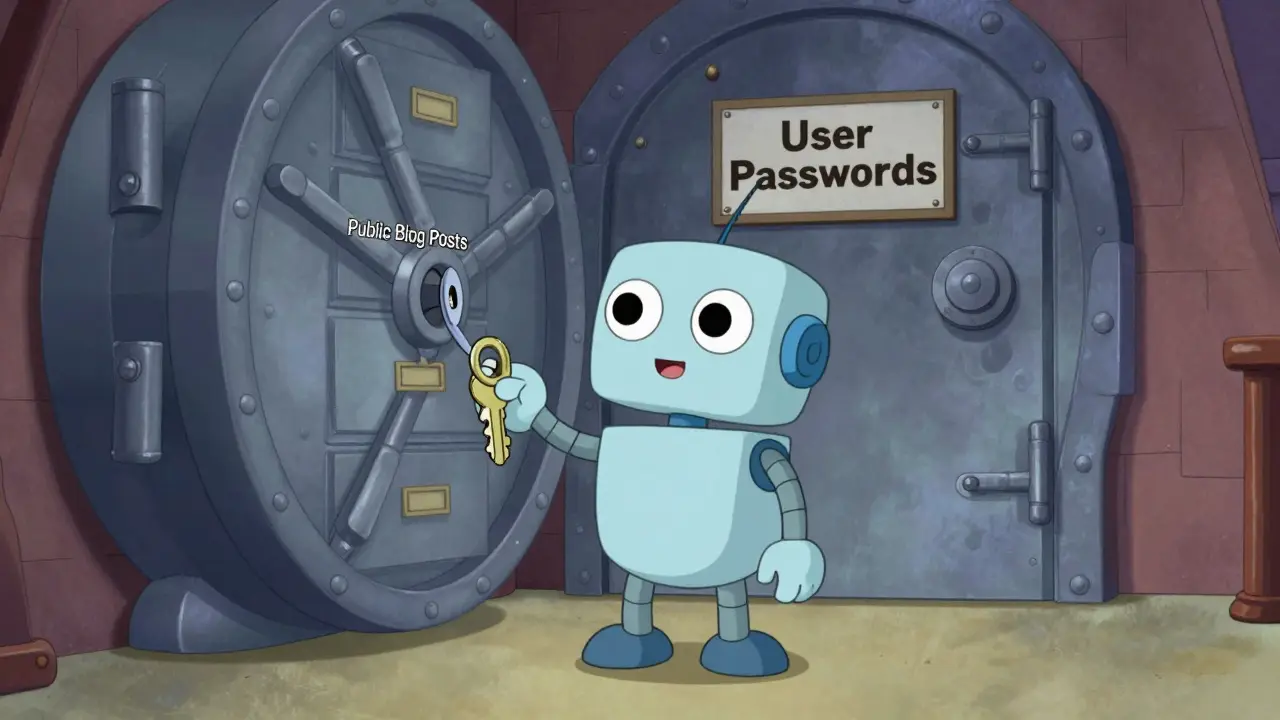
If an attacker successfully bypasses your sanitization and encoding, your last line of defense is limiting the damage they can do. This is the Principle of Least Privilege (PoLP). In plain English: your AI should only have access to the absolute minimum data and permissions it needs to complete the task.
Too many companies give their AI "God Mode" access to their databases because it's easier to set up. That is a recipe for disaster. If your AI is designed to summarize public blog posts, it should not have read access to your user password table. If it's a customer support bot, it should only see the specific ticket it's currently working on, not the entire CRM database.
For those in highly regulated fields, this isn't just a good idea-it's the law. If you're building healthcare apps, HIPAA compliance requires you to follow the "minimum necessary" principle. This means encrypting all Protected Health Information (PHI) at rest using AES-256 and ensuring the AI can't pull more data than the specific request requires. Implementing PoLP has been shown to reduce data exposure incidents by about 41%.
A practical way to do this is through Role-Based Access Control (RBAC). Create a specific service account for your AI agent with read-only permissions to a limited set of views in your database, rather than giving it a direct connection to the main tables. Conduct quarterly access reviews to ensure that the AI's permissions haven't "crept" upward over time.
Balancing Security and Usability
Now, there is a catch. If you make your security too strict, you'll end up with "over-sanitization." This is where the security filter becomes so aggressive that it blocks legitimate requests. For example, some healthcare developers found that strict PII filters were blocking actual medical terminology because the patterns looked too much like social security numbers. This can break your app's functionality and frustrate your users.
To avoid this, don't rely solely on generic tools. Build custom allowlists for domain-specific language. If you know your AI needs to discuss "Patient IDs" in a specific format, make sure your sanitizer knows that this specific pattern is safe within your application's context. Also, implement detailed logging. When a prompt is blocked, don't just show a generic error; log the pattern so your team can analyze whether it was a real attack or a false positive. A 30-day retention period for these logs is generally sufficient for security analysis.
Putting it All Together: A Deployment Checklist
Securing an AI system is an iterative process. You won't get it perfect on day one. Instead, treat it like a pipeline where data is cleaned at the entrance, processed in a locked room, and scrubbed again at the exit.
- Input Phase: Implement regex-based blockers for PII, use an ML classifier for prompt injection detection, and mask sensitive data.
- Processing Phase: Run the AI using a restricted service account (Least Privilege). Ensure the AI cannot execute system commands or make unauthorized API calls.
- Output Phase: Use context-aware encoding based on where the text is displayed. Validate that the output matches the expected format (e.g., if you asked for JSON, ensure it's actually valid JSON before parsing).
- Review Phase: Assume AI-generated code is vulnerable. Every single line of code produced by an AI assistant must be reviewed by a human before hitting production, especially in authentication and data-handling modules.
What is the difference between sanitization and encoding?
Sanitization is about removing or modifying dangerous content from the input (like stripping a script tag from a prompt). Encoding is about transforming the content so that the receiving system treats it as data rather than executable code (like turning "<" into "<" so a browser doesn't think it's the start of an HTML tag).
Can't I just use a system prompt to tell the AI not to be malicious?
No. This is a common mistake. "System prompts" are guidelines, not hard security boundaries. Techniques like "jailbreaking" allow users to bypass these instructions entirely. Real security happens at the application layer, not inside the LLM's prompt.
How does the Principle of Least Privilege apply to an LLM?
It means the AI should only have the permissions it absolutely needs. For instance, if your AI only needs to read a specific PDF, don't give it access to the entire folder. If it needs to query a database, give it a read-only account limited to a specific set of views, rather than administrative access.
What is the most common AI security vulnerability right now?
According to OWASP, Improper Output Handling (LLM05) is one of the most critical and underestimated risks. Many organizations focus on the input but forget to encode the output, leading to XSS and other injection attacks when the AI's response is rendered in a browser.
How do I handle the risk of AI-generated code?
Treat AI-generated code exactly like code written by an intern or an external contractor: it must be reviewed. Never commit AI-generated code directly to production without a human auditing it for security flaws, especially in sensitive areas like authorization or encryption.


this is super helpful man. i always forget about the output encoding part and just hope for the best lol. definitely gonna try out those rbac views for my next project
Imagine actually believing that a few regex filters and some "context-aware encoding" will stop a determined attacker in 2025. It's all just security theater to make stakeholders feel warm and fuzzy while the underlying architecture is still basically a sieve.
While the fundamental concepts presented here are elementary, the emphasis on the Principle of Least Privilege is absolutely non-negotiable for any professional deployment. It is quite distressing that so many developers still operate with "God Mode" permissions, as if they were interns in a sandbox rather than engineers in a production environment. One must ensure that the implementation of RBAC is rigorous and not merely a superficial checkbox for compliance purposes.
I've spent the last three weeks of my life staring at a screen trying to figure out why my prompt injection guards were blocking everything, and honestly it's just an exhausting cycle of tweaking filters and then watching the model find a new way to break them anyway 😩 it really feels like we're just fighting a losing battle against the entropy of these LLMs and my mental health is just plummeting every time I see another zero-day exploit in a library I trusted 📉 I just want a system that actually works without requiring a PhD in security just to keep a simple chatbot from leaking a database 😭
Keep pushing these standards! Every small fix makes the web safer for everyone. Great breakdown of the pipeline.