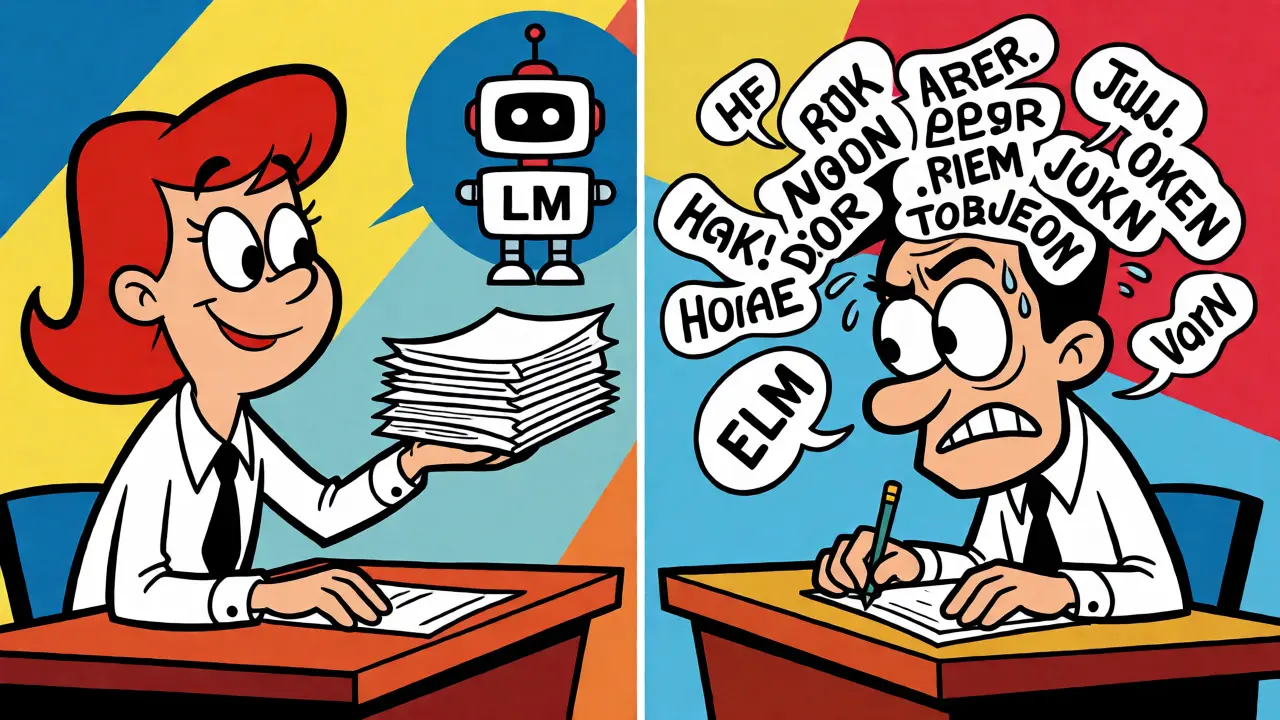
You’ve probably been there. Two engineers on your team ask the same Large Language Model (LLM) to summarize customer feedback. One gets a crisp, actionable list. The other gets a rambling paragraph that misses the point entirely. Why? Because one used a tested, refined prompt template, and the other typed something off the cuff.
This inconsistency is the silent killer of AI productivity. As organizations move from playing around with ChatGPT to integrating AI into core workflows, ad-hoc prompting breaks down. You need structure. You need a Prompt Library. This isn't just a folder of text files; it's a systematic collection of pre-constructed instructions designed to get consistent, high-quality results from models like GPT-4 or Claude 3 across an entire team.
Why Ad-Hoc Prompting Fails at Scale
When you’re solo, tweaking a prompt until it works is fine. But in a team environment, that approach creates chaos. If every developer writes their own prompts, you end up with hundreds of slightly different versions of the same instruction. Some work well, some fail silently, and nobody knows which is "correct."
A structured prompt library solves this by treating prompts as code artifacts. According to research from IBM Research (October 2025), teams using centralized libraries see a 43% reduction in output inconsistencies. That’s huge. It means your product manager doesn’t have to guess why the AI-generated report looks different today than it did yesterday.
Beyond consistency, there’s speed. New hires shouldn’t spend three days figuring out how to get the best summary from an LLM. With a library, they grab a proven template and go. The same study showed 68% faster onboarding for new team members. You’re not just saving time; you’re preserving institutional knowledge. When a senior engineer finds a clever way to chain-of-thought reasoning, that insight gets saved for everyone, not lost when they switch projects.
The Anatomy of a Reusable Prompt Template
Not all prompts are created equal. A good template isn't just a string of text; it's a structured object. Most successful enterprise libraries use a framework often described as "Context-Instruction-Examples." Let’s break that down.
- Context: Who is the model? What role does it play? Example: "You are a senior legal analyst specializing in GDPR compliance."
- Instruction: What exactly should it do? Be specific. Example: "Summarize the provided contract clauses, highlighting any potential liability risks."
- Examples: Few-shot learning magic. Show the model what a good input and output look like. This drastically improves accuracy for complex tasks.
But here’s where it gets technical. In a library, these parts aren't hard-coded strings. They’re parameterized variables. Instead of writing "Summarize this contract," you write "Summarize {{contract_text}}." This allows the same template to be reused across thousands of documents without manual editing. Tools like PromptHub support this dynamic insertion, letting you plug in data programmatically via API endpoints.
Also, consider metadata. Every entry in your library needs tags. Which model was it tested on? Was it optimized for GPT-4 or Claude 3? What’s the success rate? Without this data, you can’t manage the library effectively. You might accidentally use a prompt optimized for an older model on a new one, leading to degraded performance.
Version Control and Collaboration Workflows
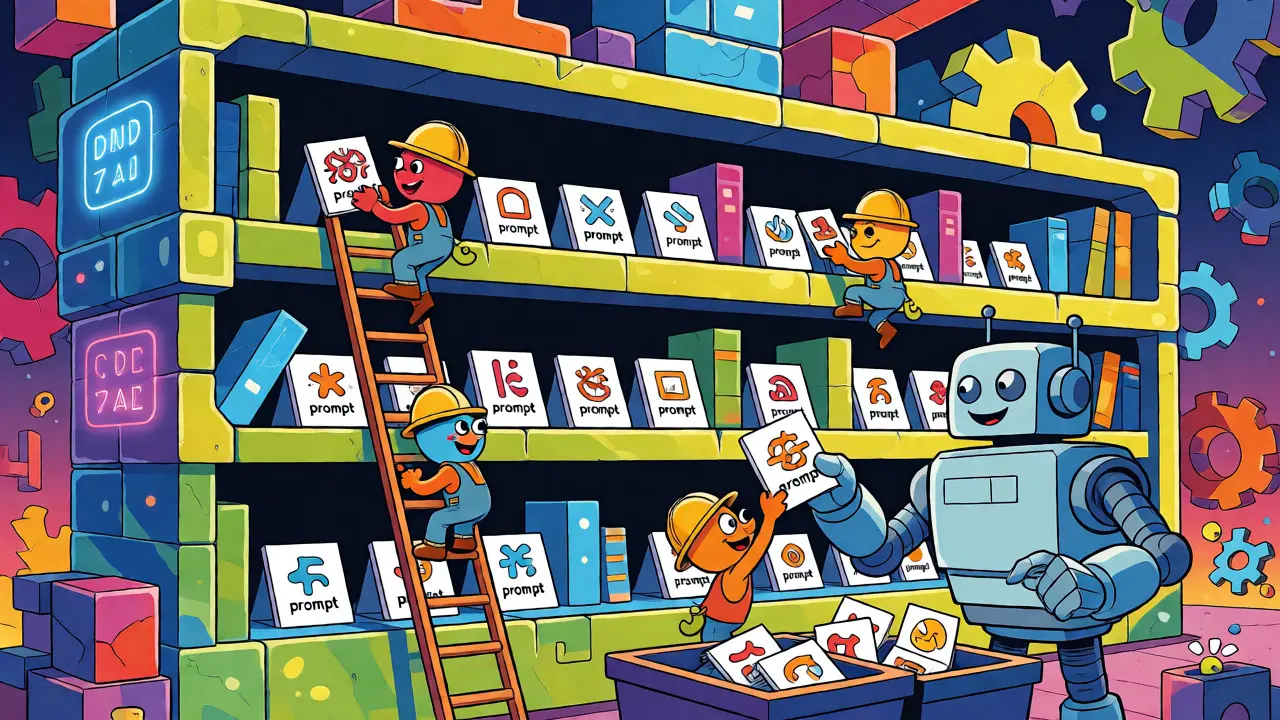
If you treat prompts like code, you must manage them like code. That means version control. Git is the standard here. Why? Because prompts change. Models update. A prompt that worked perfectly in January might hallucinate in March because the underlying model weights shifted.
With Git integration, you can track changes. Did the latest commit improve token efficiency? Did it break the output format? You can roll back instantly. Leading solutions now integrate directly with development workflows, offering approval steps before a prompt goes live. Think of it like a pull request for AI behavior. A junior engineer proposes a tweak; a senior reviews it; once approved, it updates the production library.
| Feature | Ad-Hoc Prompting | Structured Prompt Library |
|---|---|---|
| Consistency | Low - varies by user | High - standardized outputs |
| Onboarding Speed | Slow - trial and error | Fast - access to proven templates |
| Debugging | Difficult - no history | Easy - version history and diffs |
| Scalability | Poor - breaks with team growth | Excellent - supports parallel workflows |
Collaboration features extend beyond simple storage. Advanced platforms offer A/B testing frameworks. You can run two versions of a prompt against the same dataset and measure which yields better results based on predefined metrics like semantic similarity or human-rated quality. This turns prompt engineering from an art into a measurable science.
Implementation Challenges and Pitfalls
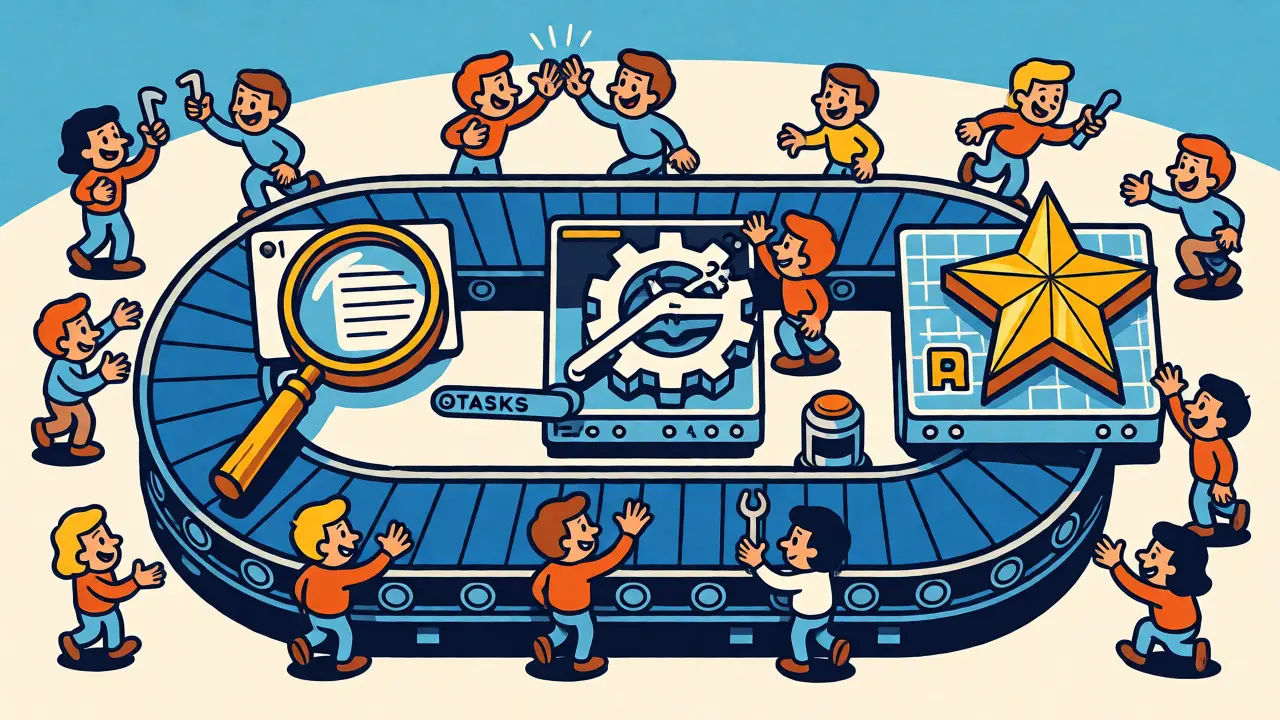
Setting up a prompt library isn't free. It takes effort. A Gartner survey (December 2025) found that 73% of engineering managers reported initial implementation required 80-120 hours of dedicated development time. Don’t underestimate this. You’re building infrastructure.
One major pitfall is over-standardization. Dr. Margaret Mitchell from NeurIPS warned that excessive rigidity can suppress creative problem-solving. If you force every task into a rigid template, you might miss novel approaches that yield better results. Balance is key. Keep your core templates strict, but allow room for experimentation in sandbox environments.
Another challenge is model compatibility. Prompts are sensitive to architecture. A chain-of-thought prompt that boosts performance on a 62B+ parameter model might confuse a smaller, cheaper model. Your library needs branching strategies. You might maintain separate branches for "Reasoning Models" and "General Purpose Models." Automated regression testing helps here. AWS Best Practices suggest running automated tests whenever a model version updates to ensure your prompts still perform within acceptable thresholds.
Finally, beware of obsolescence. Models evolve fast. A Hacker News user noted spending three months building a system only to have parts become obsolete when GPT-4.5 launched. To mitigate this, design your library to be model-agnostic where possible. Use abstract roles rather than specific model behaviors in your base templates, and handle model-specific quirks in adapter layers.
The Future: From Templates to Workflow Blueprints
We’re moving past simple text snippets. McKinsey predicts that by 2027, prompt libraries will evolve into "AI workflow blueprints." These won’t just contain the prompt text; they’ll include execution contexts, tool calls, and validation logic. Imagine a single entity that defines the prompt, the external API call to fetch data, and the post-processing script to format the result.
Regulatory pressure is also driving adoption. The EU AI Act, effective January 2026, requires documentation of prompt templates in high-risk applications. If you’re in finance or healthcare, you can’t just say "the AI decided." You need to prove which prompt led to that decision. A robust library provides that audit trail automatically.
Forrester reports that 89% of high-performing AI teams already use formal prompt management systems. If you’re still copying and pasting prompts from Slack messages, you’re falling behind. Start small. Audit your current prompts. Standardize the top ten most-used ones. Put them in a repository. Measure the impact. Then expand.
What is the difference between a prompt library and a vector database?
A vector database stores embeddings of documents for retrieval-augmented generation (RAG). A prompt library stores reusable instruction templates. While they often work together-the RAG system retrieves context, and the prompt library formats the query-they serve distinct purposes. The library focuses on how to ask, while the database focuses on what information to provide.
Do I need specialized software for a prompt library?
Not necessarily. Small teams can start with a Git repository containing JSON or YAML files. However, as you scale, specialized tools like PromptFlow or LangChain Hub offer UIs for non-technical users, A/B testing capabilities, and integration with monitoring dashboards, which significantly reduce friction.
How do I handle prompts that work differently on GPT-4 vs. Claude?
Use model-specific tags or branches in your library. Define a base template with common elements, then create overrides for specific architectures. For example, Claude might prefer XML-style delimiters for context, while GPT prefers Markdown headers. Your application layer should select the correct variant based on the target model ID.
Can prompt libraries help reduce costs?
Yes. Well-optimized prompts reduce token usage. Stanford HAI studies show optimized prompts can cut token consumption by 37%. Since most LLM APIs charge per token, fewer tokens mean lower bills. Additionally, higher success rates reduce the need for retries, further cutting costs.
Who should own the prompt library?
Ideally, a cross-functional team including AI engineers, domain experts, and product managers. Engineers handle the infrastructure and version control, domain experts validate the content accuracy, and product managers prioritize which templates are needed. Avoid siloing it solely under engineering if business outcomes depend on it.