You type a quick request into your AI coding assistant, hit enter, and watch the code appear. It looks good. It runs. But somewhere in that generated function is a hardcoded API key or an unchecked input field waiting to be exploited. This is the hidden cost of vibe coding-the rapid, flow-state style of development where you let AI handle the heavy lifting. Without guardrails, speed becomes a liability.
In April 2024, Databricks published research that shook the developer community: 78% of code generated through typical vibe coding sessions contained at least one security vulnerability. That number isn't just a statistic; it's a warning. As AI assistants become more powerful, the responsibility shifts from writing every line to directing the machine safely. Secure prompting is the bridge between raw speed and production-ready safety.
What Is Secure Prompting?
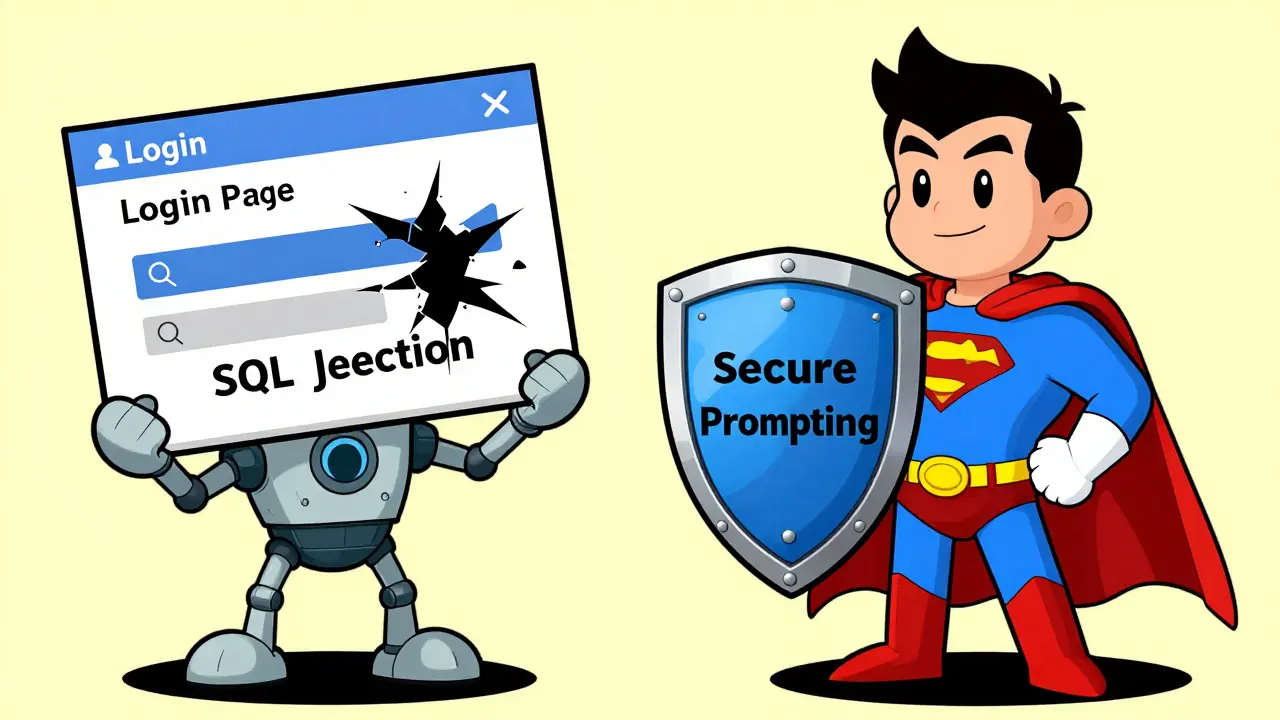
Secure prompting isn't about adding extra steps that slow you down. It’s about changing how you talk to the model. Instead of asking for "a login page," you ask for "a login page with rate limiting, parameterized queries, and no sensitive data in logs." The Vibe Coding Framework, formalized in 2023, defines these as specialized instructions designed to guide AI systems toward security best practices.
Think of it like hiring a junior developer. If you say "build me a file upload feature," they might give you something that works but allows anyone to upload a .exe file. If you say "build a file upload feature that validates MIME types, checks file extensions against a whitelist, and stores files outside the web root," you get something safer from the start. Secure prompting applies this logic to AI.
The core principles come straight from established security frameworks:
- Defense in Depth: Require multiple layers of protection, not just one check.
- Least Privilege: Specify minimal necessary permissions for database connections or API calls.
- Input Validation: Mandate comprehensive checks for all external inputs.
- Secure Defaults: Demand that configurations are secure out-of-the-box.
- Fail Securely: Ensure error conditions never leak sensitive information.
Why Standard Prompts Fail Security Checks
Most developers treat AI prompts like search queries. You want a result, so you ask simply. But Large Language Models (LLMs) optimize for helpfulness and completeness, not security. Unless told otherwise, they will choose the easiest path, which often means skipping validation or using insecure patterns.
Consider SQL injection. A standard prompt like "Write a Python function to query users by name" often results in string concatenation: `query = f"SELECT * FROM users WHERE name = '{name}'"`. This is vulnerable. A secure prompt explicitly forbids this: "Write a Python function using parameterized queries with SQLAlchemy to prevent SQL injection." The difference is explicit instruction versus implicit assumption.
Databricks' April 2024 study showed that even basic keyword augmentation-adding words like "secure" or "safe" to prompts-reduced vulnerability density by 28-43% across models like GPT-4o and Claude 3.7 Sonnet. But keywords alone aren't enough. You need structure.
Three Proven Techniques for Secure Code Generation
Not all secure prompting methods are created equal. Based on benchmarks from Wiz, Apiiro, and Cloud Security Alliance, here are the three most effective approaches you can implement today.
1. Component-Specific Security Templates
Instead of generic requests, use pre-defined templates for common high-risk components. These templates embed security requirements directly into the prompt structure.
| Component | Security Requirements to Include |
|---|---|
| File Upload | MIME type validation, size limits, path traversal prevention, random filenames |
| Payment Processing | PCI-DSS compliance patterns, tokenization, no card data in logs |
| API Endpoint | Authentication enforcement, rate limiting, input sanitization, CORS configuration |
| User Authentication | Password hashing (bcrypt/argon2), session management, brute force protection |
Apiiro's March 2025 benchmark showed that component-specific templates reduced vulnerabilities by 24-29%. The trade-off? Upfront investment. You need to build these templates once, but they pay off every time you reuse them.
2. Two-Stage Prompting
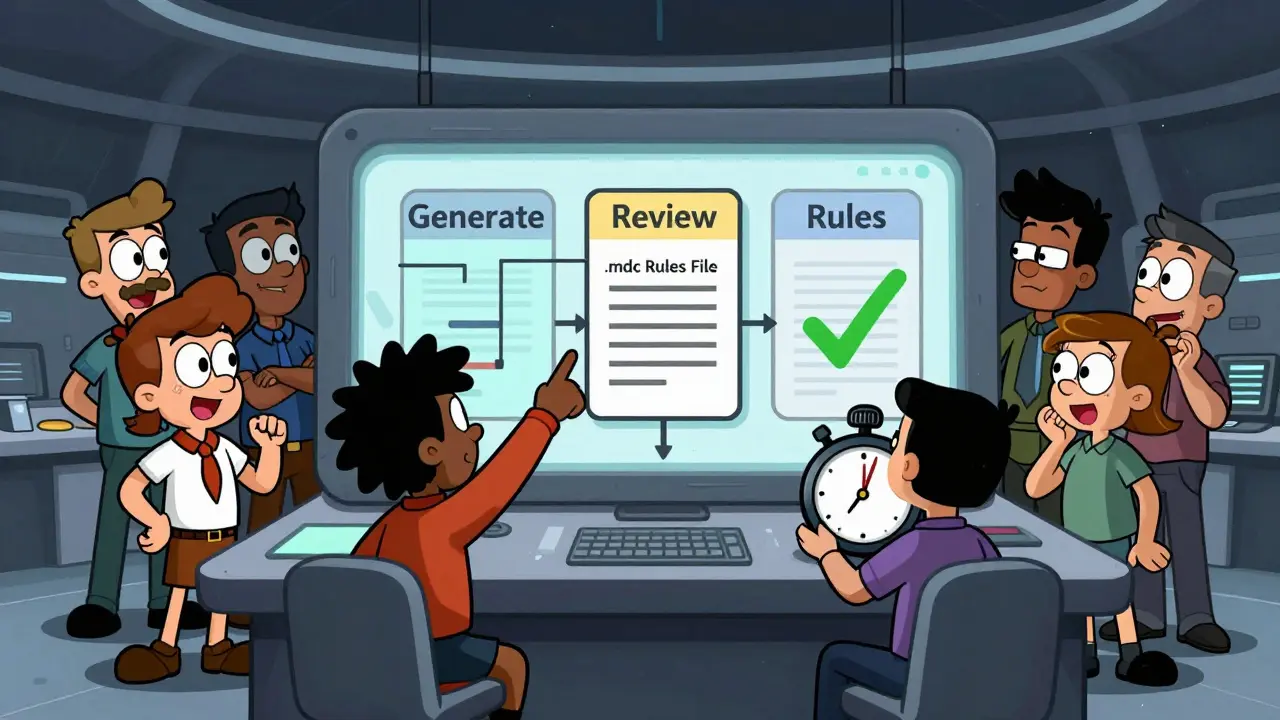
This method separates generation from review. First, ask the AI to generate the code. Then, ask it to critique its own work for security flaws before finalizing.
- Prompt 1: "Generate a REST API endpoint for user registration."
- Prompt 2: "Review the above code for OWASP Top 10 vulnerabilities. Identify any issues with input validation, error handling, or authentication. Rewrite the code to fix these issues."
Apiiro's May 2025 evaluation found this approach reduced vulnerabilities by 37.4%. However, the Replit Developer Survey noted that 63% of developers abandoned self-reflective steps because they added cognitive load. To make this stick, automate it. Use tools that enforce the second stage automatically.
3. Rules Files (.mdc)
If you use Cursor IDE, rules files are your best friend. The `.mdc` format lets you define centralized security rules that apply to every generated snippet. No need to repeat yourself in every prompt.
For example, create a rule that says: "Never hardcode secrets. Always use environment variables." Or: "All database queries must use parameterized statements." GitHub user @SecureDev2025 reported that implementing `.mdc` rules caught 14 hardcoded API keys in their first week. Wiz's January 2025 analysis confirmed that rules files reduced hardcoded secrets by 51.3% and XSS vulnerabilities by 44.8% compared to standard prompting.
Measuring the Impact: Speed vs. Safety
A common fear is that security slows you down. The data suggests otherwise. Yes, secure prompting adds time per request. Apiiro measured an average increase of 2.3 seconds per code generation. But look at the bigger picture: post-generation security review time dropped by 14.7 minutes per feature.
Dr. Elena Rodriguez from Databricks put it clearly in her April 2024 blog: "Targeted prompting is a practical and effective approach... Although prompting alone is not a complete security solution, it provides meaningful reductions in code vulnerabilities." Professor Michael Chen at MIT echoed this, noting that security-aware prompts reduced SQL injection occurrences from 43.7% to 16.2% in student exercises.
The return on investment is clear. You spend seconds upfront to save hours of debugging and patching later. In enterprise environments, this is critical. Forrester's March 2025 survey found that 89% of enterprise adopters now use some form of secure prompting, driven by regulatory pressure and NIST's May 2025 guidelines on AI-generated code security.
Limitations and What Secure Prompting Can't Do
Let’s be realistic. Secure prompting is not a silver bullet. Troy Hunt, a prominent security expert, warned in July 2024 that "prompt engineering creates an illusion of security without addressing the fundamental lack of contextual understanding in LLMs." He has a point.
Here’s what secure prompting struggles with:
- Complex Business Logic Vulnerabilities: Supabase's June 2025 benchmark showed only a 22.3% reduction in these errors. If your app has intricate permission flows, the AI might still miss edge cases.
- Zero-Day Exploits: AI models are trained on past data. They can’t predict novel attack vectors they haven’t seen.
- Model Inconsistency: 73% of negative reviews on G2 cited inconsistent results across different models. What works in GPT-4 might fail in Claude.
Secure prompting reduces the noise of common mistakes (like injection flaws and broken auth), but it doesn’t replace human review or automated testing. Think of it as a seatbelt, not an airbag. It keeps you safe in most crashes, but you still need other systems for extreme events.
How to Start: A Practical Onboarding Plan
You don’t need to overhaul your workflow overnight. The Cloud Security Alliance recommends a phased approach:
- Phase 1 (Days 1-2): Basic Patterns. Start by adding "secure" and specific constraints to your daily prompts. Example: "Write a Node.js function to hash passwords using bcrypt with a salt round of 12."
- Phase 2 (Days 3-5): Component Templates. Create reusable snippets for high-risk areas like auth, payments, and file uploads. Store them in a shared team document.
- Phase 3 (Weeks 1-2): Rules Files & Review. Implement `.mdc` rules in your IDE. Establish a lightweight peer review process focused on security-critical changes.
Replit’s December 2024 study found that teams needed an average of 11.3 hours of training to reach 80% effectiveness. The biggest hurdle? Inconsistent model responses. To mitigate this, pin your prompts to specific model versions and document expected outputs.
Future Trends: Where Secure Prompting Is Heading
The landscape is evolving fast. The Vibe Coding Framework released version 2.1 in September 2025 with expanded OWASP Top 10 mitigation prompts. Databricks integrated real-time prompt validation with their Lakehouse Firewall in October 2025. And Anthropic announced dynamic prompt adaptation for Claude 4 in Q2 2026, where the AI adjusts its security posture based on code context.
However, Gartner’s October 2025 Hype Cycle placed secure prompting at the "Peak of Inflated Expectations." They warn that organizations overestimate standalone effectiveness while underestimating customization effort. The consensus among experts like those at the Cloud Security Alliance is that secure prompting will evolve into one layer of a broader defense strategy, complemented by SAST tools and human expertise.
As AI coding assistants grow more prevalent, the ability to direct them securely will become a core developer skill. It’s not just about writing code anymore; it’s about governing the machine that writes it.
Does secure prompting actually reduce vulnerabilities?
Yes. Research from Databricks and Wiz shows reductions of 28-51% in common vulnerabilities like SQL injection and XSS when using structured secure prompts compared to standard requests.
How much slower does secure prompting make my workflow?
It adds approximately 2.3 seconds per generation request but saves an average of 14.7 minutes in post-generation security review time per feature, according to Apiiro's 2025 benchmarks.
Can I use secure prompting with any AI coding tool?
Yes, though effectiveness varies. Tools like Cursor IDE support centralized rules files (.mdc) for consistent application, while others require manual prompt structuring. Results depend on the underlying model's training data.
Is secure prompting enough to ensure code safety?
No. It addresses common implementation flaws but cannot catch complex business logic errors or zero-day exploits. It should be combined with automated testing (SAST/DAST) and human code review.
What are the best practices for creating security templates?
Focus on high-risk components like authentication and file uploads. Explicitly mandate input validation, least privilege access, and secure defaults. Reference specific standards like OWASP Top 10 or PCI-DSS in your prompts.